Random Salad Games LLC

Simple Solitaire for HP

The classic card game, exactly the way you remember it

Play freeon Microsoft Store
4.2 from 13K ratings Free
  • Card & board
  • Windows PC & tablet
  • On the Store since 2013
Enjoy your favorite solitaire game.Play Vegas mode with cumulative scoring.Select between three card and one card draw.Pick between easy and hard deals.Select your background and card themes.Play classic Solitaire on Windows 8!Download Simple Solitaire today!

How to Play Simple Solitaire for HP

Cards fan out with a satisfying snap, scoring ticks along just like it always did, and nothing stands between you and a good deal. If you grew up with Klondike solitaire and miss having it simply there, ready to go, this is the version for you.

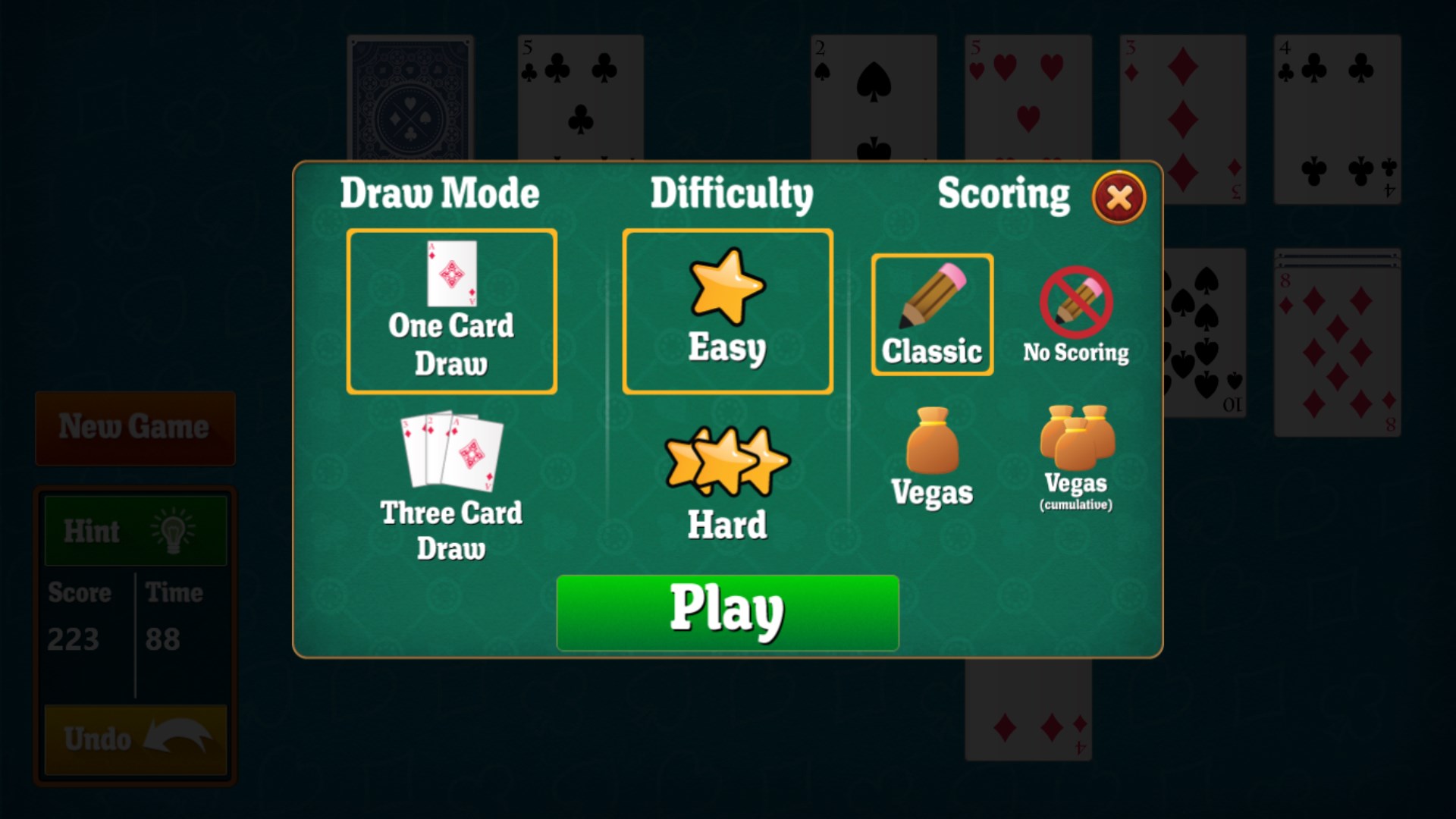
  1. Open the app and choose your draw mode — one card for a relaxed pace, three cards for a tighter challenge
  2. Select a deal difficulty: easy if you want to finish more games, hard if you want to earn the win
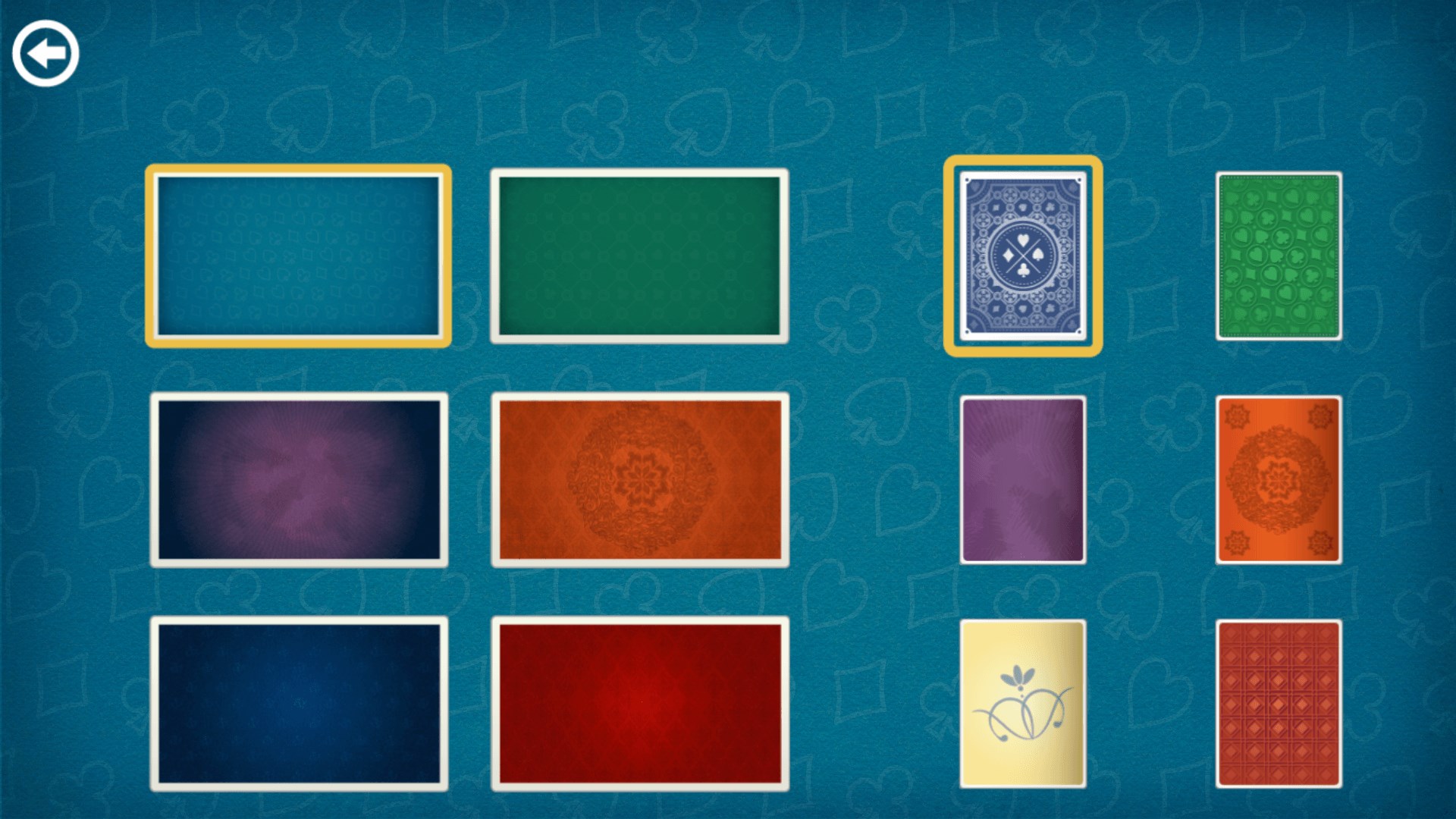
  3. Pick a background and card back that suits your mood
  4. Choose your scoring mode — standard for casual play, Vegas if you want every move to count
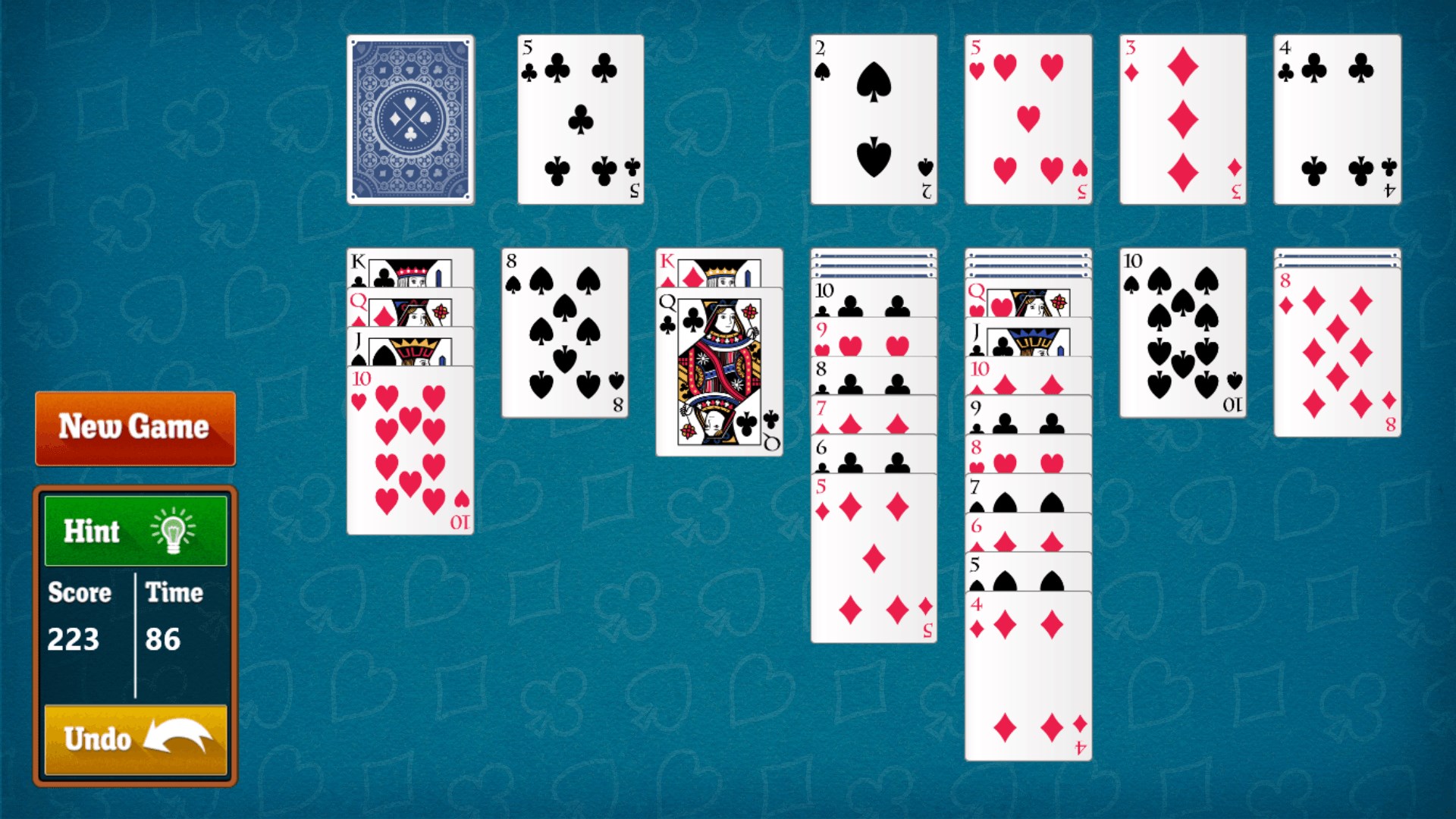
  5. Drag cards to build your tableau and race the foundations up to the kings

Controls

Tap or click to flip and drag cards between columns, or double-tap to send a card straight to the foundation pile when it is ready.

Scoring

Standard mode tracks your score the traditional way; Vegas mode puts a dollar value on every card you get home, so each move carries a little more weight.

When does a round end?

A round ends when all four foundation piles are built up to the king — or when no legal moves remain and the deal has beaten you.
Tips & Tricks

  • In three-card draw, cycle through the stock a few times before committing to a column move — a buried card may be exactly what you need
  • Vegas scoring penalises you for each pass through the deck, so plan several moves ahead before drawing again
  • Expose face-down cards in the longest tableau column first; the more hidden cards you flip, the more options open up
  • On hard deals, hold off moving aces and twos to the foundation too early — keeping them in the tableau can unlock more plays

Why people keep coming back

  • Two draw modesone-card draw for a steady game, three-card draw for a stiff test
  • Two scoring systemsstandard mode for relaxed sessions, Vegas mode for high-stakes tracking
  • Easy and hard dealschoose how much the deck fights back before a single card is played
  • Personal touchespick from a selection of backgrounds and card backs to make the table your own
  • Loads fastno lengthy startup screens, just the felt and the cards
  • Faithful to the classicthe rules, the feel and the flow match the Klondike solitaire players grew up with

Content & audience

  • Suitable for all ages (ESRB E; PEGI 3; DJCTQ L; USK Everyone; IARC 3; COB-AU G (SuiGenAud); GRB All; PCBP 0; CSRR G; CCC TE; Microsoft 3).
  • Free game supported by advertising; no in-app purchases.
  • Single-player experience: no user-generated content, no chat and no social features.
  • Playable offline; no account required.

Category: Video Gaming › Card Games · Store category: Card & board

Policies & support

About Simple Solitaire for HP

Miss the original Windows Solitaire? Download Simple Solitaire for free!

Simple Solitaire loads fast and is completely free. This game is just like the classic Solitaire you've played on earlier versions of Windows. It includes one and three card draw, as well as standard and Vegas scoring modes. Choose between easy and hard deals, as well as a selection of backgrounds and card backs.

It works great on any HP computer or tablet running Windows 8.

Details

Publisher
Random Salad Games LLC
Category
Card & board
Released
2013-01-15
Rating
4.2 / 5 · 12,598 ratings
Price
Free
Press kit & assets
Product ID
9WZDNCRFHZS7
Package
RandomSaladGamesLLC.SimpleSolitaireforHP_h3z1te7bj2wxy
  • solitaire
  • solitare
  • solitary
  • klondike
  • vegas
  • solitarey
  • cards
Simple Solitaire for HP Logo 50×50
Logo 50×50
Simple Solitaire for HP Logo 75×75
Logo 75×75
Simple Solitaire for HP Logo 100×100
Logo 100×100
Simple Solitaire for HP Tile 150×150
Tile 150×150
Simple Solitaire for HP Tile 225×225
Tile 225×225
Simple Solitaire for HP Tile 300×300
Tile 300×300
Simple Solitaire for HP Tile 44×44
Tile 44×44
Simple Solitaire for HP Tile 66×66
Tile 66×66
Simple Solitaire for HP Tile 88×88
Tile 88×88
Simple Solitaire for HP Tile 310×310
Tile 310×310
Simple Solitaire for HP Tile 465×465
Tile 465×465
Simple Solitaire for HP Tile 620×620
Tile 620×620
Simple Solitaire for HP Tile 71×71
Tile 71×71
Simple Solitaire for HP Tile 107×107
Tile 107×107
Simple Solitaire for HP Tile 142×142
Tile 142×142
Simple Solitaire for HP Tile 310×150
Tile 310×150
Simple Solitaire for HP Tile 465×225
Tile 465×225
Simple Solitaire for HP Tile 620×300
Tile 620×300
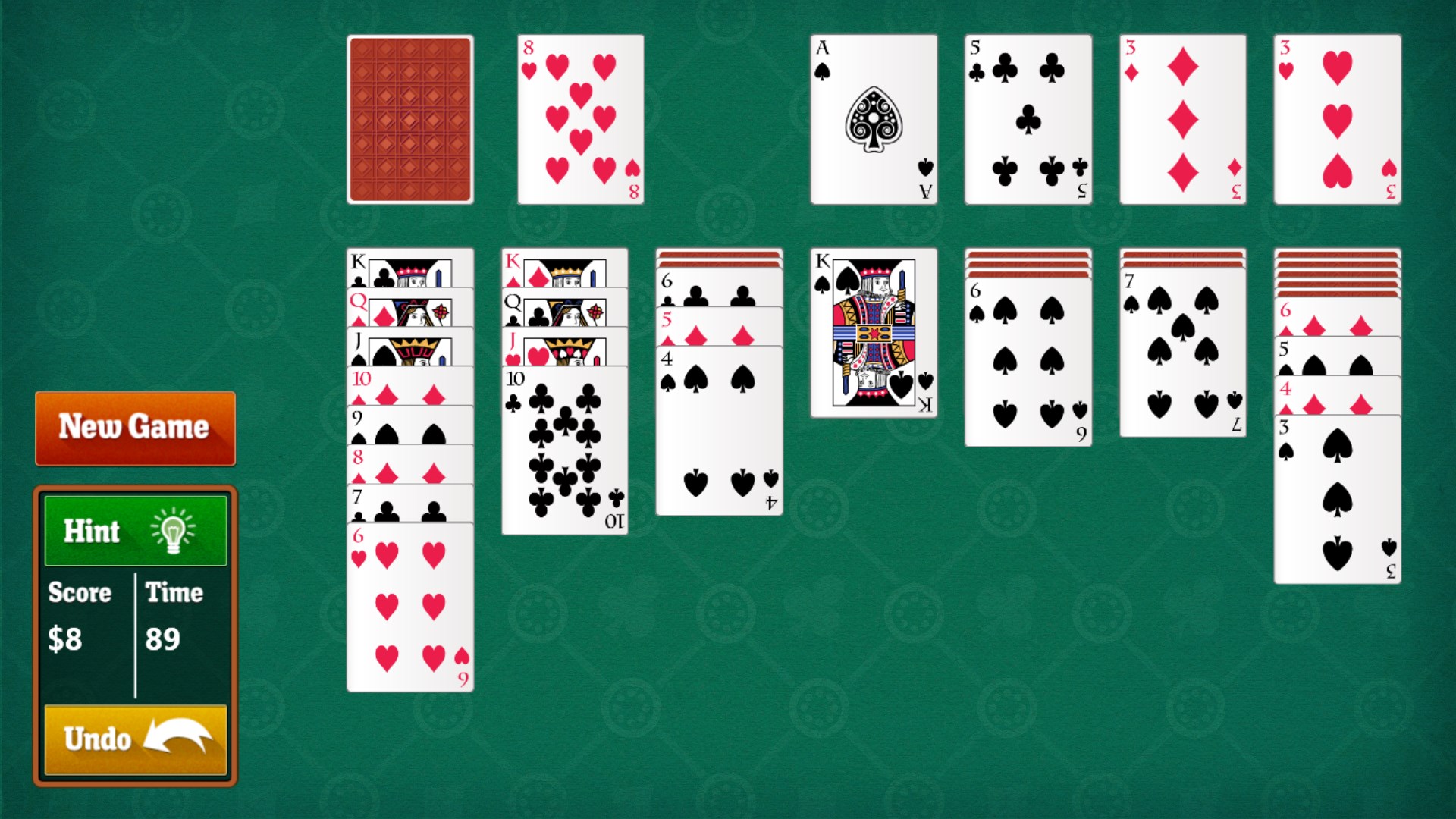
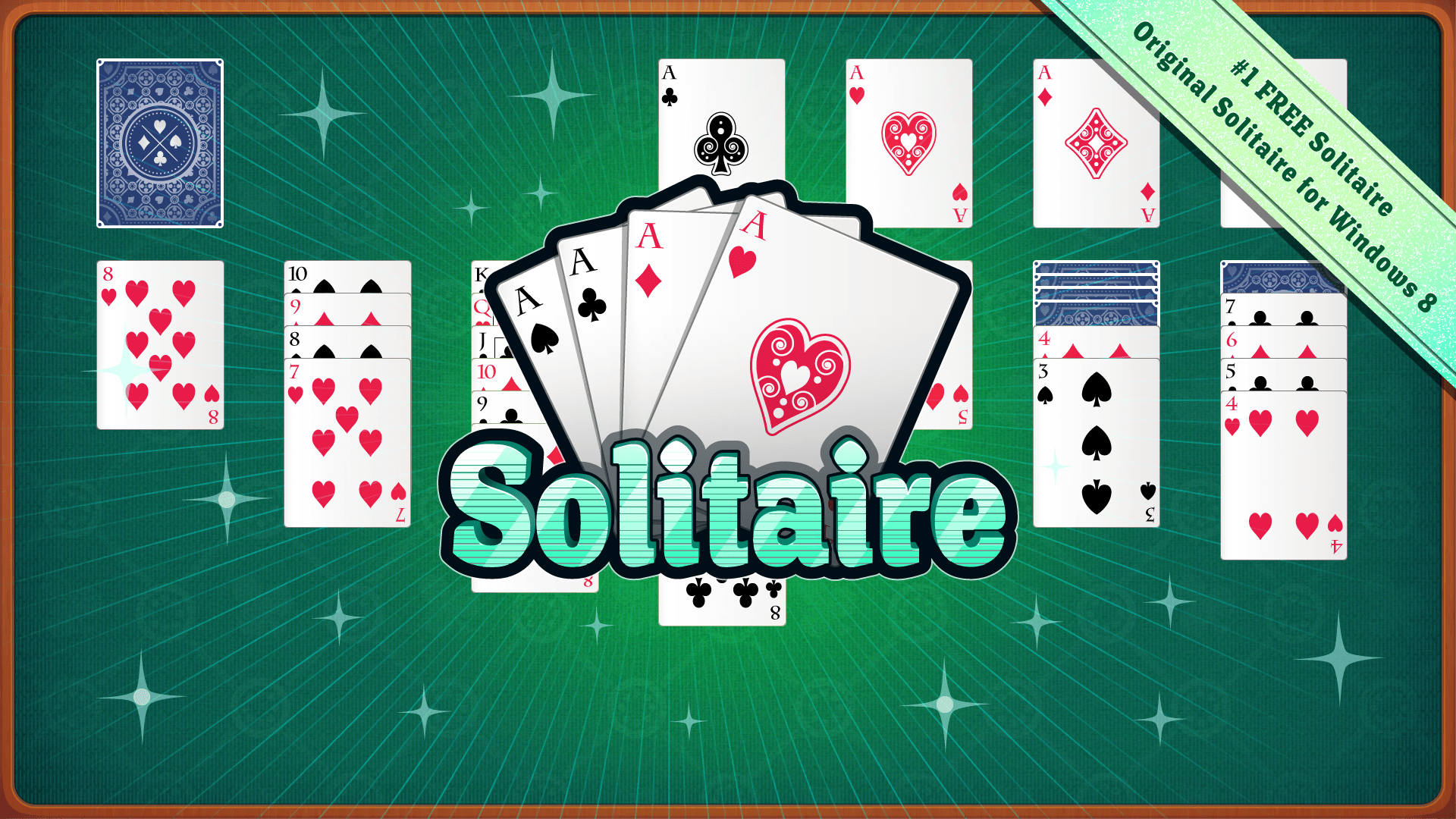
Simple Solitaire for HP Screenshot 1920×1080
Screenshot 1920×1080
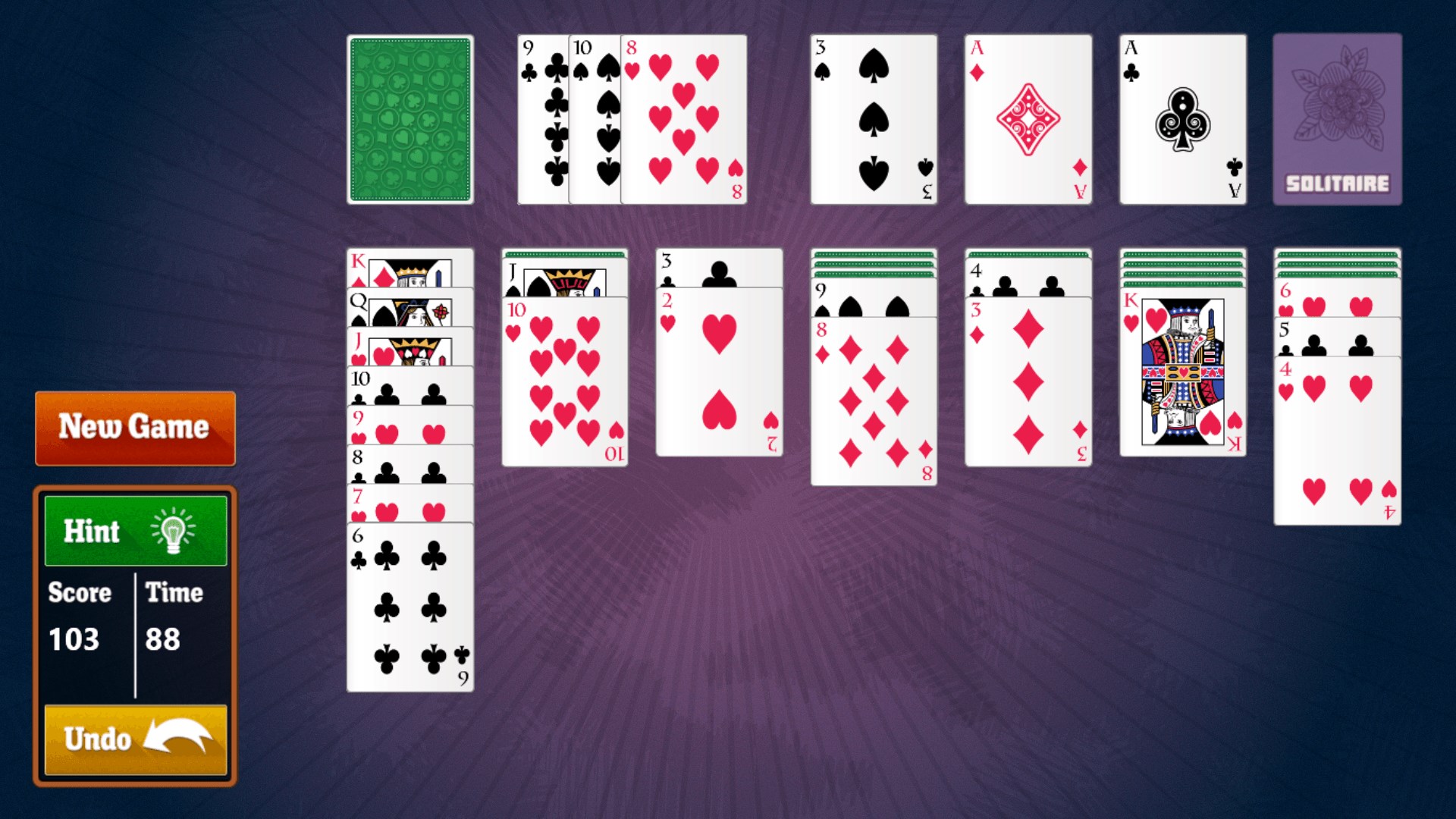
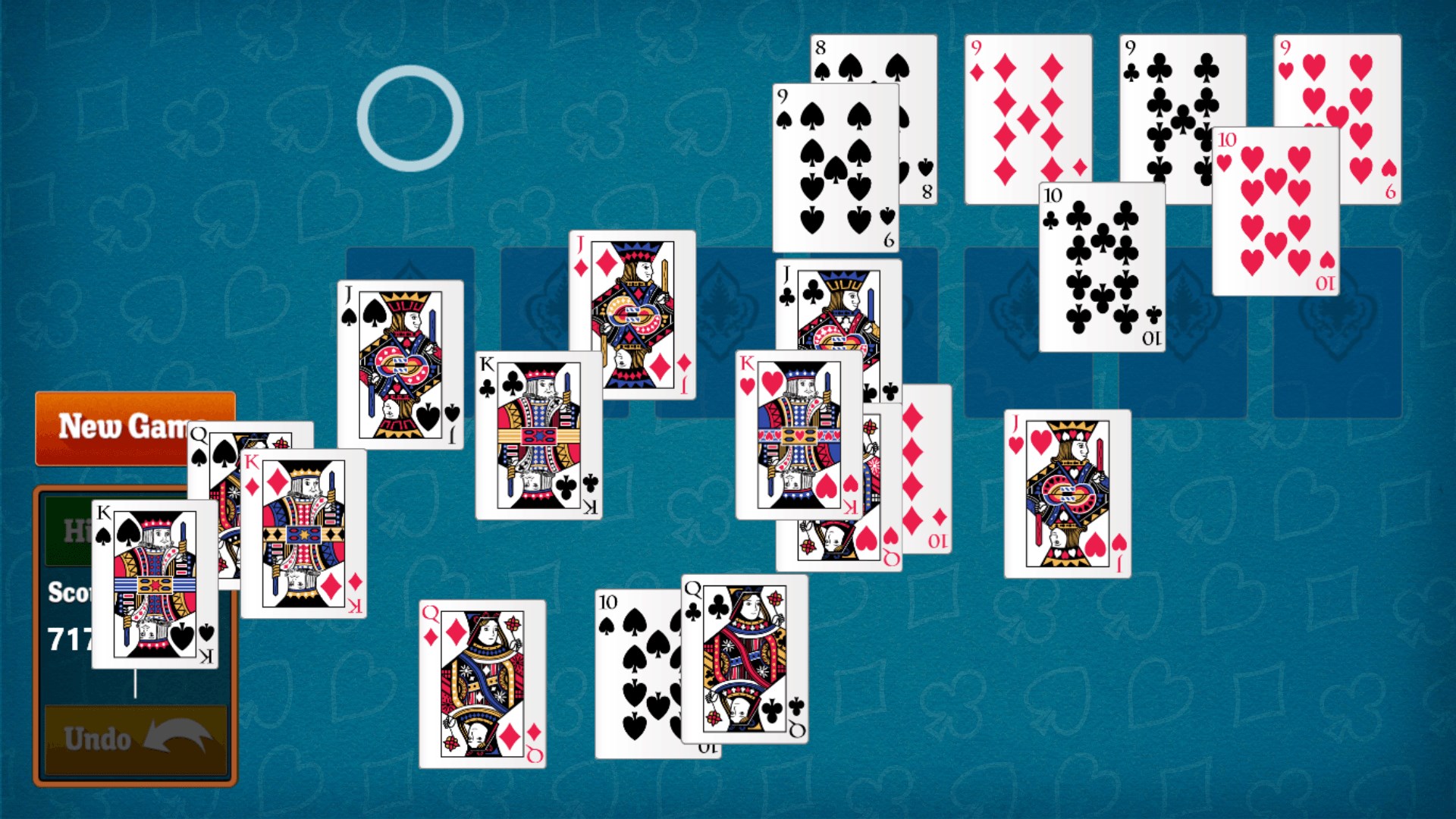
Simple Solitaire for HP Screenshot 1920×1080
Screenshot 1920×1080
Simple Solitaire for HP Screenshot 1920×1080
Screenshot 1920×1080
Simple Solitaire for HP Screenshot 1920×1080
Screenshot 1920×1080
Simple Solitaire for HP Screenshot 1920×1080
Screenshot 1920×1080
Simple Solitaire for HP Screenshot 1920×1080
Screenshot 1920×1080
Simple Solitaire for HP Screenshot 1920×1080
Screenshot 1920×1080
Simple Solitaire for HP Hero 846×468
Hero 846×468
Simple Solitaire for HP Hero 558×756
Hero 558×756
Simple Solitaire for HP Hero 414×468
Hero 414×468
Simple Solitaire for HP Hero 414×180
Hero 414×180
Simple Solitaire for HP Hero 558×558
Hero 558×558