How to Play Dominoes
You sit down, pick a tile, and the rhythm of the game takes over — turns passing cleanly, the board growing, the right move slowly revealing itself. If you enjoy thoughtful tile games and want a polished, no-fuss way to play on your computer, laptop, or tablet, this is the one to keep installed.
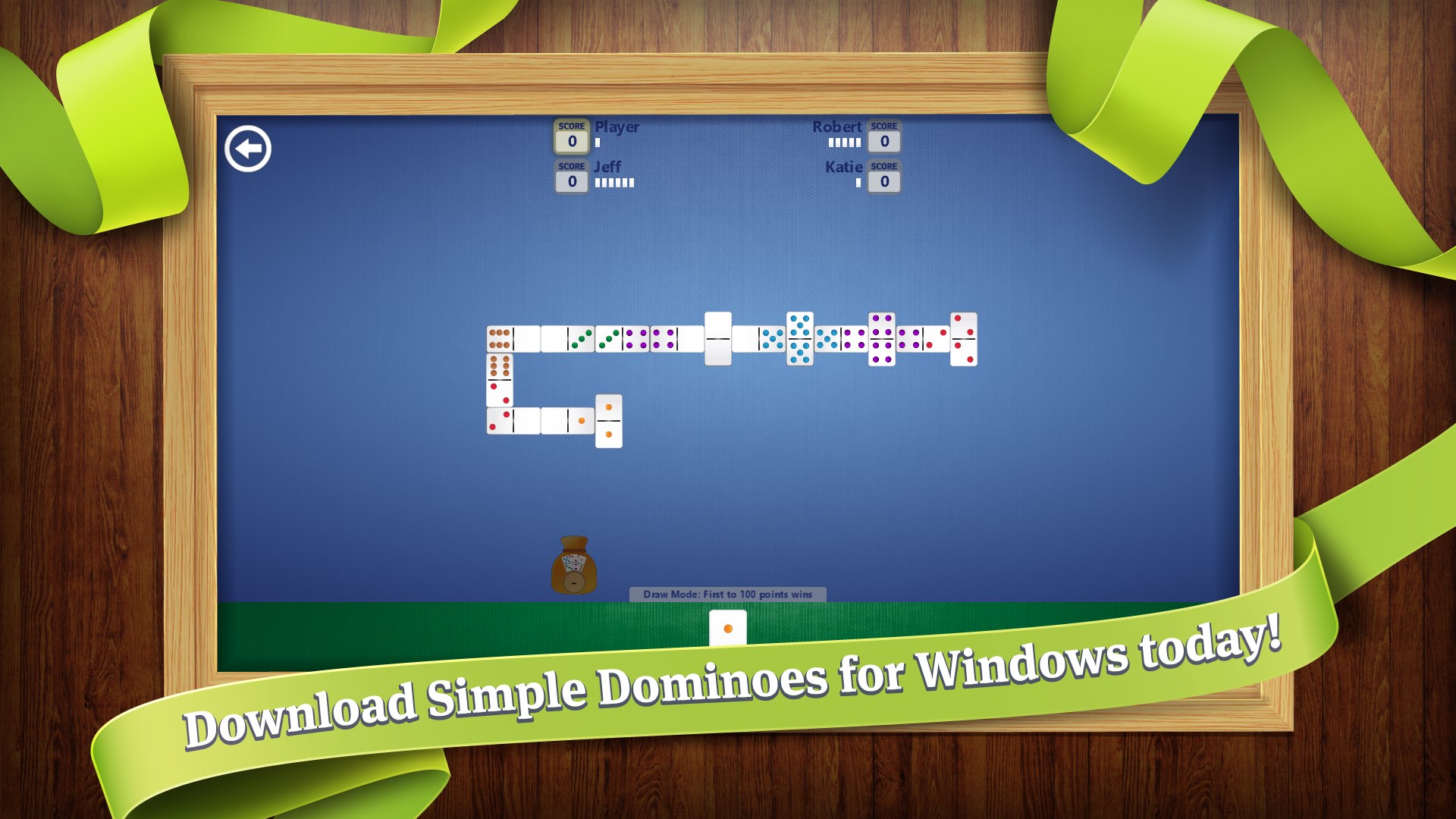
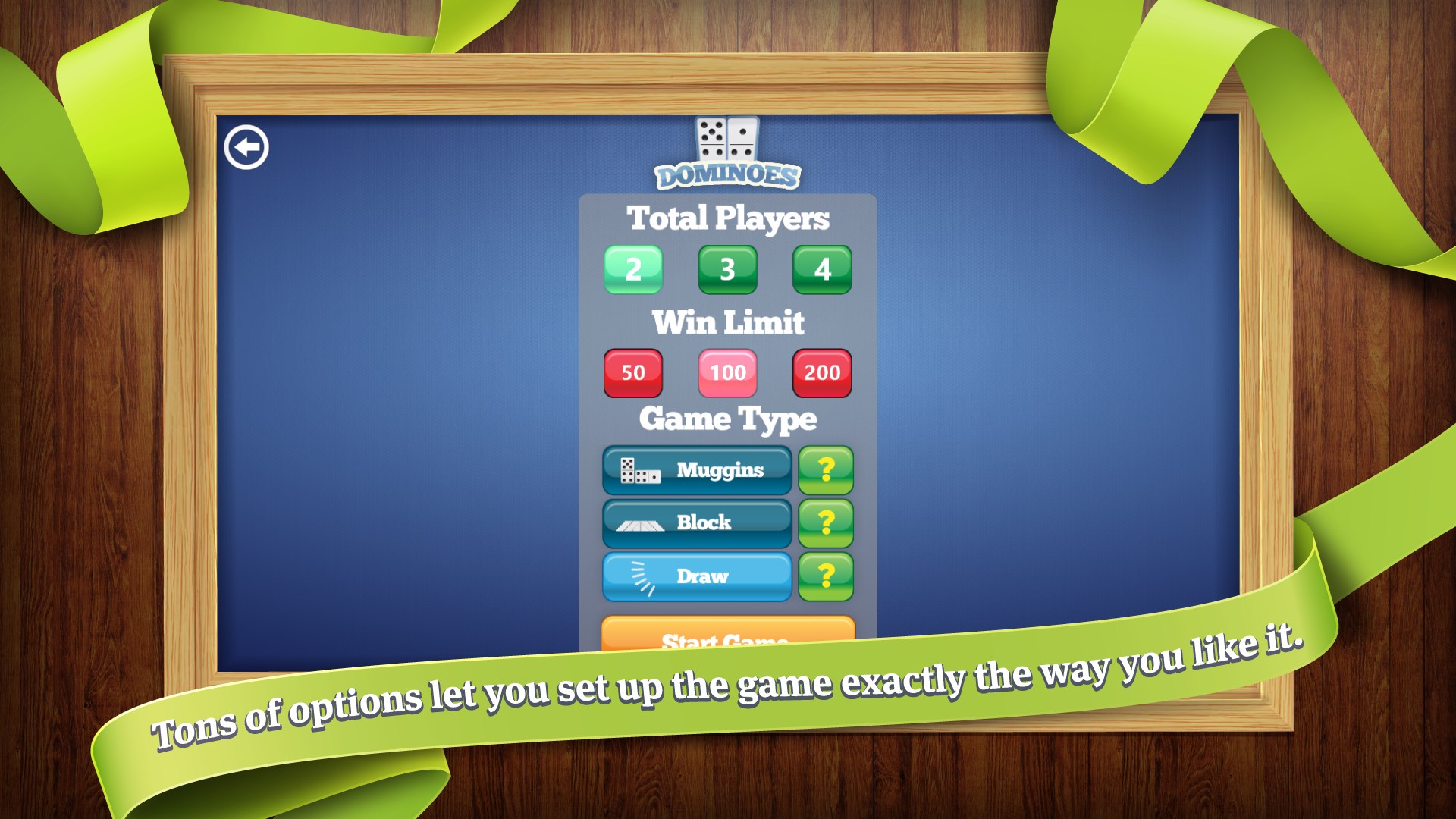
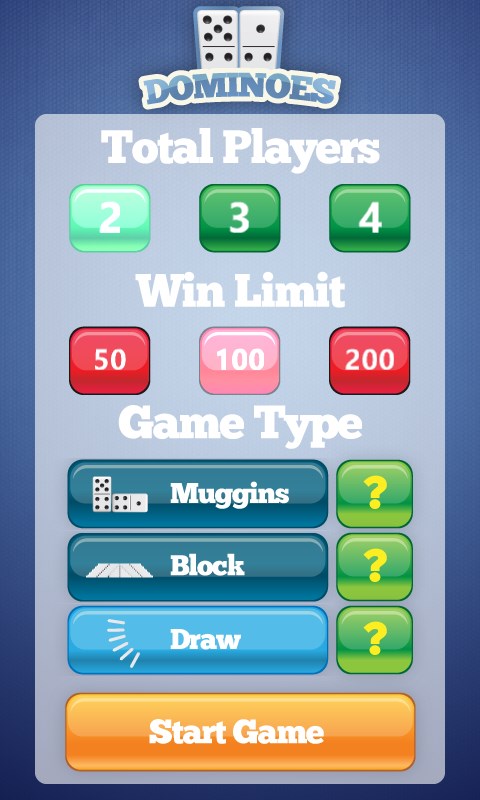
- Open the game and choose your mode: Muggins, Block, or Draw
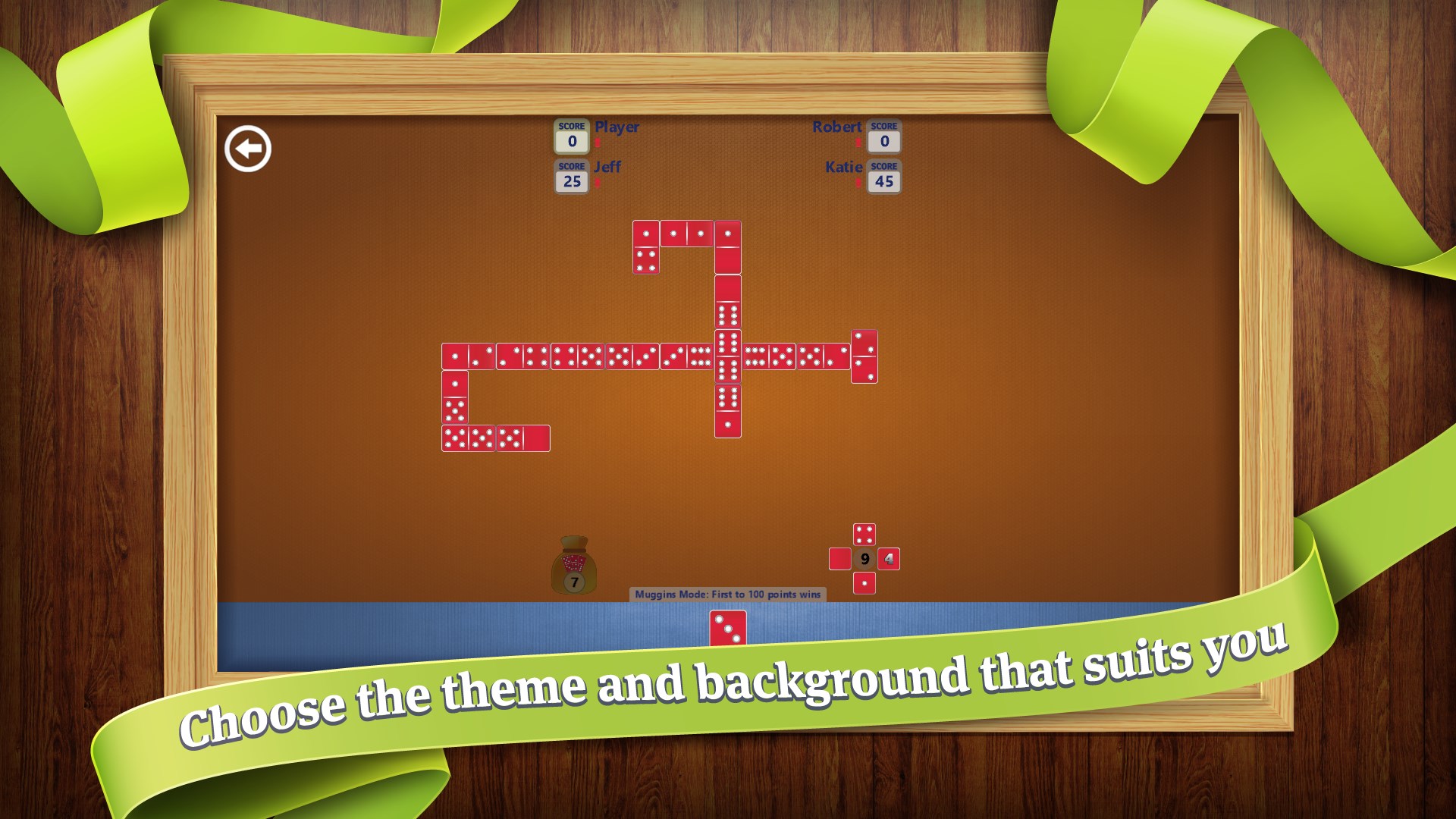
- Select a theme and background that suits your mood
- Draw your starting hand and study the board before placing your first tile
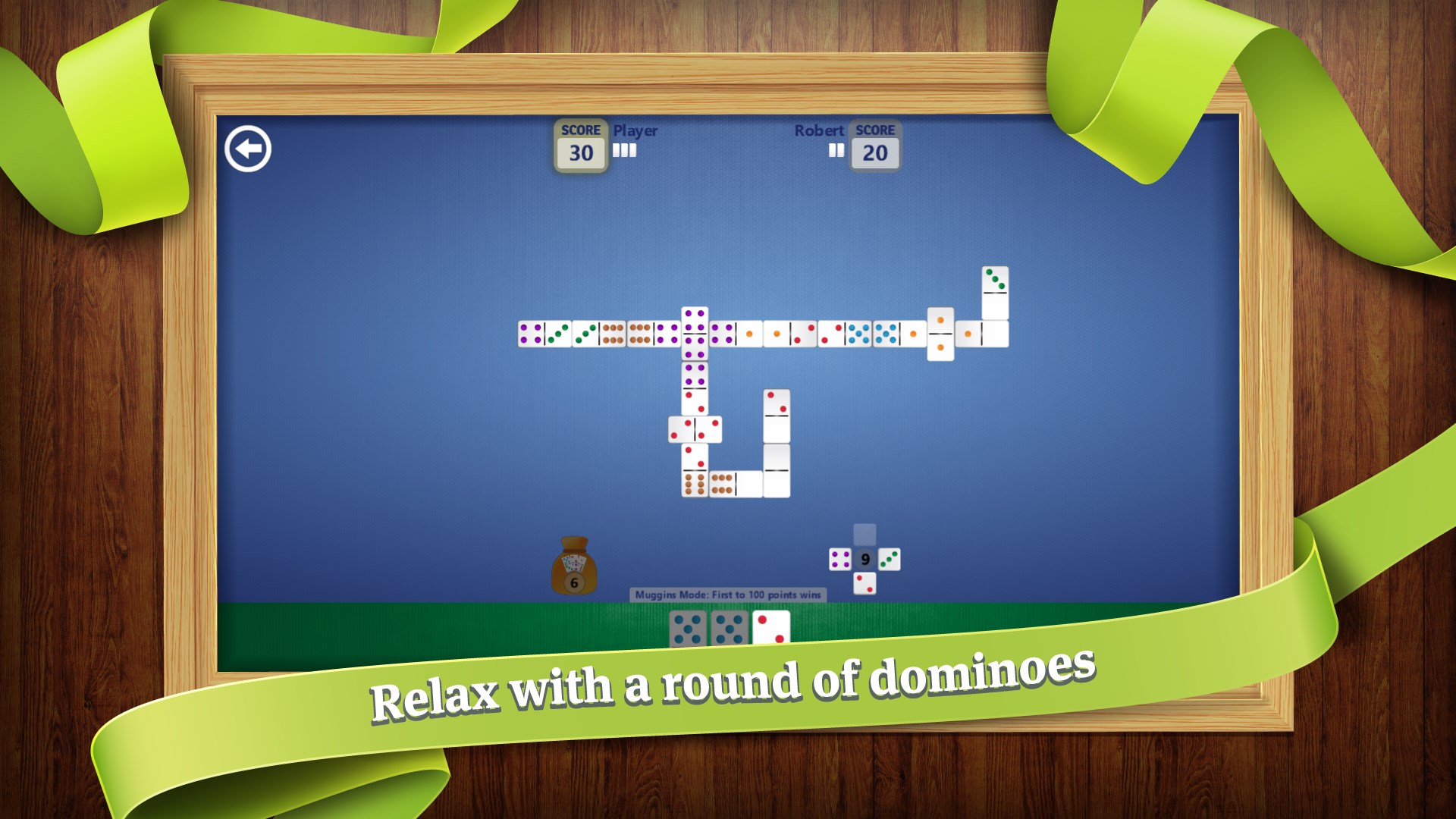
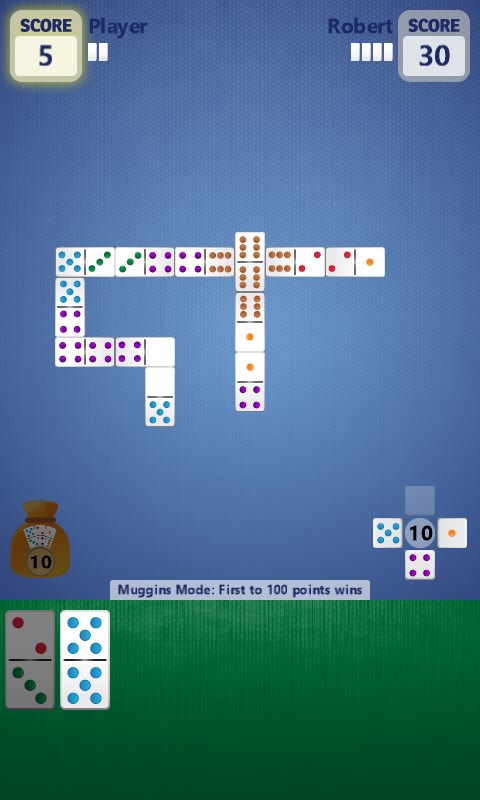
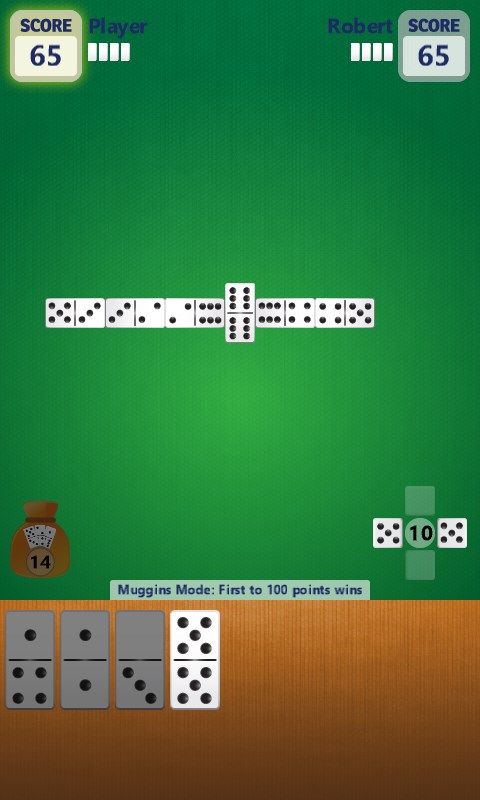
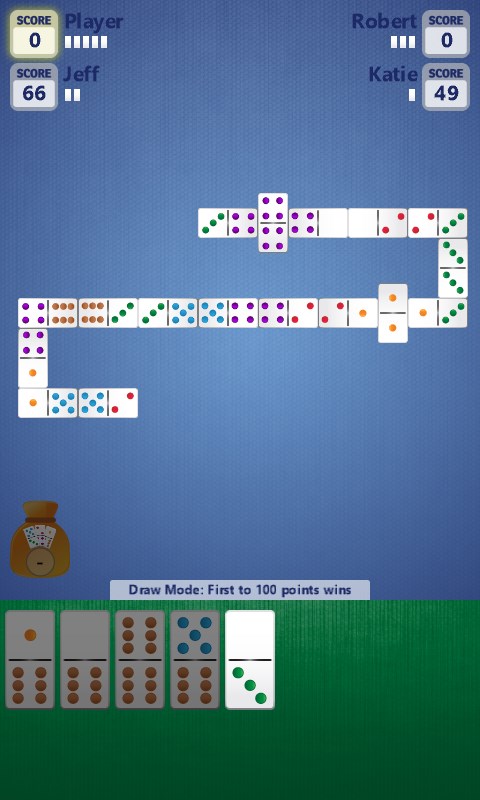
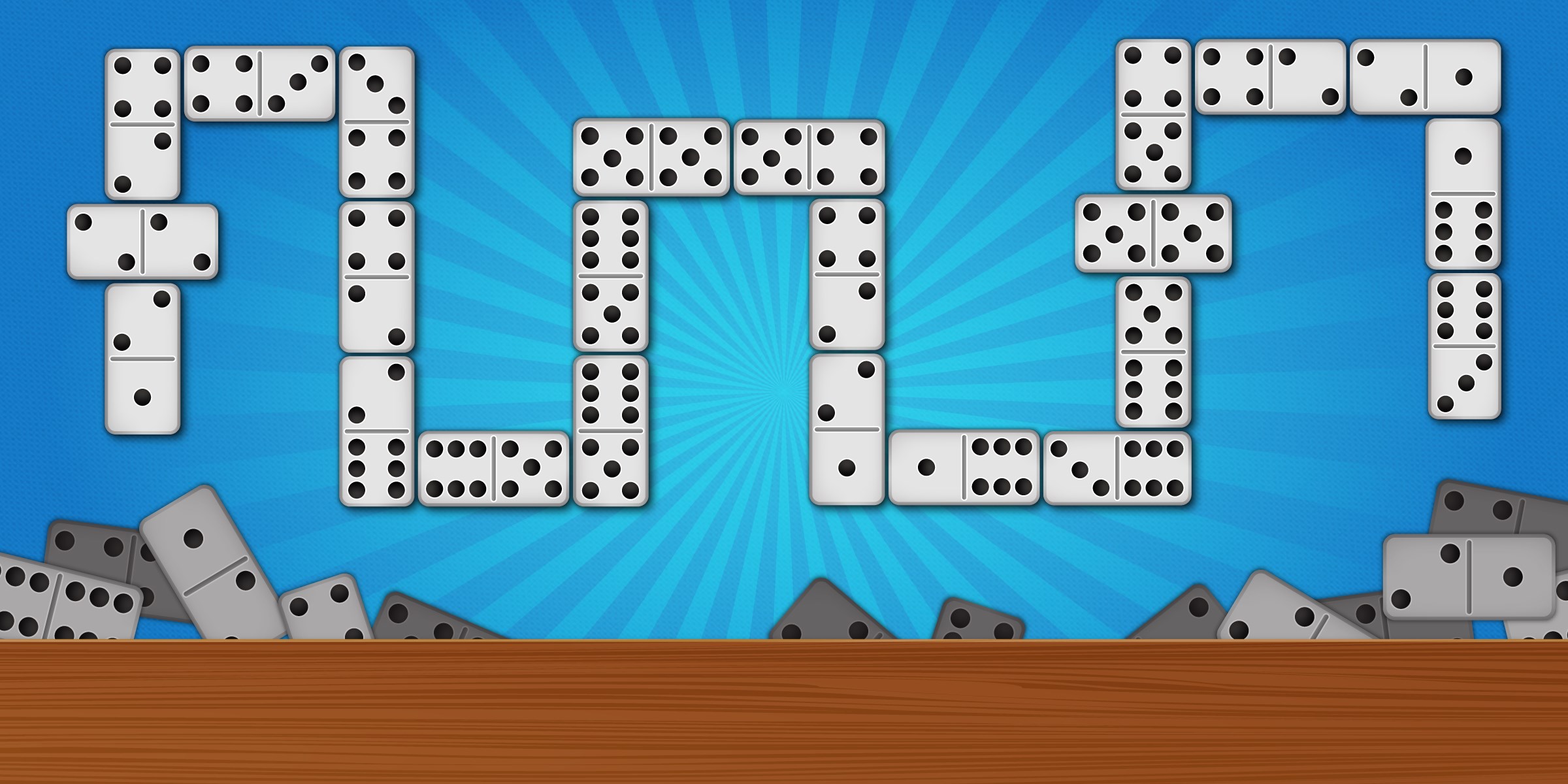
- Match pips on either open end of the chain to extend the line
- Outmaneuver the computer opponent and clear your hand to win
Controls
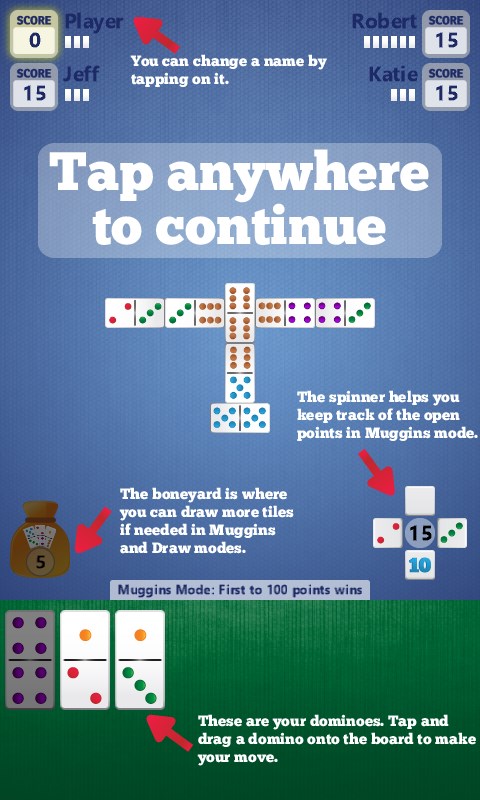
Tap or click a tile in your hand to select it, then tap or click the end of the board where you want to place it. Everything is designed to work comfortably with a mouse, keyboard, or touch screen.
Scoring
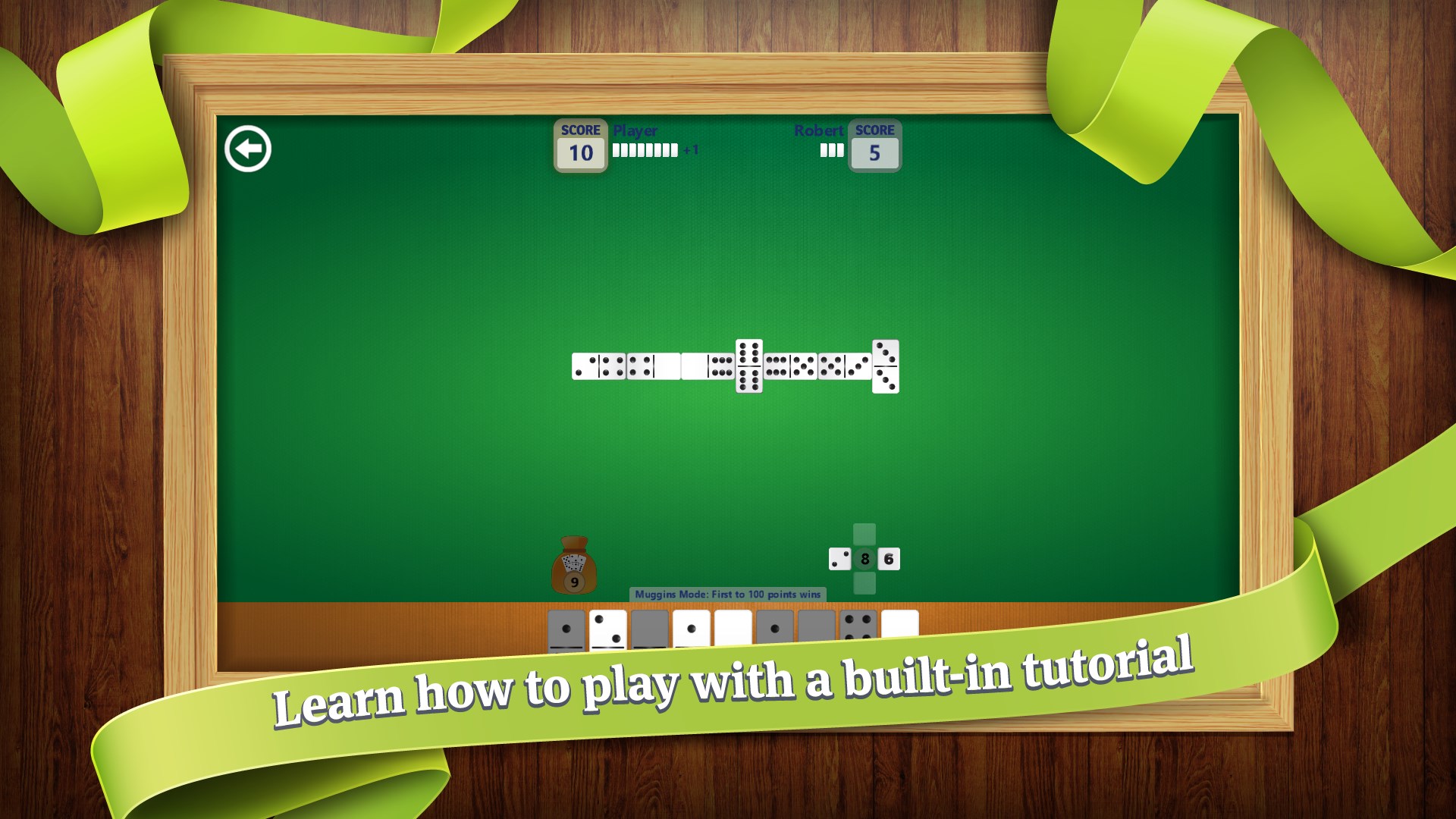
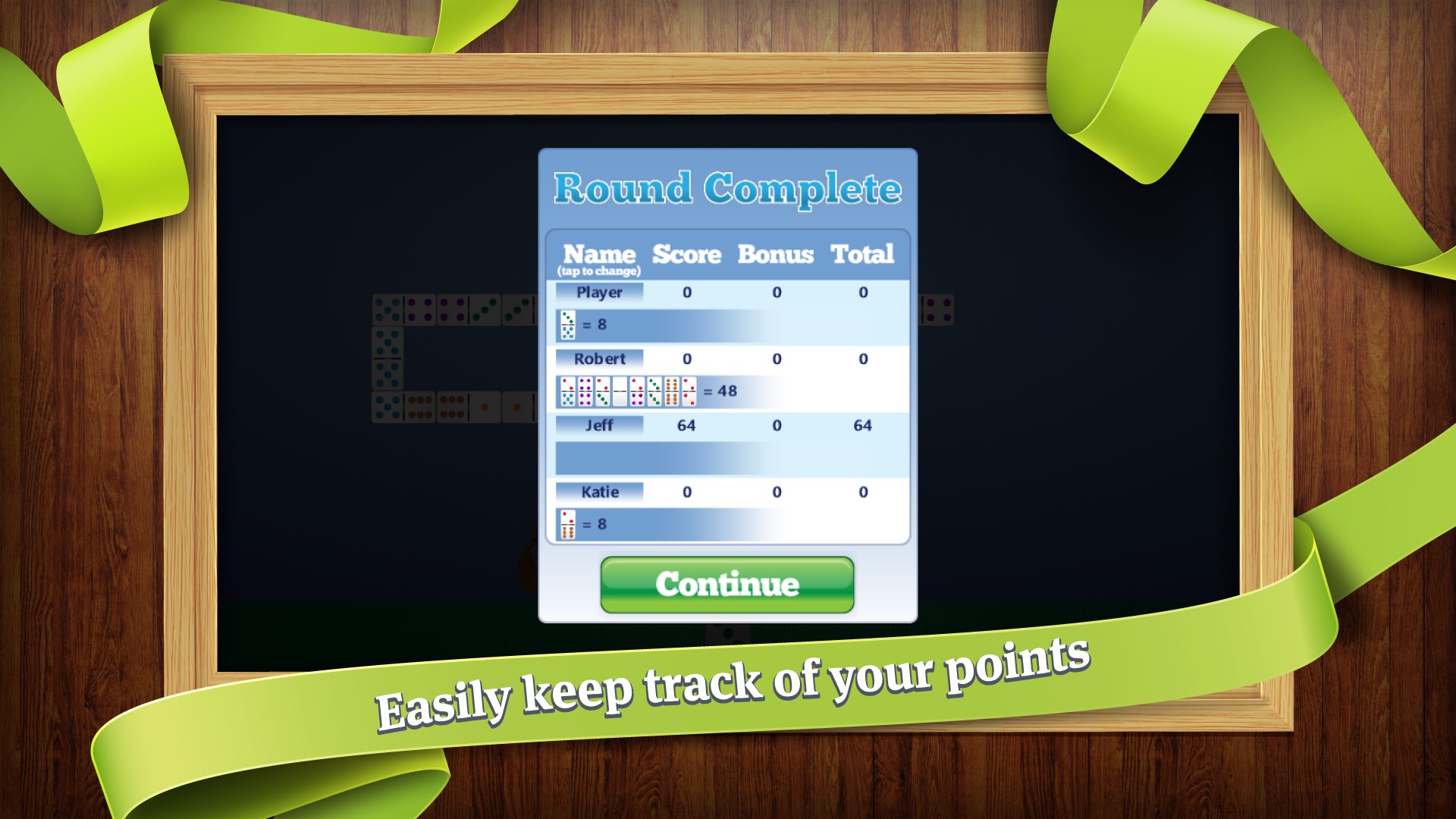
In Muggins, you score points whenever the open ends of the board sum to a multiple of five — so every placement is a chance to earn. Block and Draw focus on emptying your hand, with the lightest remaining pip count deciding the winner when the board locks up.
When does a round end?
A round ends when one player places their last tile, or when no legal moves remain for either side and the board is blocked.