Reflection IT

PictoFeud

Form lines of colored shapes, outsmart your opponent, win

Play free on Microsoft Store
4.4 from 399 ratings Free
  • Card & board, Classics, Puzzle & trivia, Strategy
  • Windows PC & tablet
  • On the Store since 2013
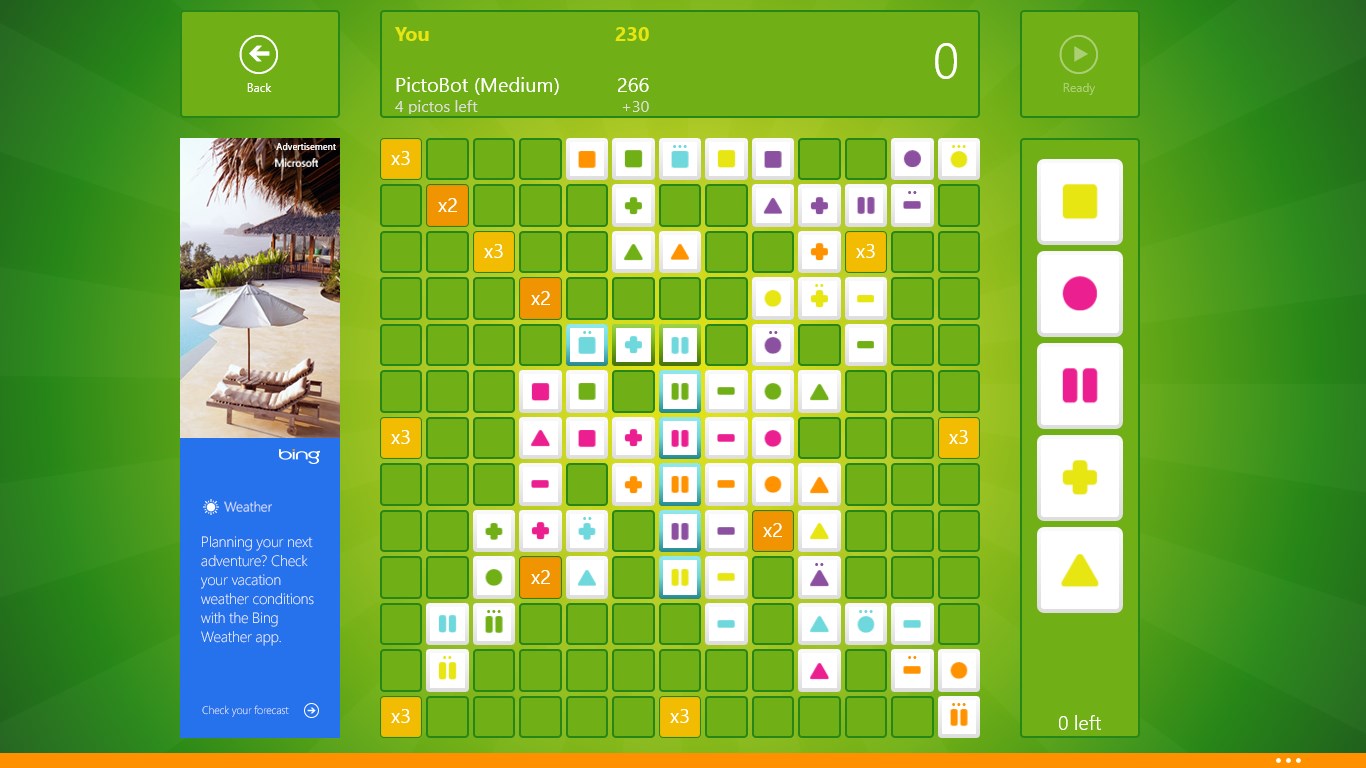
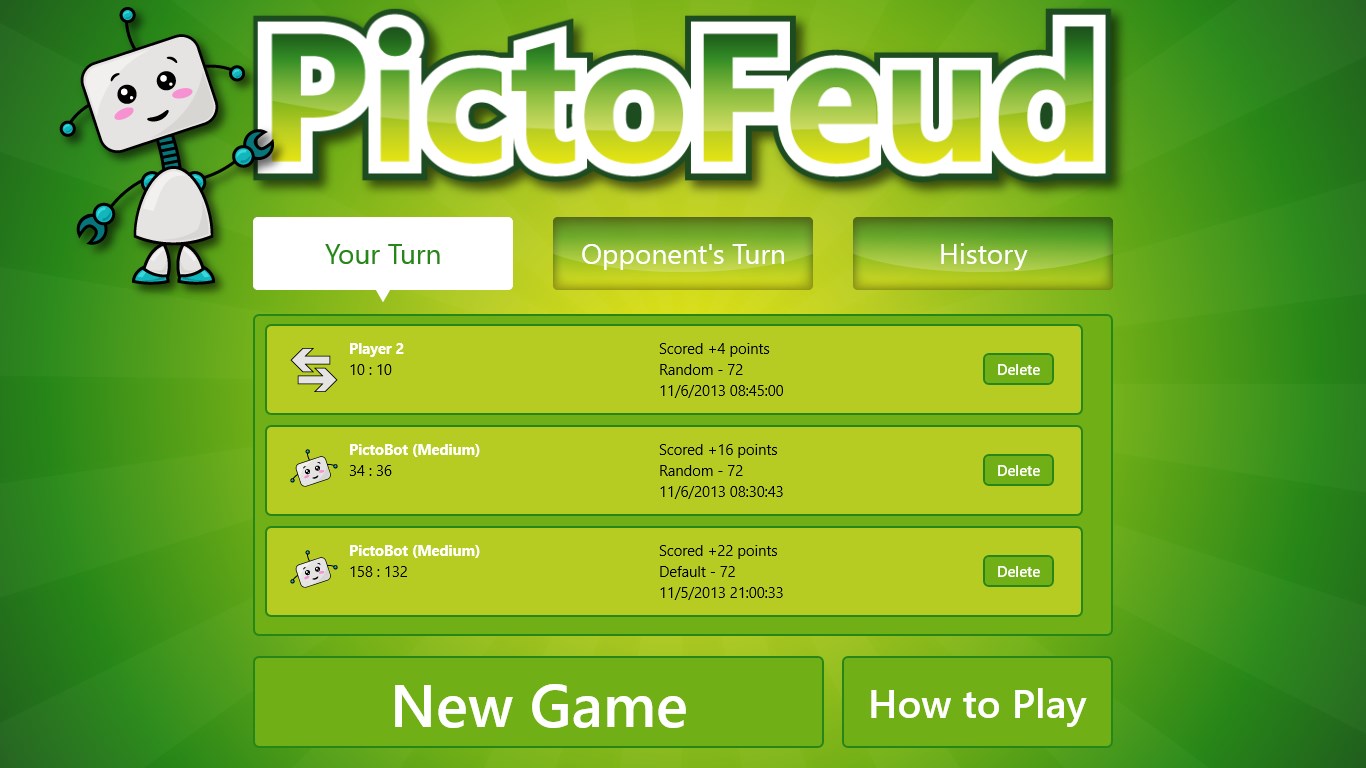
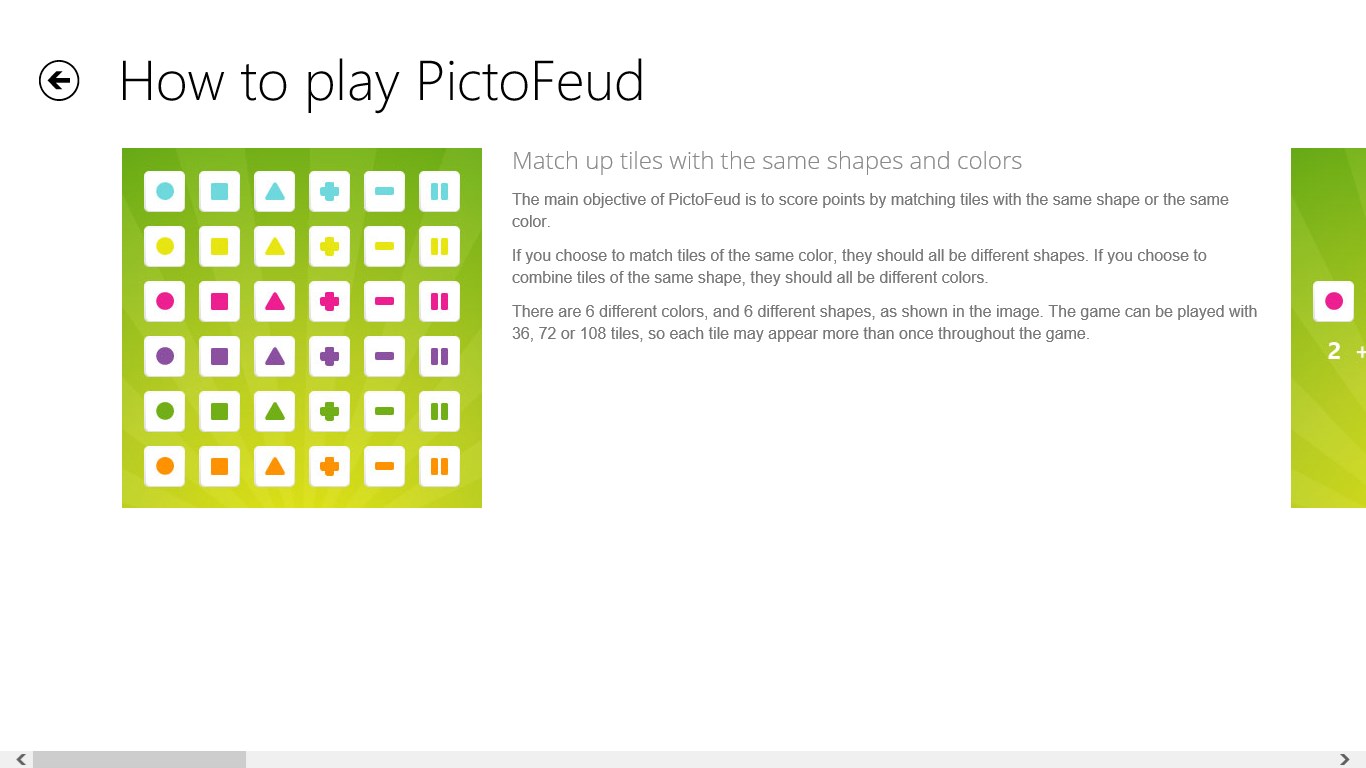
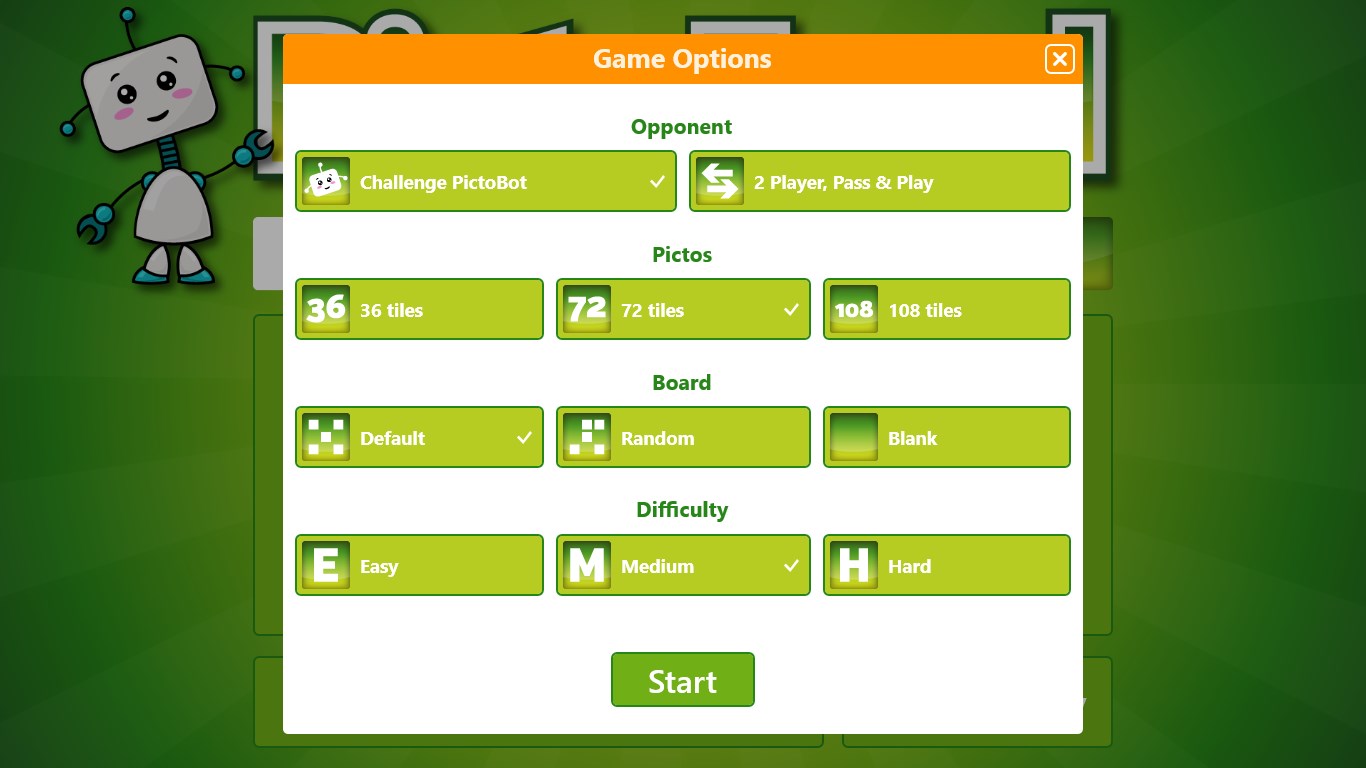
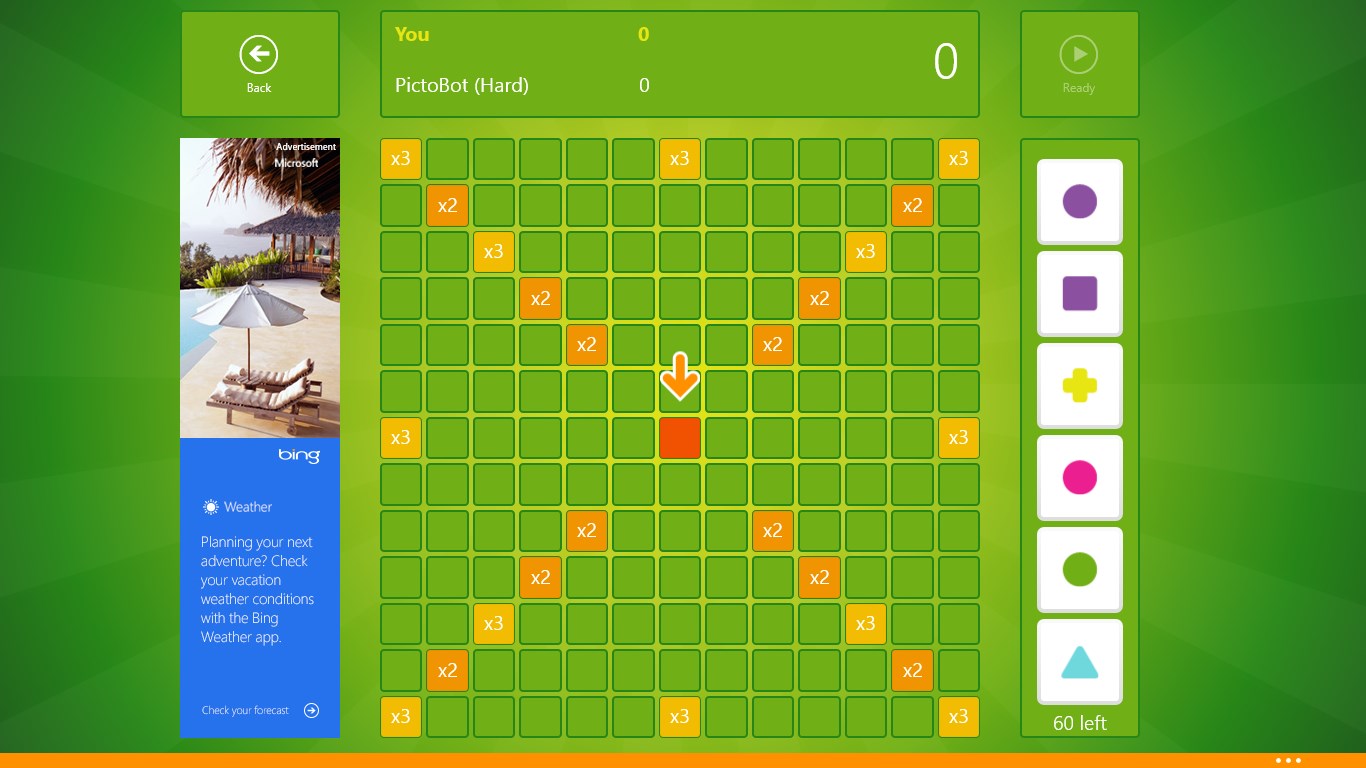
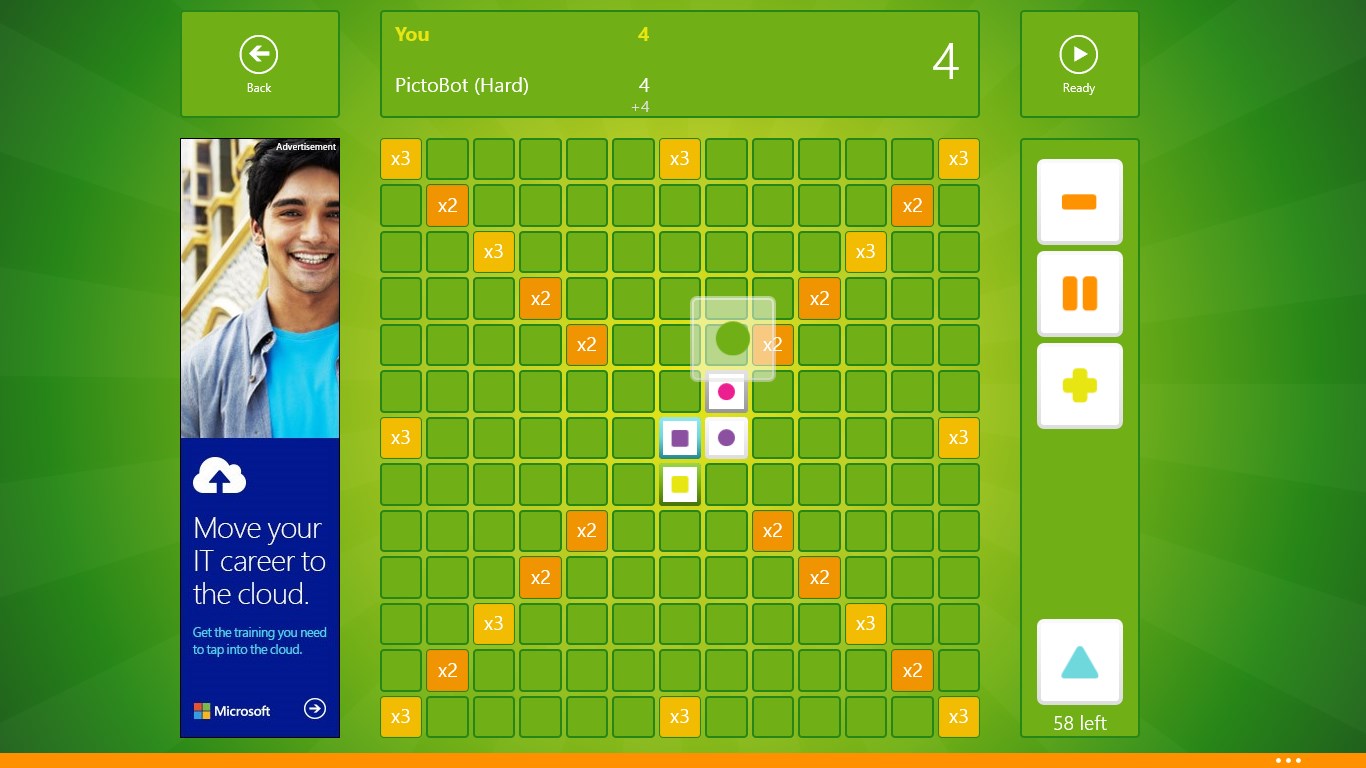
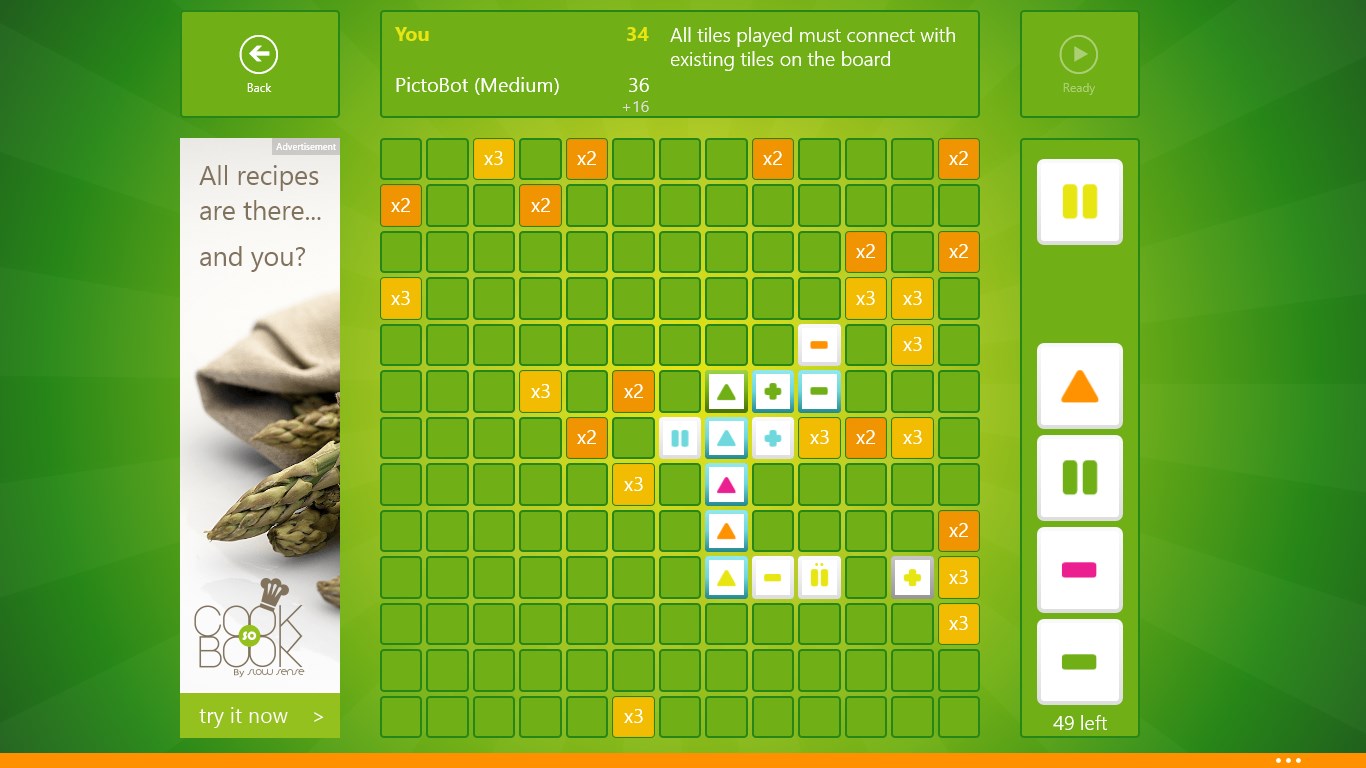
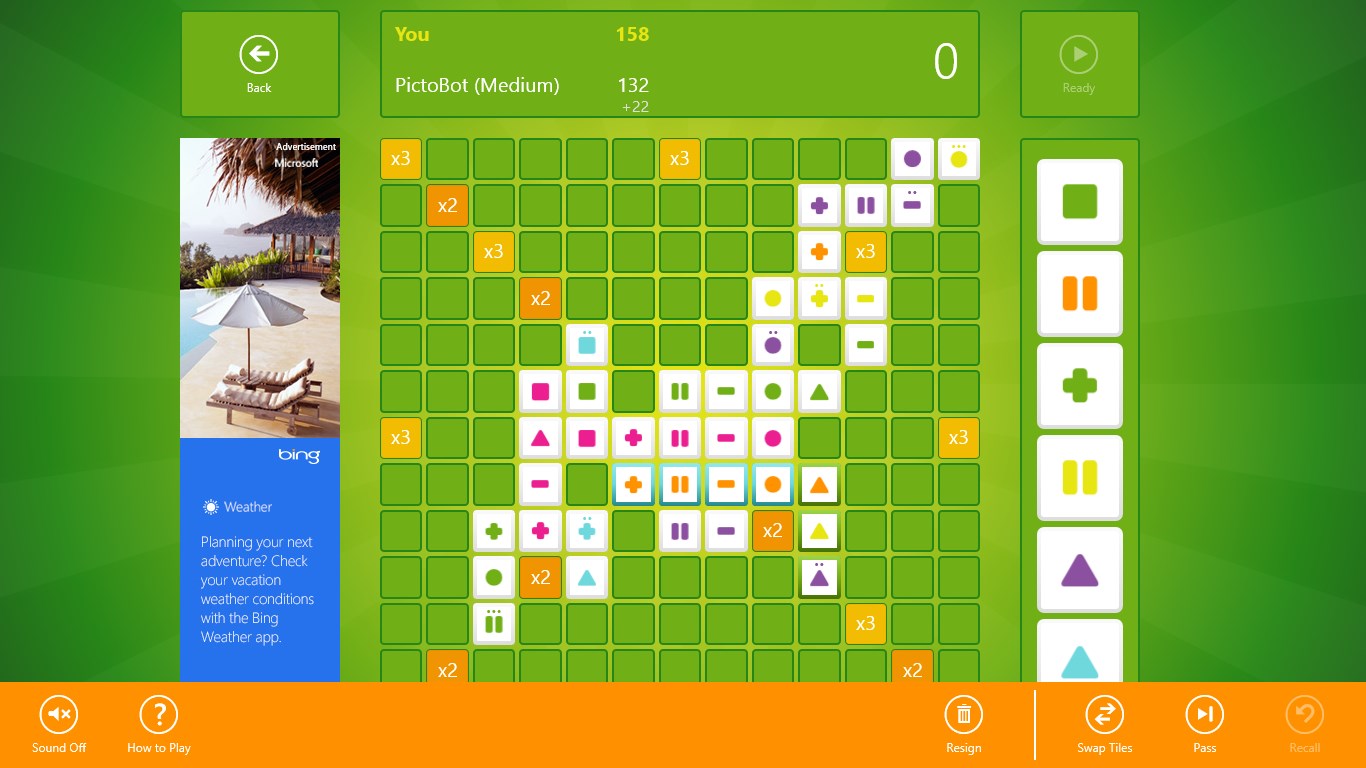
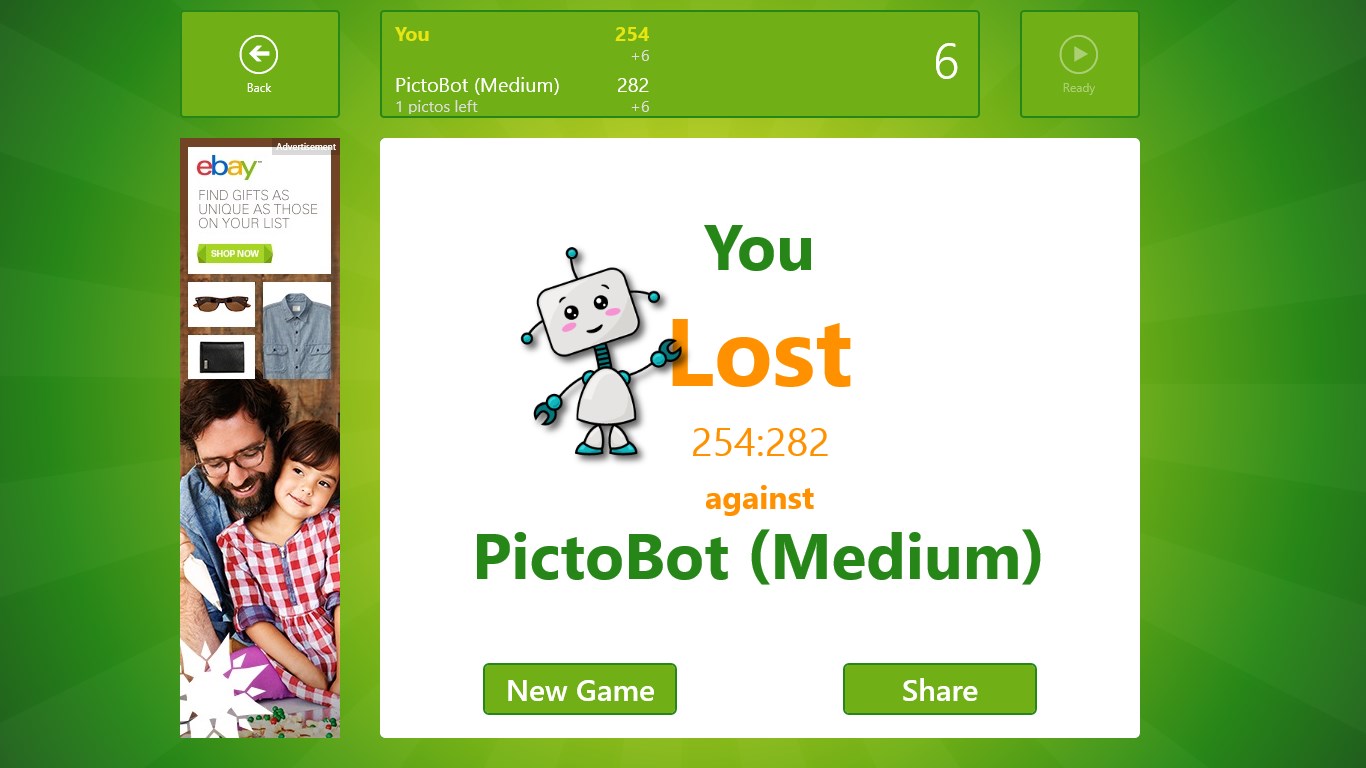
This screenshot shows a game in progress.The start screen includes lists of games in progress and game stats for past games.The app includes a "How to Play" page that will help you get started and explains the basic rules of the game.The game options dialog appears after the "New Game" button on the start screen is clicked.This screenshot shows a fresh game after choosing the smartest version of PictoBot to play against.This screenshot shows a tile being dragged from the tray on the right to a cell on the board.: If you break one of the rules, an error message will immediately appear at the top of the screen.The bottom app bar offers additional functionality.At the end of a game, a dialog displays game stats.

How to Play PictoFeud

Each turn you place tiles to build and extend lines of matching colors or shapes, watching your score climb as your opponent scrambles to cut you off. If you enjoy Qwirkle, Scrabble, Rummikub, or Mahjong, this is the game your next spare hour disappears into.

  1. Launch PictoFeud and choose to face PictoBot or invite a friend
  2. Study the tiles in your hand and spot where they fit on the board
  3. Place one or more tiles to form or extend a valid line of colors or shapes
  4. Watch your points add up, then pass the turn to your opponent
  5. Keep building, blocking, and planning until the game ends and scores are tallied

Controls

Tap or click a tile in your hand, then tap or click the board position where you want to place it. The game highlights valid moves so you always know where you stand.

Scoring

You earn points for every tile in each line your placement touches, so a well-placed tile that connects multiple lines can multiply your score in a single turn.

When does a round end?

A round ends when no valid moves remain, and the player with the highest score wins.
Tips & Tricks

  • Look for intersections where one tile extends two lines at once — those placements score far more than isolated moves
  • Playing on the edges early limits your opponent's room to grow long, high-scoring lines
  • Keep a variety of colors and shapes in mind; saving a rare tile for a longer line is usually worth the wait
  • Watch what PictoBot places — it often signals which lines are about to be blocked so you can pivot your plan

Why people keep coming back

  • Two ways to play face the PictoBot solo or go head-to-head with a friend on the same device
  • Qwirkle-style depth strategy that fans of Scrabble, Rummikub, and Mahjong will recognise immediately
  • Color-and-shape matching every tile placed must follow consistent line rules, keeping each turn meaningful
  • Turn-based pacing take your time to think; no timers rush you into a mistake
  • Built-in opponent PictoBot provides a ready challenge whenever you want a game without waiting for a partner
  • Clean board layout the grid stays readable so you can focus on tactics rather than hunting for space

Content & audience

  • Suitable for all ages (ESRB E; PEGI 3; DJCTQ L; USK Everyone; IARC 3; COB-AU G (In-game purchases); GRB All; PCBP 0; TCA G; CCC TE; Microsoft 3).
  • Free game supported by advertising, with optional in-app purchases.
  • Playable offline; no account required.

Category: Video Gaming › Strategy Video Games · Store category: Card & board, Classics, Puzzle & trivia, Strategy

Policies & support

About PictoFeud

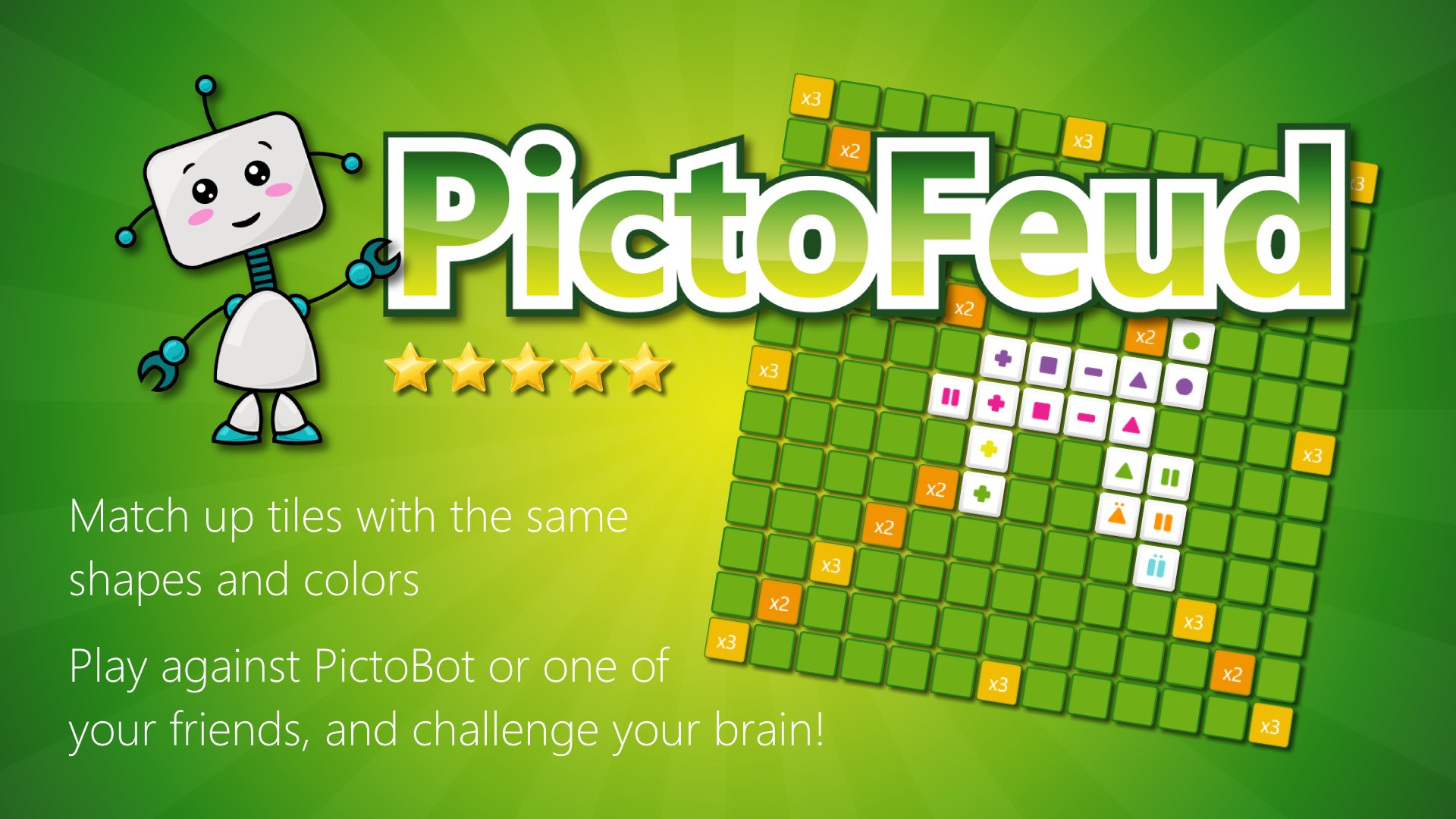
Fans of games like Qwirkle, Scrabble, Rummikub or Mahjong meet your new addiction.

PictoFeud is a turn based strategy game where you score points by forming lines of colored shapes. Play against the PictoBot or one of your friends, and challenge your brain!

Details

Publisher
Reflection IT
Developer
Fons Sonnemans & Inge Schepers
Category
Card & board
Released
2013-11-07
Rating
4.4 / 5 · 399 ratings
Price
Free

Updated 2026-09-25 · Press kit & assets · Product data (JSON)