Reflection IT

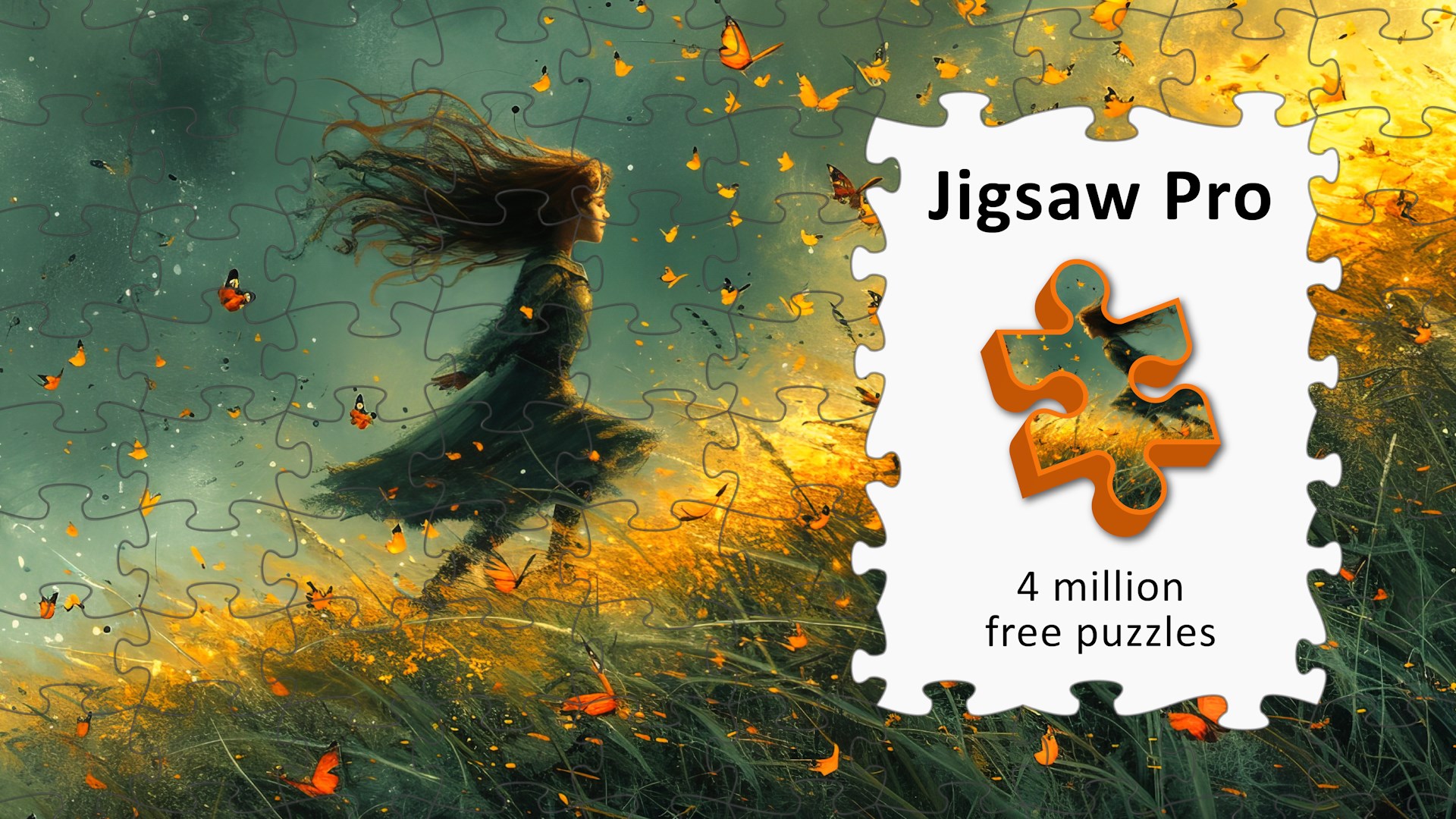
Jigsaw Pro

Four million images, your photo, your piece count — your puzzle

Play free on Microsoft Store
4.6 from 1K ratings Free
  • Puzzle & trivia
  • Windows PC & tablet
  • On the Store since 2023
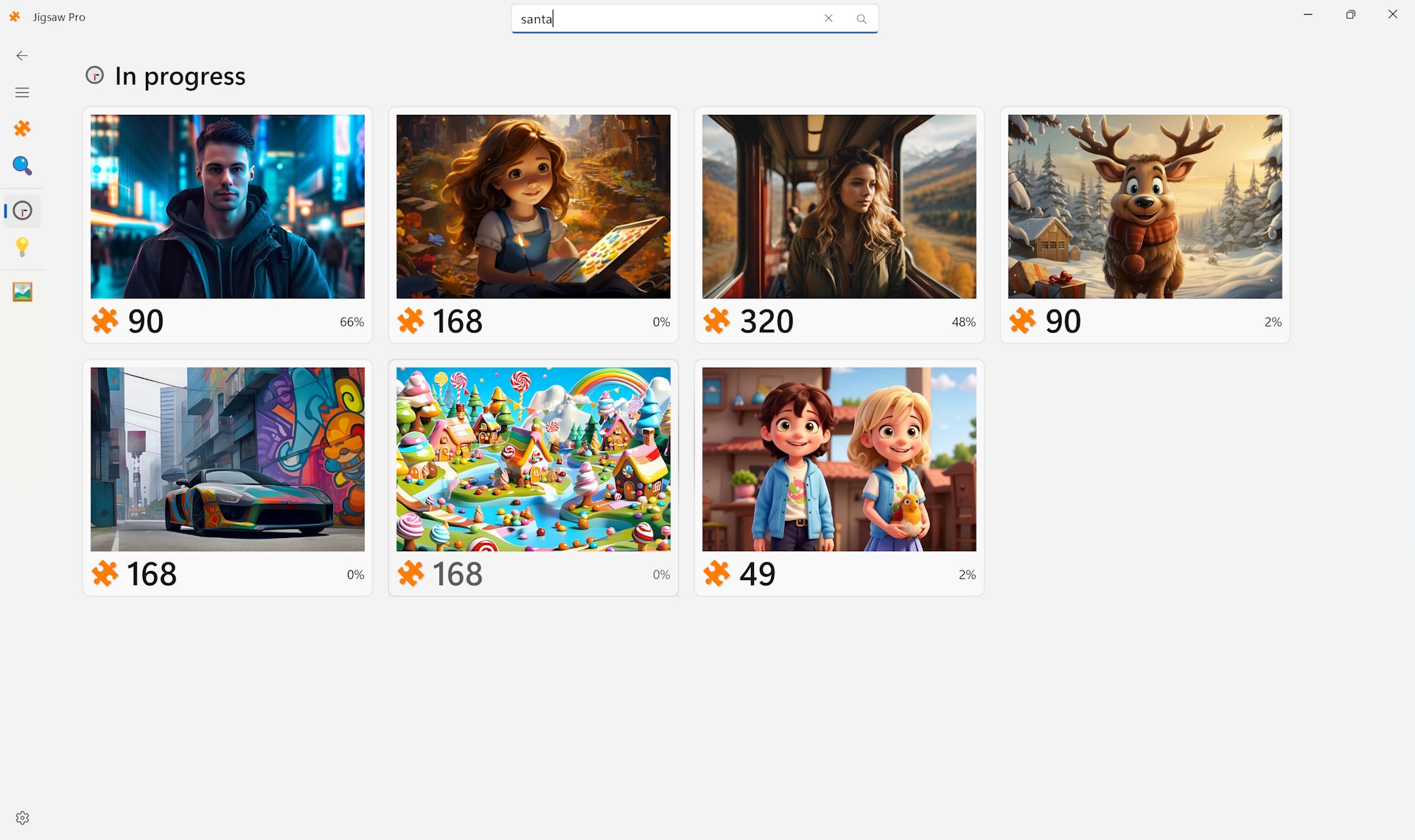
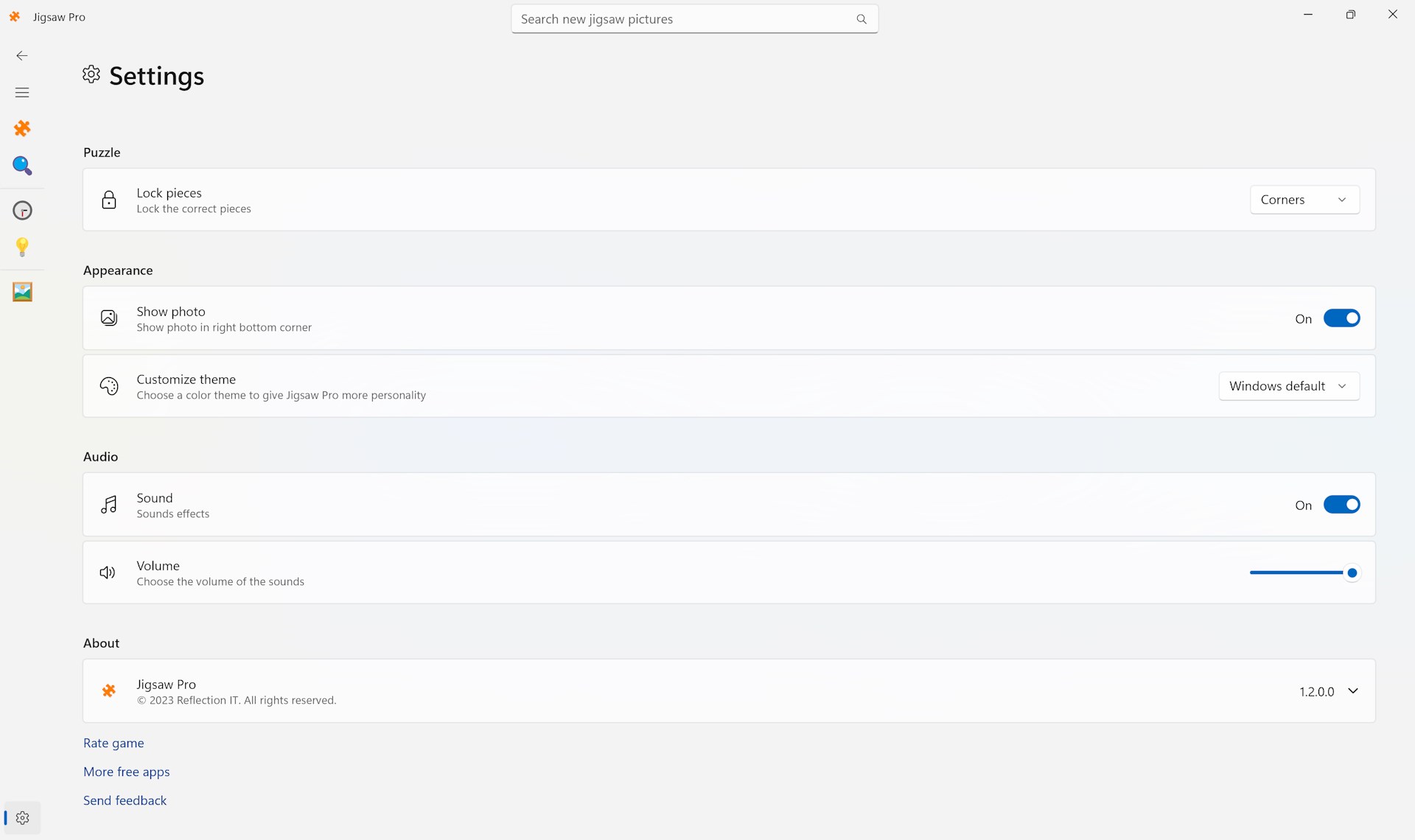
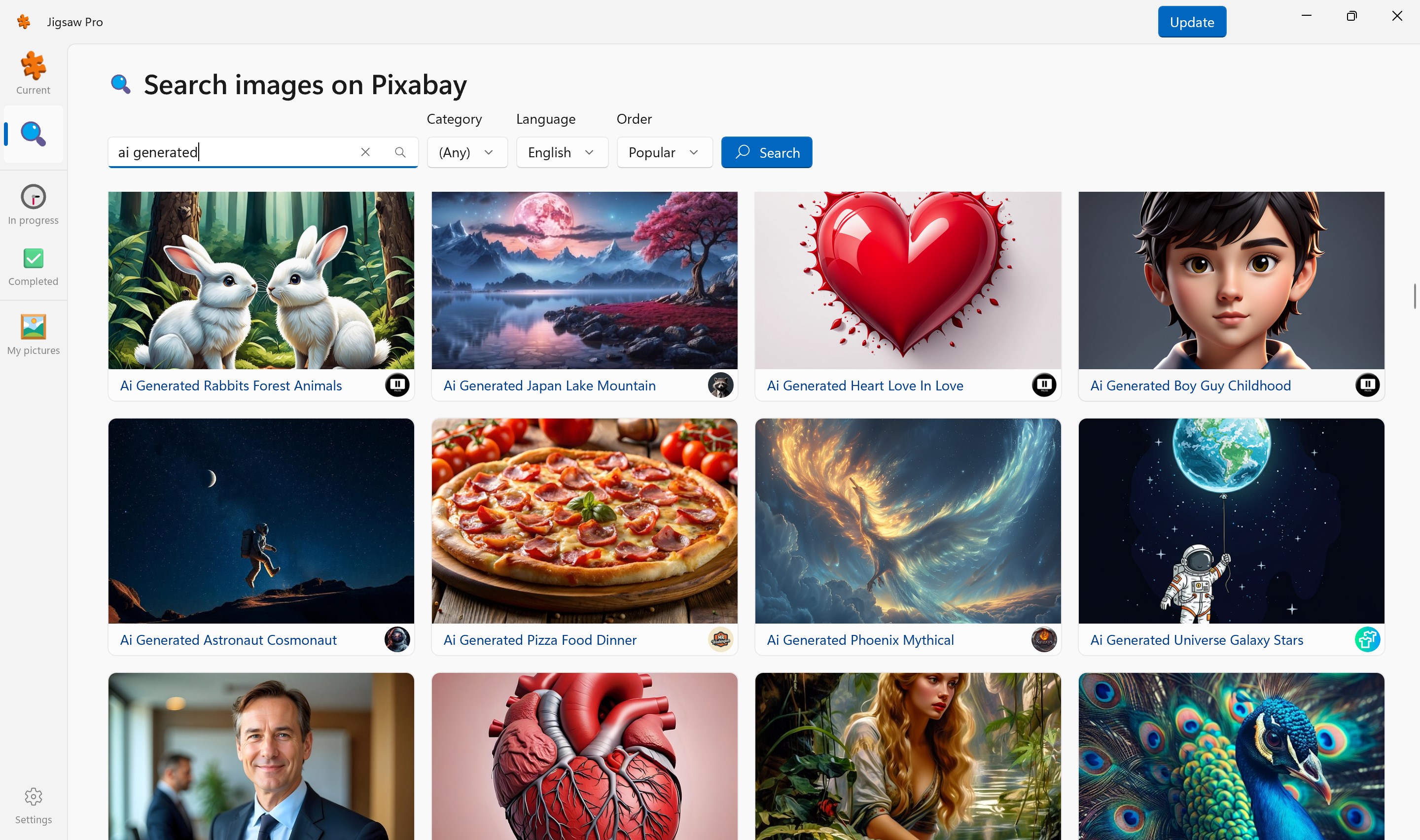
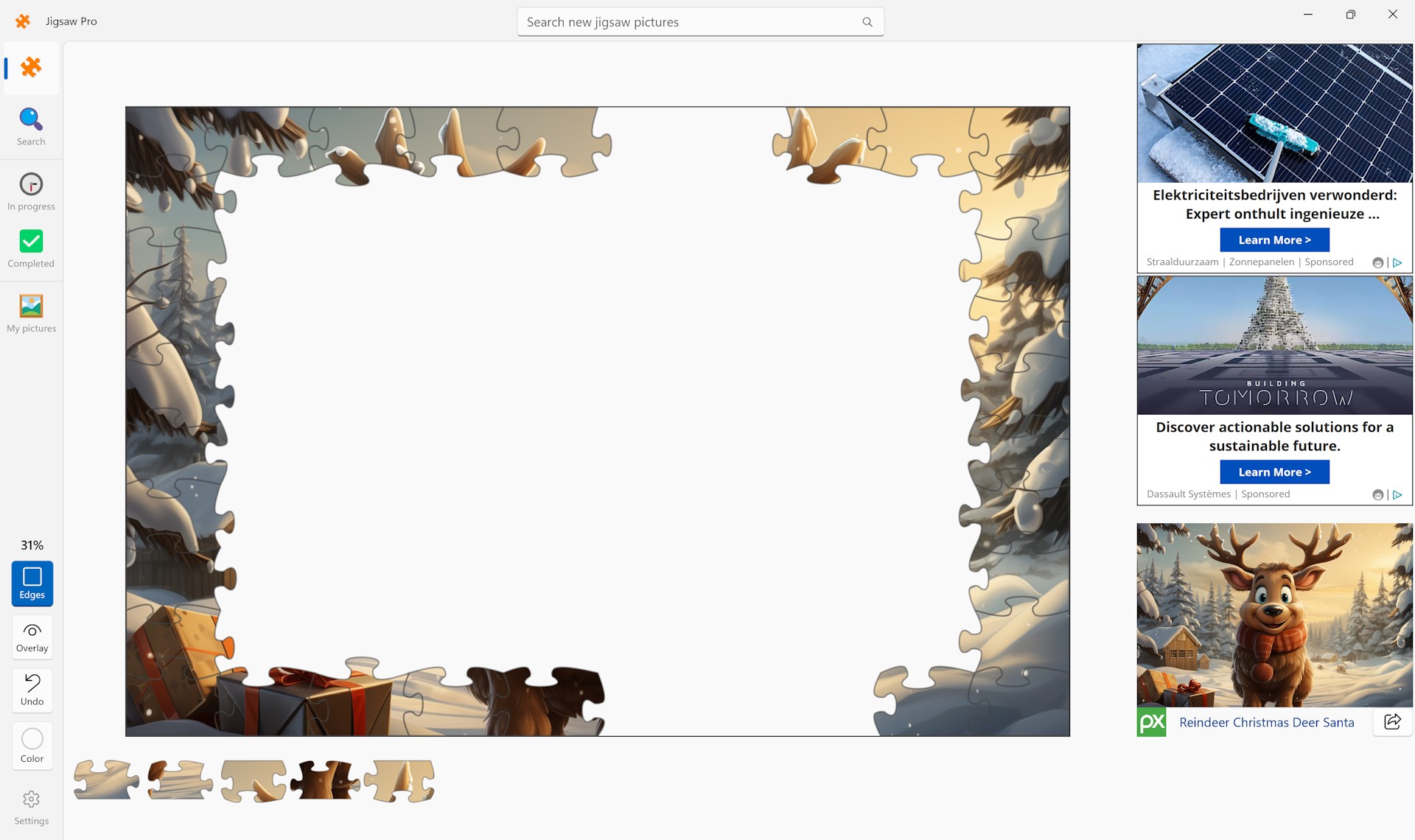
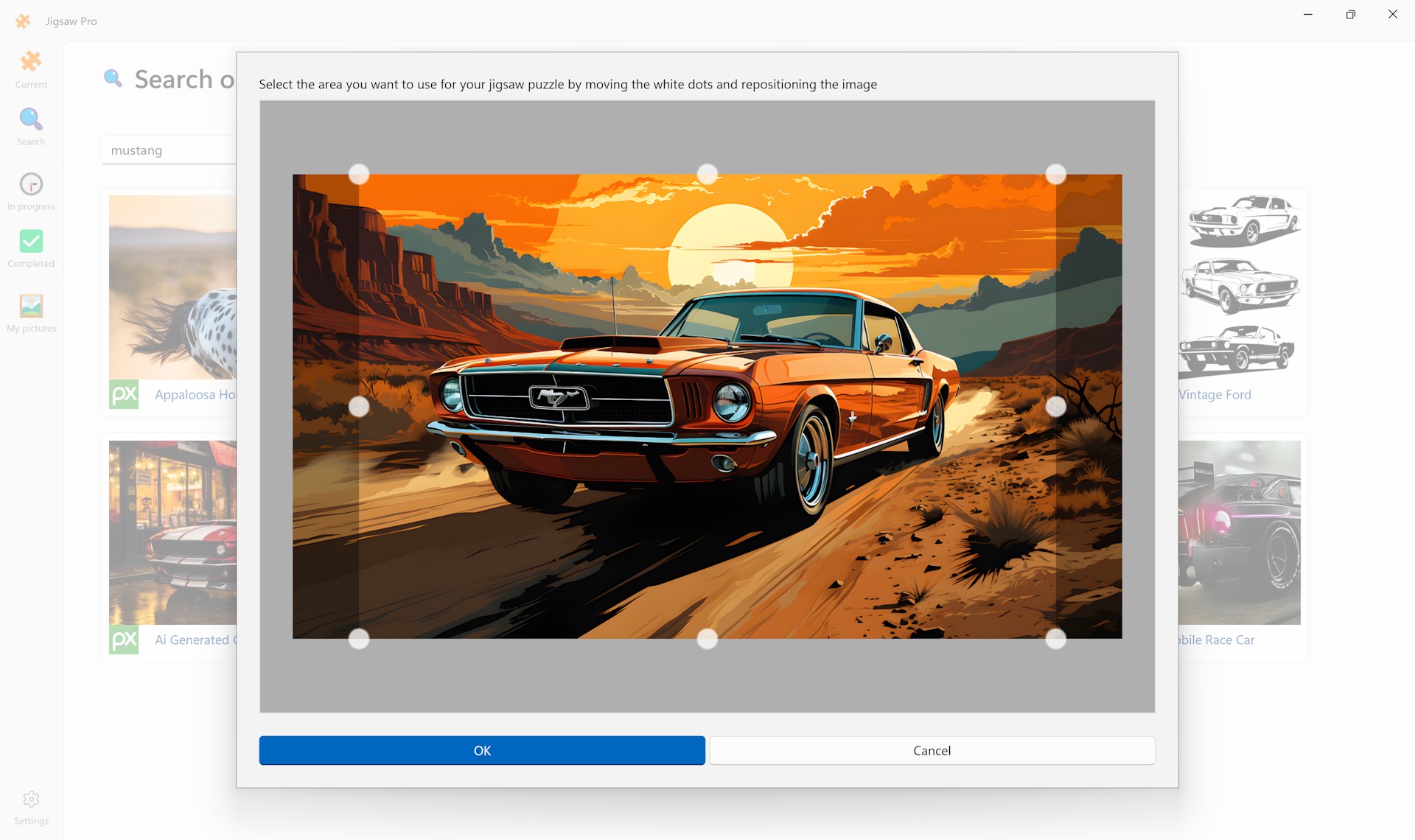
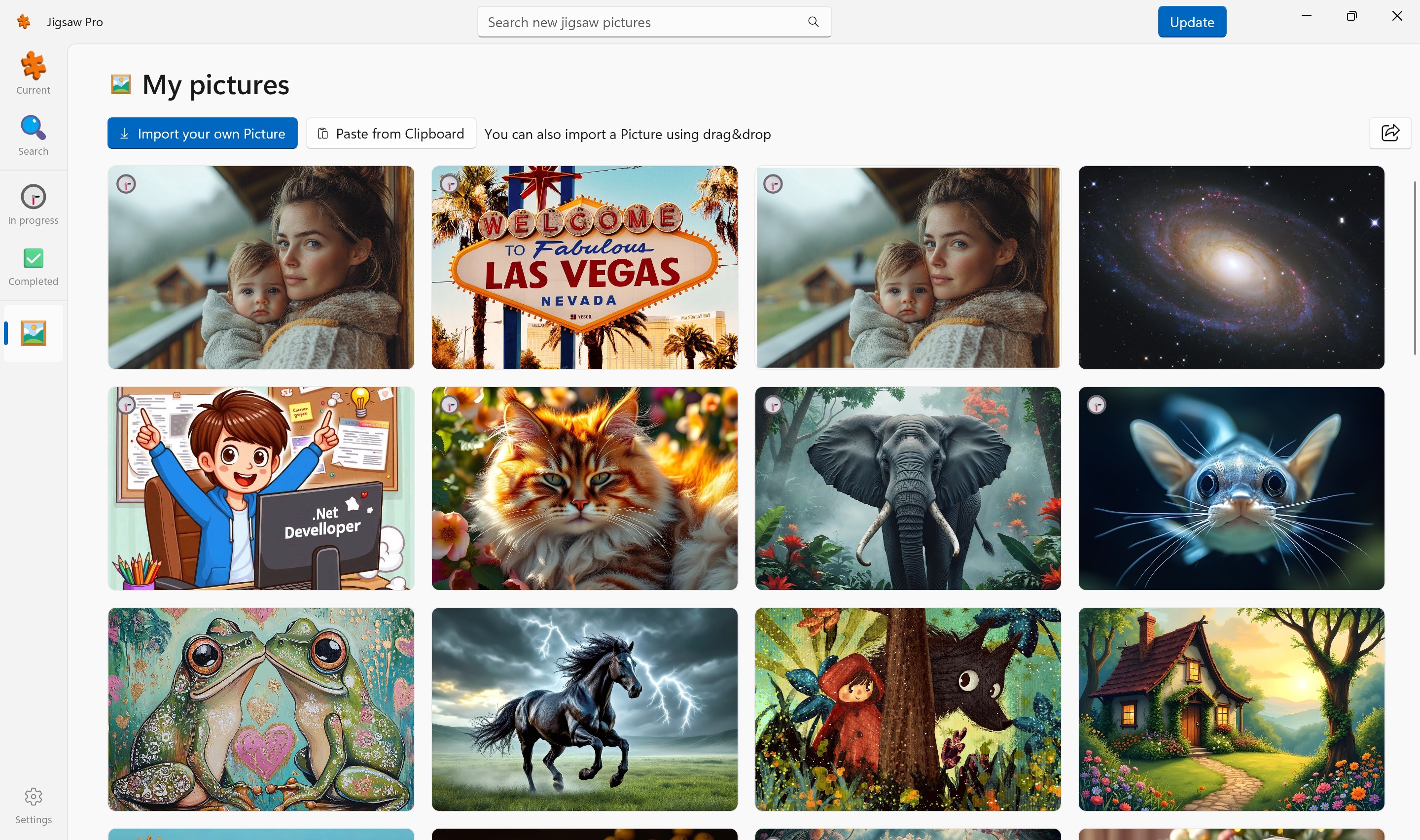
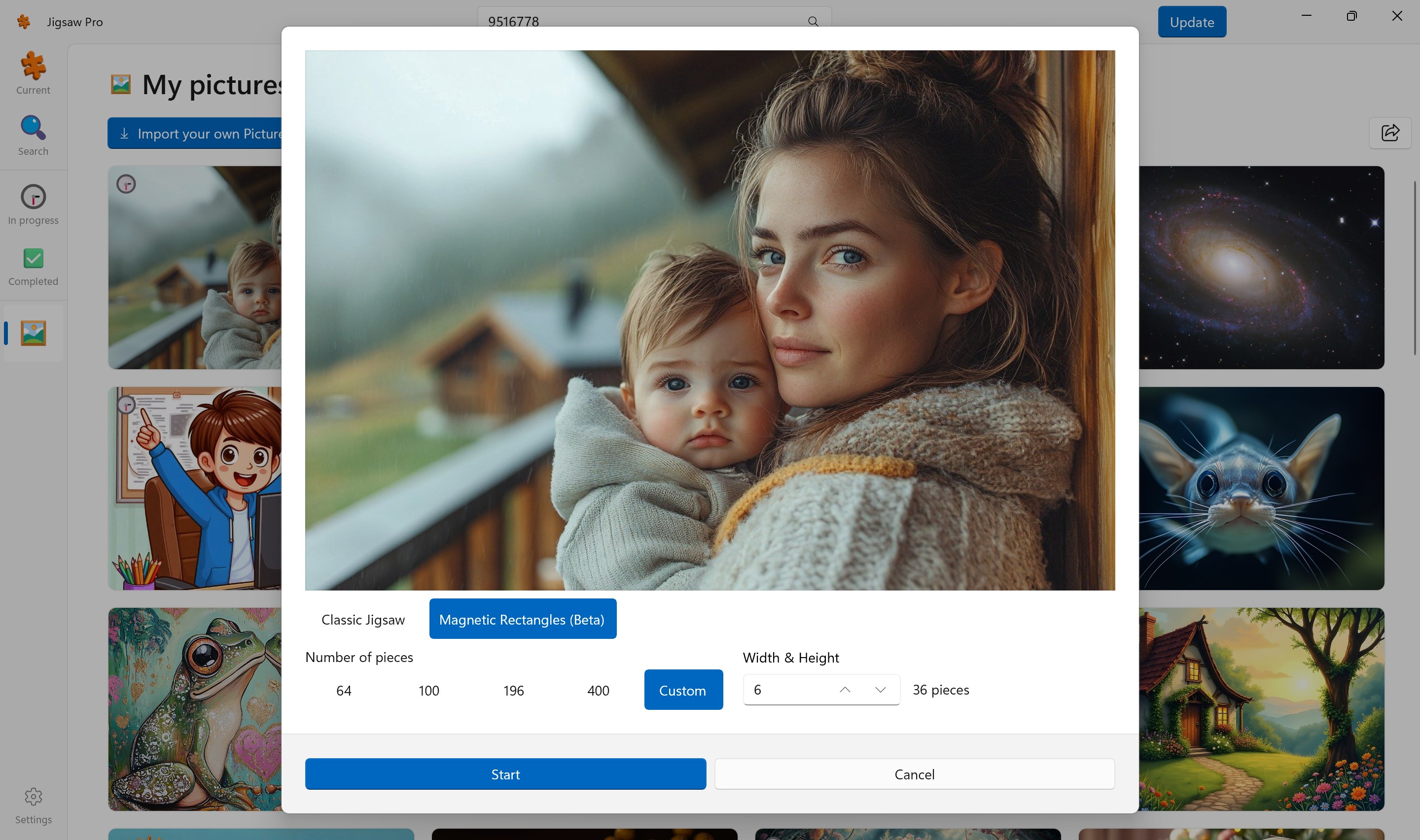
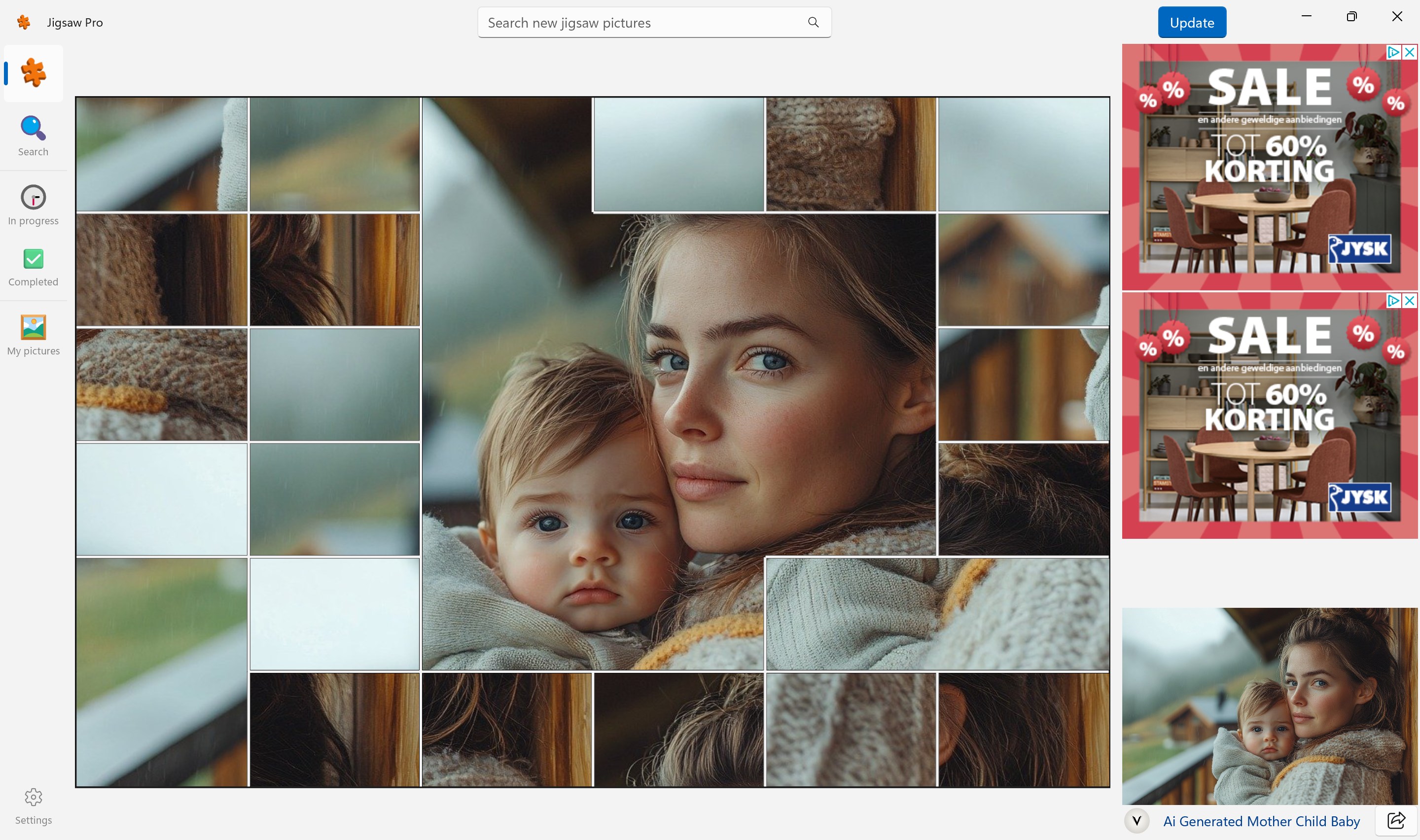
Continue playing a puzzle which you haven't completed yet.SettingsPlay a classic Jigsaw puzzles or try the new Magnetic Rectangles puzzles.With over 4 million high-quality images available through a powerful Pixabay search feature, you'll never run out of new puzzles. Only show the edges.Crop images to fit correctlyImport your own photos. Use file picker, Paste or Drop the photo.Create a new puzzle. Choose Classic Jigsaw or Magnetic Rectangles puzzles and the number of pieces.Magnetic Rectangles puzzles.

How to Play Jigsaw Pro

Pick a sweeping landscape or a family photo, set exactly how many pieces you want, and lose yourself in the satisfying click of every piece finding its place. Jigsaw Pro is made for puzzle lovers who want full control over what they solve and how hard they work for it.

  1. Open the app and tap the image search to browse over four million high-quality pictures
  2. Type any subject into the search bar to find an image that genuinely interests you
  3. Import one of your own photos if you prefer something personal
  4. Choose your piece count to set the difficulty exactly where you want it
  5. Start placing pieces and work at your own pace until the picture is complete

Controls

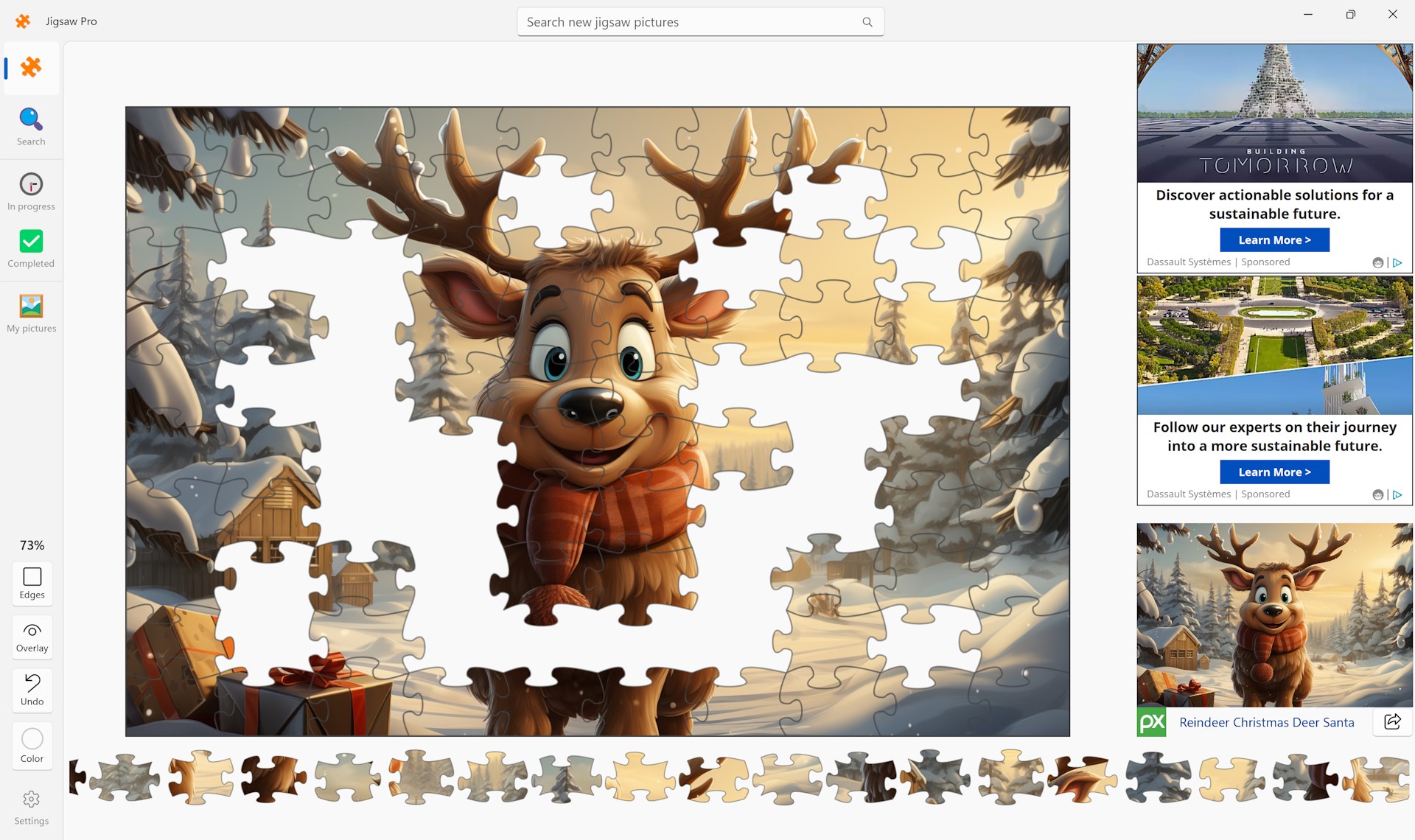
Drag pieces across the board to position them; pieces snap into place when they are correctly aligned. Everything is handled with straightforward point-and-click or touch input.

Tips & Tricks

  • Start with the edge pieces to build a clear border, then work inward by color or pattern
  • Use a specific search term rather than a broad one — searching 'autumn forest path' gives you sharper, more interesting results than just 'trees'
  • Import a photo with strong contrasting colors if you want a challenge that still feels solvable
  • If you want zero interruptions, the ad-free version, Jigsaw Pro No Ads, is available separately on the Microsoft Store

Why people keep coming back

  • Four million images search a vast Pixabay library without ever leaving the app
  • Import your own photo turn a personal memory or favorite shot into a playable puzzle
  • Adjustable piece count dial difficulty up or down to match your mood or time available
  • Minimal ads only two small banner ads; no fullscreen videos interrupt your solve
  • Ad-free upgrade path Jigsaw Pro No Ads is a separate paid listing for a completely clean experience
  • Powerful search find the exact image you want across millions of high-quality pictures in seconds

Content & audience

  • Suitable for all ages (ESRB E; PEGI 3; DJCTQ L; USK Everyone; IARC 3; COB-AU G; GRB All; PCBP 0; CSRR G; CCC TE; Microsoft 3).
  • Free game supported by advertising; no in-app purchases.
  • Single-player experience: no chat, no messaging and no user-generated content.
  • Playable offline; no account required.

Category: Video Gaming › Puzzle Video Games · Store category: Puzzle & trivia

Policies & support

About Jigsaw Pro

Jigsaw Pro is perfect for puzzle lovers! Simply select your favorite image, choose the number of pieces, and start puzzling—it's that easy!

With over 4 million high-quality images available through a powerful search feature, you'll never run out of new puzzles. Plus, you can even import your own photos. The app is completely free, featuring only 2 banner ads and no intrusive fullscreen videos.

For an ad-free experience, you can download 'Jigsaw Pro No Ads' from the Microsoft Store. It's a paid version, but offers the same great Jigsaw Pro experience without any ads.

Details

Publisher
Reflection IT
Developer
Fons Sonnemans
Category
Puzzle & trivia
Released
2023-11-03
Rating
4.6 / 5 · 1,025 ratings
Price
Free

Updated 2026-09-25 · Press kit & assets · Product data (JSON)