How to Play Simple Spider Solitaire
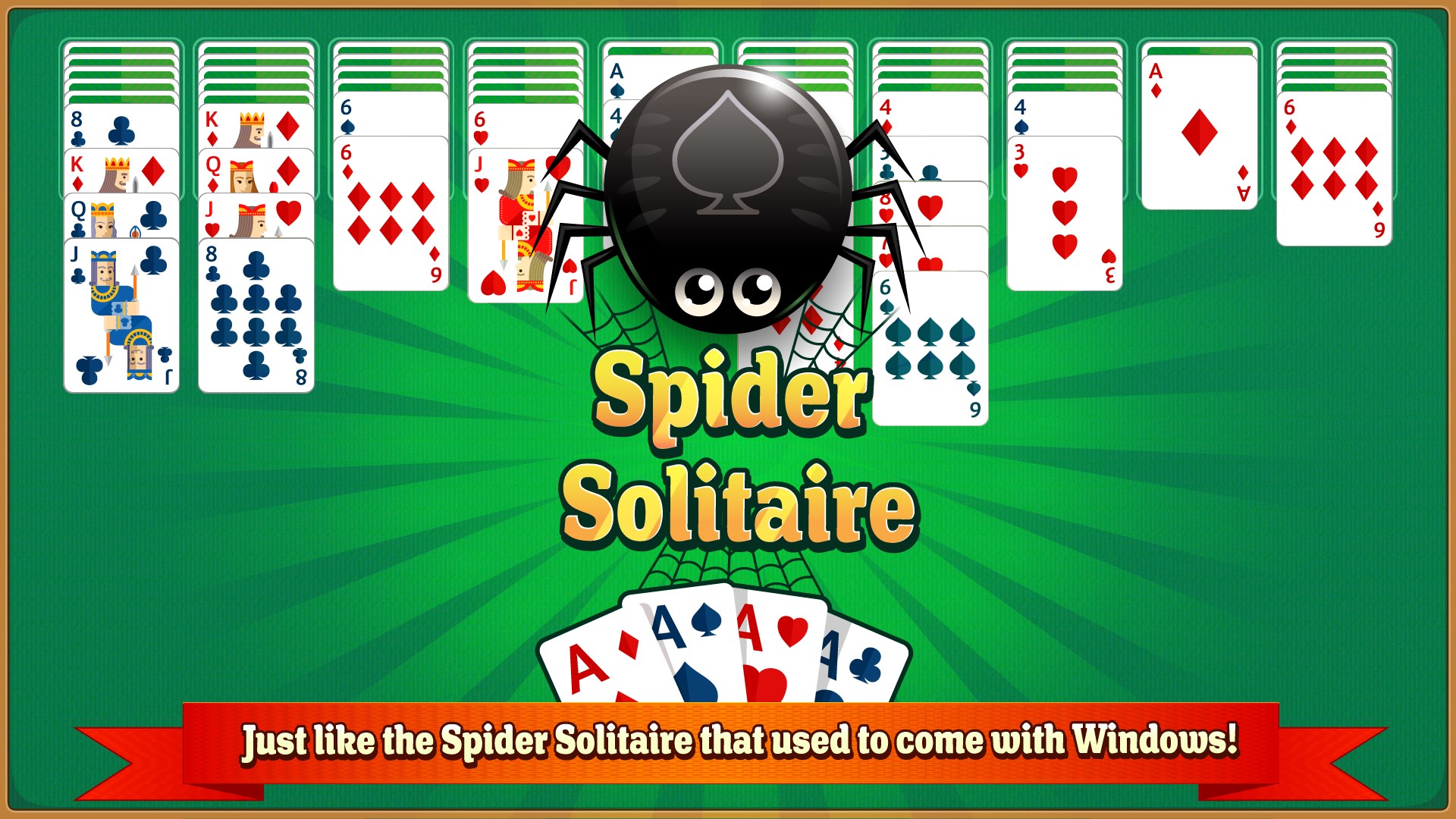
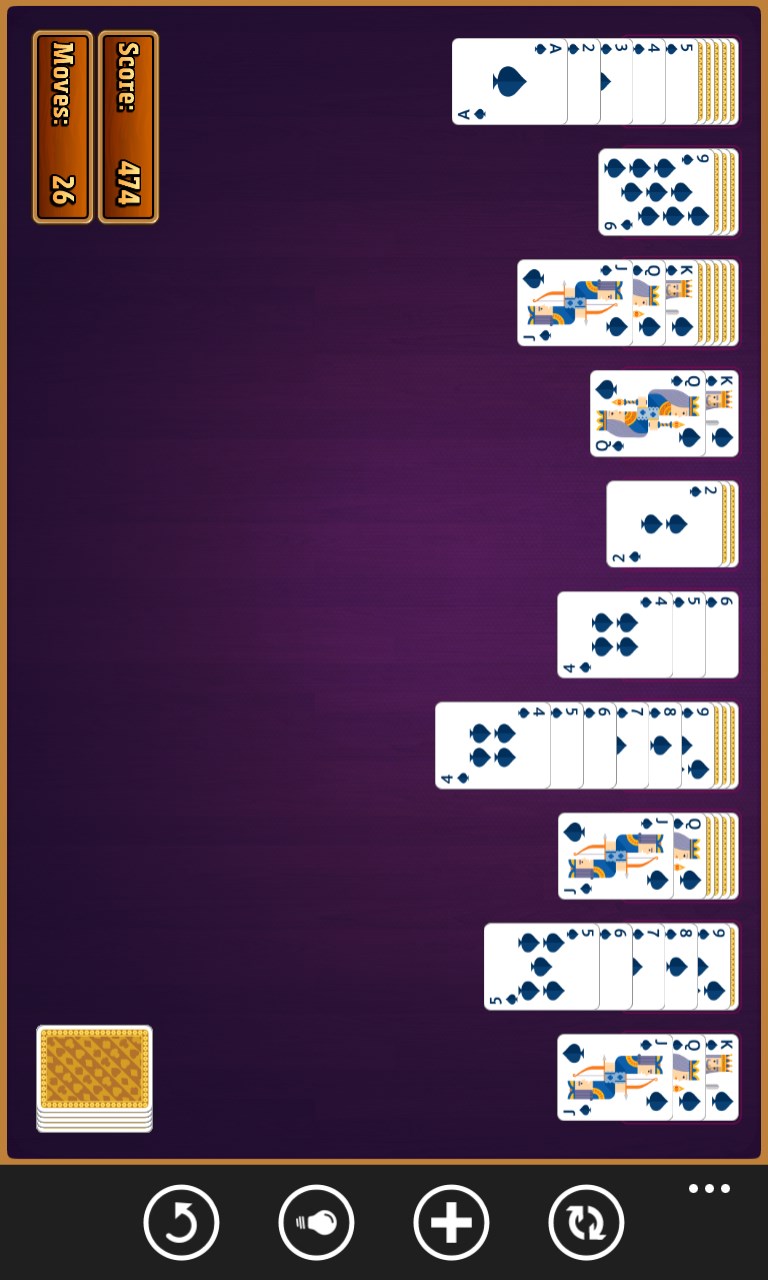
Columns fill your screen, a fresh deck waits, and the familiar rhythm of sorting suits by rank pulls you straight into focus. If you grew up playing the Spider Solitaire that shipped with older versions of Windows, this is exactly that experience — clean, fast, and without anything in the way.
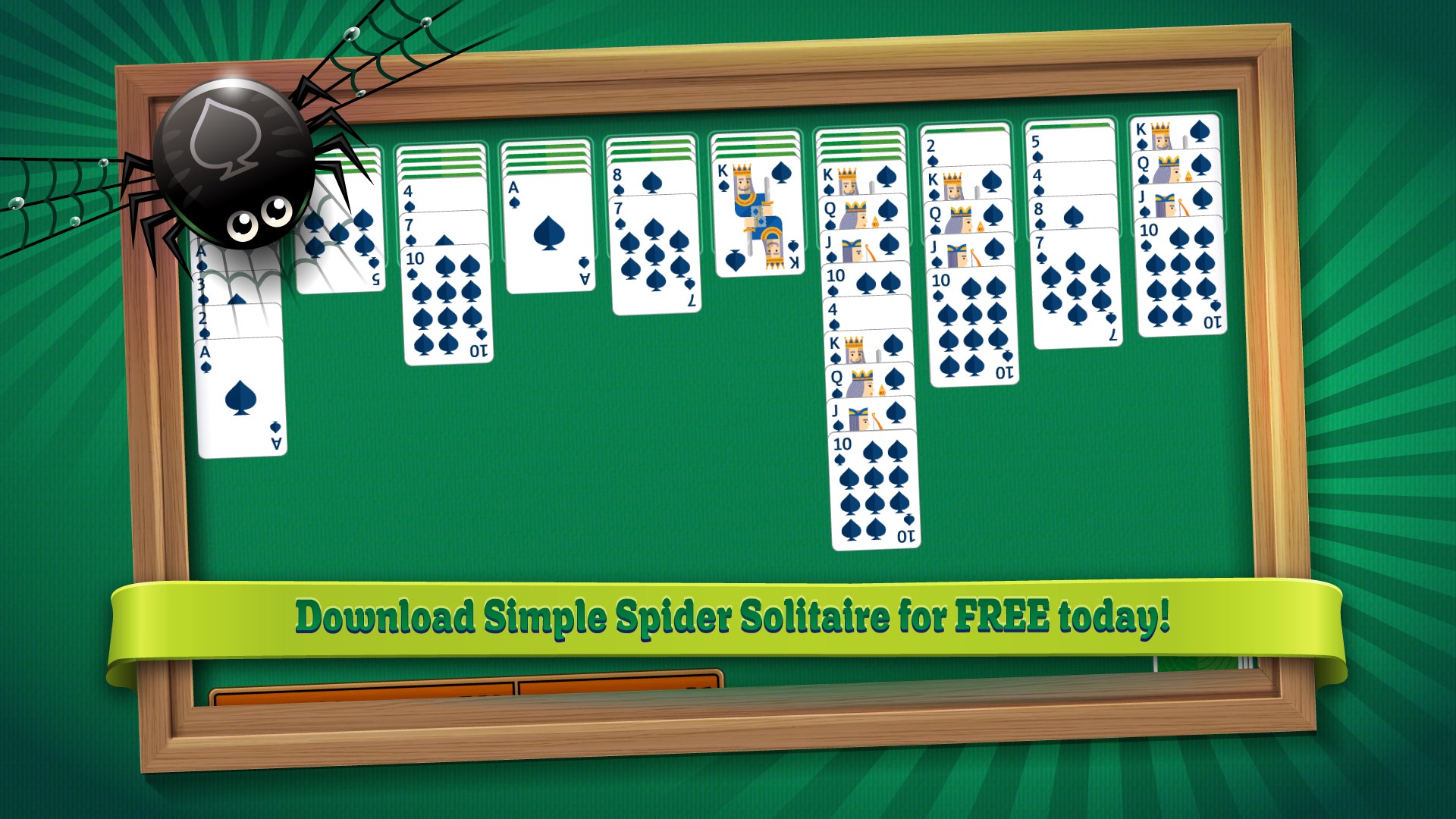
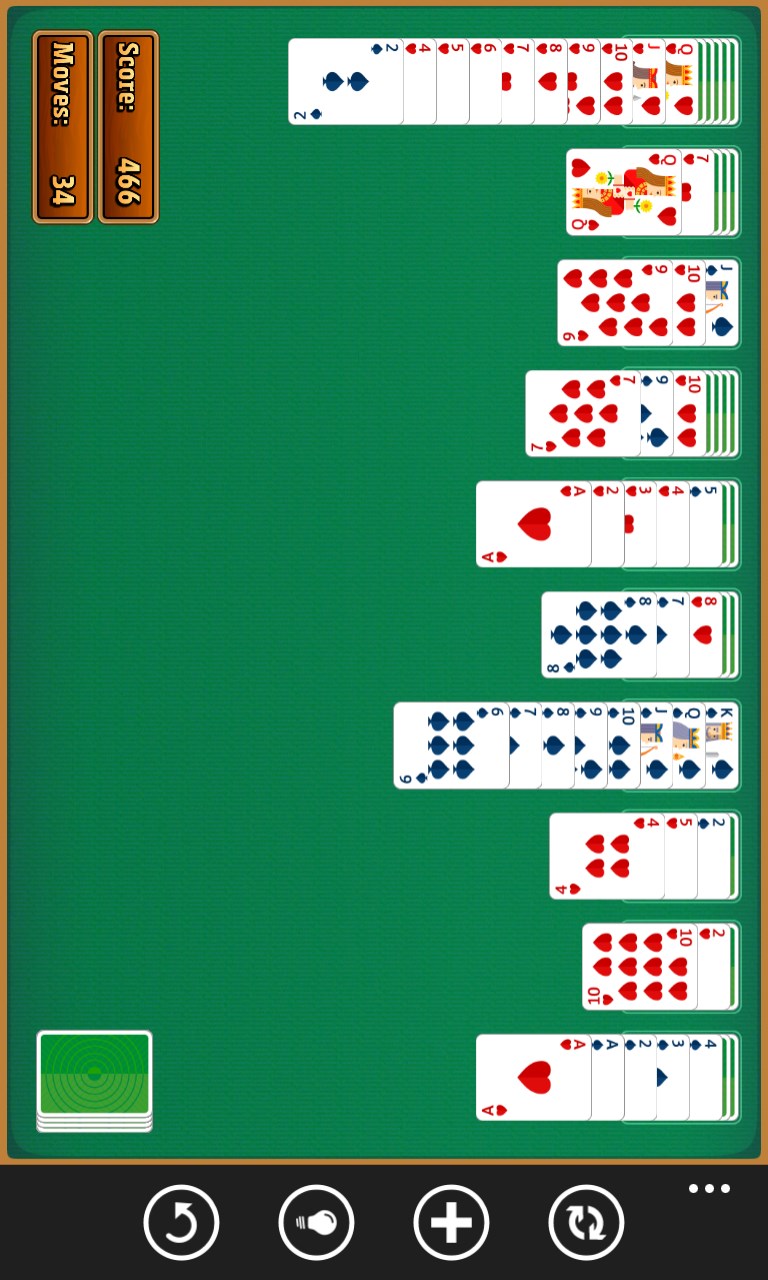
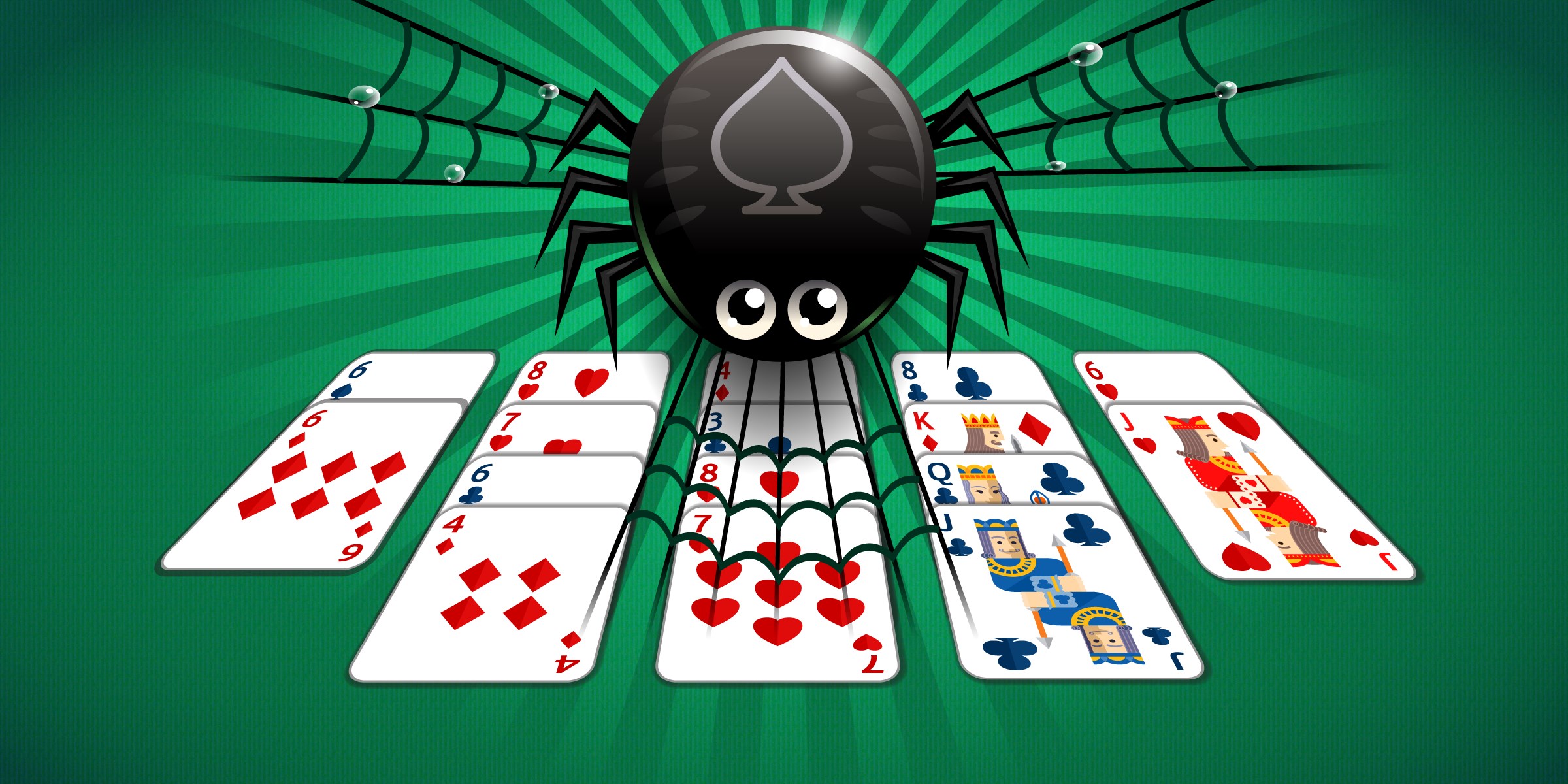
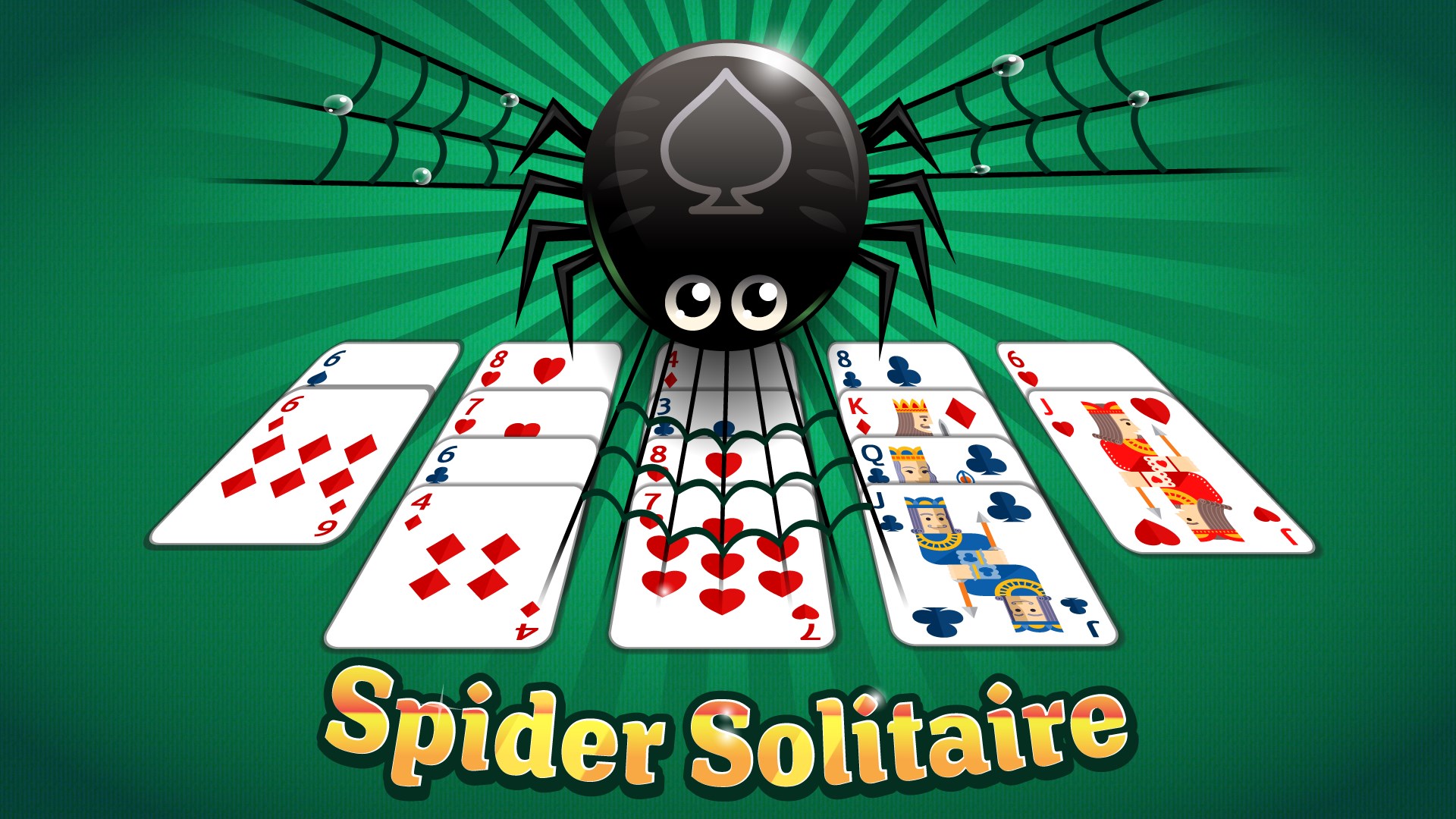
- Open the app and a full Spider Solitaire table appears immediately
- Tap or click a card to select it, then tap or click the destination column to move it
- Build each suit from King down to Ace within the tableau columns
- Deal a new row of cards from the stock pile when no more moves are available
- Complete all eight suit sequences to clear the table and finish the game
Controls
Play entirely with a mouse click or a screen tap — select a card, then select where it goes. No keyboard shortcuts required, making it equally comfortable on a desktop or a touchscreen.
Scoring
Complete suit runs to remove them from the table; finishing the game with fewer deals from the stock pile is the mark of a cleaner round.
When does a round end?
A round ends when all eight completed suit sequences have been moved off the table, or when no valid moves remain and the stock pile is empty.