Reflection IT

Stardust - Color by Number

Turn numbered pixels into art you actually want to keep

Play free on Microsoft Store
4.6 from 939 ratings Free
  • Kids & family
  • Windows PC & tablet
  • On the Store since 2017
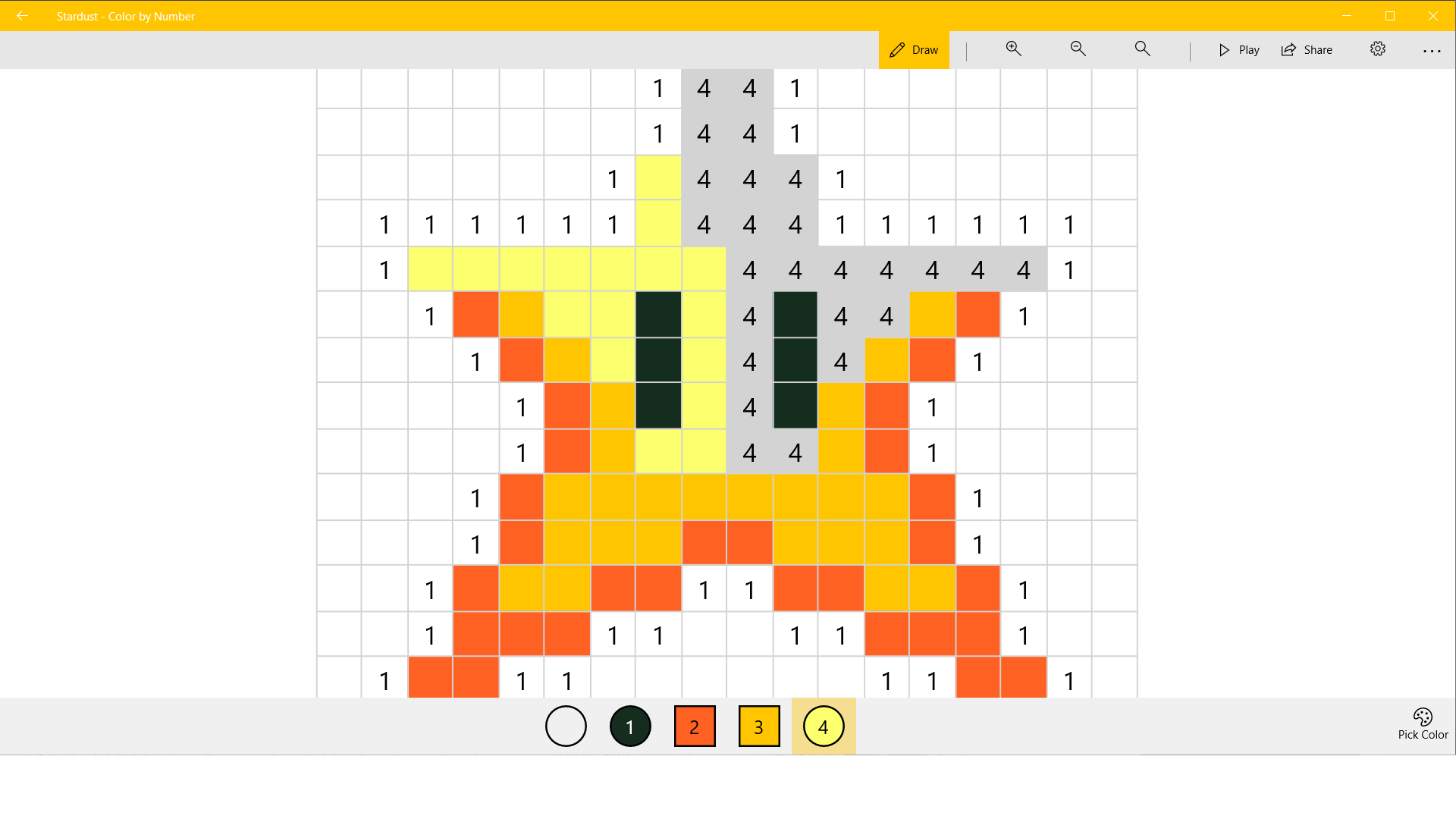
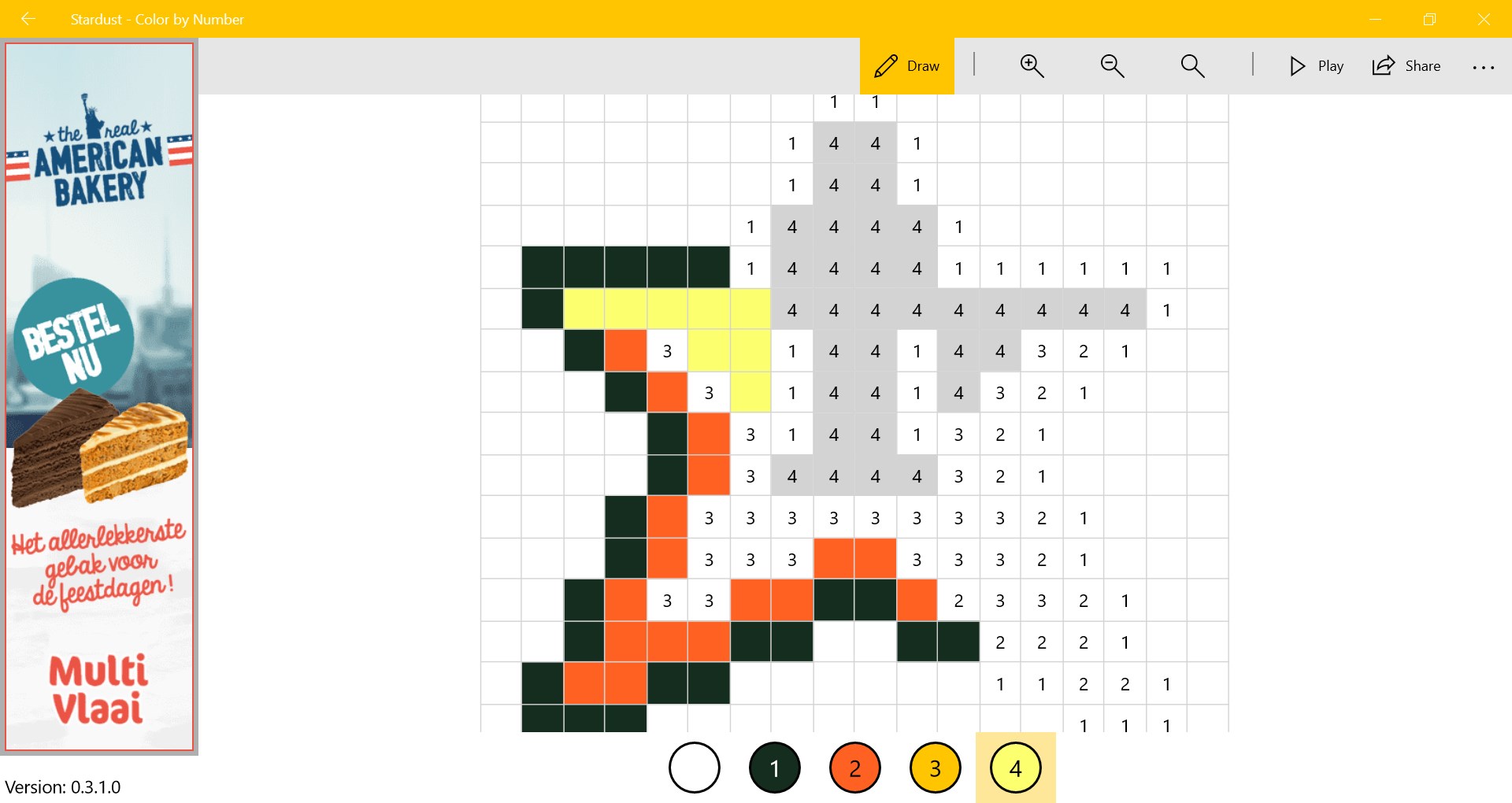
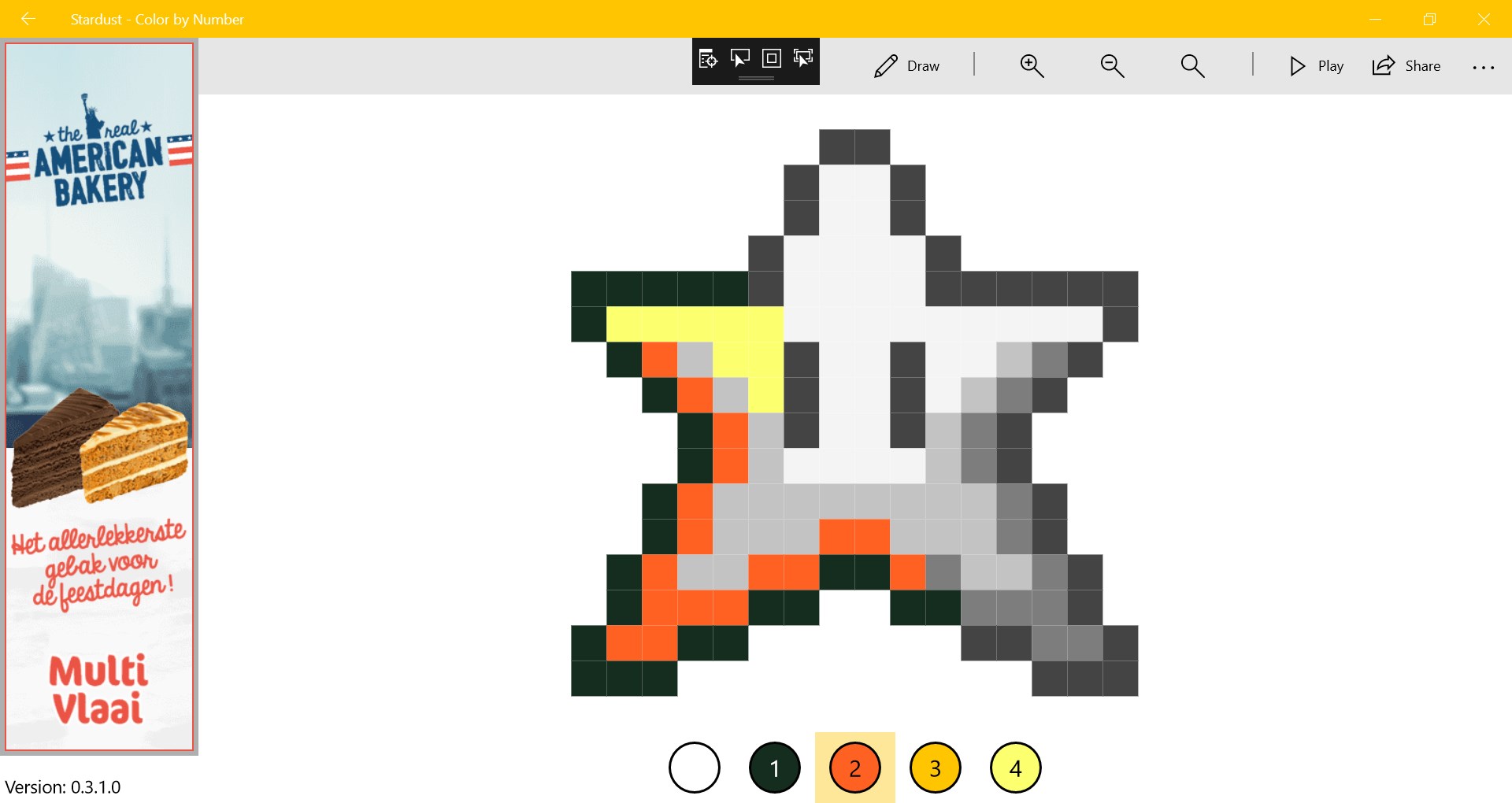
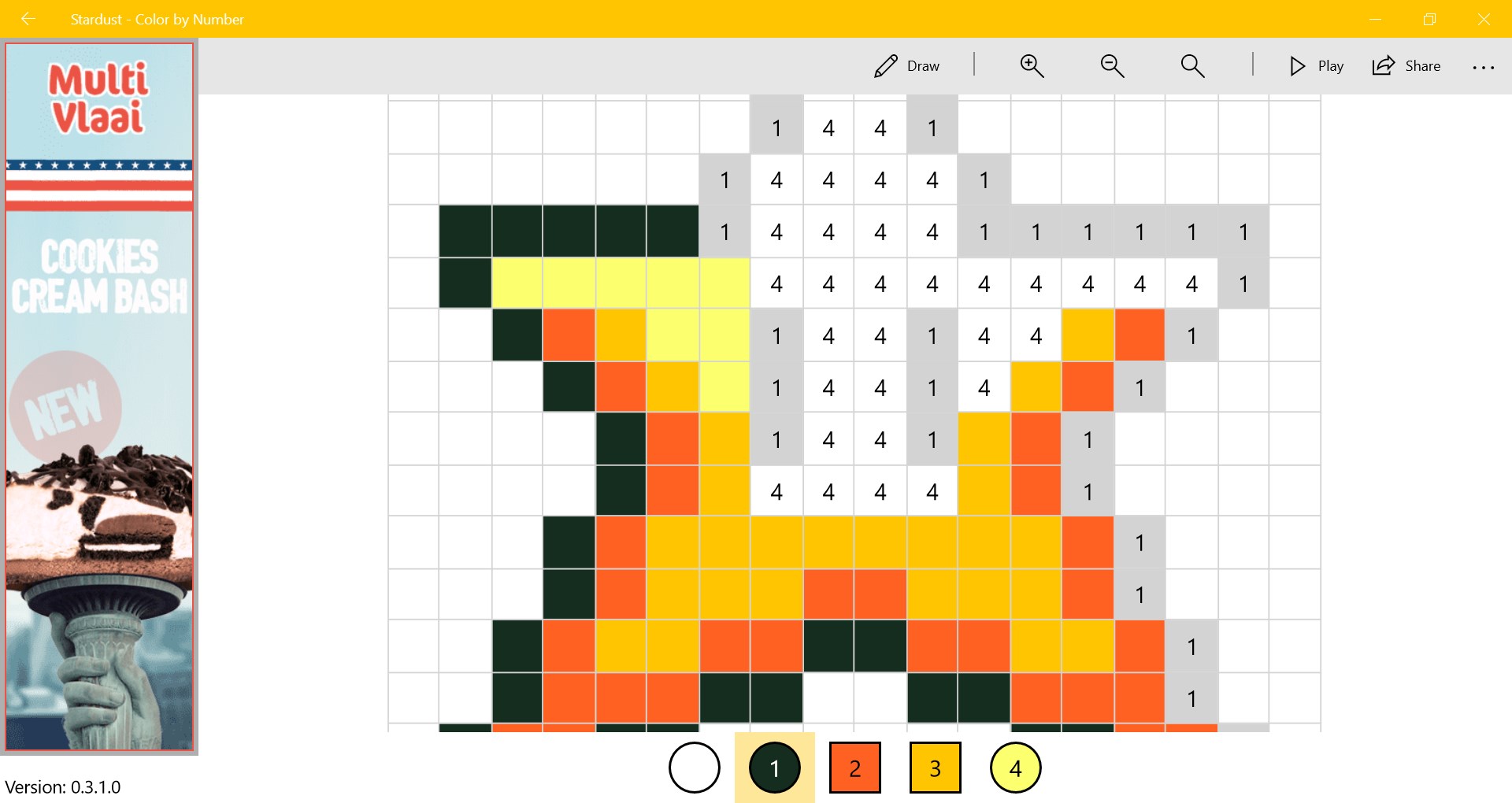
Stardust - Color by Number screenshot 1Stardust - Color by Number screenshot 2Stardust - Color by Number screenshot 3Stardust - Color by Number screenshot 4Play your animationsStardust - Color by Number screenshot 6Share your picturesStardust - Color by Number screenshot 8

How to Play Stardust - Color by Number

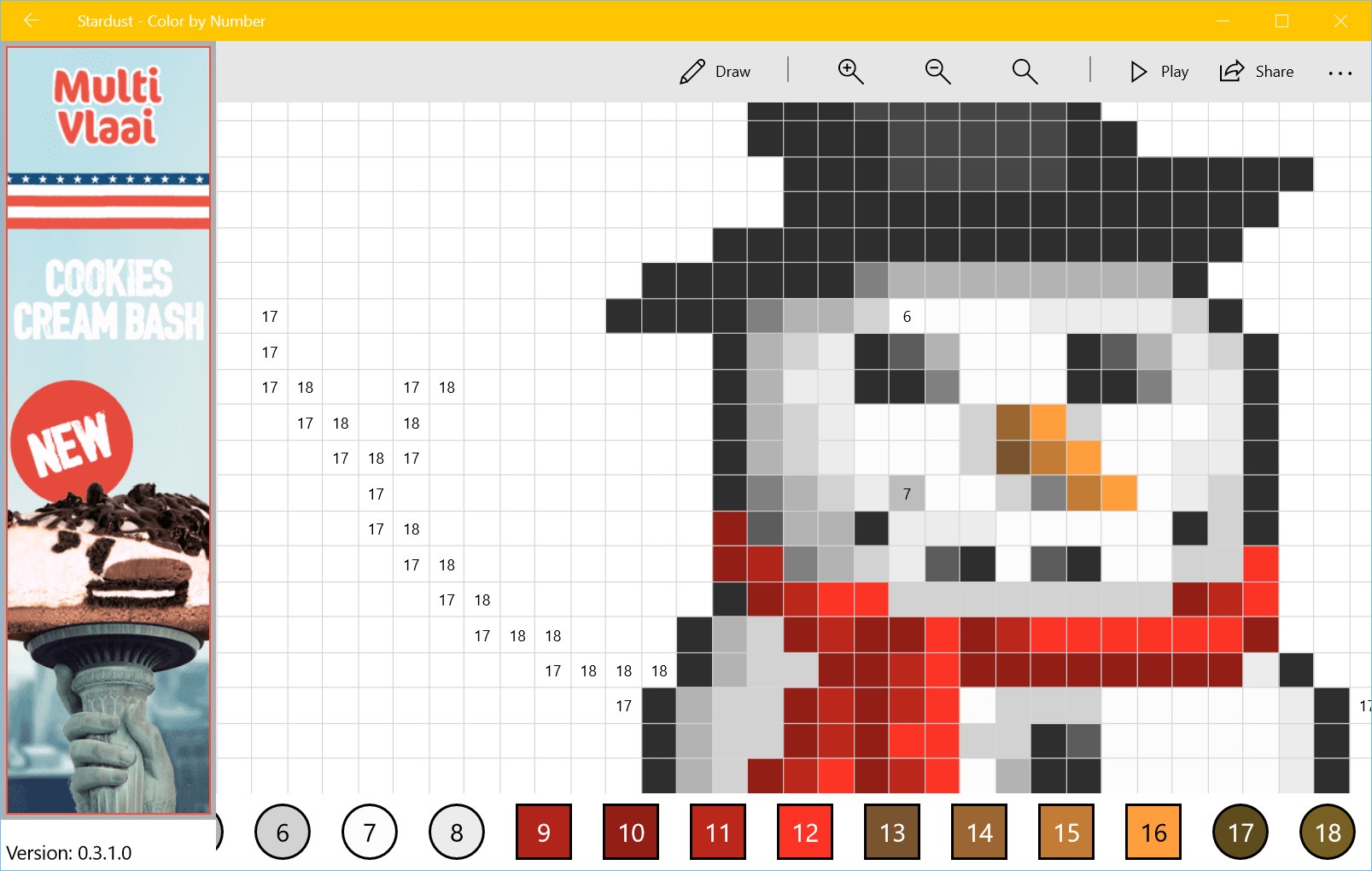
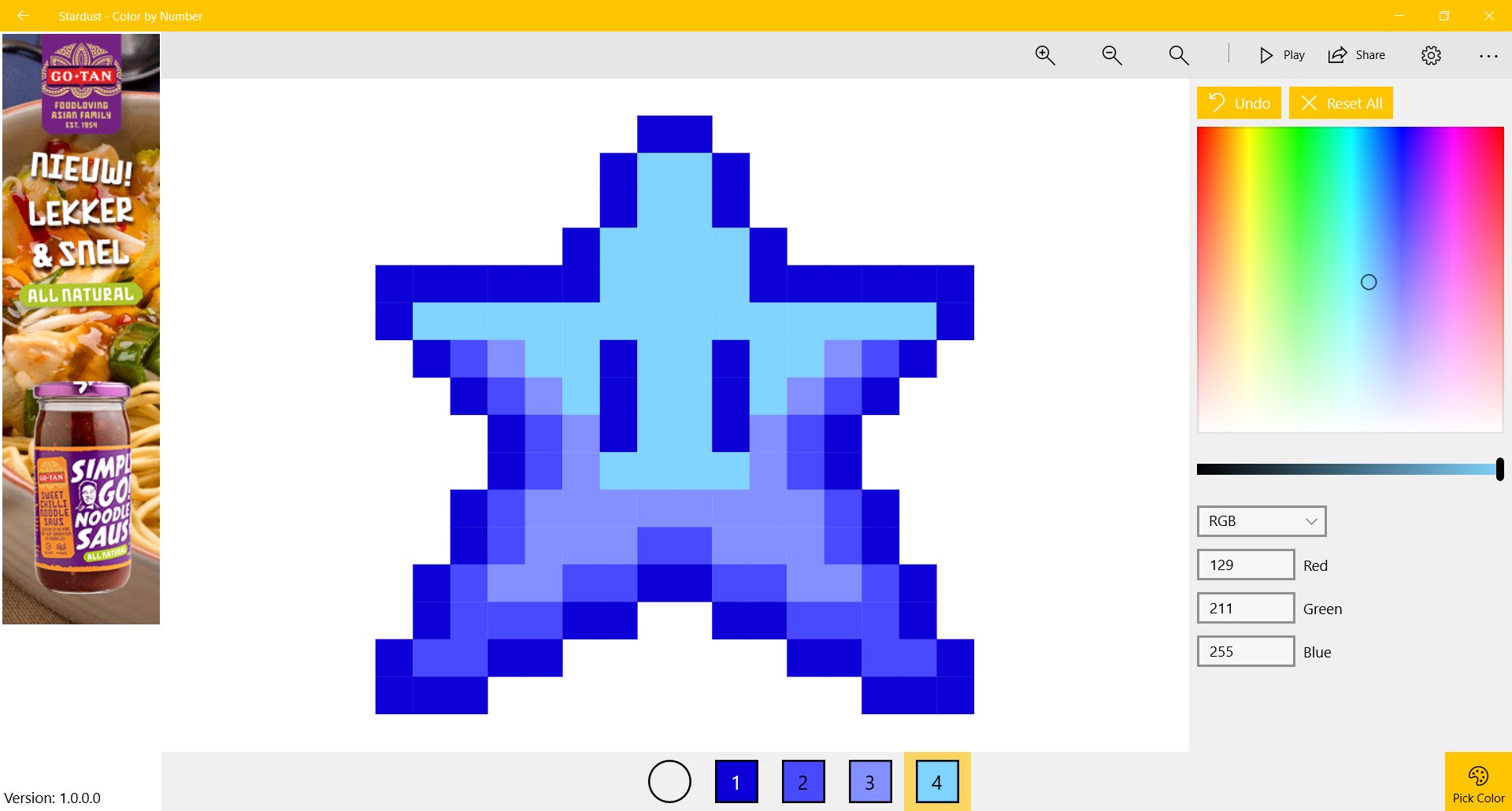
You pick a color, tap the matching pixels, and watch a mosaic pull itself together one satisfying block at a time. It is made for adults who need a quiet creative outlet and for kids who love seeing a picture emerge from nothing.

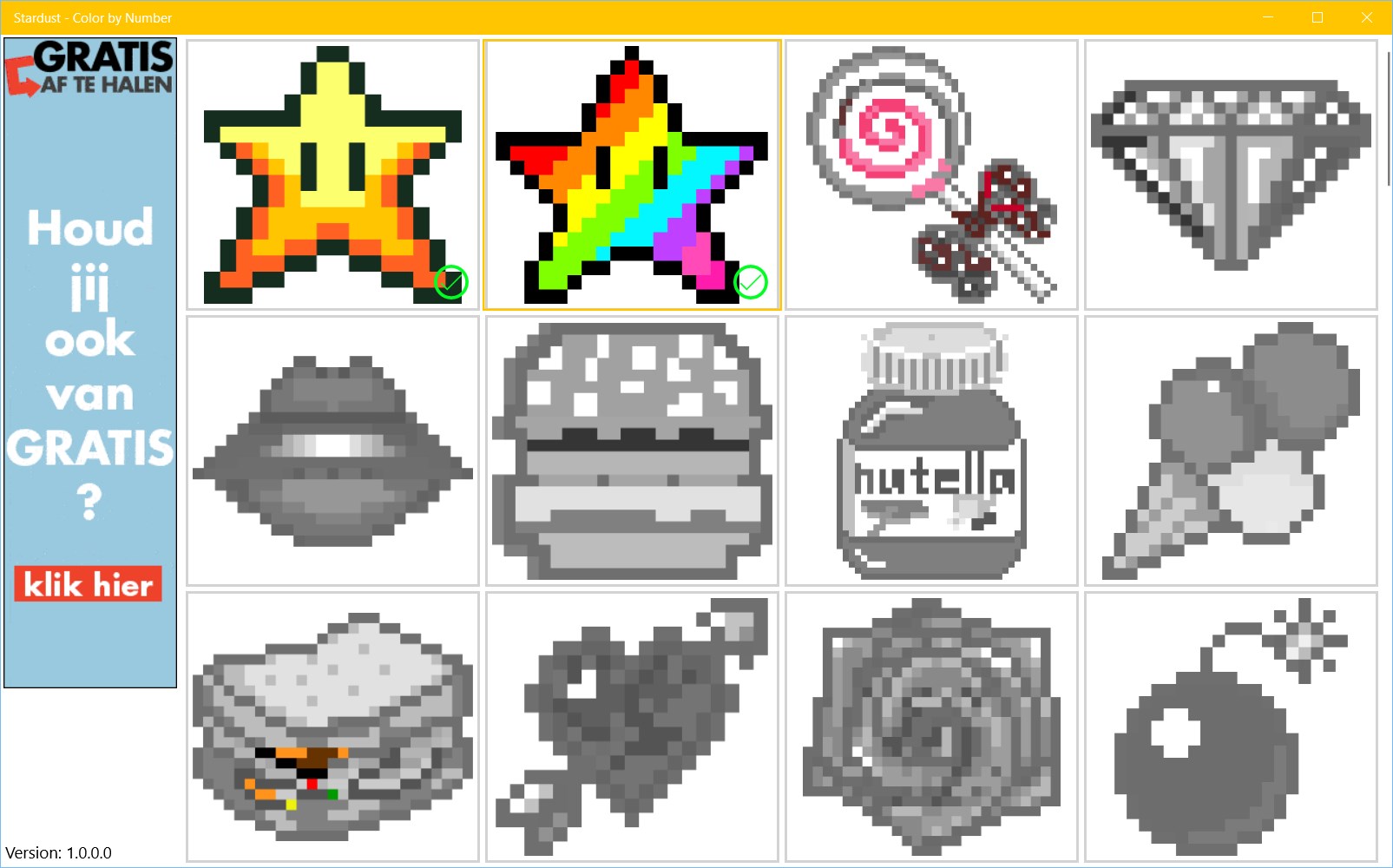
  1. Open a canvas and choose an image to color
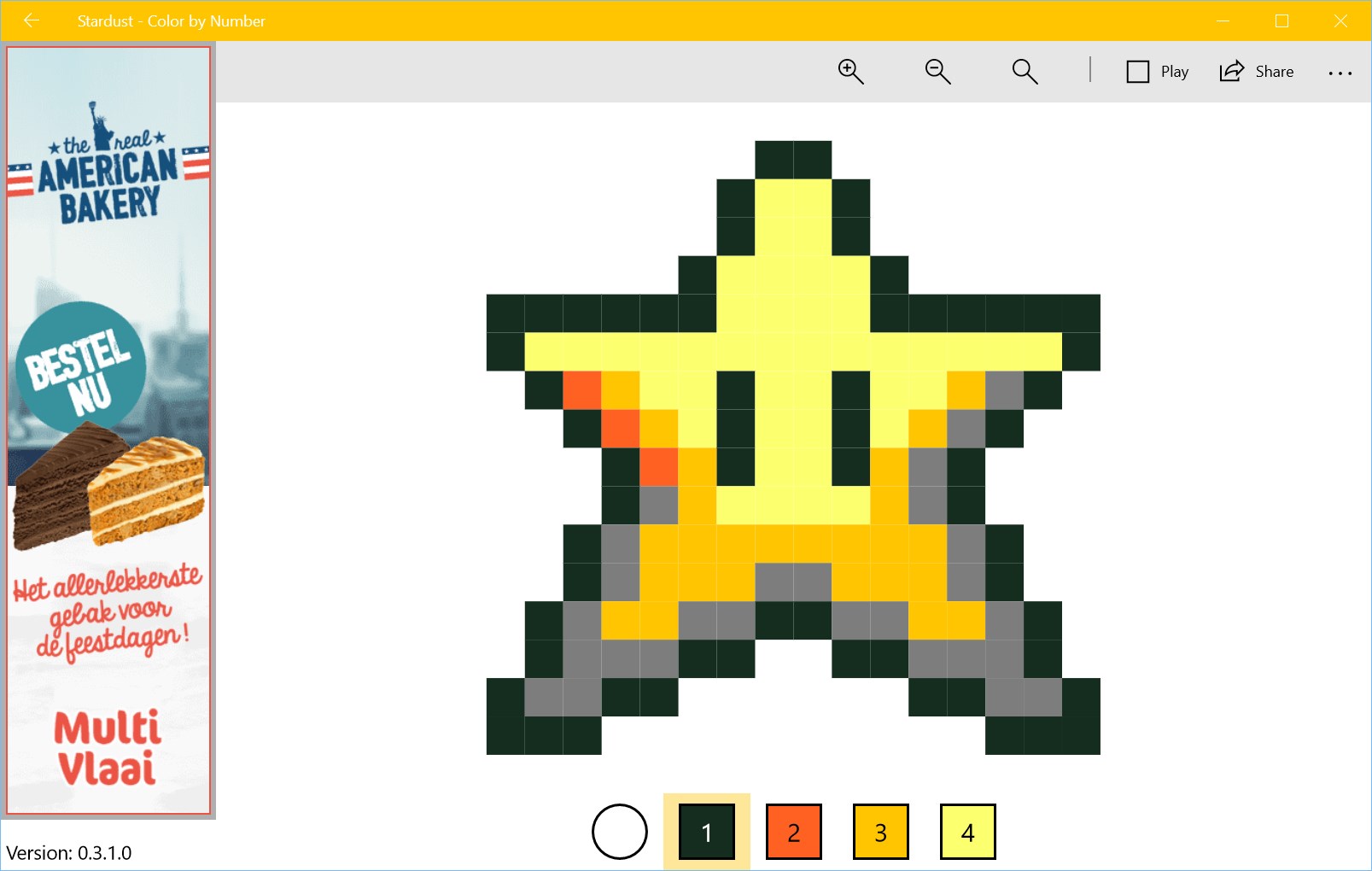
  2. Select the numbered color shown in the palette
  3. Tap or click each matching pixel on the canvas
  4. Continue filling sections until the full picture is revealed
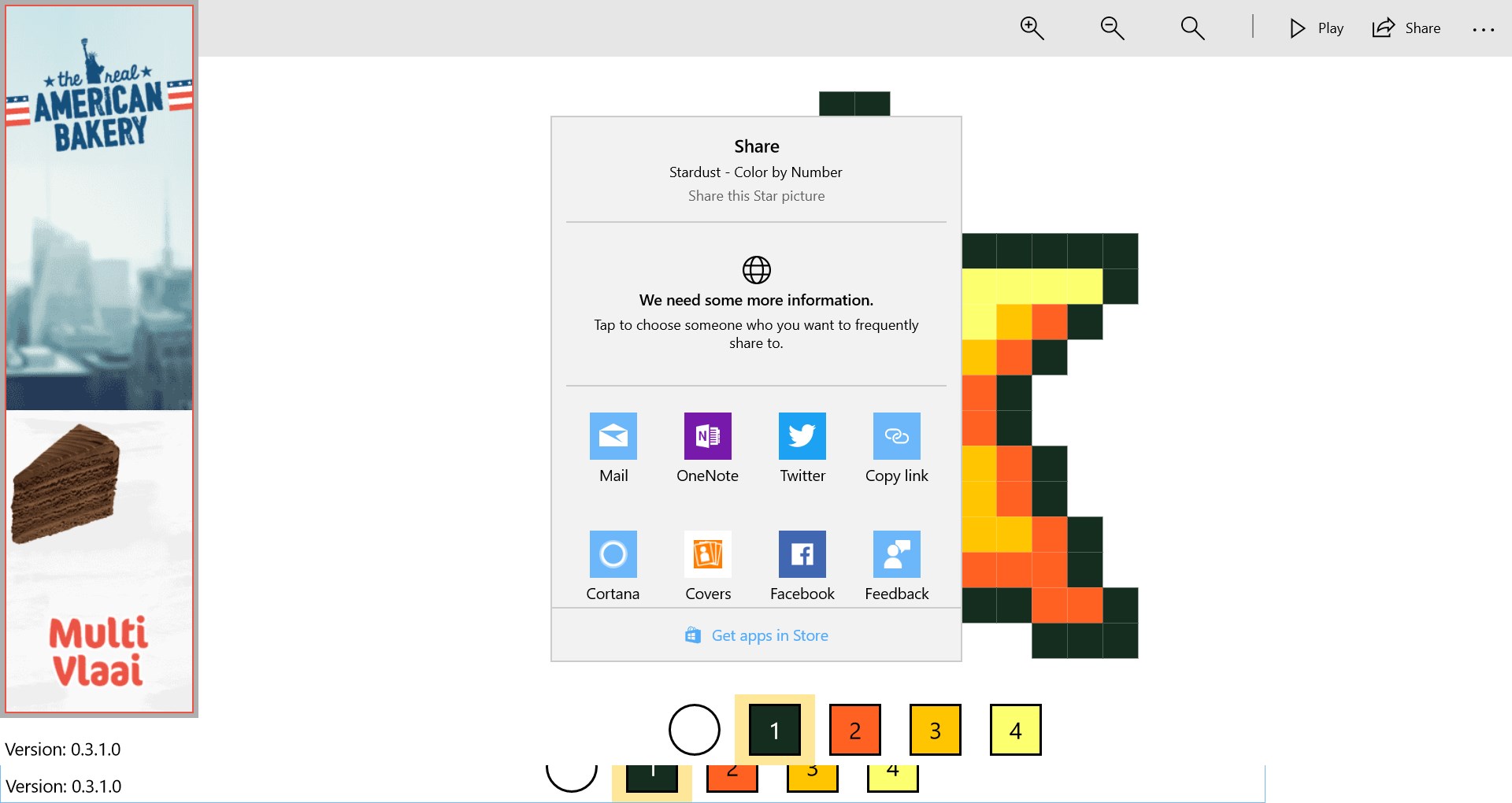
  5. Play back your coloring animation or export it as a video

Controls

Tap or click any pixel on the canvas to fill it with the currently selected color. Switch colors by choosing a new number from the palette.

Tips & Tricks

  • Start with the largest color regions first — clearing big areas makes the emerging image easier to read and keeps momentum going
  • Use the color picker to swap any palette color for a shade you prefer before you begin, so the finished piece matches your taste
  • Zoom in on dense sections to avoid accidentally filling the wrong pixel, especially where several similar shades sit next to each other
  • Let the coloring animation play all the way through before saving — it makes a satisfying short video worth sharing

Why people keep coming back

  • Pixel-by-pixel coloring fill each numbered cell at your own pace with no time pressure
  • Custom color picks swap any preset shade for a color you choose before or during a session
  • Coloring animations watch your progress replay as a flowing animation once the canvas is complete
  • Video export save that animation as a video file to keep or share
  • One ad, nothing more free to download with a single ad and no in-app purchases of any kind
  • Family-friendly range canvases suit both adults looking to unwind and younger kids building focus

Content & audience

  • Suitable for all ages (ESRB E; PEGI 3; DJCTQ L; USK Everyone; IARC 3; PCBP 0; CSRR G; CCC TE; Microsoft 3).
  • Free game supported by advertising; no in-app purchases.
  • Single-player experience: no chat, no messaging and no user-generated content.
  • Playable offline; no account required.

Category: Video Gaming › Casual Games › Hobbies & Interests › Arts and Crafts · Store category: Kids & family

Policies & support

About Stardust - Color by Number

Create your anti-stress pixel pixel art easily! It is perfect for adults and kids who love to paint and color by number.

- 100% free, only 1 ad, no in-app purchases
- Play your coloring animations
- Create videos
- Pick your own colors

Be careful not to get too addicted and let’s fill the pixels in!

Details

Publisher
Reflection IT
Developer
Fons Sonnemans
Category
Kids & family
Released
2017-12-30
Rating
4.6 / 5 · 939 ratings
Price
Free

Updated 2026-09-25 · Press kit & assets · Product data (JSON)