Reflection IT

Word Search Crossword Puzzles

Find hidden words in 15 languages, any time you like

Play free on Microsoft Store
4.7 from 285 ratings Free
  • Puzzle & trivia, Word
  • Windows PC & tablet
  • On the Store since 2024
Word Search Crossword Puzzles screenshot 1Word Search Crossword Puzzles screenshot 2Word Search Crossword Puzzles screenshot 3Word Search Crossword Puzzles screenshot 4Word Search Crossword Puzzles screenshot 5

How to Play Word Search Crossword Puzzles

Scan the grid, spot a word, and feel the quiet satisfaction of dragging through letters that suddenly snap into place — then do it again in a language you are still learning. Word Search Crossword Puzzles is for anyone who wants a calm, rewarding mental workout they can pick up for two minutes or two hours.

  1. Choose a language from the 15 available to set the vocabulary you want to explore
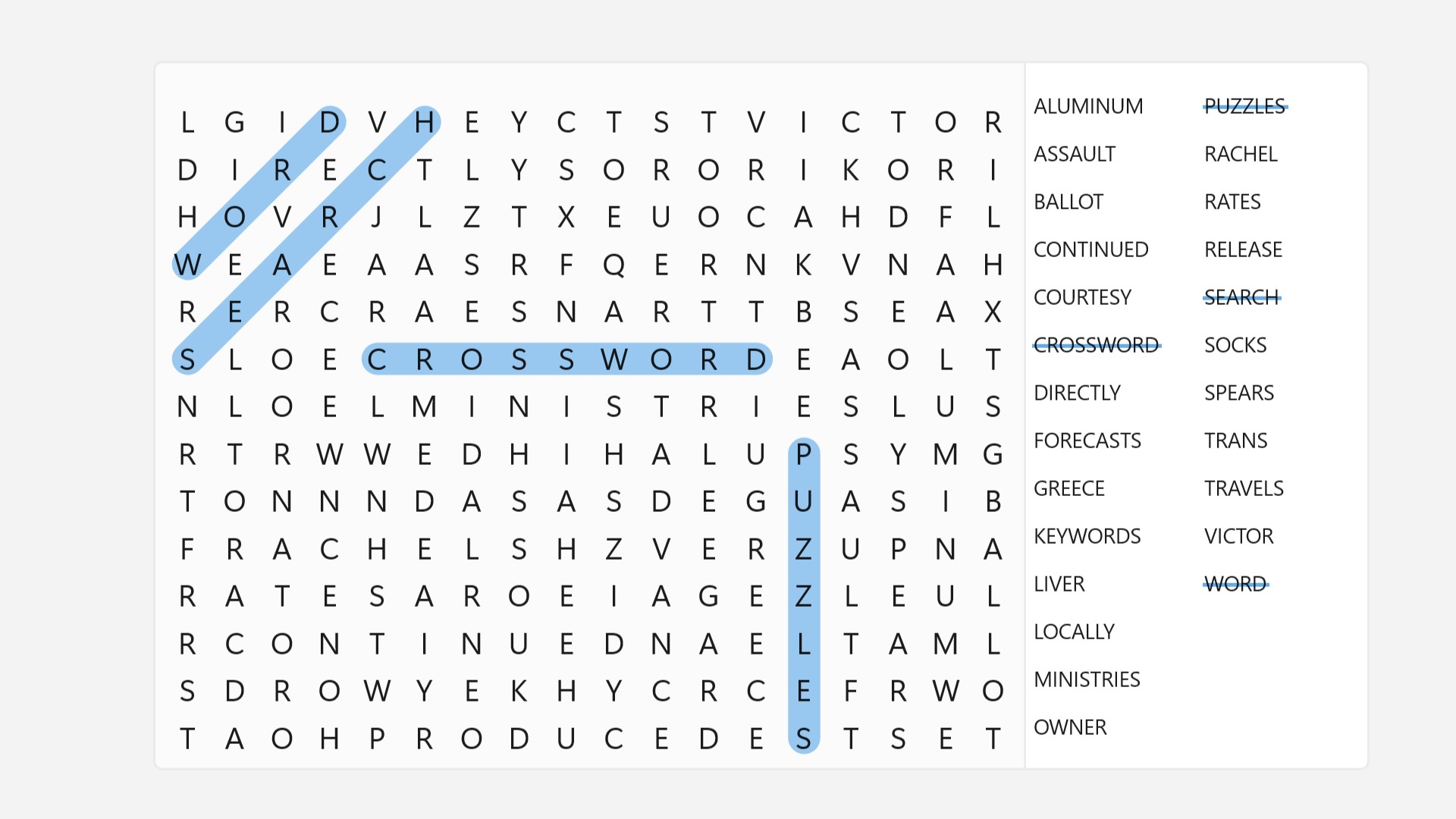
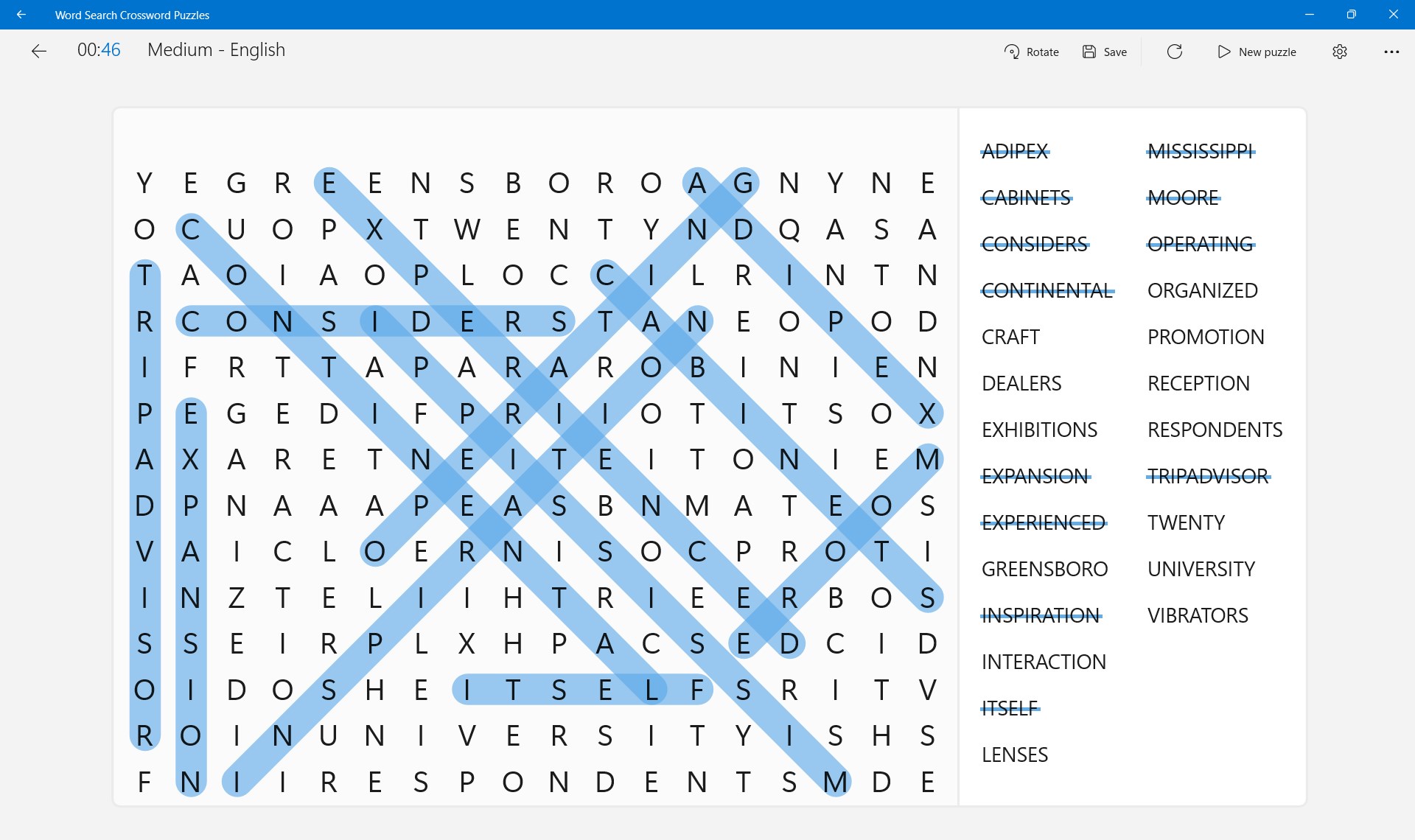
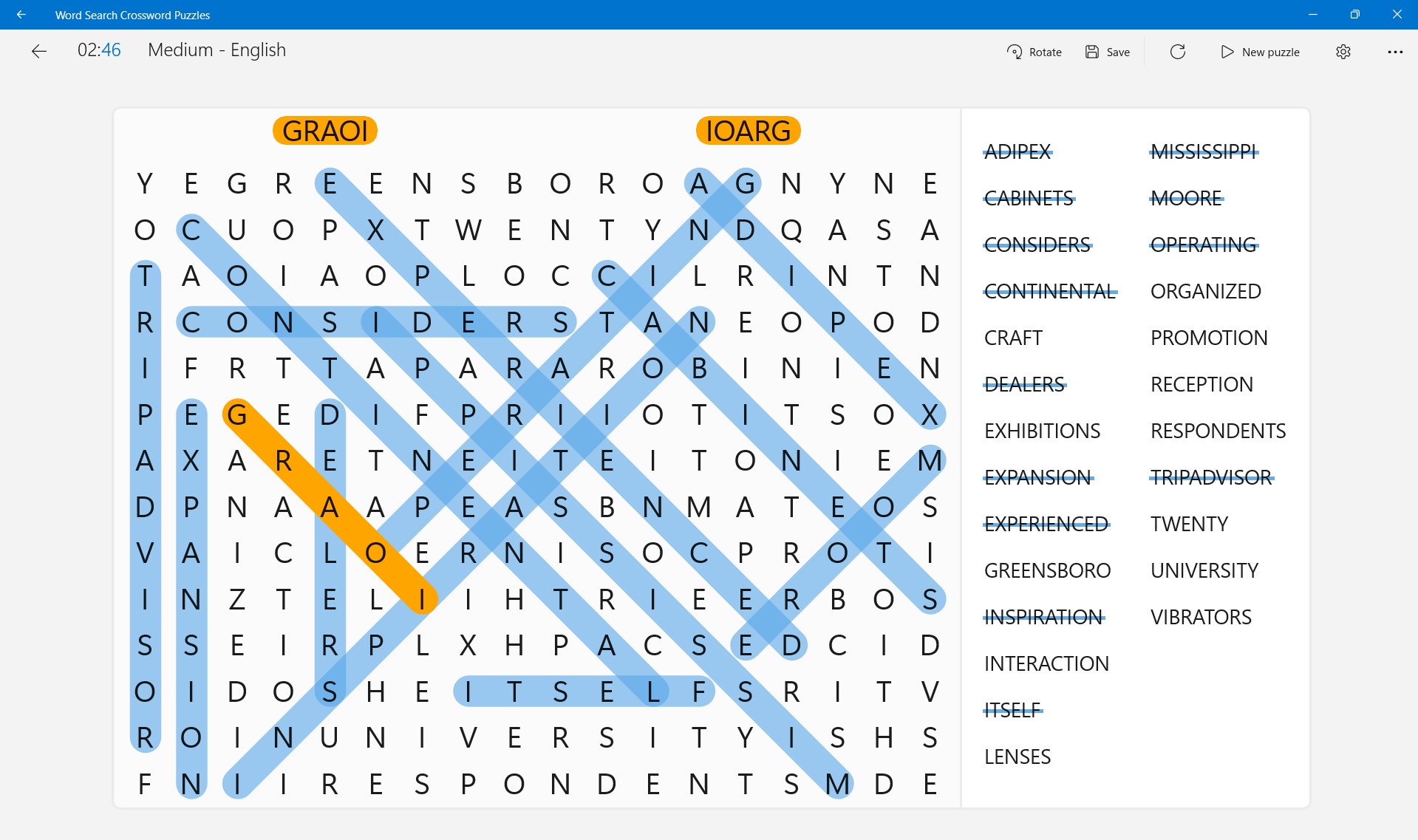
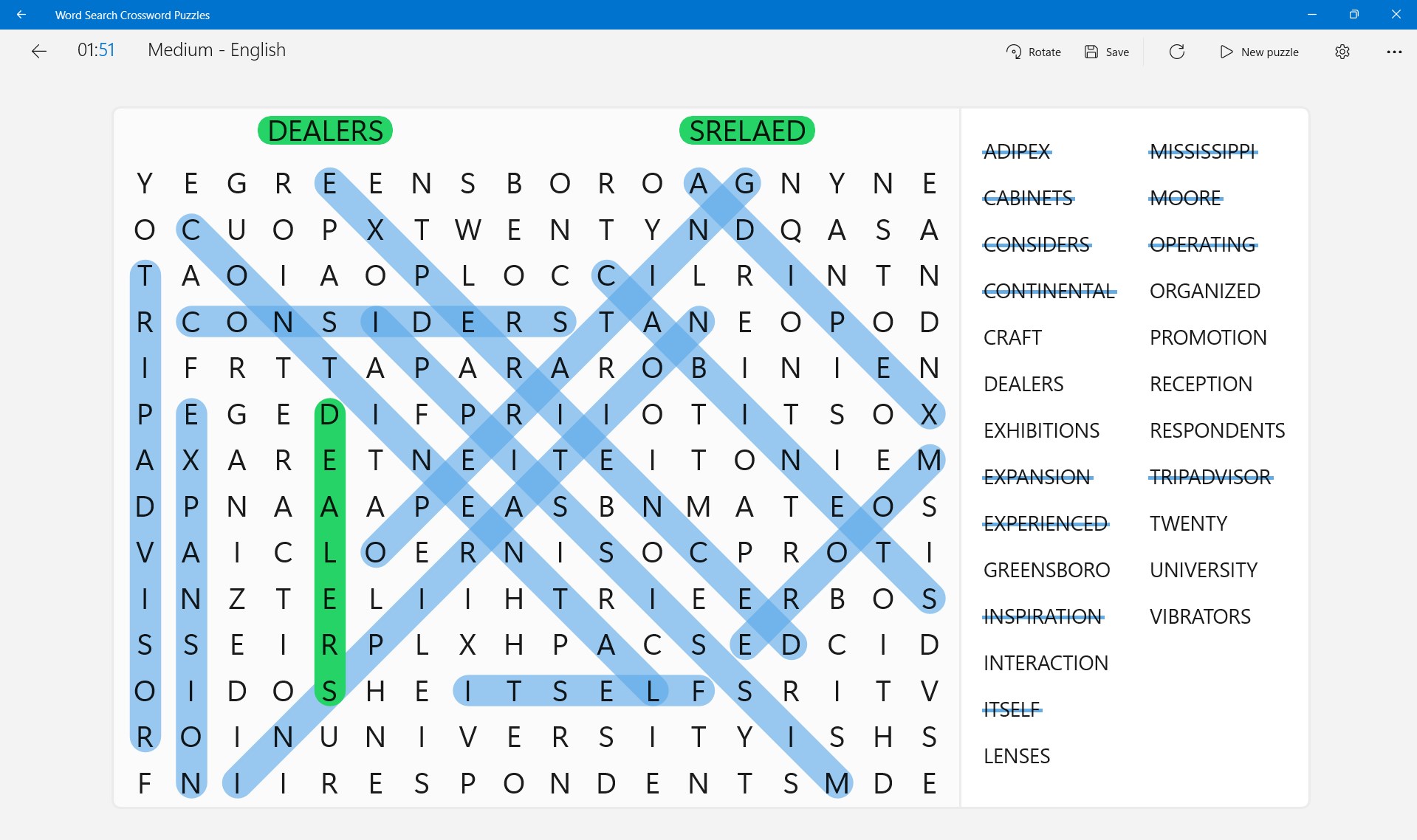
  2. Study the letter grid and look for words hidden in any direction
  3. Swipe up, down, left, right, or diagonally to mark a word when you spot it
  4. Work through all the hidden words to complete the puzzle
  5. Start a new puzzle and try a different language to keep building your vocabulary

Controls

Draw across letters in any direction — up, down, left, right, or diagonal — to select a word. Release when you reach the last letter and the game confirms your find.

Scoring

Your goal is to locate every hidden word in the grid; each correct selection clears that word from the list until the puzzle is solved.

When does a round end?

A round ends when every word in the list has been found and marked on the grid.

Tips & Tricks

  • Scan the grid edges first — words are often tucked along the borders where your eye skips over them
  • Search for less common letters like Q, X, or Z first; they narrow down word positions fast
  • Switch to a language you are learning and use the puzzle list as a low-pressure vocabulary drill
  • If you are stuck, read the word list aloud — hearing the word sometimes makes the letter pattern jump out visually

Why people keep coming back

  • 15 languages practise vocabulary in English, Dutch, and thirteen other languages from one app
  • Endless puzzles new grids are always available so you never run out of challenges
  • All directions words hide horizontally, vertically, and diagonally, forwards and backwards
  • Any session length puzzles suit a short break or a long, focused sitting equally well
  • Windows support runs on your PC so you can play on a full screen with mouse or touch
  • Reader-shaped updates the team reads every review and uses your feedback to improve the game

Content & audience

  • Suitable for all ages (ESRB E; PEGI 3; DJCTQ L; USK Everyone; IARC 3; COB-AU G; GRB All; PCBP 0; CSRR G; CCC TE; Microsoft 3).
  • Free game supported by advertising, with optional in-app purchases.
  • Single-player experience: no chat, no messaging and no user-generated content.
  • Playable offline; no account required.

Category: Video Gaming › Puzzle Video Games › Word Games · Store category: Puzzle & trivia, Word

Policies & support

About Word Search Crossword Puzzles

Find the words, build up your vocabulary, and have fun! Thousands of words to explore. Install to start now!

How to play:
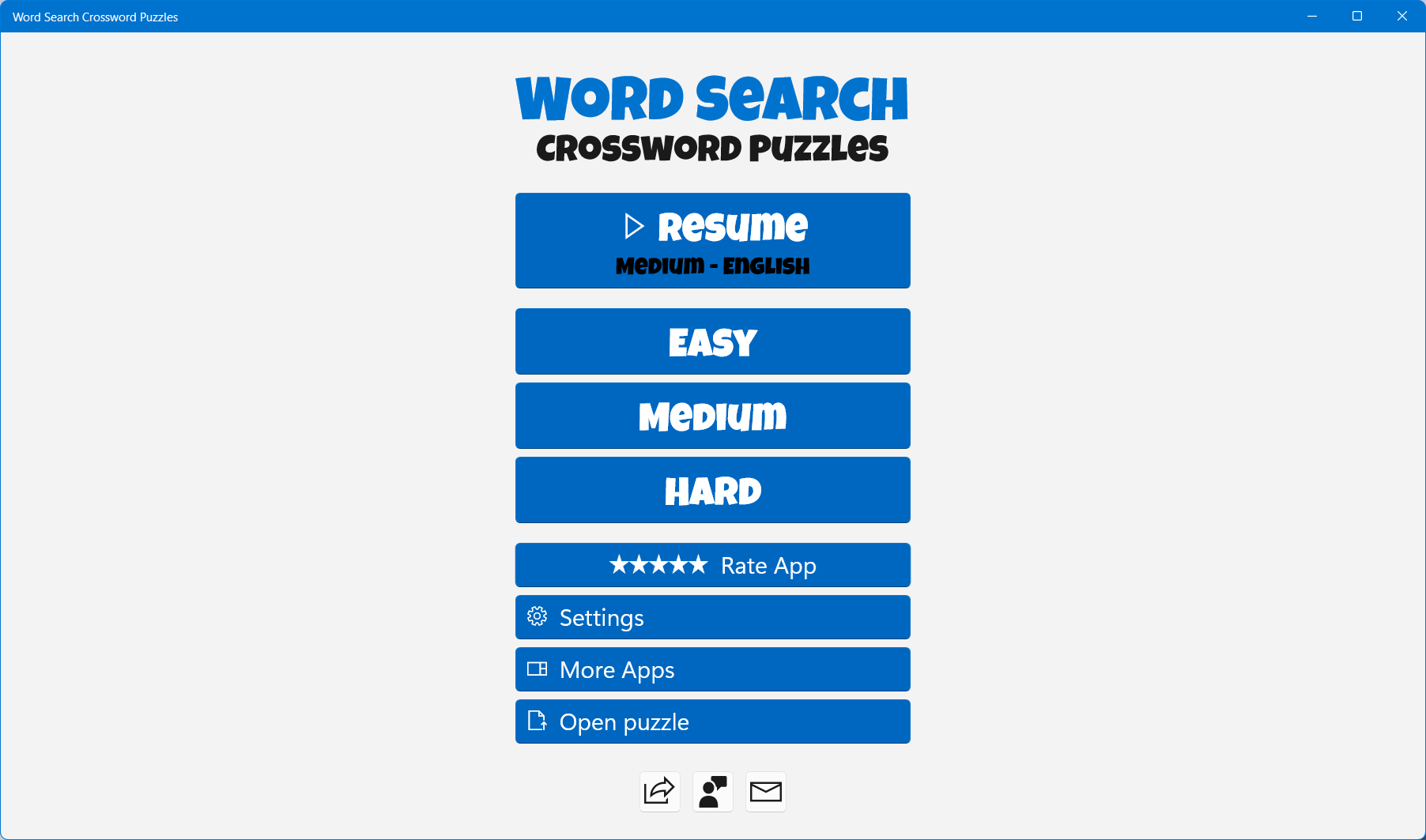
Swipe up, down, left, right or diagonally to mark words.

Word Search is an addictive puzzle that can take you away for hours of intellectual pastime. Try now!

We hope that you enjoy playing Word Search Crossword Puzzles. We read all your reviews carefully to make the game even better for you. Please leave us some feedback to let us know why you love this game and what you'd like us to improve in it.

Details

Publisher
Reflection IT
Developer
Fons Sonnemans
Category
Puzzle & trivia
Released
2024-08-14
Rating
4.7 / 5 · 285 ratings
Price
Free

Updated 2026-09-25 · Press kit & assets · Product data (JSON)