Random Salad Games LLC

Solitaire

The card game you already know, done right

Play free on Microsoft Store
4.1 from 317 ratings Free
  • Card & board
  • Windows PC & tablet
  • On the Store since 9998
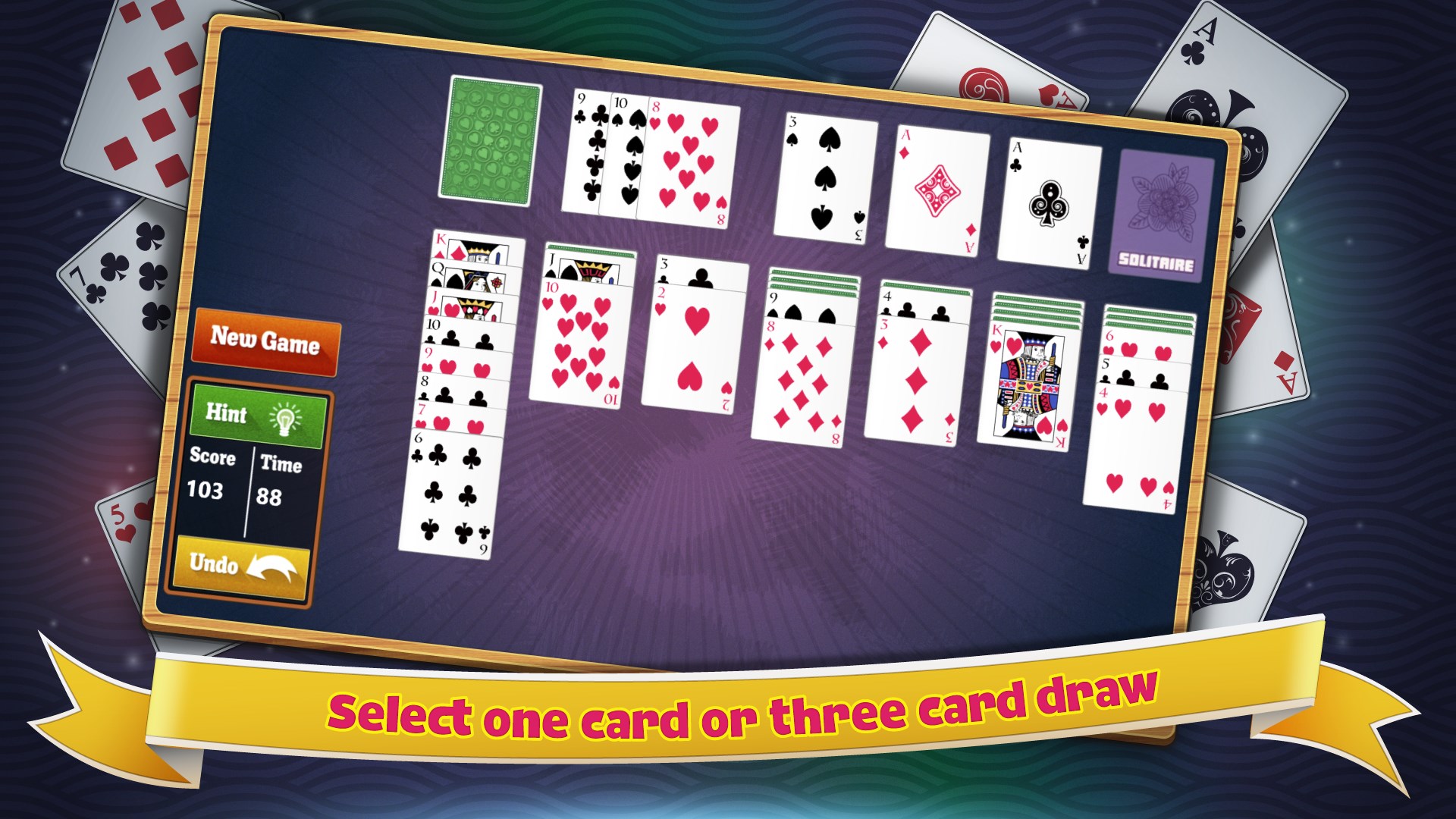
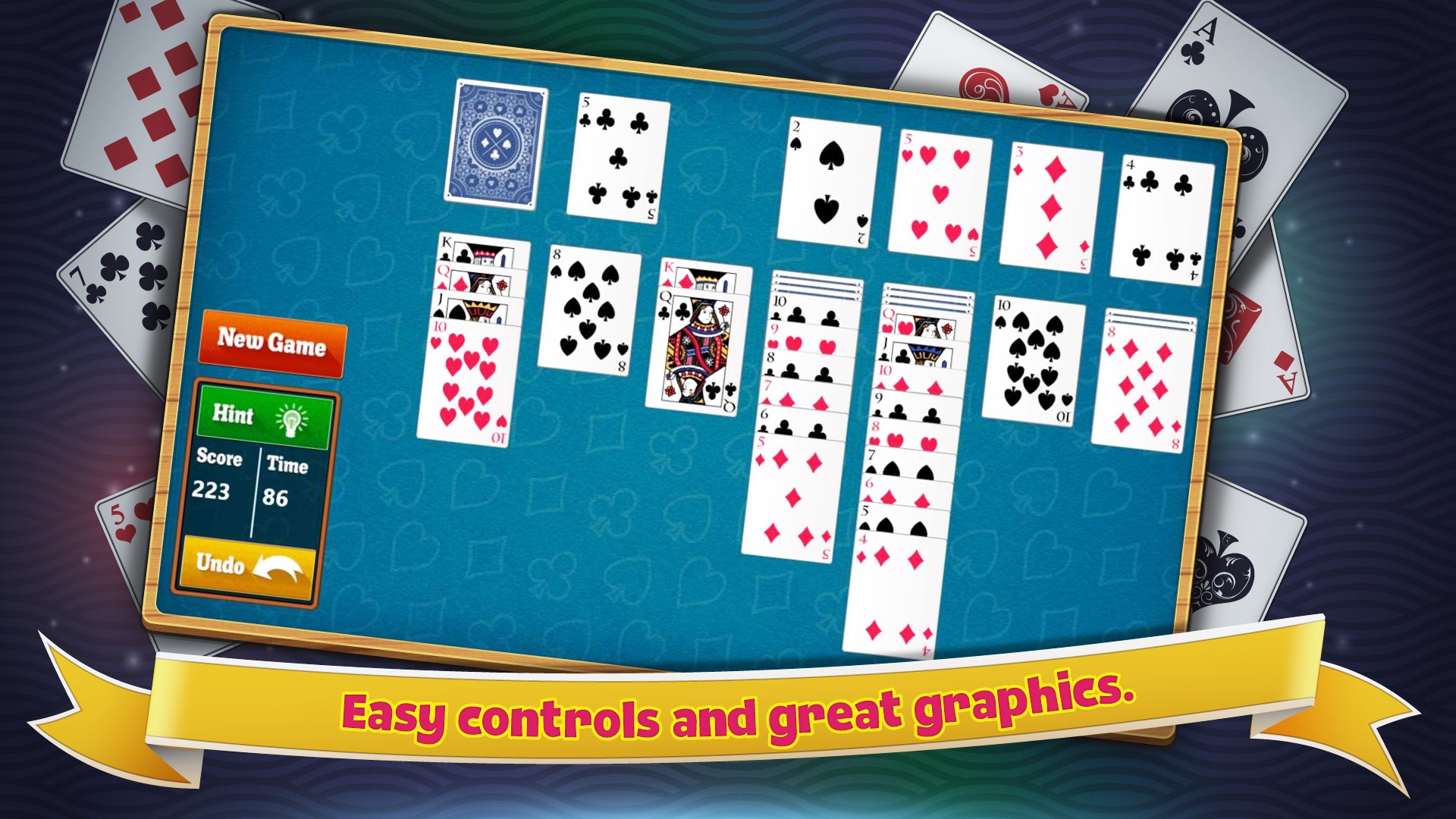
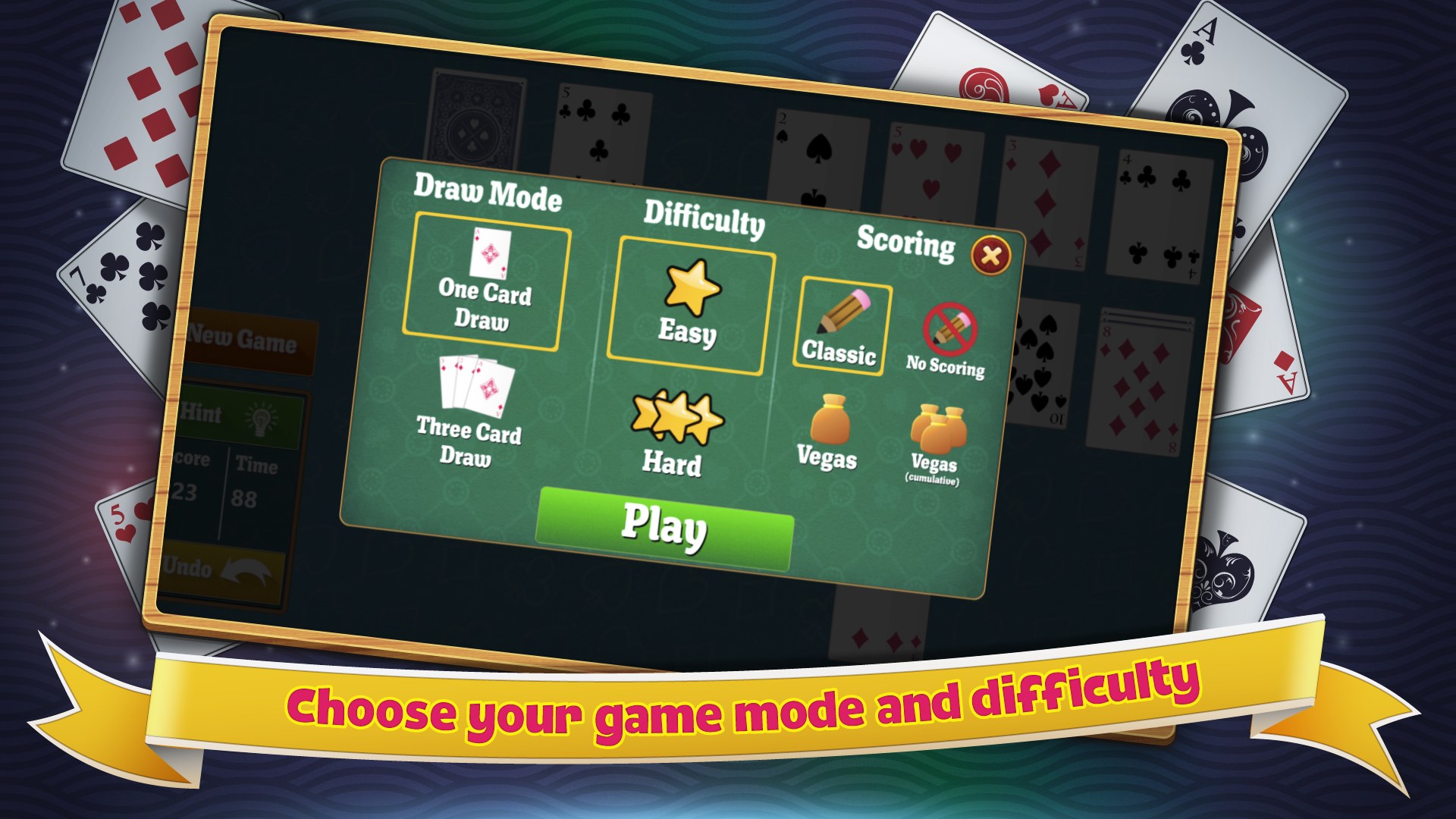
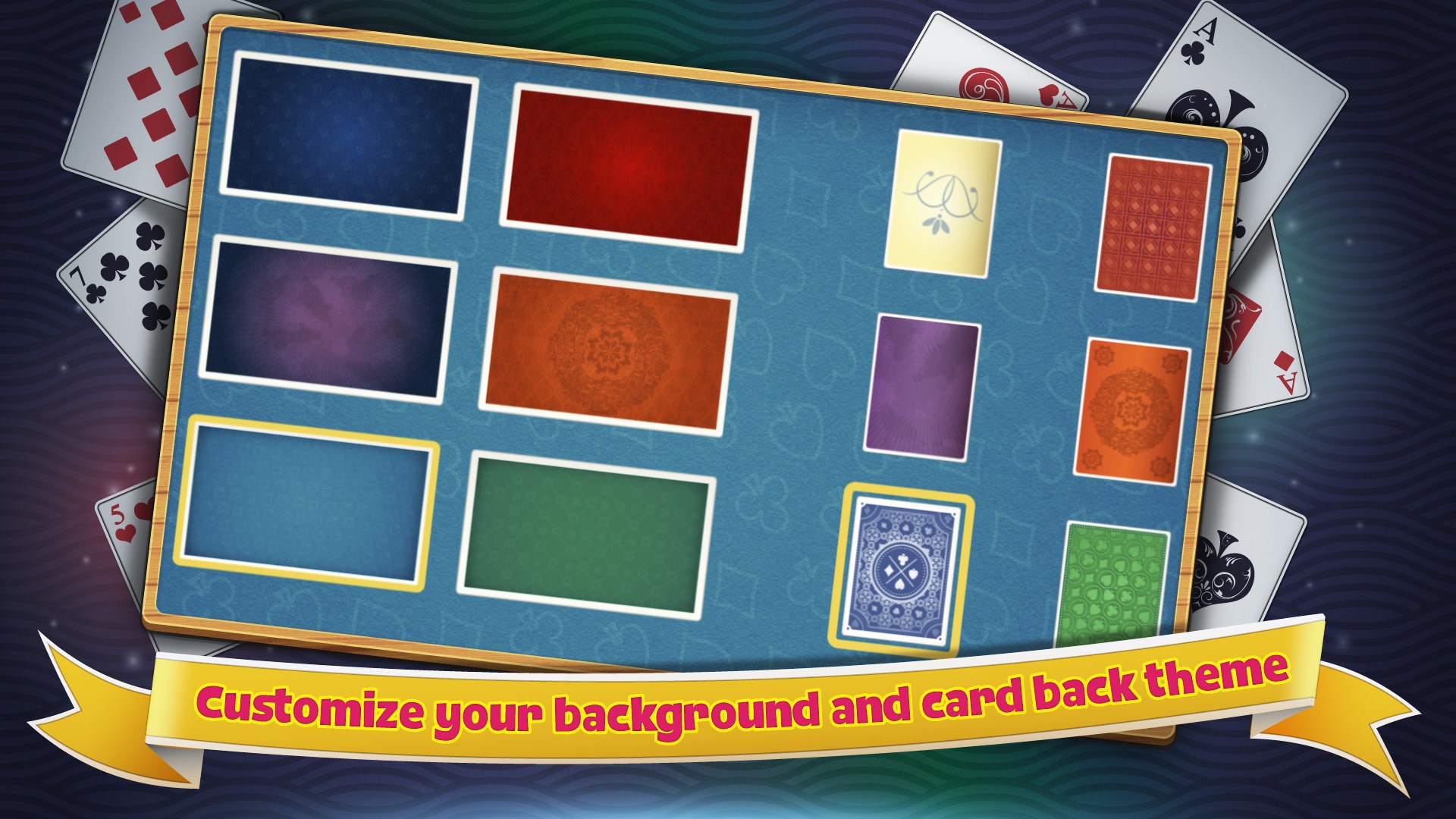
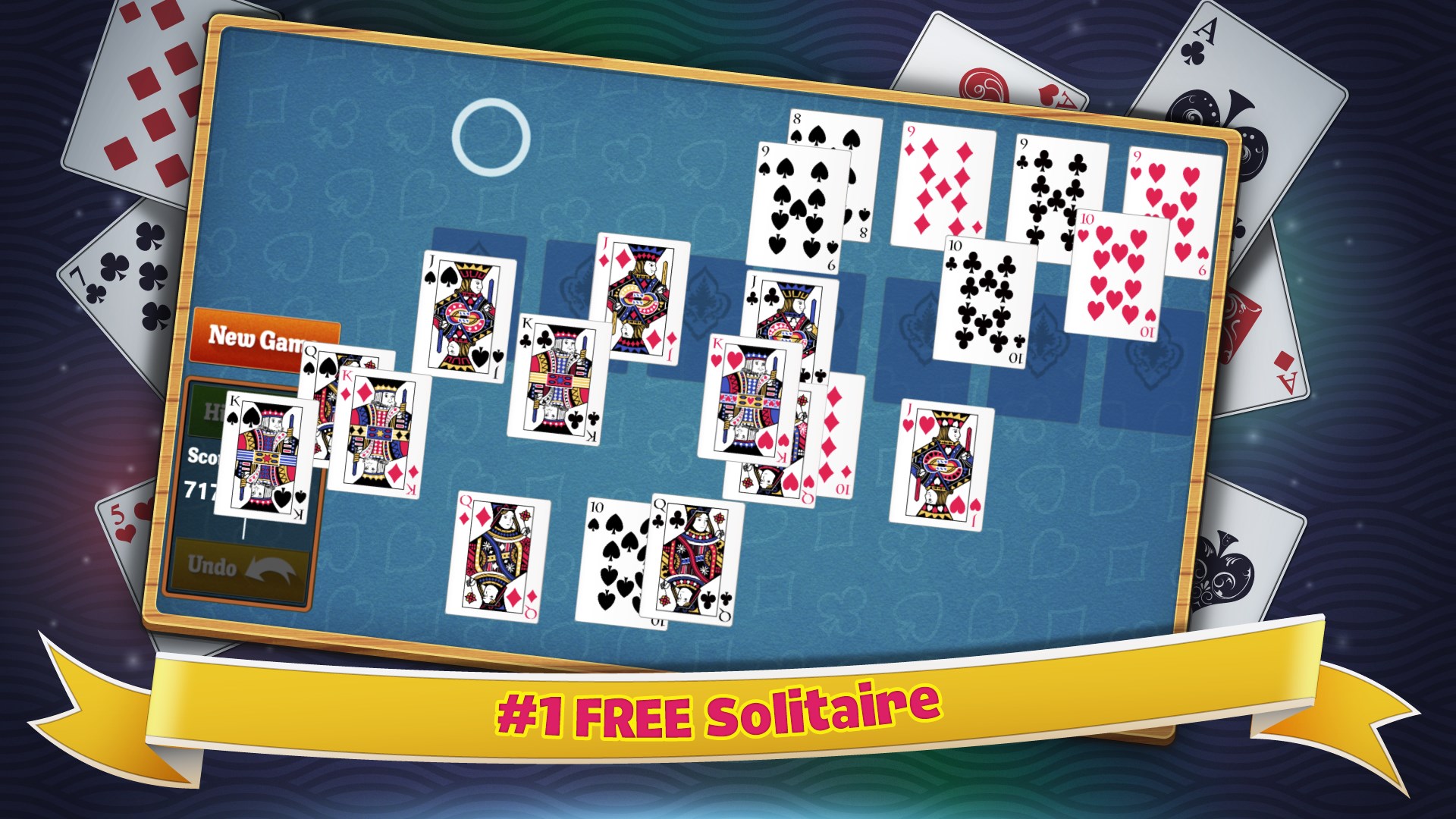
Solitaire screenshot 1Easy controls and great graphics.Solitaire screenshot 3Solitaire screenshot 4Play Simple Solitaire for FREE Today!

How to Play Solitaire

Cards fan out cleanly, moves feel instant, and nothing stands between you and the deal. If you want a calm, no-fuss way to fill five minutes or an hour, this is it.

  1. Open the app and a fresh deal is waiting for you immediately
  2. Tap or click a card to select it
  3. Move it onto a card of the opposite colour and next-higher rank
  4. Build each suit up to its foundation pile from Ace to King
  5. Work through the deck until the board is clear or start a new deal

Controls

Play entirely with a mouse click or a finger tap — select a card and then select where it should go. Both desktop and tablet layouts are supported.

Scoring

Progress is measured by how many cards you move to the foundation piles; a completed game means all 52 cards are stacked by suit from Ace through King.

When does a round end?

A round ends when all four foundation piles are complete, or when no legal moves remain and you choose to deal again.
Tips & Tricks

  • Uncover face-down cards as your first priority — the more cards you can see, the more options you have
  • Move Kings to empty columns only when you have a useful sequence ready to place beneath them
  • Cycle through the stock pile carefully before moving cards to foundations — you may need them as stepping stones
  • When two moves are equally valid, prefer the one that uncovers a face-down card rather than the one that just tidies the tableau

Why people keep coming back

  • Instant start no loading screens or sign-ins, the deal is ready when you are
  • Classic Klondike rules the same familiar ruleset many players grew up with
  • Touch and mouse works naturally on both tablet and desktop without mode-switching
  • Lightweight install fast to download and easy on your device's resources
  • Clean layout cards are clear and readable at a glance on any screen size
  • Single focused mode one well-made experience rather than a cluttered menu of variants

Content & audience

  • Suitable for all ages (ESRB E; PEGI 3; DJCTQ L; USK Everyone; IARC 3; COB-AU G; GRB All; PCBP 0; CSRR G; CCC TE; Microsoft 3).
  • Free game supported by advertising; no in-app purchases.
  • Single-player experience: no chat, no messaging and no user-generated content.
  • Playable offline; no account required.

Category: Video Gaming › Card Games · Store category: Card & board

Policies & support

About Solitaire

Enjoy the classic game of Solitaire on Windows. Simple Solitaire loads fast and is completely free. It works great on both your desktop and tablet computer running Windows. This game is just like the classic Solitaire that used to come with Windows.

Details

Publisher
Random Salad Games LLC
Category
Card & board
Released
9998-12-30
Rating
4.1 / 5 · 317 ratings
Price
Free

Updated 2026-09-25 · Press kit & assets · Product data (JSON)