ZingMagic Limited

Bridge V+

Deal, bid, and play Bridge at your own pace

Play free on Microsoft Store
3.9 from 1.2K ratings Free
  • Action & adventure, Card & board, Casino, Classics, Educational, Family & kids, Fighting, Music, Other, Platformer, Puzzle & trivia, Racing & flying, Role playing, Shooter, Simulation, Sports, Strategy, Word
  • Windows PC & tablet
  • On the Store since 2016
Bridge V+ screenshot 1Bridge V+ screenshot 2Bridge V+ screenshot 3Bridge V+ screenshot 4Bridge V+ screenshot 5Bridge V+ screenshot 6Bridge V+ screenshot 7Bridge V+ screenshot 8Bridge V+ screenshot 9Bridge V+ screenshot 10Bridge V+ screenshot 11Bridge V+ screenshot 12

How to Play Bridge V+

Sit down to a full game of Bridge whenever the mood strikes — offline rubber rounds, four-hand Chicago deals, or live duplicate tournaments against players worldwide, all from one app. Whether you are learning your first conventions or sharpening a competitive game, the depth here will keep you engaged for a long time.

  1. Choose your mode — Rubber, Chicago, or Tournament Bridge — from the main menu
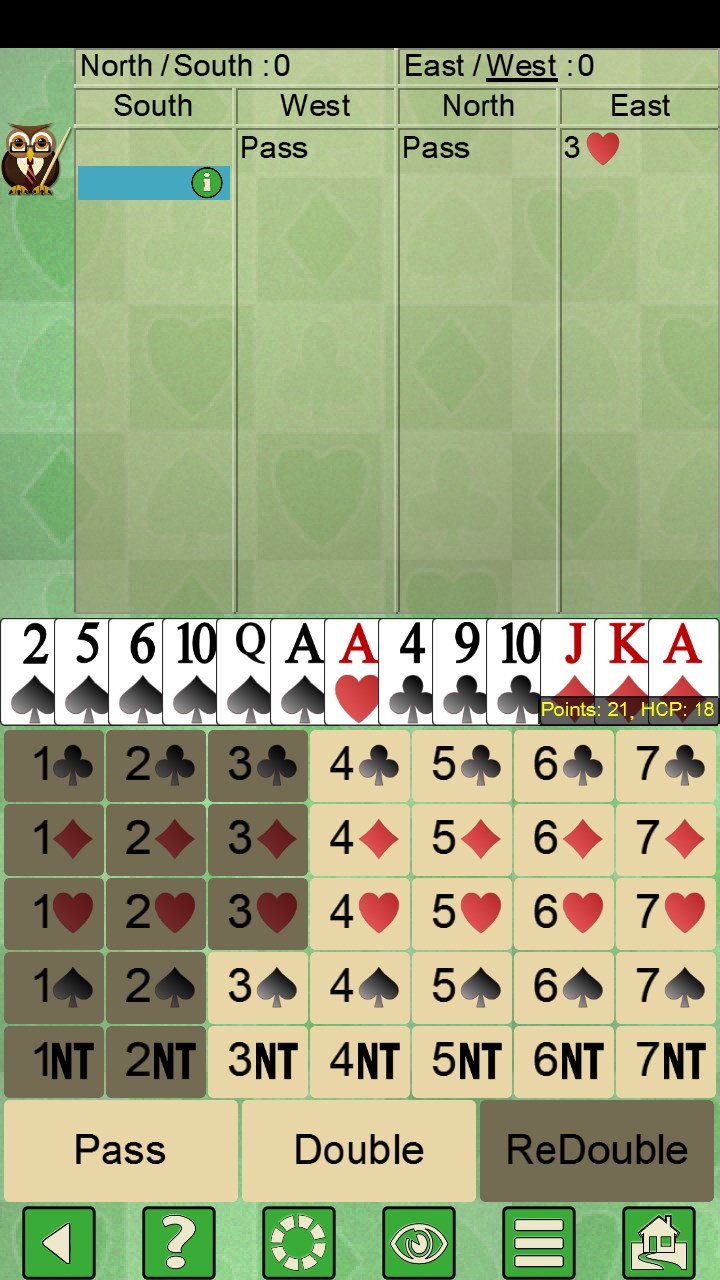
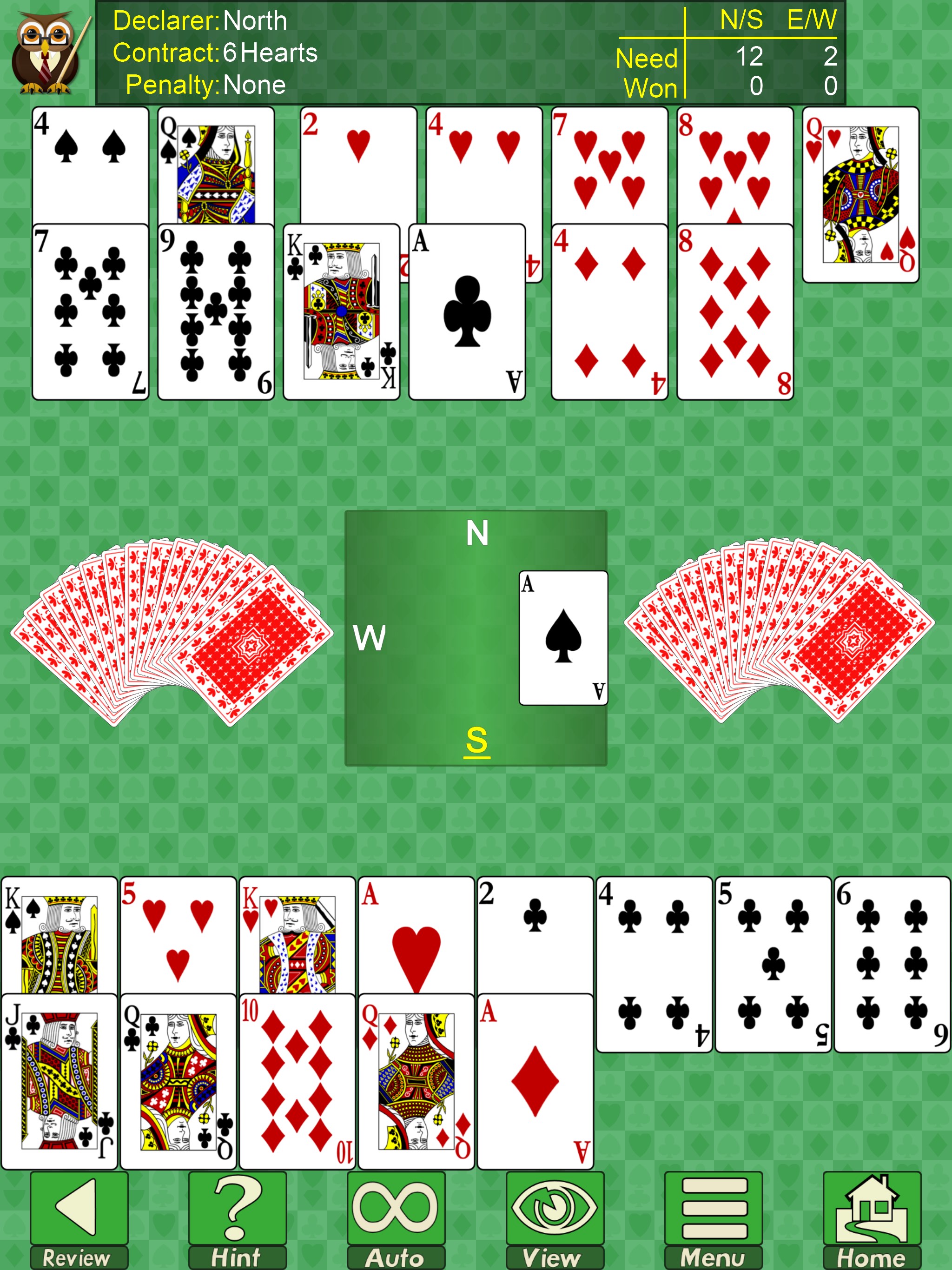
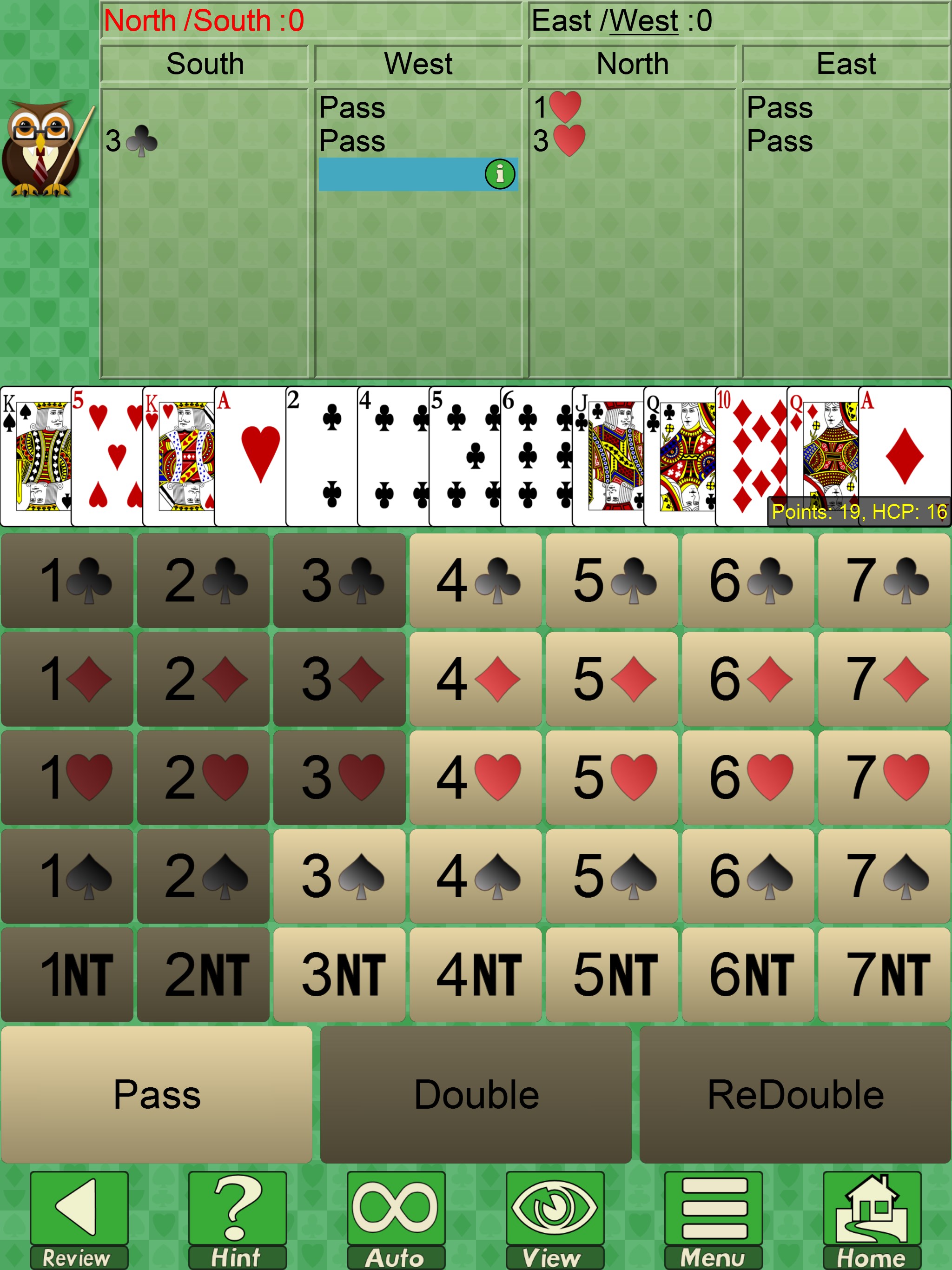
  2. Review your hand and place your bids, using hints if you want a nudge in the right direction
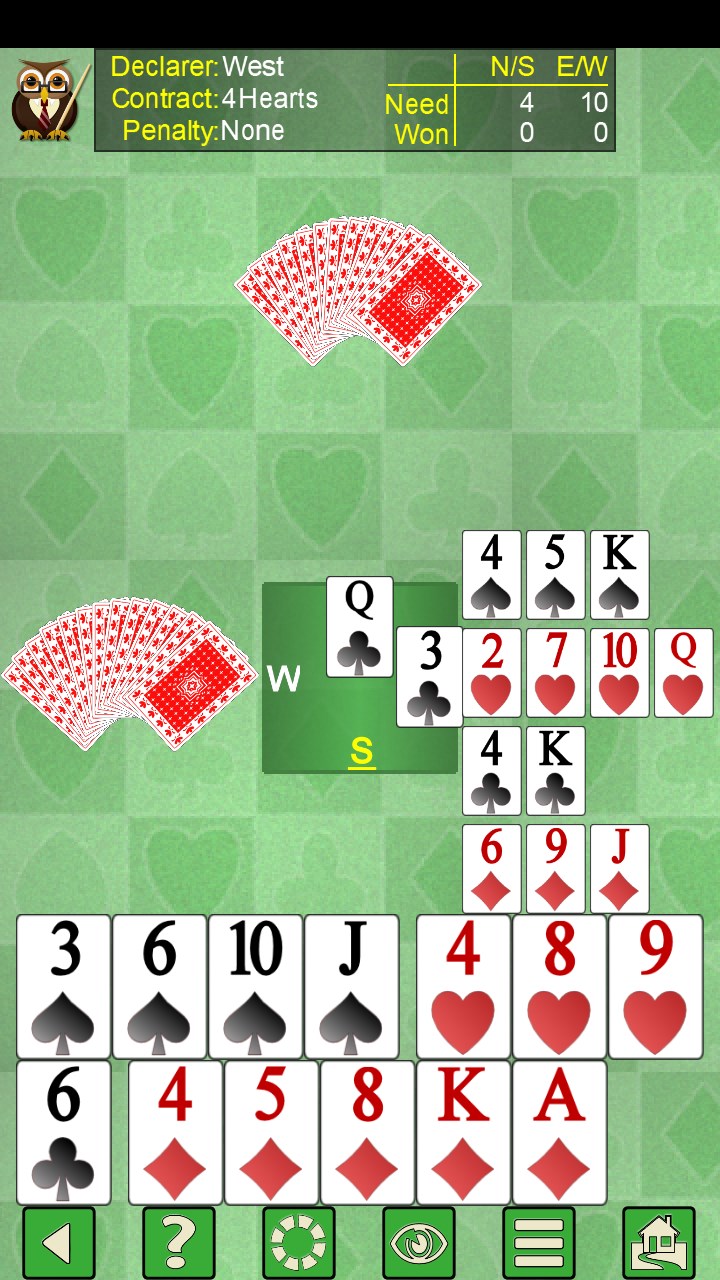
  3. Play out the tricks, with the computer handling your partner and the opposing pair
  4. After the hand, compare your bidding and card play against the AI to spot what you might do differently
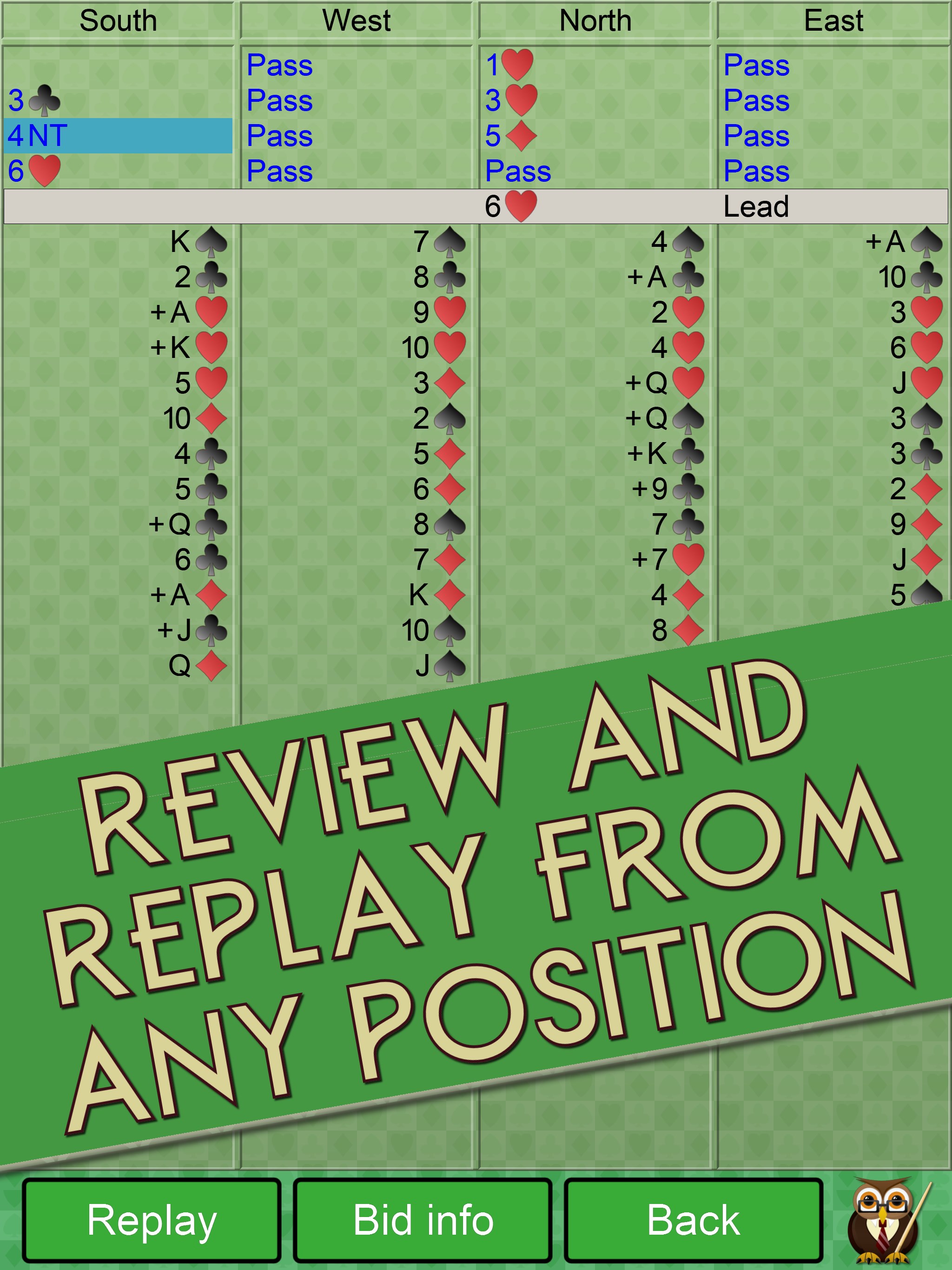
  5. Replay from any bid or card to explore 'what if' lines, then move on to the next deal

Controls

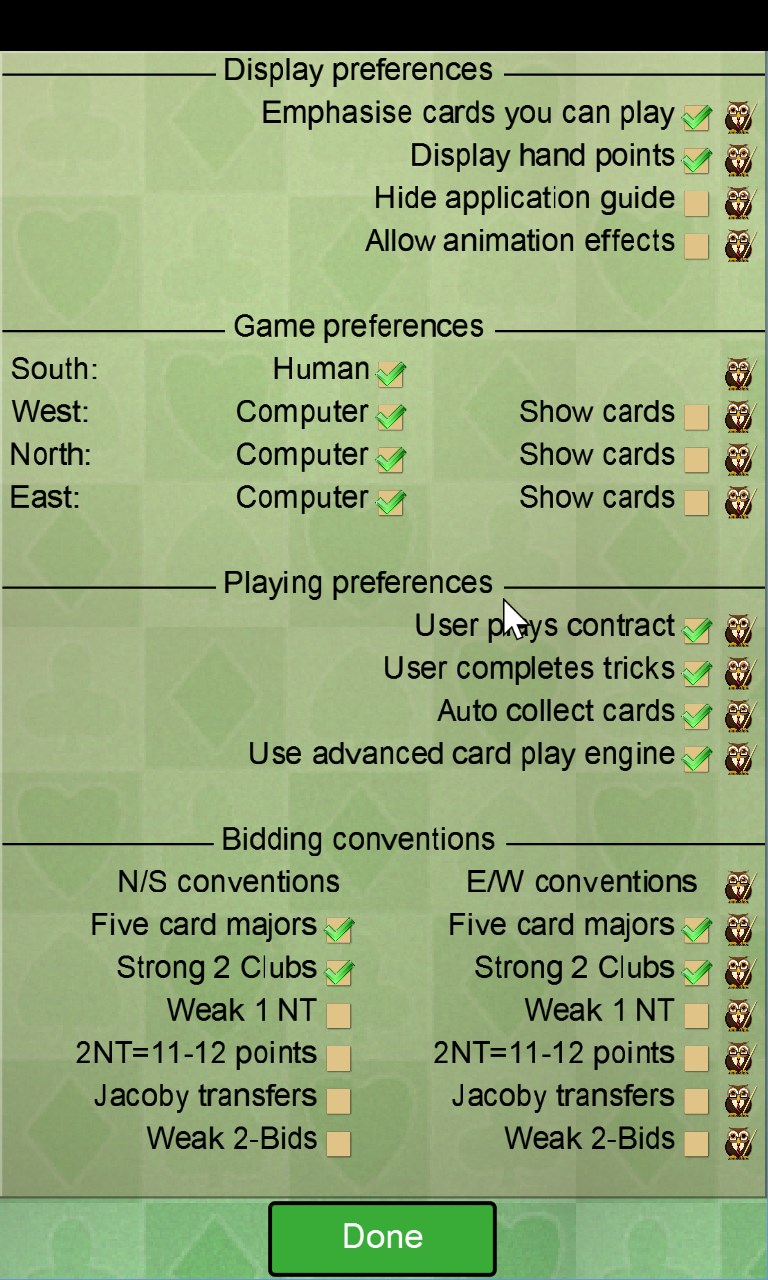
Tap a card to play it and tap a bid to make it; all interaction is touch or click-friendly with display options you can adjust to suit your screen and personal preference.

Scoring

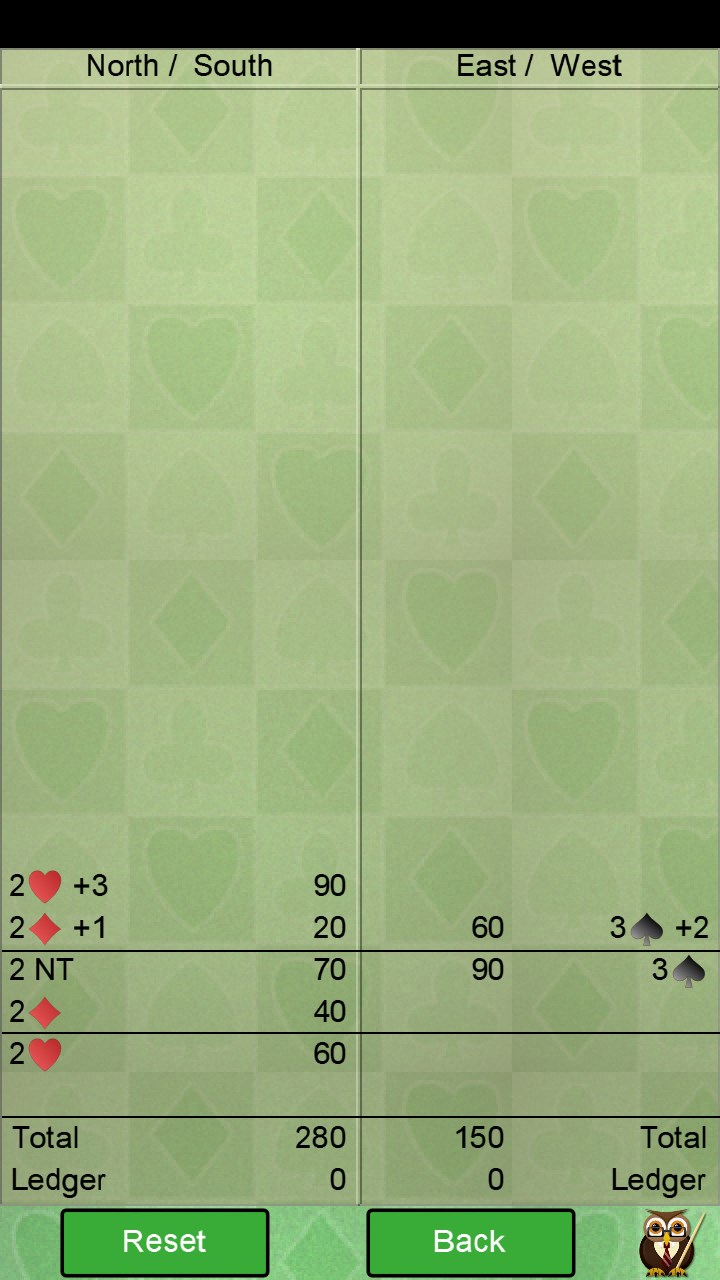
In Rubber Bridge, the first partnership to reach 100 points in successful contracts wins the game, with the best of three games deciding the rubber; in Chicago, four hands are played and the higher cumulative score wins; in Tournament Bridge, duplicate-style scoring lets you compare results against everyone who played the same hands.

When does a round end?

A Rubber Bridge session concludes when one partnership wins two games; a Chicago round ends after exactly four hands have been played by all participants.

Tips & Tricks

  • Use 'Replay from bid' after a poor contract — seeing the AI's alternative line often reveals the exact point where the hand went wrong
  • In Chicago mode, share the tournament number with a friend so they can play the identical four hands on their own device and compare scores
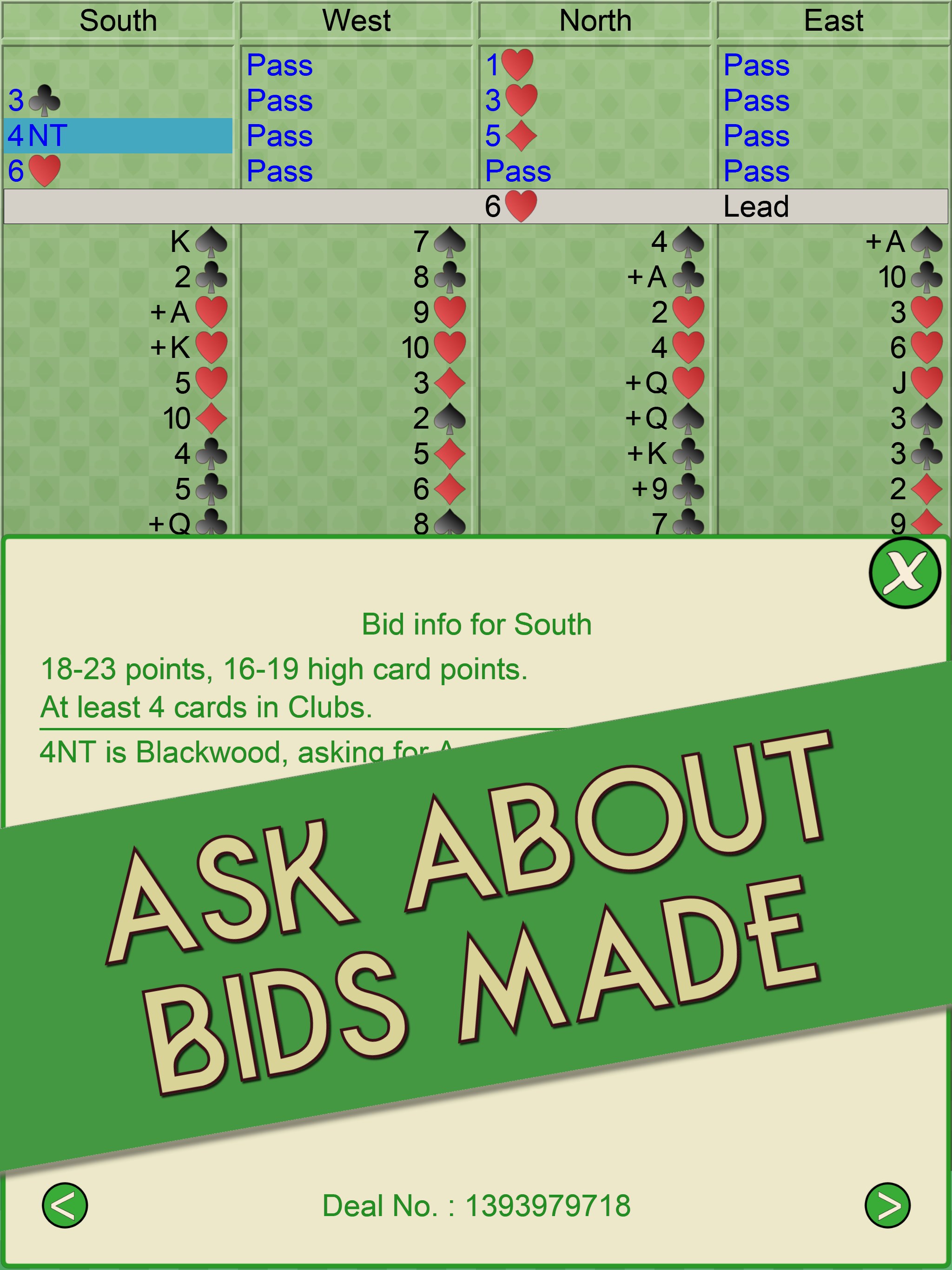
  • Turn on bid analysis to see how the computer has interpreted every auction call — invaluable when partner's bidding sequence seems unclear
  • Use the hand-search feature to practice specific situations, such as slam hands or particular point-count ranges, rather than waiting for them to come up randomly

Why people keep coming back

  • Three distinct modes Rubber, Chicago, and online Tournament Bridge each offer a genuinely different experience
  • ~2 billion deals built in hand variety is not something you will ever exhaust
  • Hand search filter deals by specific criteria to drill the situations you most want to practice
  • 40 years of expertise the team has been building Bridge software since the early 1980s
  • Full replay and analysis step back to any bid or card and let the AI show an alternative line of play
  • Ad-free option a single in-app purchase removes adverts permanently if you prefer a cleaner table

Content & audience

  • Suitable for all ages (ESRB E; PEGI 3; DJCTQ L; USK Everyone; IARC 3; COB-AU G; GRB All; PCBP 0; CSRR G; CCC TE; Microsoft 3).
  • Free game supported by advertising, with optional in-app purchases.
  • Playable offline; no account required.

Category: Video Gaming › Card Games · Store category: Action & adventure, Card & board, Casino, Classics, Educational, Family & kids, Fighting, Music, Other, Platformer, Puzzle & trivia, Racing & flying, Role playing, Shooter, Simulation, Sports, Strategy, Word

Policies & support

About Bridge V+

Welcome to the 2026 Edition of Bridge as we continue to bring you the best in classic board, card and puzzle games.

With 3 modes of play, practically unlimited deals and the ability to search for hands matching one of many different criteria this Bridge card game is sure to teach, challenge and entertain you for hours.

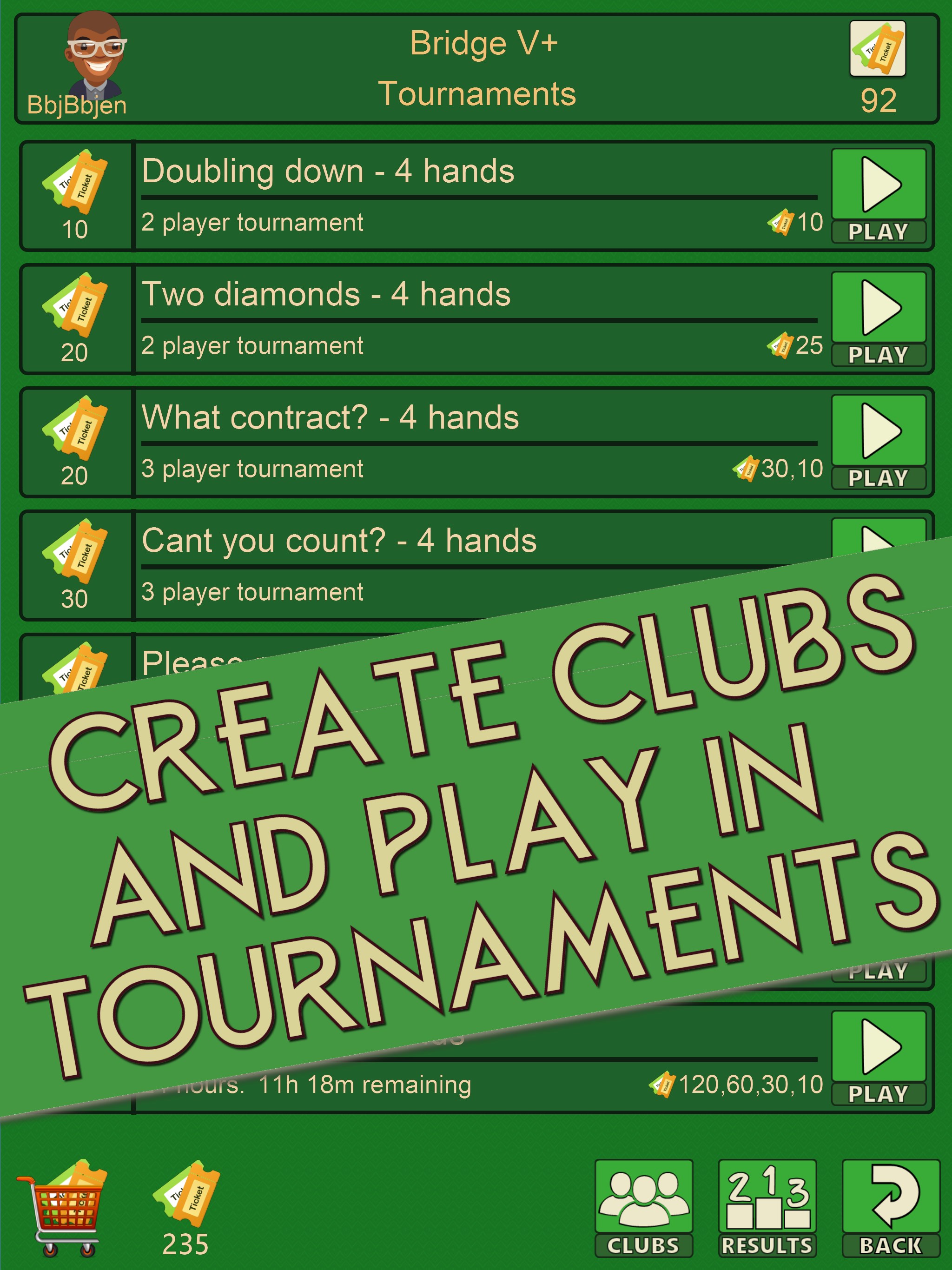
Alternatively, why not play in some Bridge tournaments or create your own Bridge club and play online against your family, friends and invited club members.

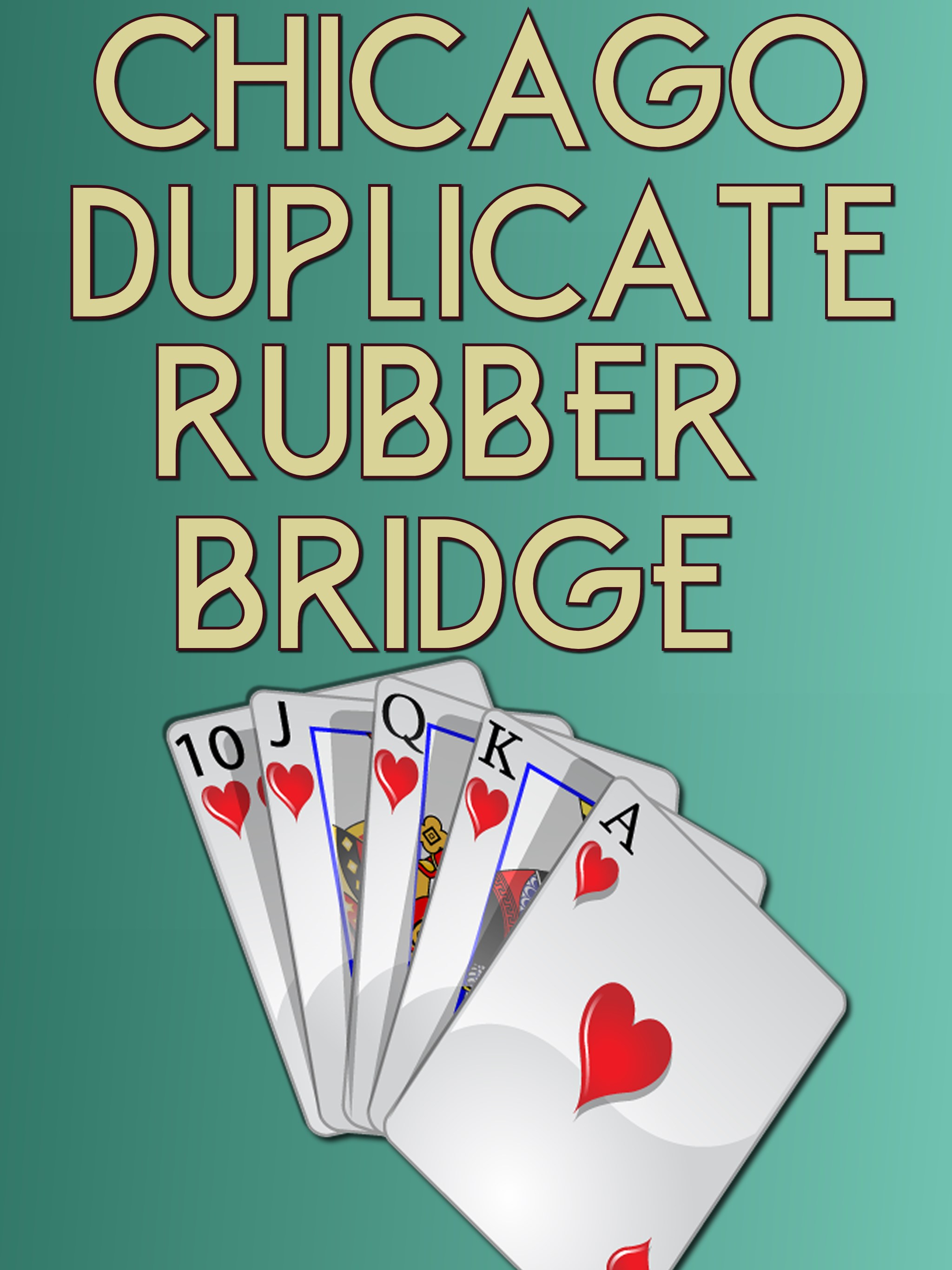
Bridge supports the following 3 modes of play:

In Rubber Bridge a rubber is played as the best of three games. A game is won by the first partnership to score 100 or more points in successful contracts. This mode is played offline, you plus a computer partner verses the computer.

In Chicago Bridge, also known as Four-Hand Bridge, you play exactly four hands of Bridge. The winner is the partnership that scores the most points. This mode is played offline, you plus a computer partner verses the computer. A friend can play the same four hands on their device by using the same 'tournament number'.

In Tournament Bridge you play at your own pace against players from around the world in duplicate style Bridge tournaments. Each player in a tournament plays the same hands with the winner scoring the most points. Alternatively you can easily create your own online Bridge club, invite your family, friends or even some enemies then play in duplicate style Bridge tournaments against your own select set of players.

What is Bridge?
Bridge is a trick taking card game played by four players who form two partnerships. Players within a partnership face each other across a table. Traditionally, the players are referred to by the points of the compass - North, East, South and West. The two partnerships are North/South and East/West.

Designed for both beginners and more advanced players you can choose how you prefer to play. There are plenty of features if you are trying to learn Bridge including auto play and hints. Meanwhile the more advanced players can use the bid analysis or replay hand features to explore different lines of card play.

Please NOTE: Bridge tournaments cost money to host and run. You can purchase Ticketz to enter the Bridge tournaments using the In App Purchases available.

PLEASE NOTE:
Bridge is free to download but ad-funded. Displaying adverts allows us to offer the game for free whilst still being able to generate some revenue to help pay for the continued development of the game. You can choose to remove the adverts via a single In App Purchase if that is your individual preference.

GAME FEATURES:
* Unlimited hands built in (well approx 2 billion but....)
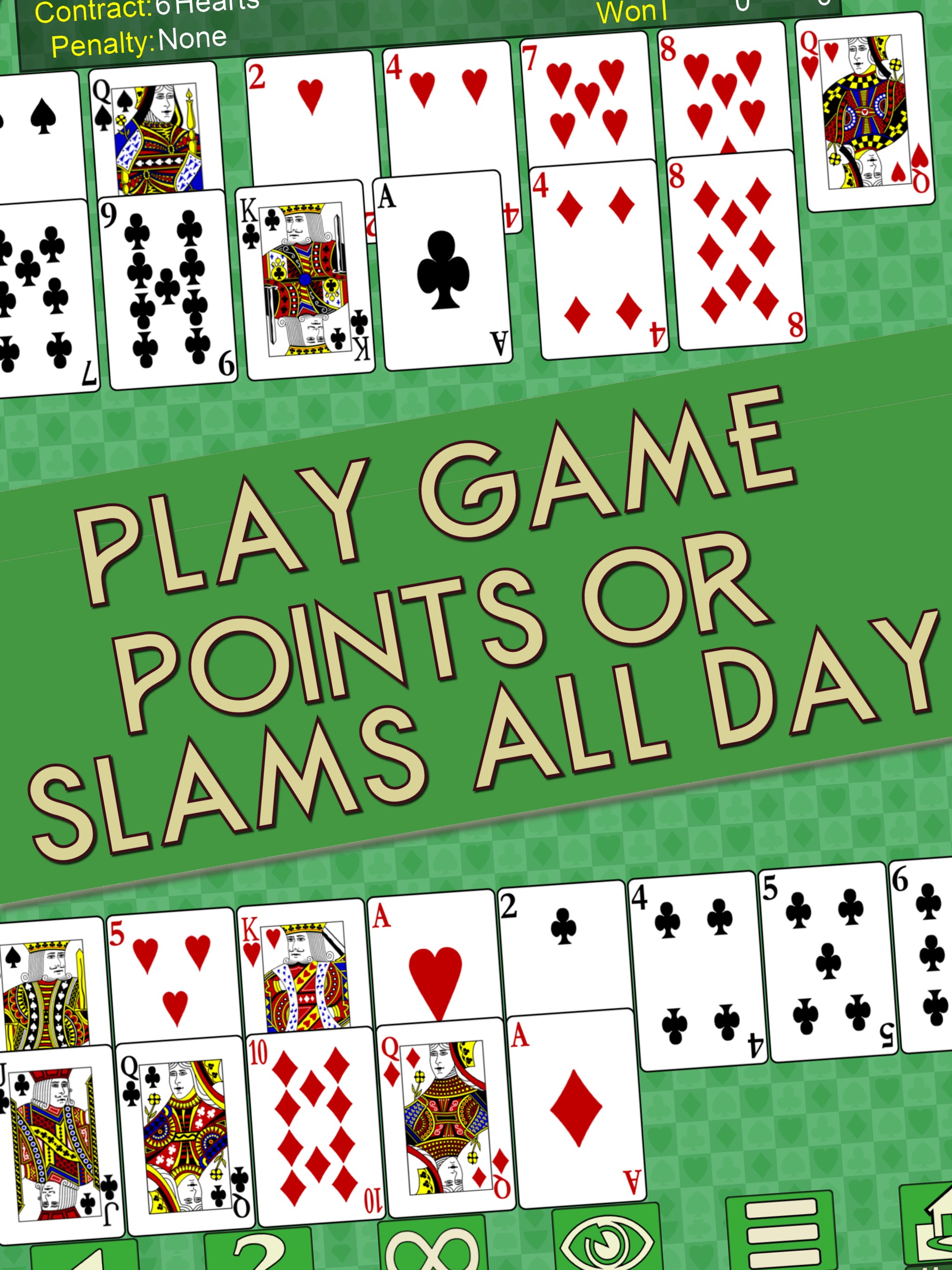
* Play game points or slams all day if thats what you want to do.
* Compare your bidding the Bridge V+ AI bidding.
* See how the computer would have played the hand.
* Replay from any bid or card for that 'what if' moment
* Get hints.
* Play any or all of the hands.
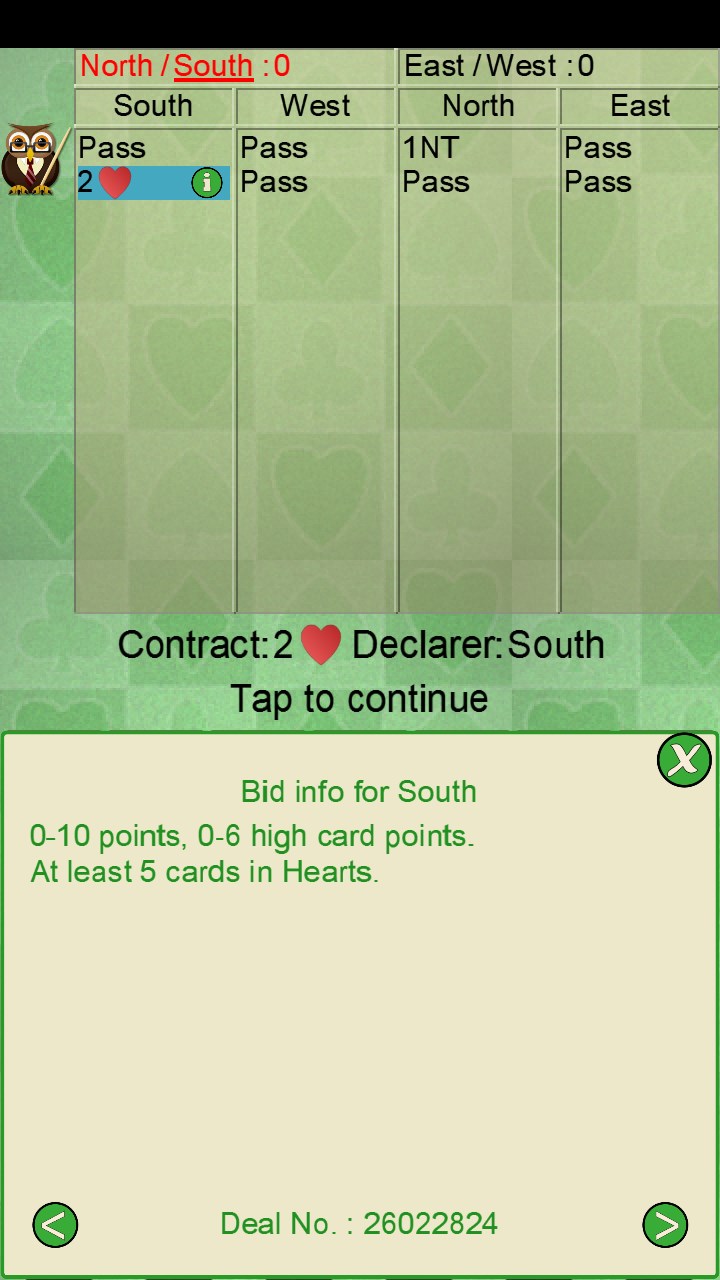
* Ask the computer how it has interpreted the bids made.
* All game play is offline, play whenever and wherever you like.
* Lots of display options to suit your individual and device preference.

DEVELOPED BY BRIDGE PLAYERS
The team in behind Bridge have been producing Bridge games for nearly 40 years. One of our first products was Bridge Challenger released in the early 80s!

Do we get every bid correct or play every hand perfectly? absolutely not!. Often there is no one single correct answer making Bridge the game we love. Meanwhile we continue to develop and improve the game.

COMMENTS + SUGGESTIONS.
Please feel free to contact us via our support email if you have comments and suggestions. Please, please include any Deal Id if you are commenting on specific deals as that is the only way we can reasonably play the hand in question here.

Details

Publisher
ZingMagic Limited
Category
Action & adventure
Released
2016-05-24
Rating
3.9 / 5 · 1,233 ratings
Price
Free

Updated 2026-09-25 · Press kit & assets · Product data (JSON)