Random Salad Games LLC

Simple Minesweeper

The classic minefield game, ready before you finish blinking

Play free on Microsoft Store
4.6 from 9.1K ratings Free
  • Puzzle & trivia
  • Windows PC & tablet
  • On the Store since 2018
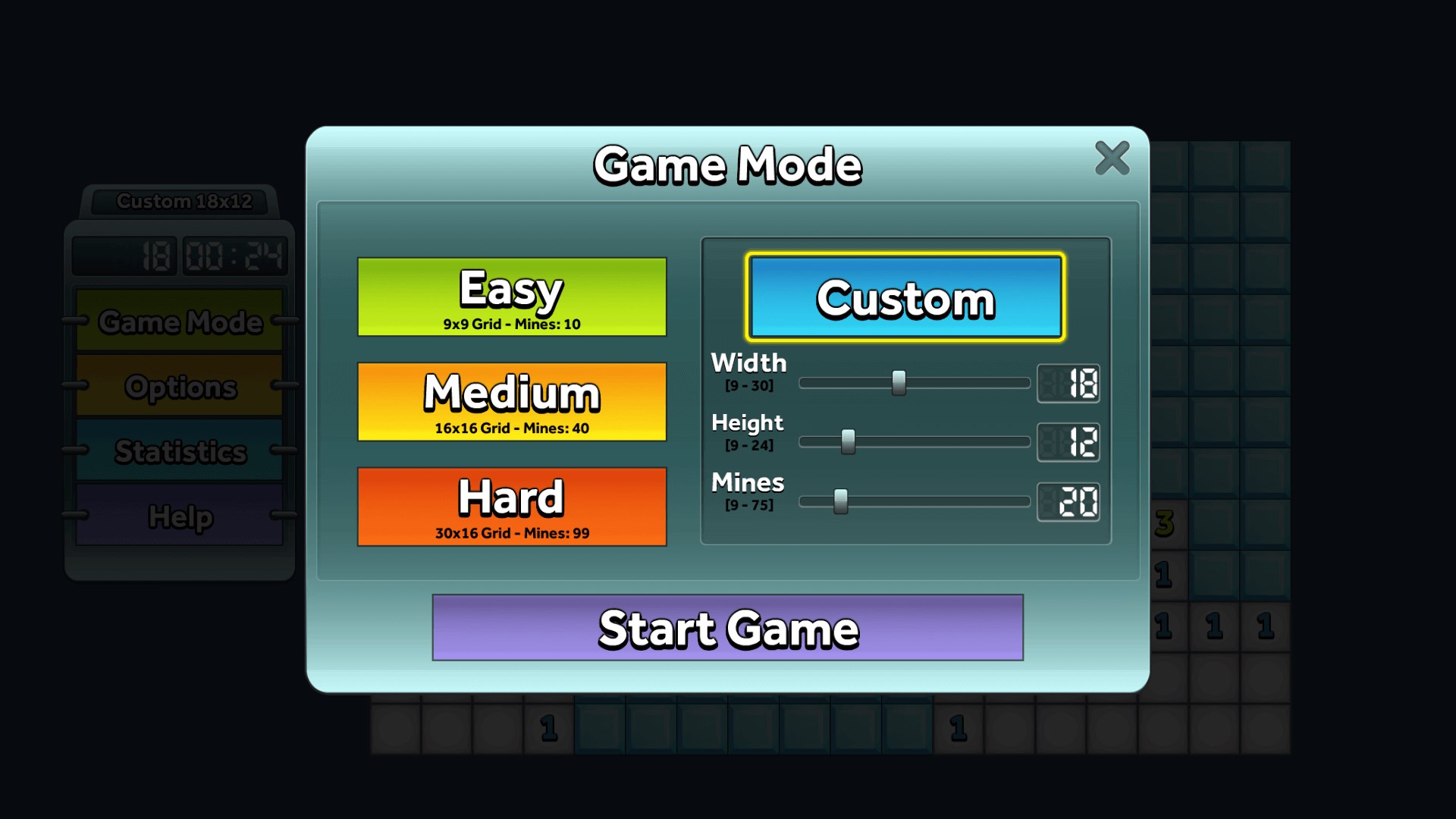
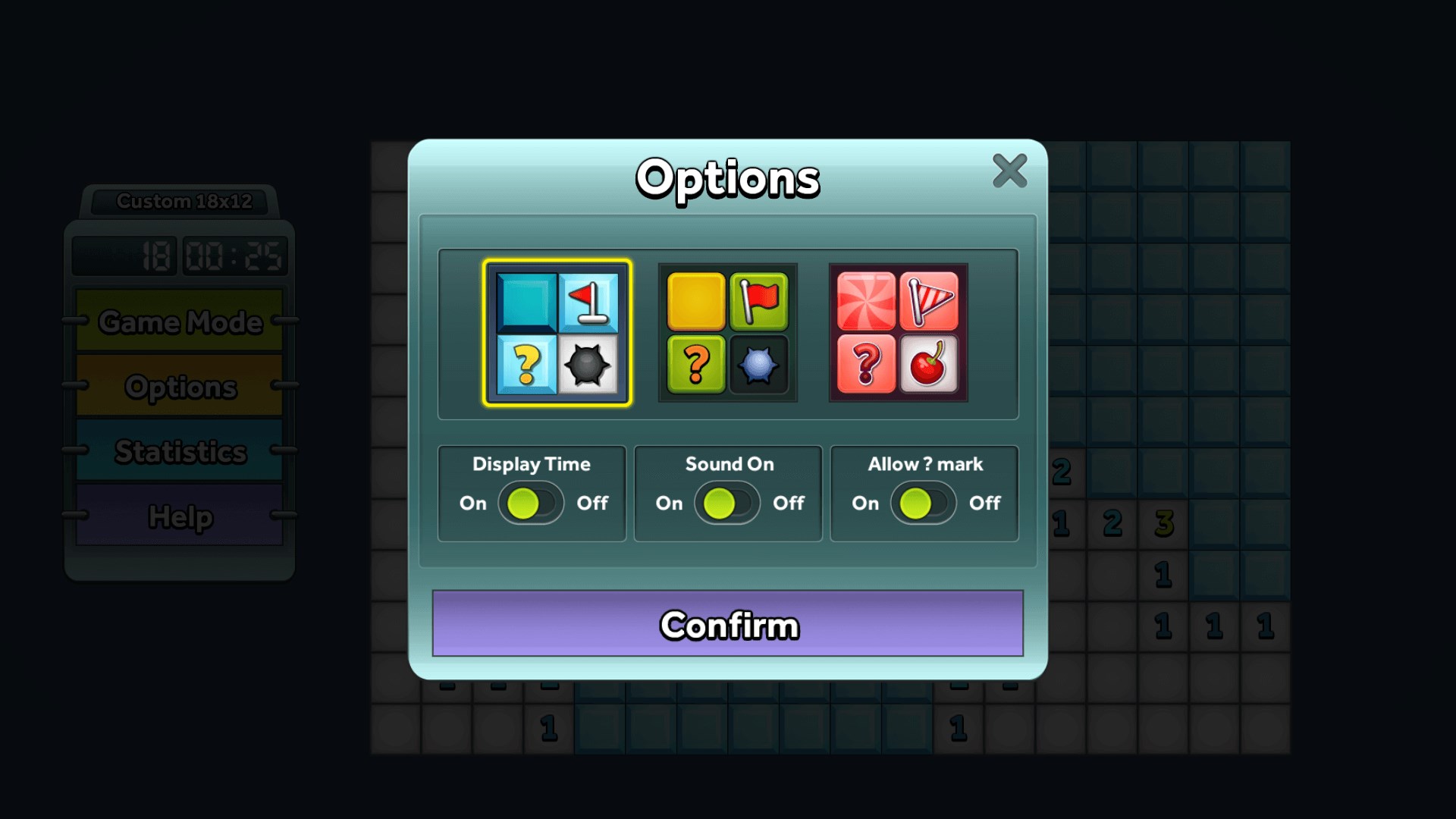
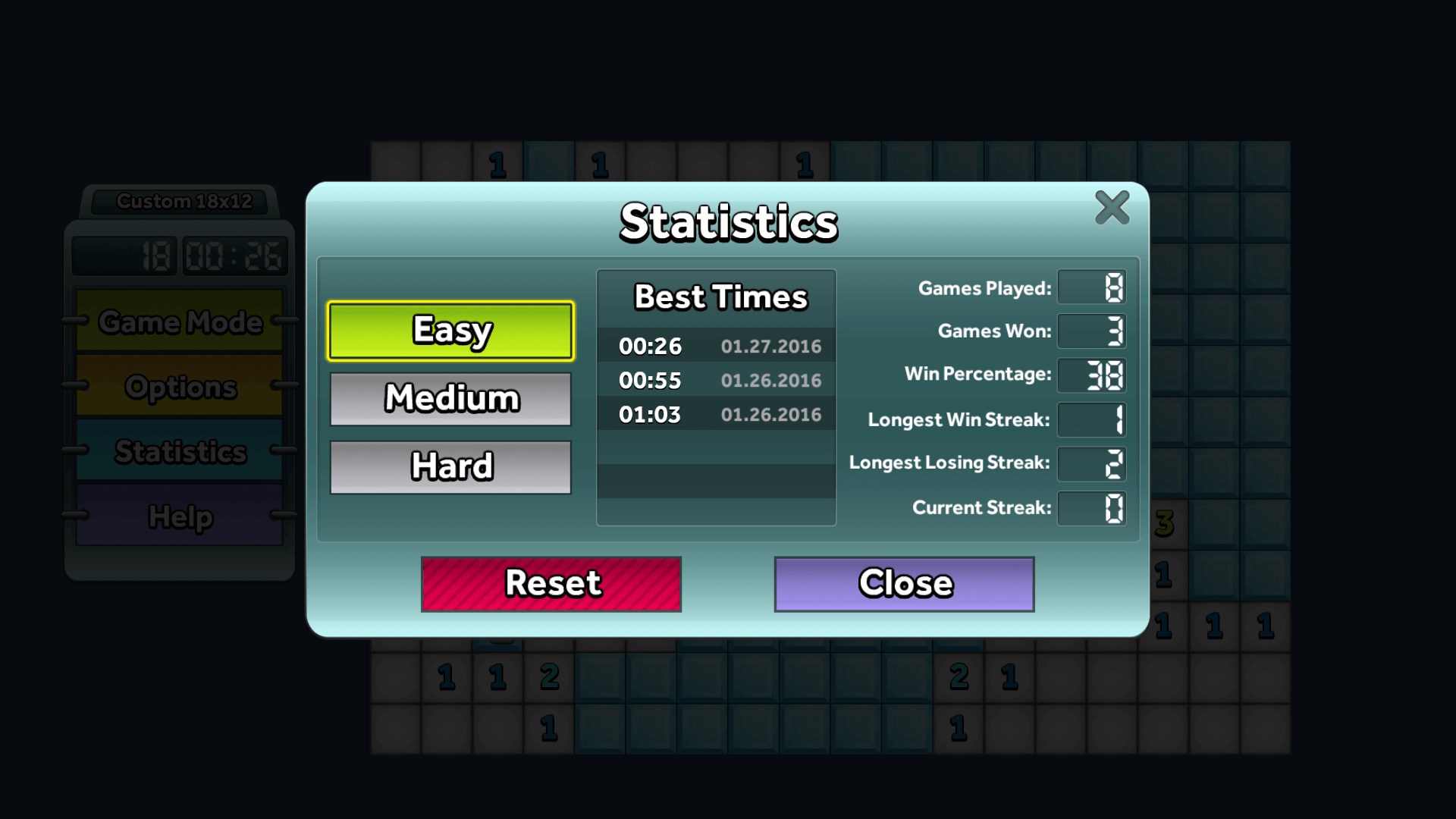
Easy, Medium, Hard, and Custom game modes.Choose your own theme and adjust game settings.Download Simple Minesweeper for FREE today!Just like the Minesweeper that used to come with all Windows computers.Can you find all of the mines?Detailed game statistics.

How to Play Simple Minesweeper

You open the app and you are already playing — no sign-in screens, no tutorials to skip, just a clean grid waiting for your first click. If you grew up clearing minefields on a family PC and want that same focused, satisfying puzzle back, this is the one to install.

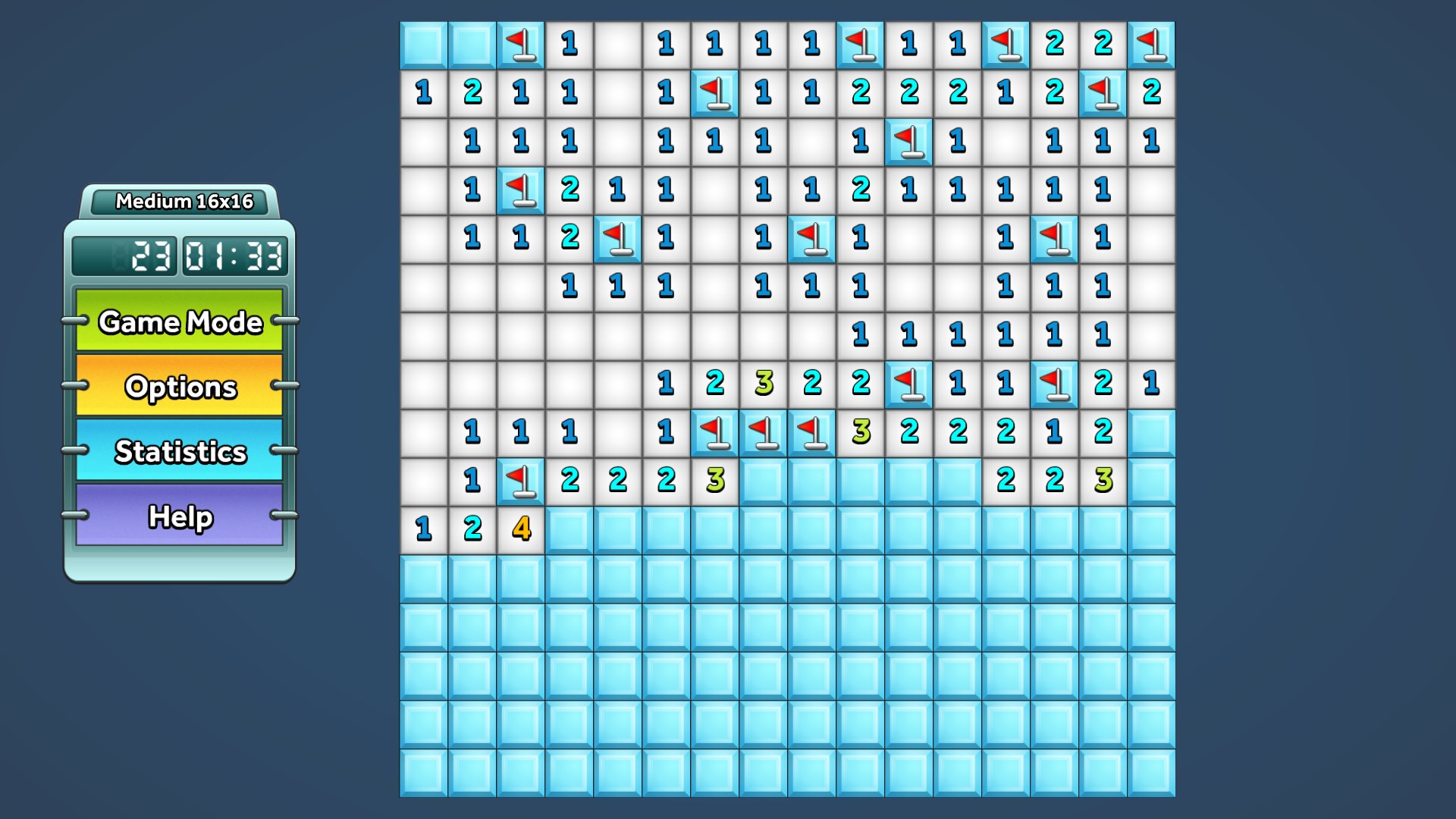
  1. Choose Easy, Medium, or Hard — or dial in your own grid size and mine count with Custom mode
  2. Click any cell to reveal what is underneath
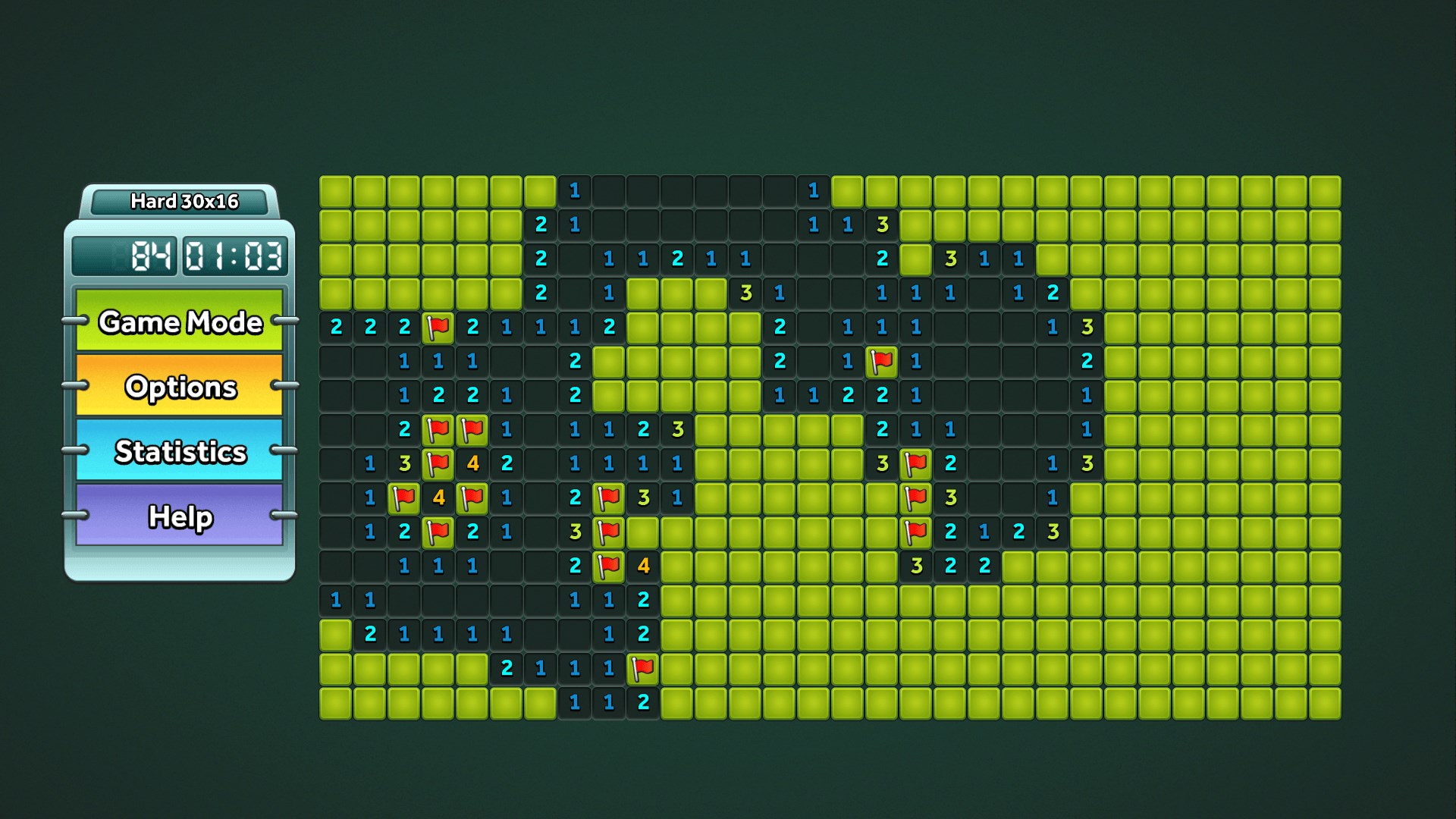
  3. Read the numbers to deduce which neighbouring cells hide mines
  4. Right-click a cell to place a flag wherever you are sure a mine lurks
  5. Clear every safe cell without triggering a mine to win the round

Controls

Left-click to reveal a cell; right-click to flag or unflag a suspected mine. No other inputs are needed.

Scoring

Your goal is to uncover all safe cells in the least amount of time — a faster clear on a harder difficulty is the real measure of skill.

When does a round end?

A round ends the moment you reveal a mine (game over) or successfully uncover every safe cell on the board (you win).
Tips & Tricks

  • Start your first click near the centre — it tends to open up a larger safe area than a corner click
  • When a numbered cell already has exactly as many flags around it as its number, you can safely reveal all its other neighbours
  • On Hard mode, slow down before you flag — a wrong flag early can chain into a cascade of bad deductions later
  • Use Custom mode to practise a specific skill: crank the mine count up on a small grid to train pattern recognition under pressure

Why people keep coming back

  • No account needed open the app and the grid is already there, nothing to sign up for
  • Three built-in difficulties Easy, Medium, and Hard suit casual sessions and serious practice alike
  • Custom mode set your own grid dimensions and mine count for a challenge tuned exactly to you
  • No extra purchases every mode and every grid size is available from the first launch
  • Distraction-free design the interface stays out of the way so your focus stays on the puzzle
  • Windows version of a classic the same minesweeper logic that a generation of players already knows by heart

Content & audience

  • Suitable for all ages (ESRB E; PEGI 3; DJCTQ L; USK Everyone; IARC 3; COB-AU G; GRB All; PCBP 0; CSRR G; CCC TE; Microsoft 3).
  • Free game supported by advertising, with optional in-app purchases.
  • Single-player experience: no chat, no messaging and no user-generated content.
  • Playable offline; no account required.

Category: Video Gaming › Educational Video Games › Trivia · Store category: Puzzle & trivia

Policies & support

About Simple Minesweeper

Enjoy the classic game of Minesweeper that used to come with all Windows computers.

Open up Simple Minesweeper and start playing the game right away. Find and mark the cells on the grid which have mines underneath. This fun and free game contains easy, medium, and hard game modes. There is even a custom mode where you can select the size of the grid and the number of mines to find. Best of all, there are no accounts to make and no purchases necessary - just simply minesweeper.

Details

Publisher
Random Salad Games LLC
Category
Puzzle & trivia
Released
2018-01-29
Rating
4.6 / 5 · 9,065 ratings
Price
Free

Updated 2026-09-25 · Press kit & assets · Product data (JSON)