About Torrex Lite - Torrent Downloader
The Torrex BitTorrent client keeps getting new powers!
Torrex has become even faster and nimbler. Thanks to the new Continuum ability, Torrex easily adapts to the PC, tablet, smartphone, Xbox and Hololens.
It does not require any special skills, and allows you to quickly find, download and control torrents.
Who knows what improvements are coming in the future…
Powers and abilities:
• Ongoing evolution.
• Flight: Torrex is now much lighter and faster.
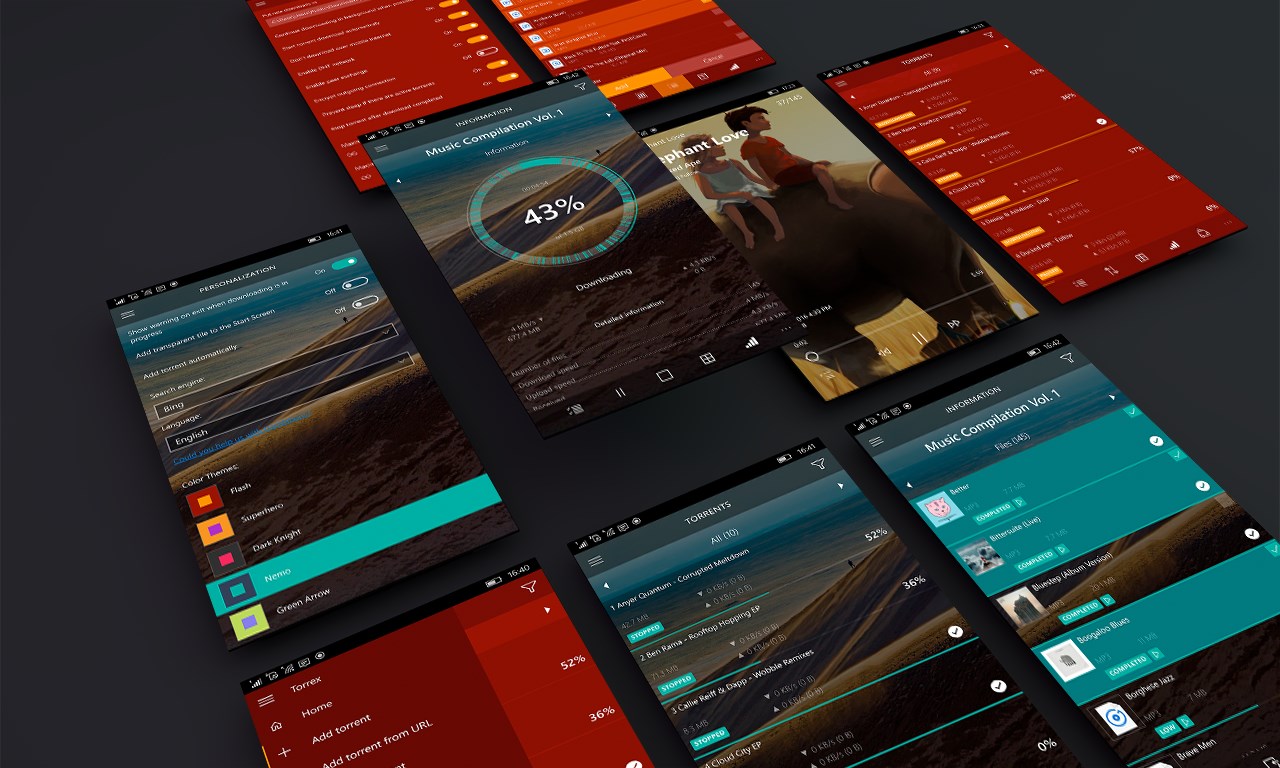
• Mimicry: the design adapts to any type of devices.
• Invisibility: Torrex works in the background without any problems.
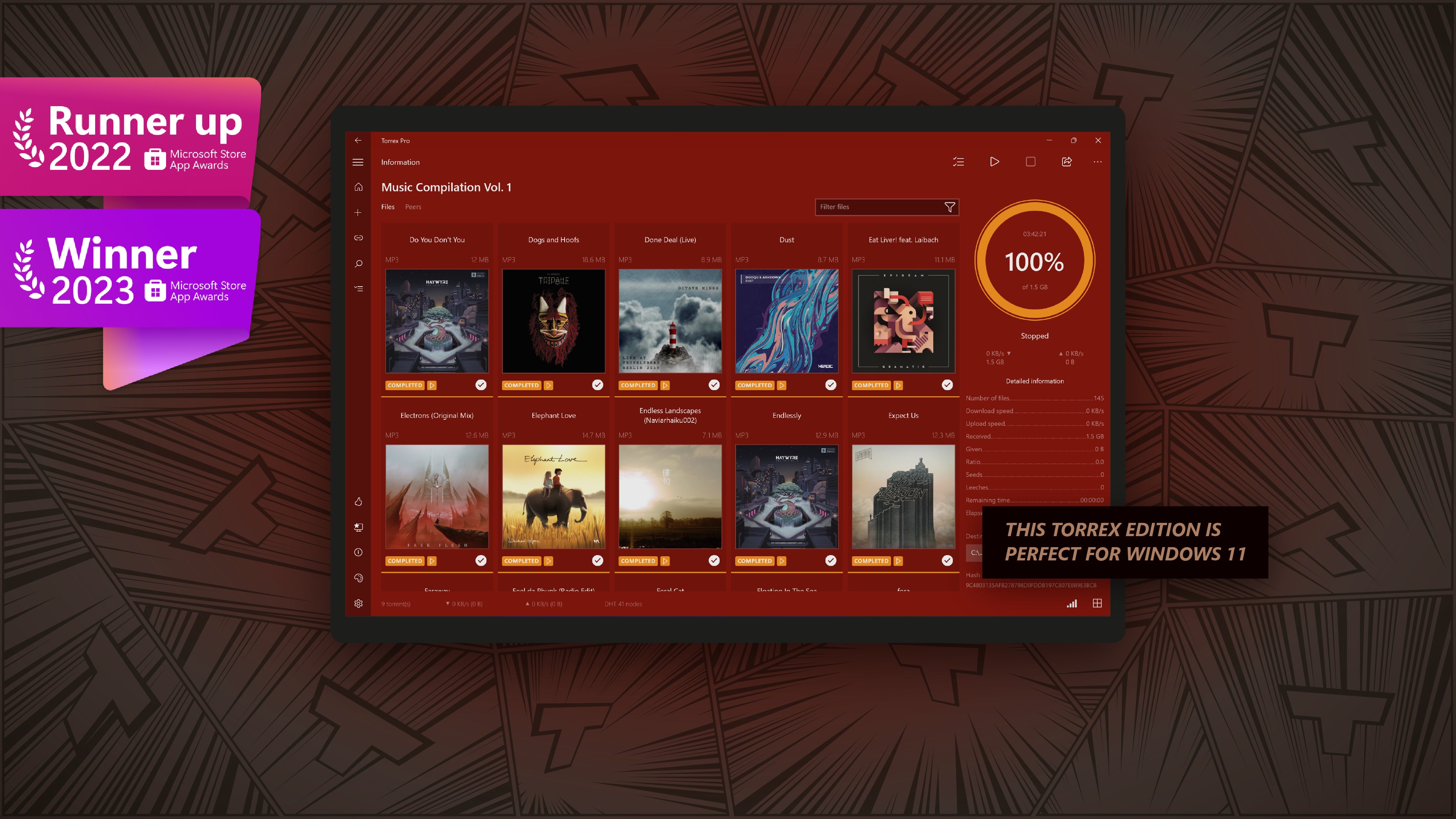
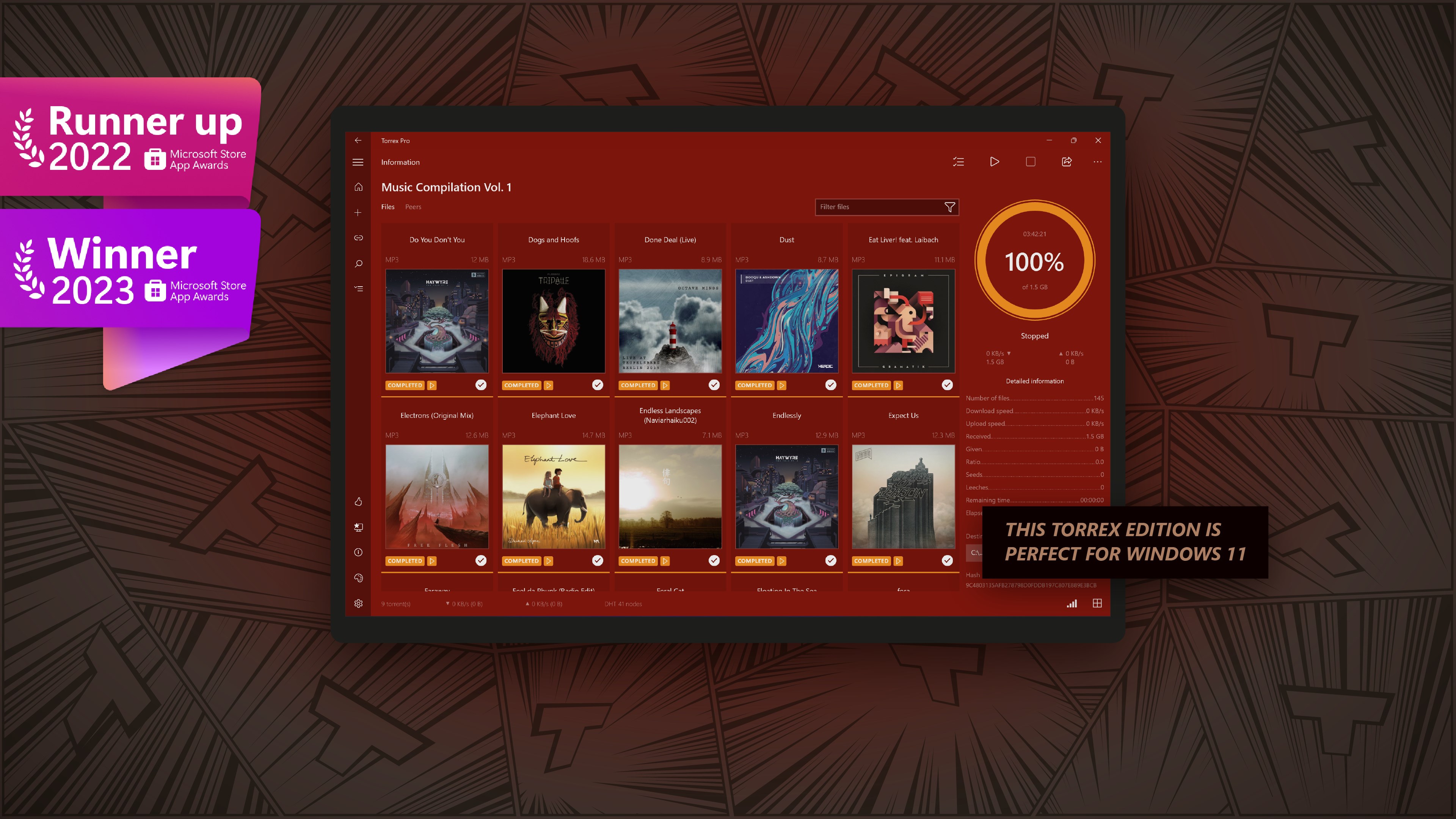
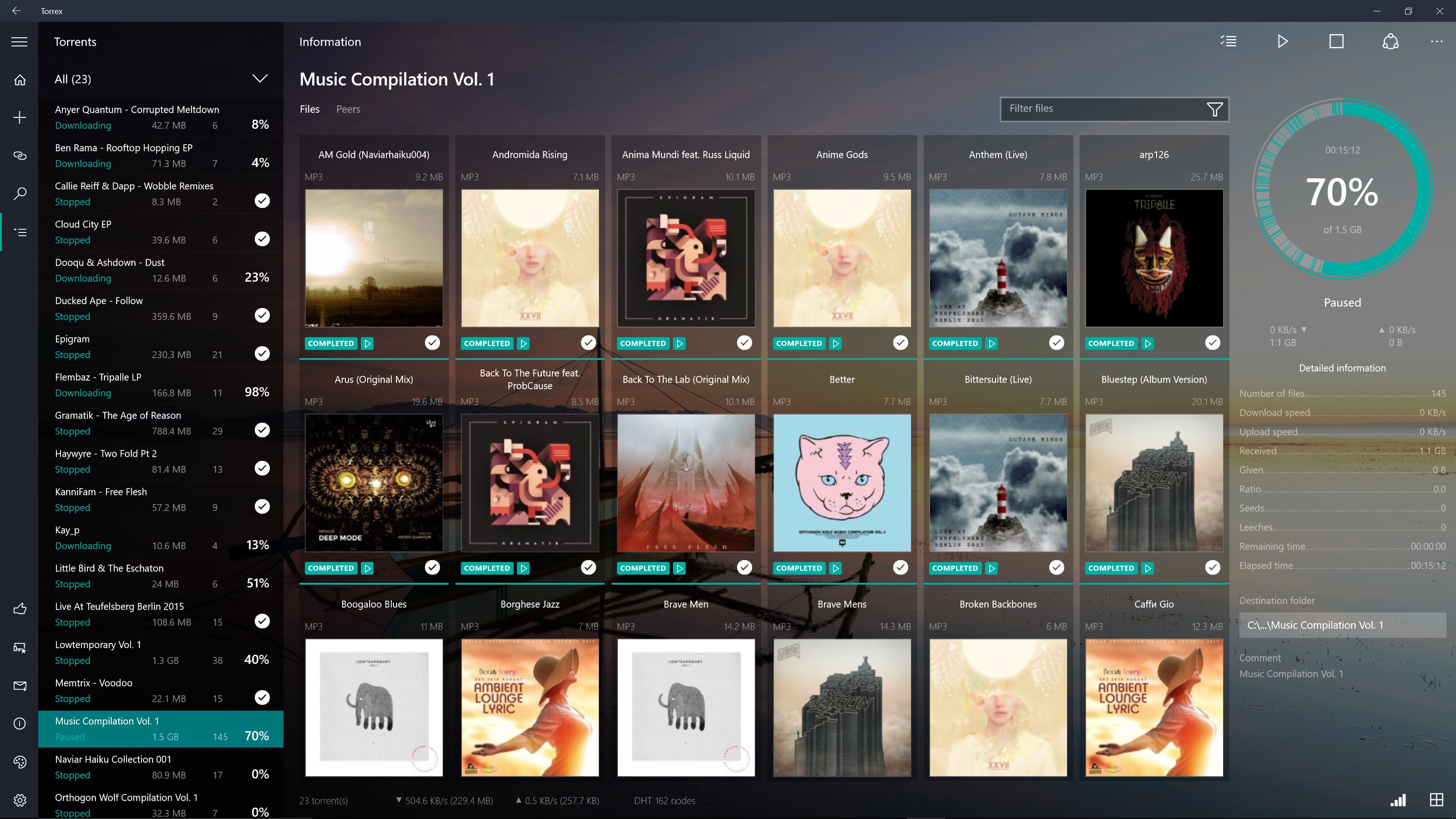
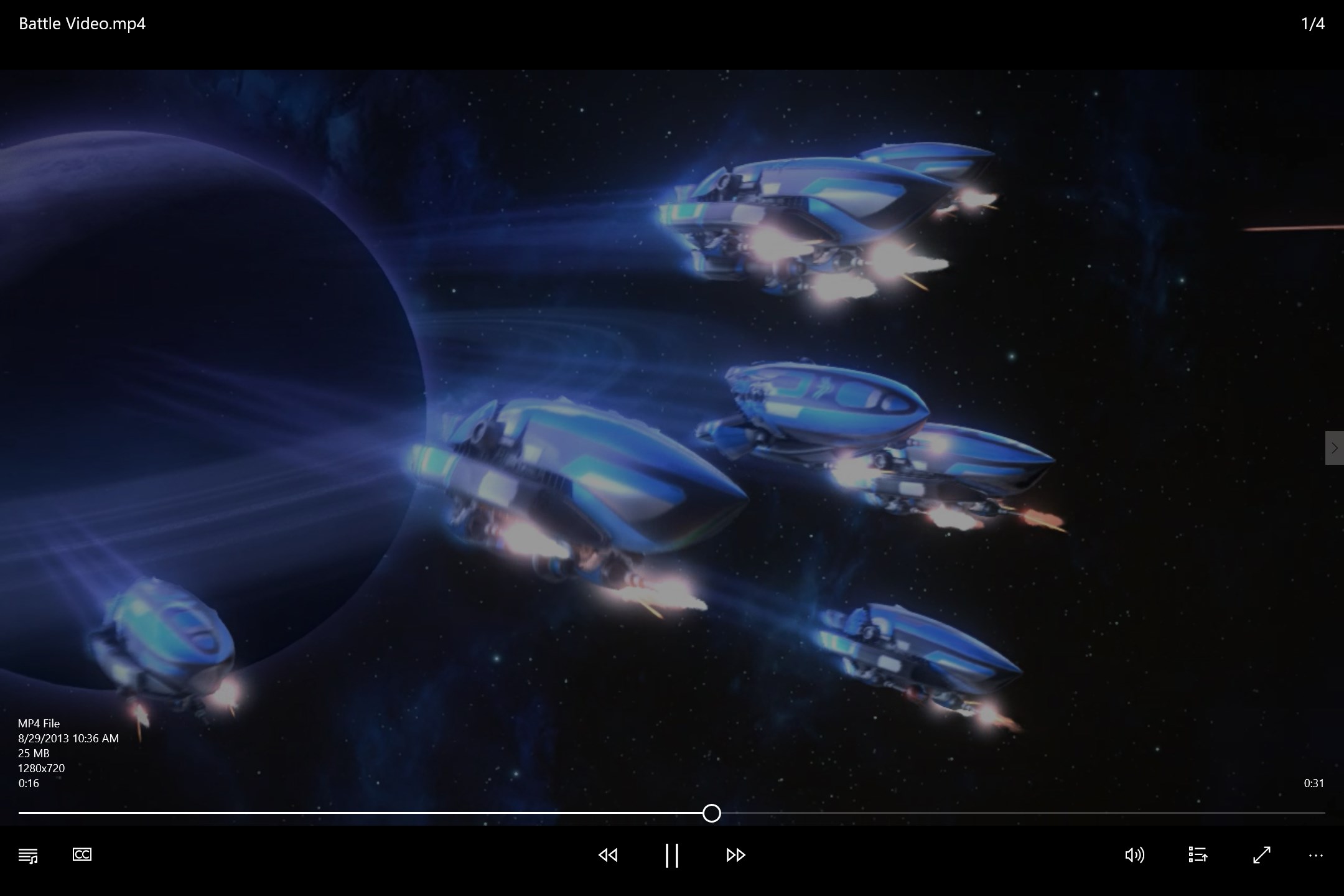
• Mutation: a built-in player. Watch media content right in the application.
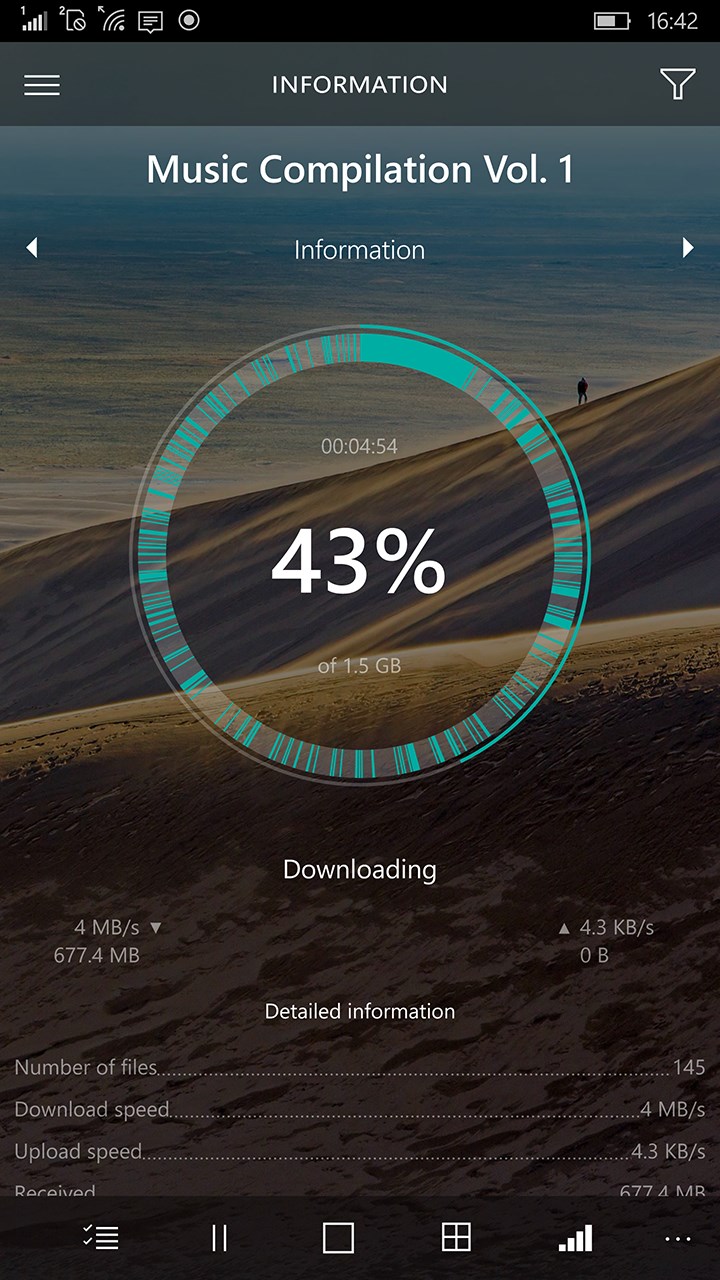
• Time jump: watch a movie or listen to music while the download is still in progress.
• Extended vision: improved detection of torrent sources.
• Speed control: you can limit the speed and total amount of downloaded data.
• Agility: you can now enable downloads over Wi-Fi only to save mobile traffic.
• Telepathy: share data remotely using “Share Contract”.
• Empathy: Torrex speaks over 32 languages and is learning new ones all the time.
The limits of its capabilities are still unknown.
Please drop us a line if you know how to make Torrex even better!
Just send your suggestions to torrex@finebits.com.
And don’t forget to give your ★★★★★ rating to our hero.
Technical features:
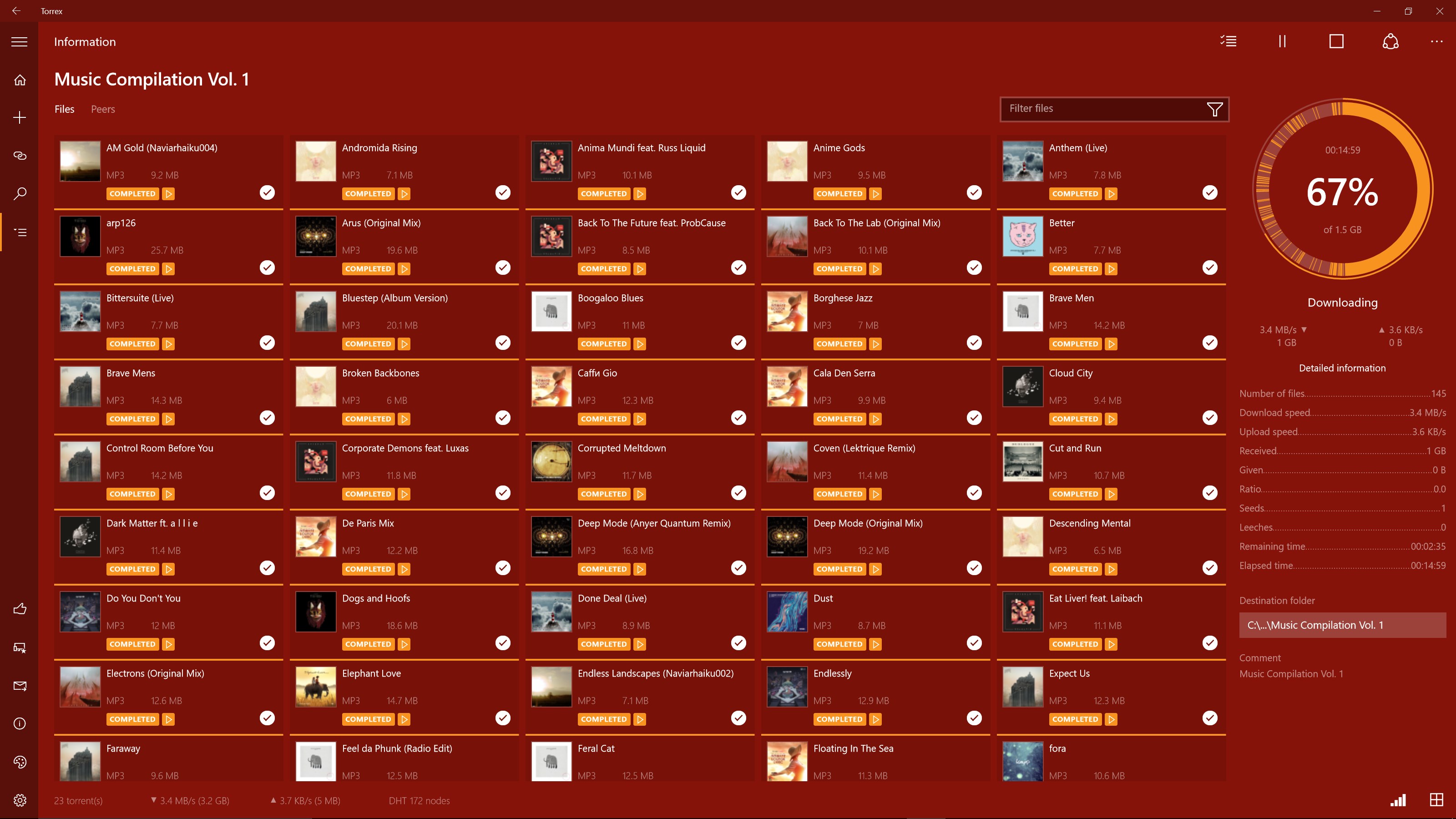
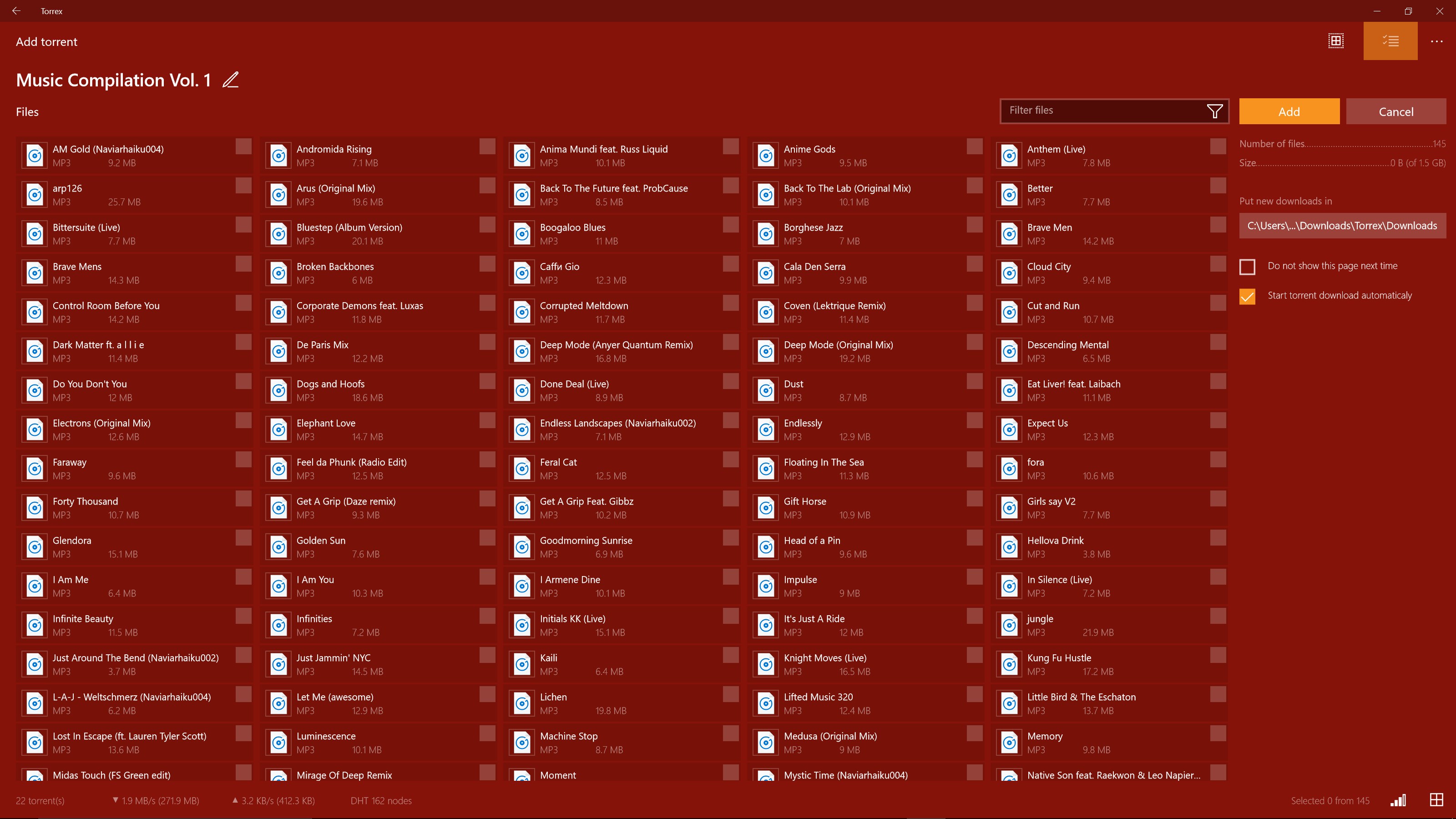
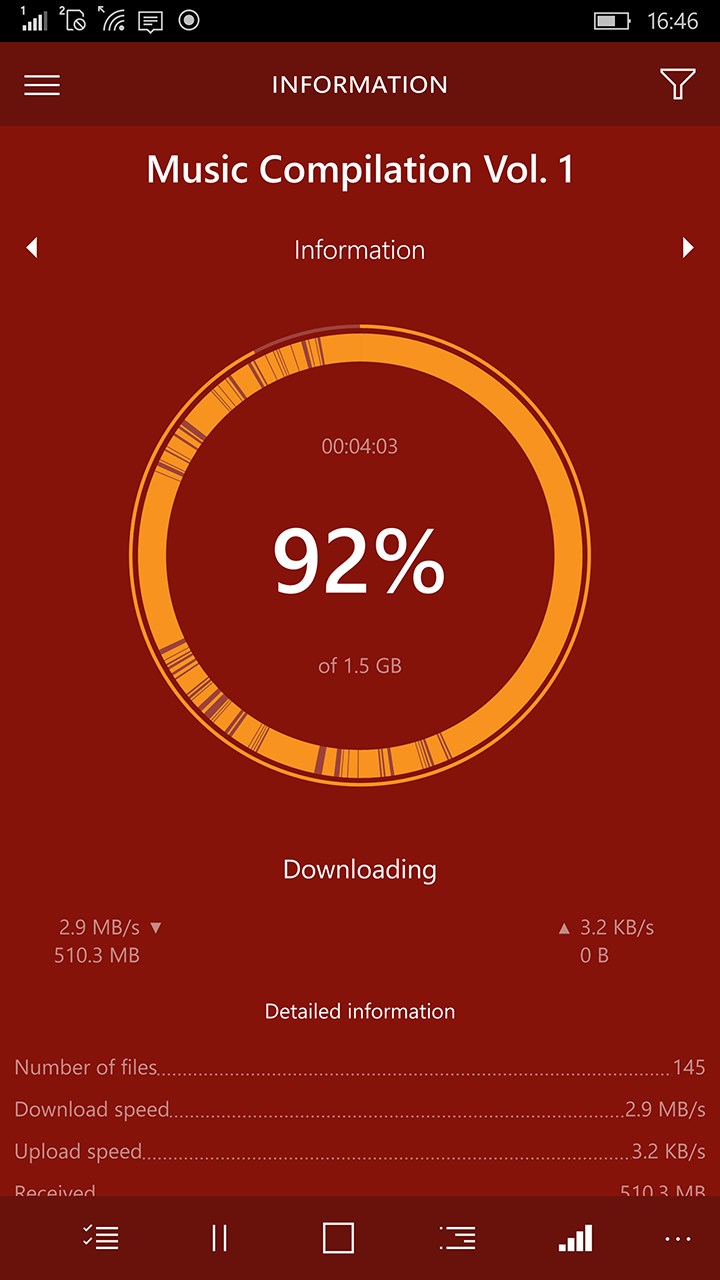
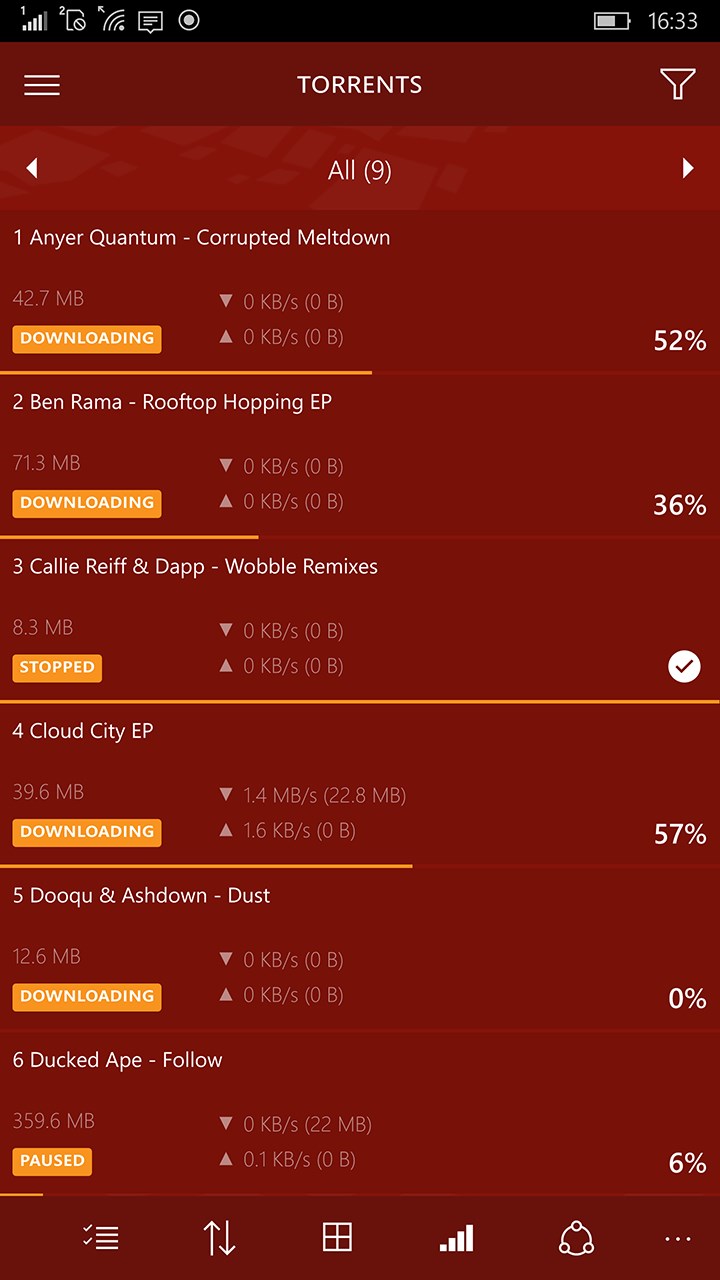
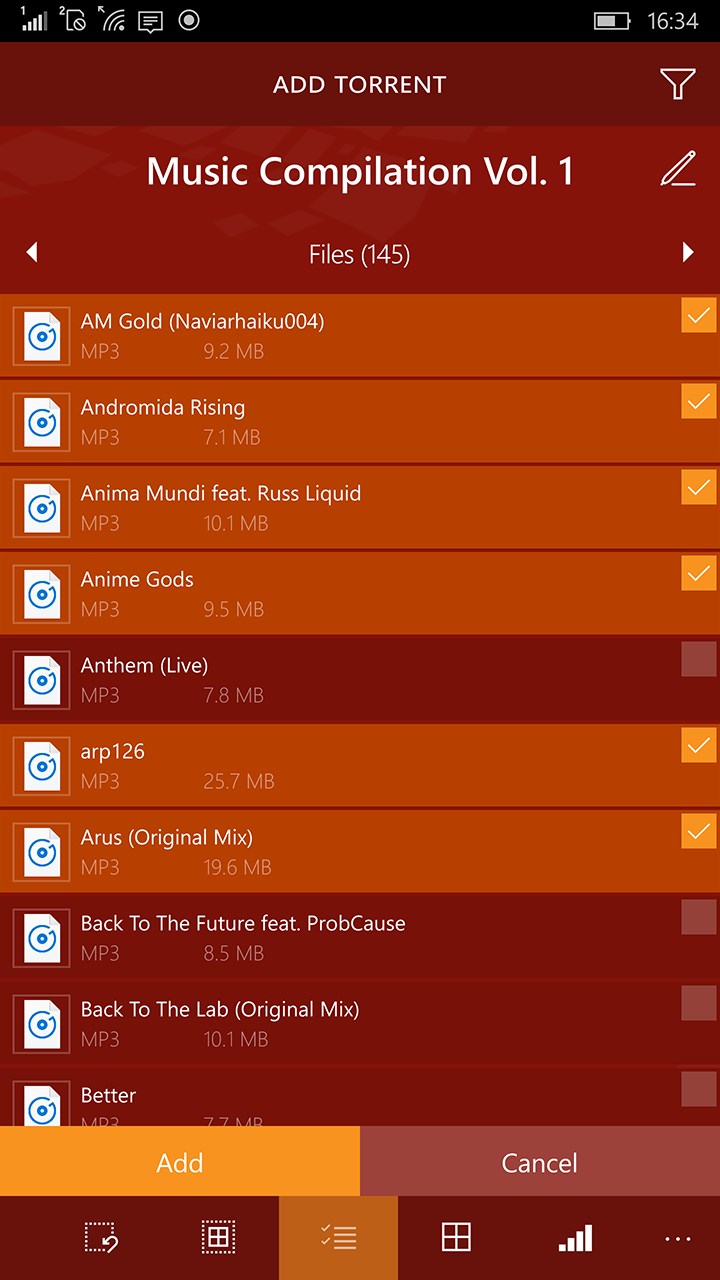
• Simple and intuitive interface.
• Smart adaptive design.
• Fully universal application (UWP).
• Support of the Continuum technology.
• Background mode support. (Pro version only)
• Ability to play media files immediately after the start of downloading (streaming).
• Built-in viewer for music, video, images and text files.
• Plays MKV formatted video files. (Pro version only)
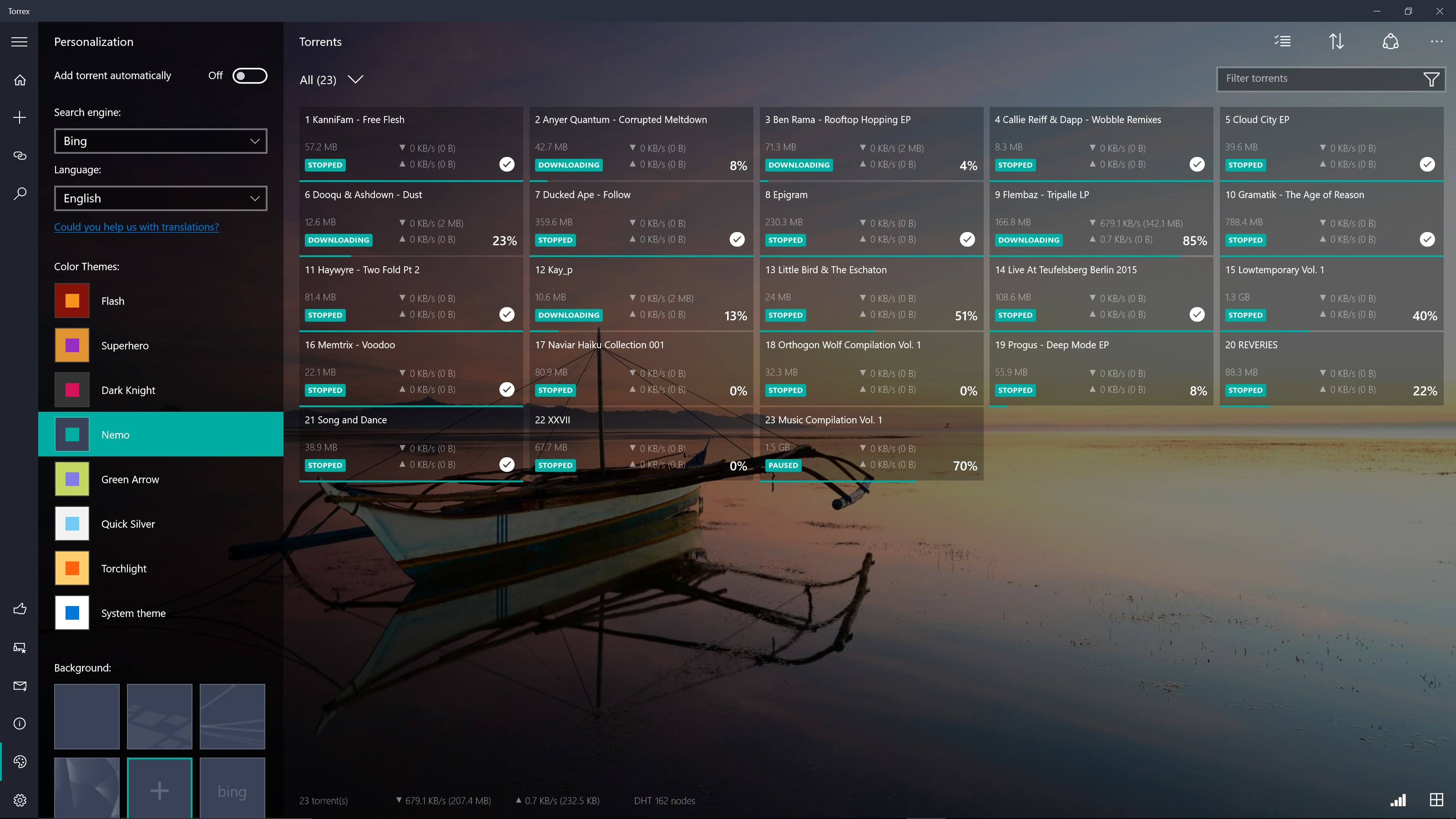
• Configurable content view (tiles, table, tree) and various color themes.
• Download priority management, filters.
• Possibility to stop seeding upon completing a download.
• Possibility to restrict downloads to non-mobile connections only.
• Possibility to change the download destination.
• Connection encryption.
• Download speed control.
Release notes:
• This version is targeted for Creators Update.
• Added option to turn on app window transparency (aka NEON).
• Added compact overlay mode for image/audio/video viewer (aka Picture in picture).
• Added equalizer to audio player.
• Added languages: Azerbaijani, Belarusian, Estonian, Hindi, Lithuanian, Macedonian, Malay, Slovak, Vietnamese, Chinese simplified.
1.3.11.0
Important update for Desktop Device Family (Desktops, Laptops, Tablets):
• Added option to turn off computer after all downloads have completed.
• Added ability to launch app on system startup.
• Improved downloading in background.
1.2.176.0
• Now with Creators Update on Xbox One Torrex can download files to an external drive.
1.2.139.0
• Playback bug on HoloLens was fixed
1.2.134.0
• UI improvements.
• Fullscreen mode for Xbox One.
1.2.130.0
• Performance optimization.
1.2.118.0
• Torrex is a UWP app and is available for all devices using Windows 10 (Desktop, Tablet, Mobile, Xbox One, Hololens).
• Torrex is now available for Windows 10 Mobile.
• New languages: Bosnian, Croatian, Georgian, Korean, Malay, Norwegian, Persian, Portuguese and Serbian.
1.2.117.0
• UI improvements.
• Preparation for Xbox One package.
1.2.101.0
• Background download for Anniversary Update package was improved.
• Option for background download for Anniversary Update package when running on battery was added.
• Home button was added.
• UI improvements.
1.2.96.0
• UI improvements.
• Editboxes for all sliders in the Settings was added.
• Size of sliders was increased.
• Max values for Max Active Torrents and Upload Slots was changed.
• Highlight color in the Tree was fixed.
• Bug with Open Containing folder was fixed.
• Folders order in the Tree was fixed.
1.2.90.0
• Speed button added for Mobile.
• UI improvements.
• Anniversary Update package.
1.2.88.0
• Fixed issue with Bing wallpaper.
• Fixed issue with text overlapping on main page.