Finebits OÜ

Files&Folders Lite

Your files, your cloud, your media — one calm workspace

Get it free on Microsoft Store
3.7 from 11K ratings Free
  • Utilities & tools
  • Windows PC & tablet
  • On the Store since 2014
Files&Folders Lite screenshot 1Files&Folders Lite screenshot 2Files&Folders Lite screenshot 3Files&Folders Lite screenshot 4Files&Folders Lite screenshot 5Files&Folders Lite screenshot 6Files&Folders Lite screenshot 7Files&Folders Lite screenshot 8Files&Folders Lite screenshot 9Files&Folders Lite screenshot 10Files&Folders Lite screenshot 11Files&Folders Lite screenshot 12

How to Use Files&Folders Lite

Open a folder, stream a movie from OneDrive, unzip an archive, and queue up a playlist — all without leaving a single app. If you want one dependable place to organise, browse, and play everything on your device, this is it.

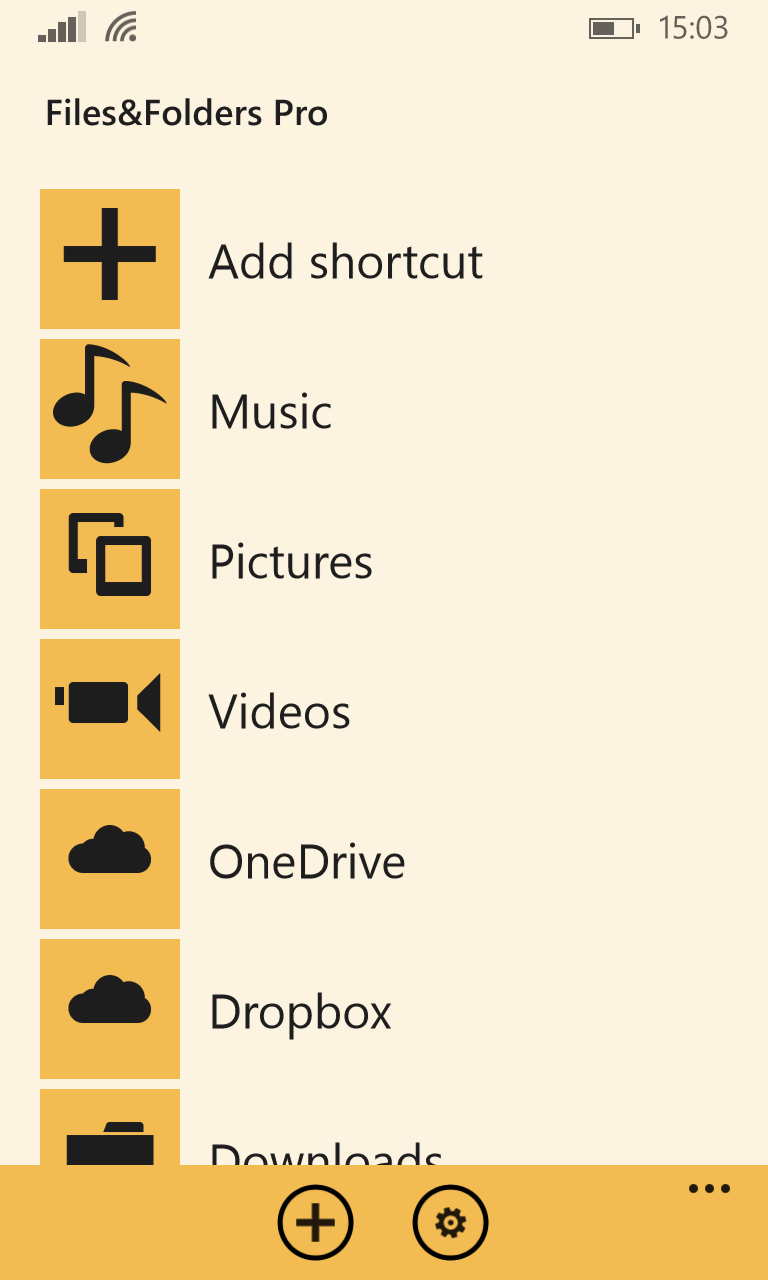
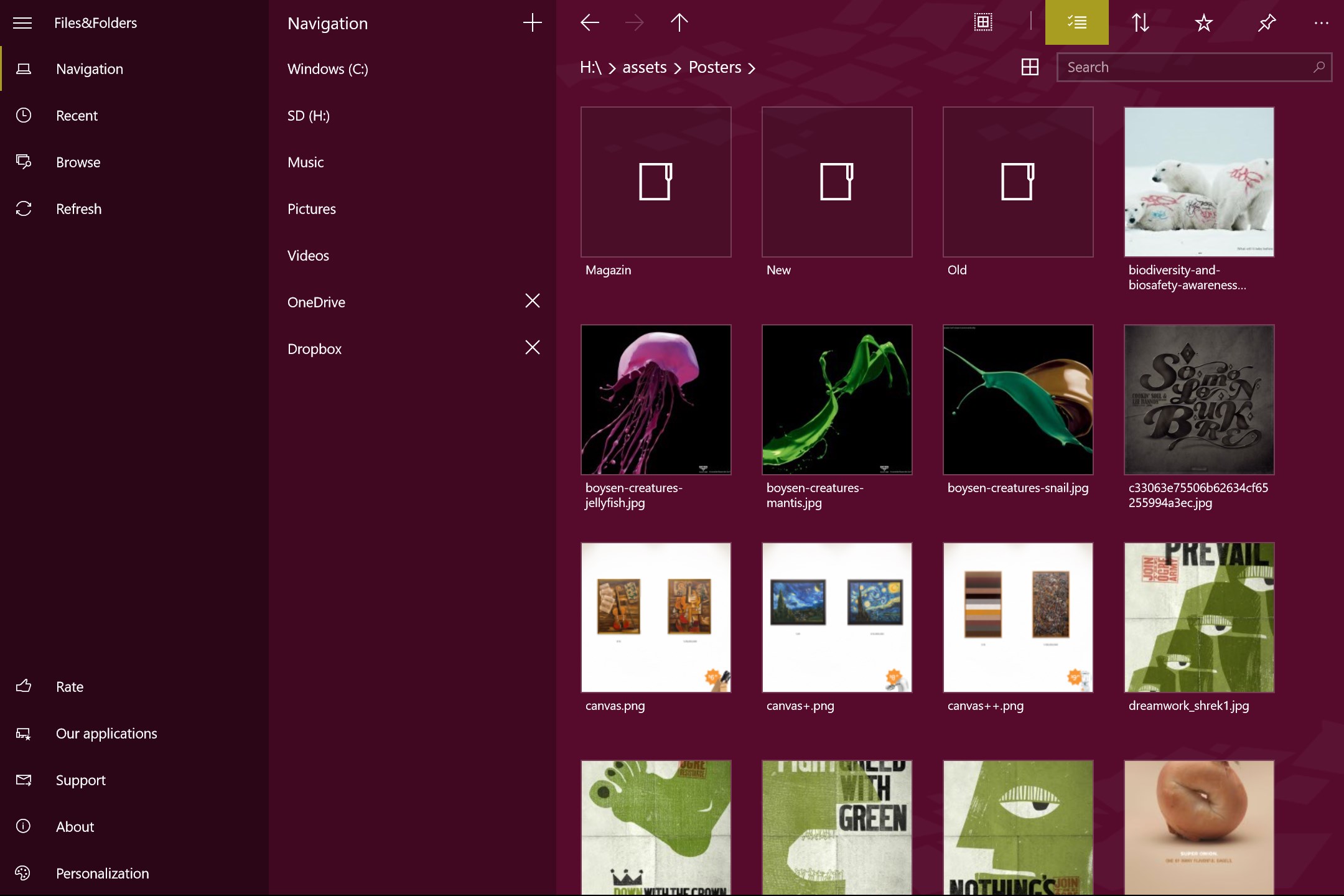
  1. Launch the app and browse your local drives or connect a cloud account
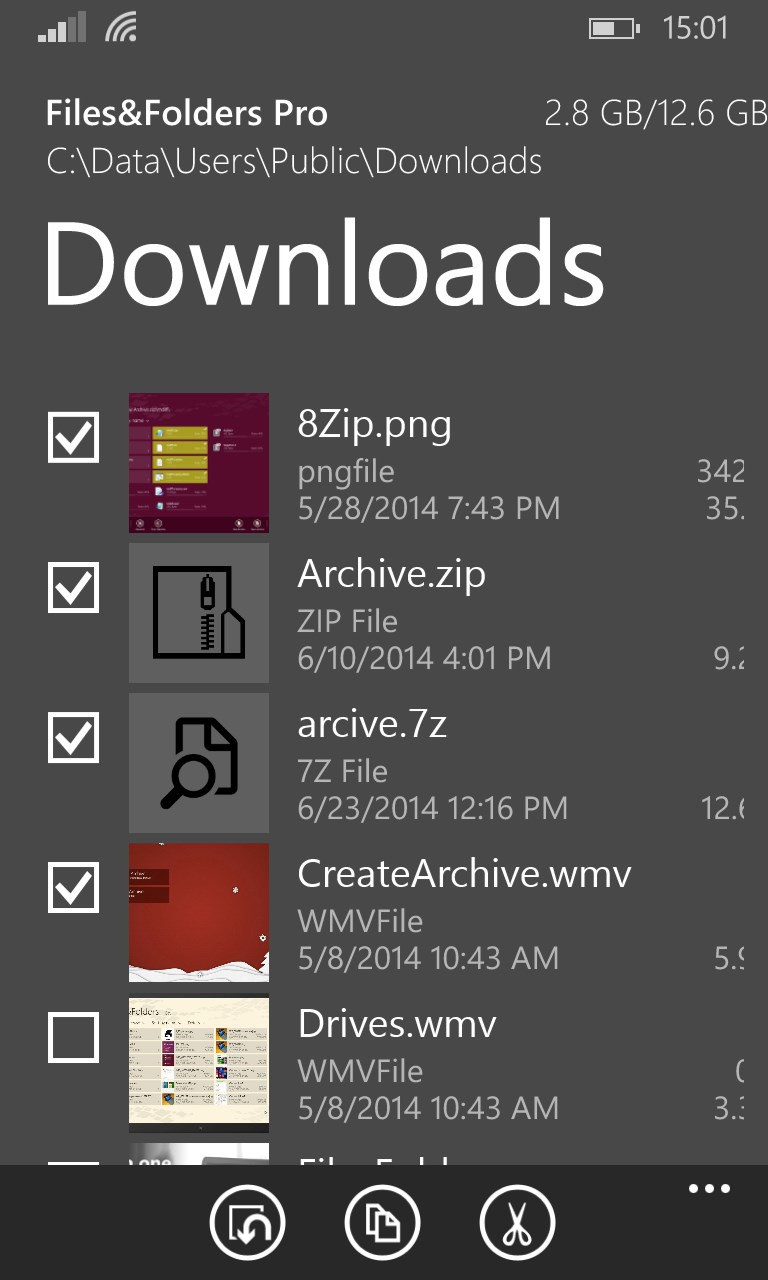
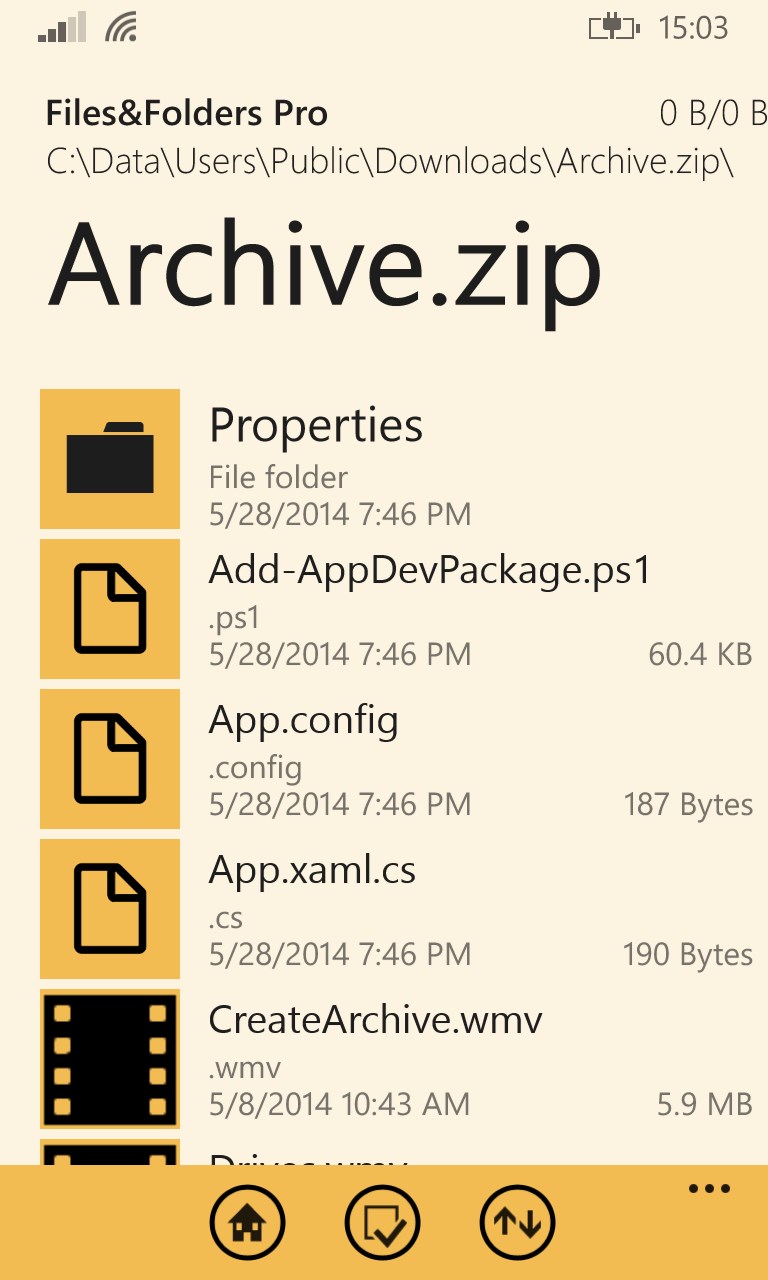
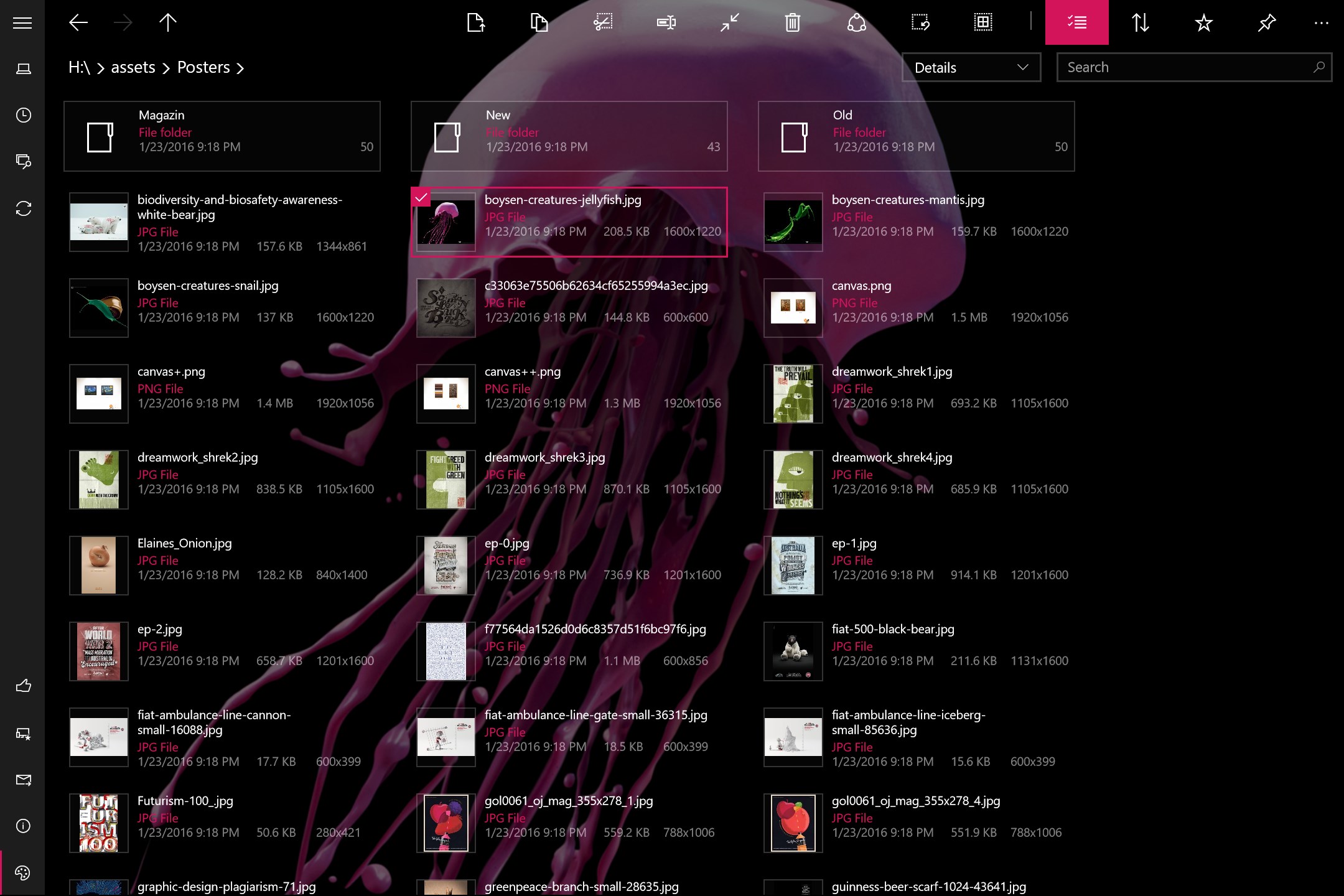
  2. Tap any archive to open or extract it — RAR, ZIP, 7z, ISO and more are supported
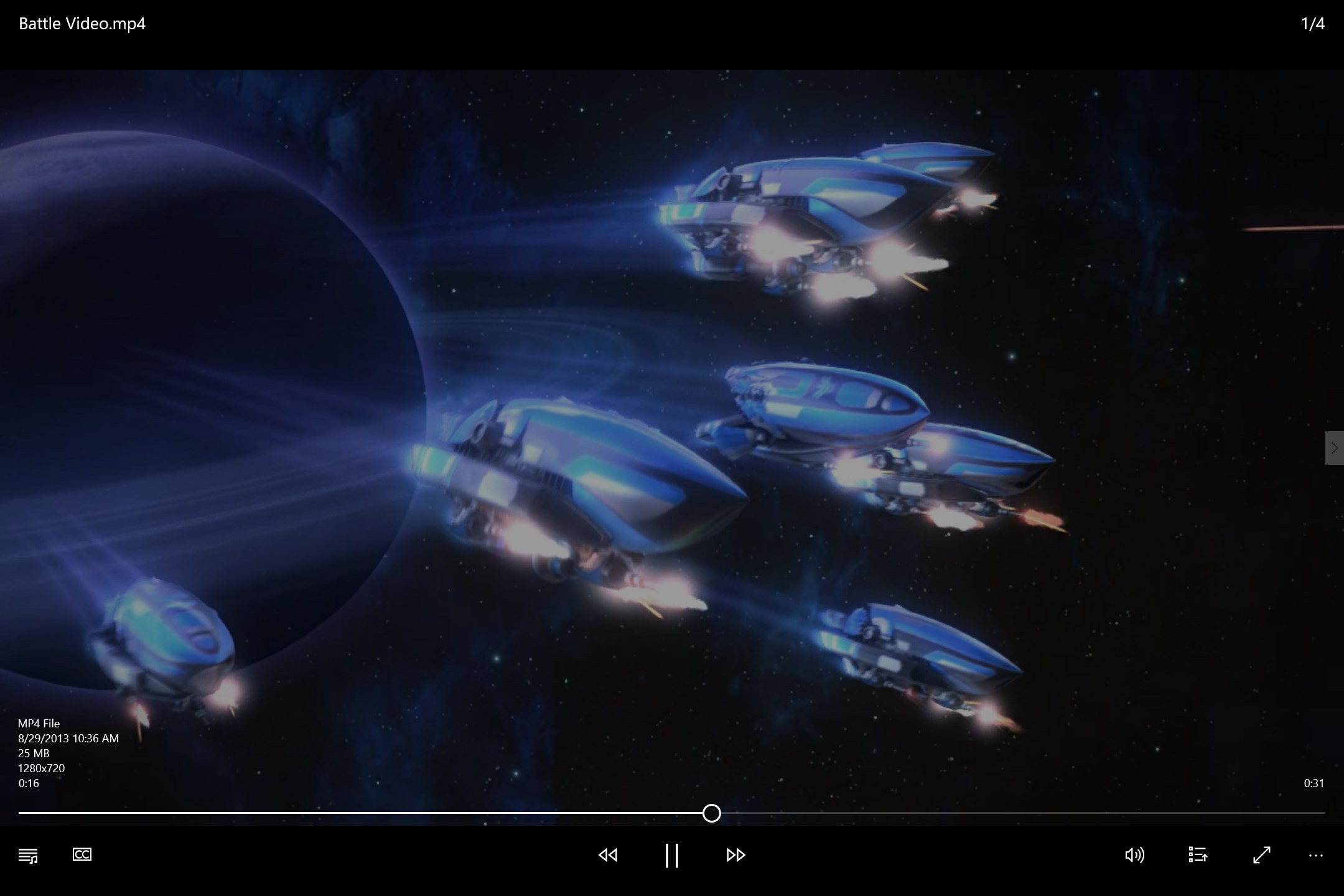
  3. Open a photo, document, or video directly in the built-in viewer without leaving the app
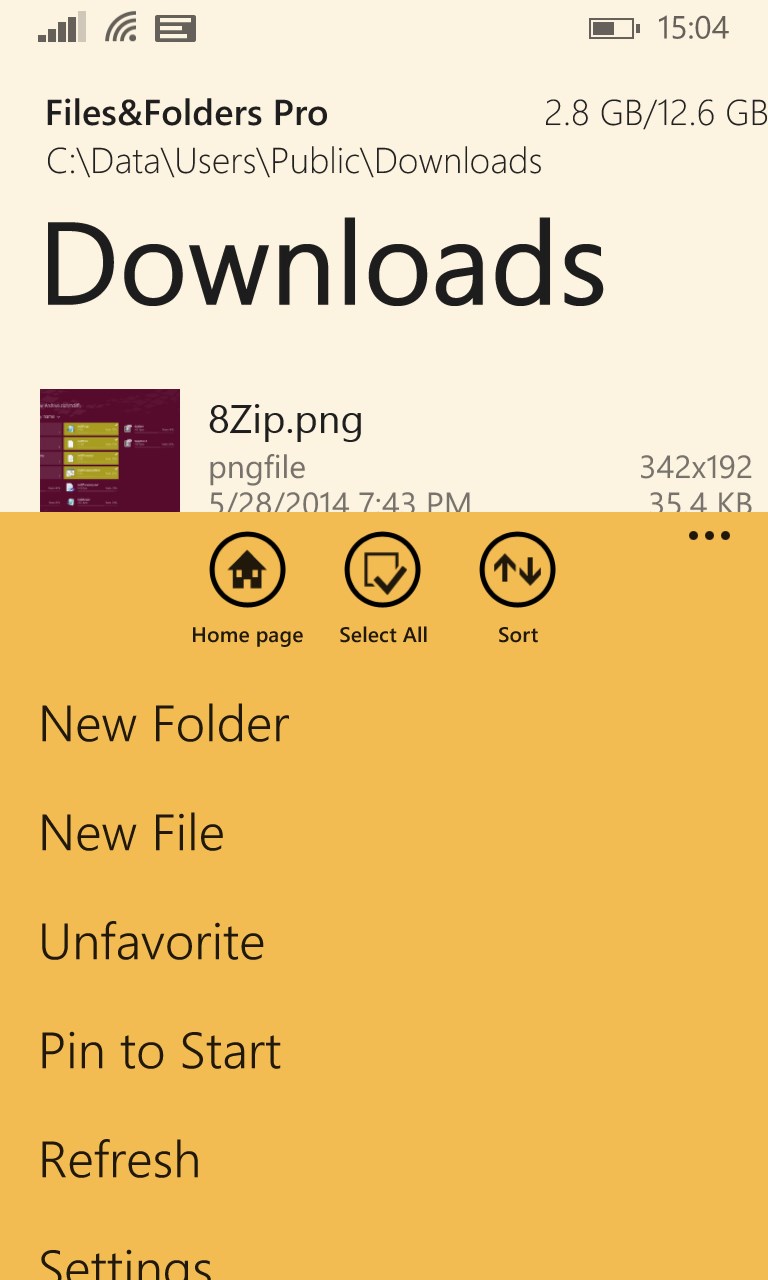
  4. Pin your most-used folders to Favorites or snap them to the Start Screen for quick return
  5. Start a music playlist and let audio continue in the background while you keep working

Controls

Navigate with a mouse, keyboard shortcuts, or a controller on Xbox One. Hotkey commands are available throughout for faster file operations.

Tips & Tricks

  • Connect Google Drive, Dropbox, OneDrive, Yandex Disk, and FTP all at once — they appear side by side so you can move files between clouds in a few taps
  • Use compact overlay mode to keep a video or image floating in a corner while you continue managing files elsewhere on screen
  • The equalizer in the audio player lets you tune playback to your headphones or speakers rather than settling for flat sound
  • Enable autorun so the app opens automatically whenever you plug in a USB drive or flash card — no manual launching needed

Why people keep coming back

  • Full file control copy, move, rename, and delete files and folders with hotkey support throughout
  • Twelve archive formats open or extract RAR, ZIP, 7z, ZipX, ISO, CAB, TAR, and more without a separate tool
  • Built-in media player plays MP4, MKV, AVI, MP3, AAC, WMA and dozens of other formats, plus background audio
  • Four cloud services OneDrive, Dropbox, Google Drive, and Yandex Disk all connected in one place, alongside FTP
  • Picture-in-picture viewer compact overlay mode keeps video or images on screen while you work in another window
  • Themes and Fluent design customise backgrounds including Bing wallpaper, with app-window transparency built in

Content & audience

  • Suitable for all ages (ESRB E; PEGI 3; DJCTQ L; USK Everyone; IARC 3; PCBP 0; CSRR G; CCC TE; Microsoft 3).
  • Free app supported by advertising, with optional in-app purchases.
  • Single-player experience: no chat, no messaging and no user-generated content.
  • Works offline; no account required.

Category: Technology & Computing › Computing › Computer Software and Applications › Operating Systems · Store category: Utilities & tools

Policies & support

About Files&Folders Lite

Files&Folders is a fully functional file manager.
Manage your files and folders, extract archives, watch videos, view pictures and listen to music.

App features:
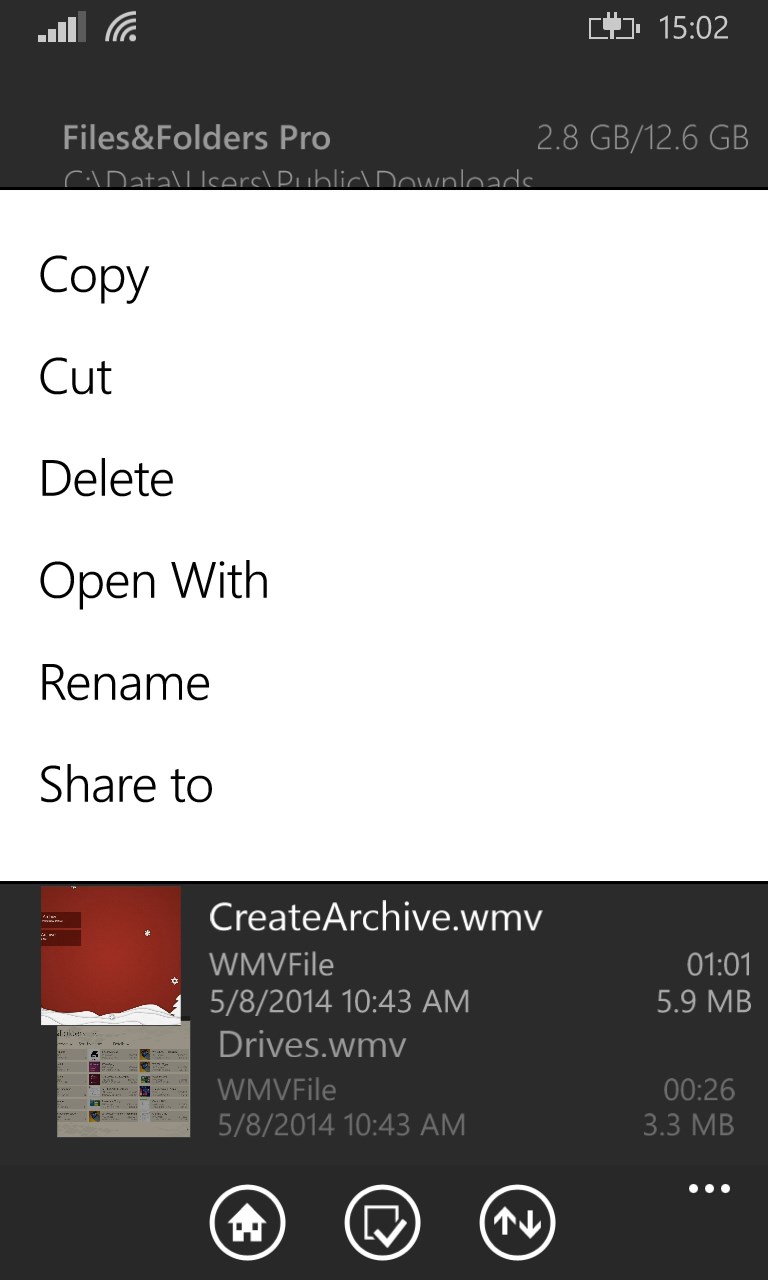
• file and folder options (copying, moving, renaming, deleting)
• opening and extracting files from archives (RAR, ZIP, 7z, ZipX, ISO, BZIP2, GZIP, TAR, ARJ, XZ, CAB...)
• built-in viewer and media player (doc, docx, rtf, jpeg, png, bmp, gif, tiff, mp3, wma, m4a, aac, wav, ac3, avi, 3gp, wmv, mp4, m4v, mov, mkv)
• audio playback in the background
• OneDrive support
• Dropbox support
• Google Drive support
• Yandex Disk support
• FTP support
• snapped mode support
• adding folders to Favorites and pinning them to the Start Screen
• charms support: Search and Share
• operating with the system Clipboard (copying to Windows Explorer)
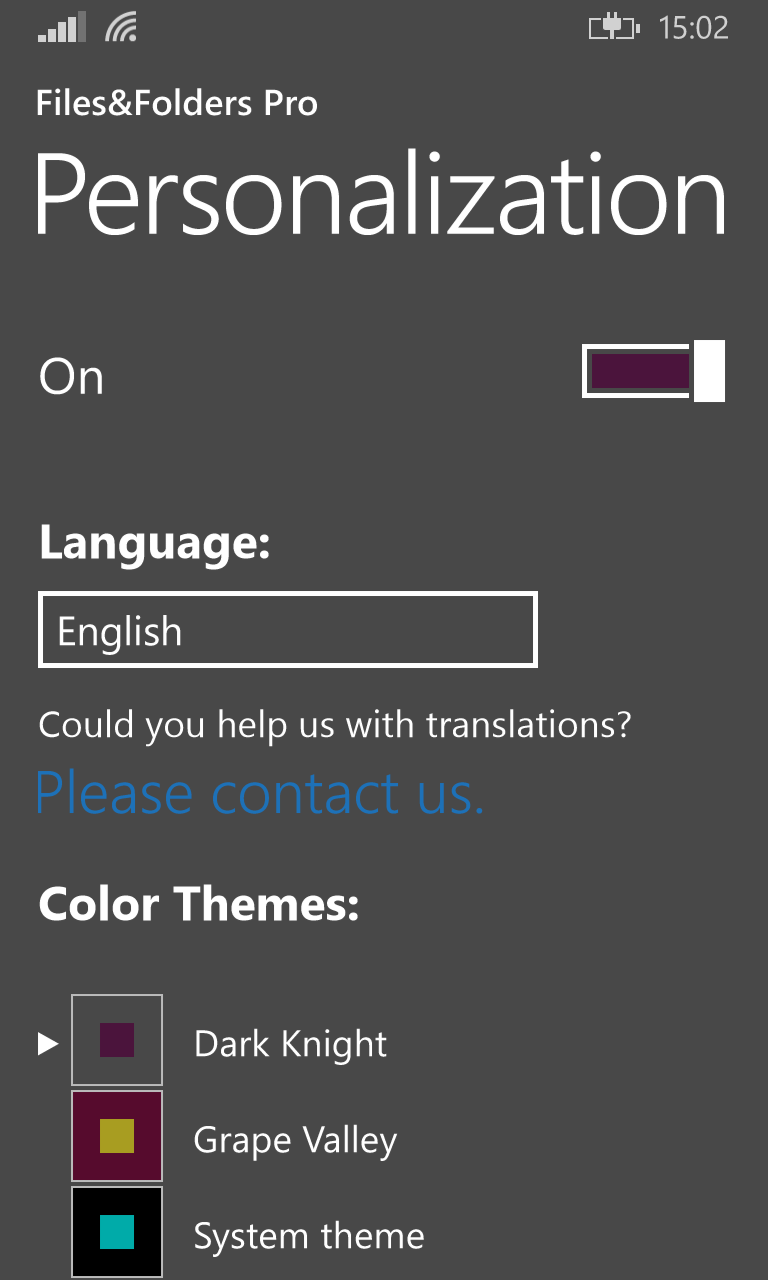
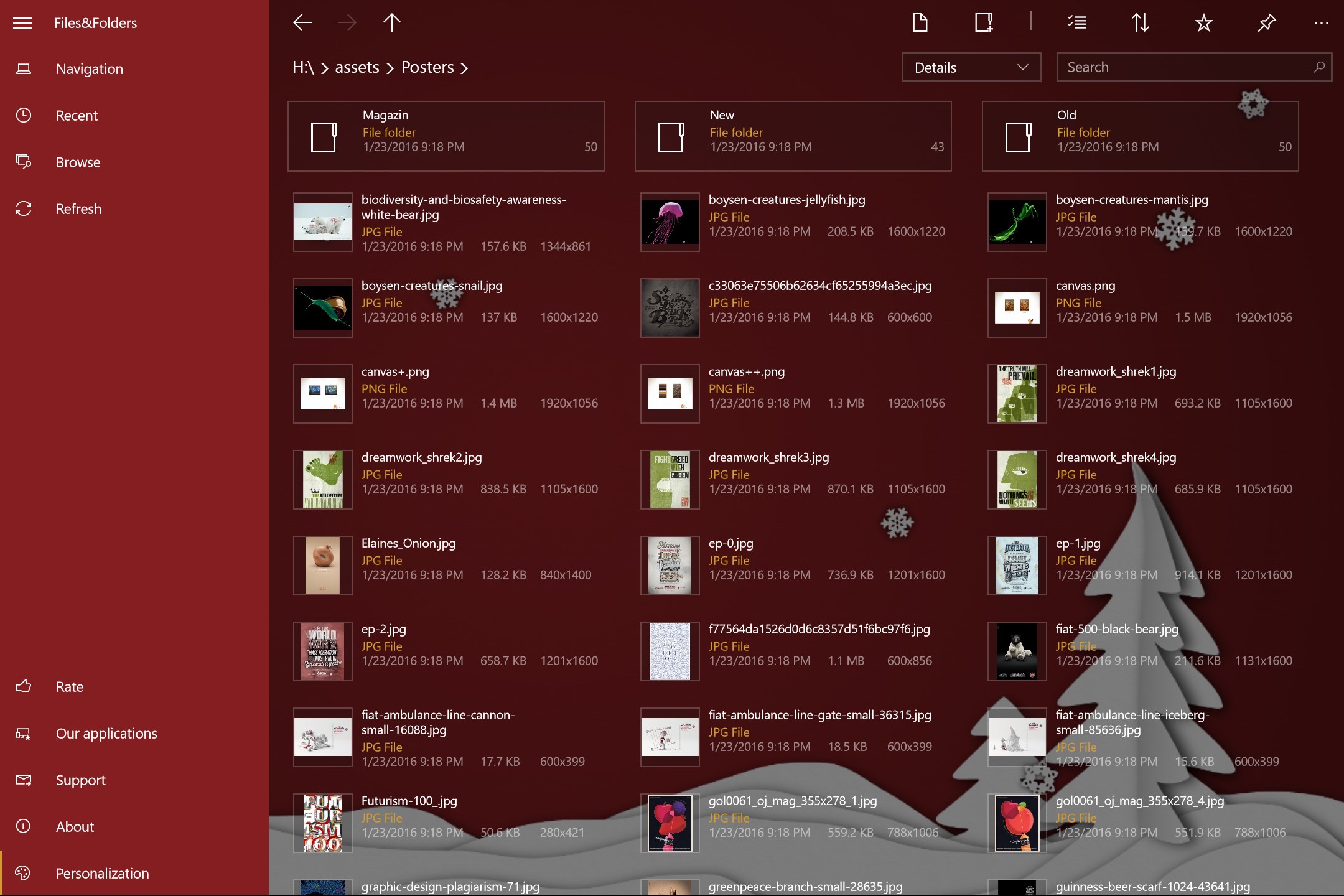
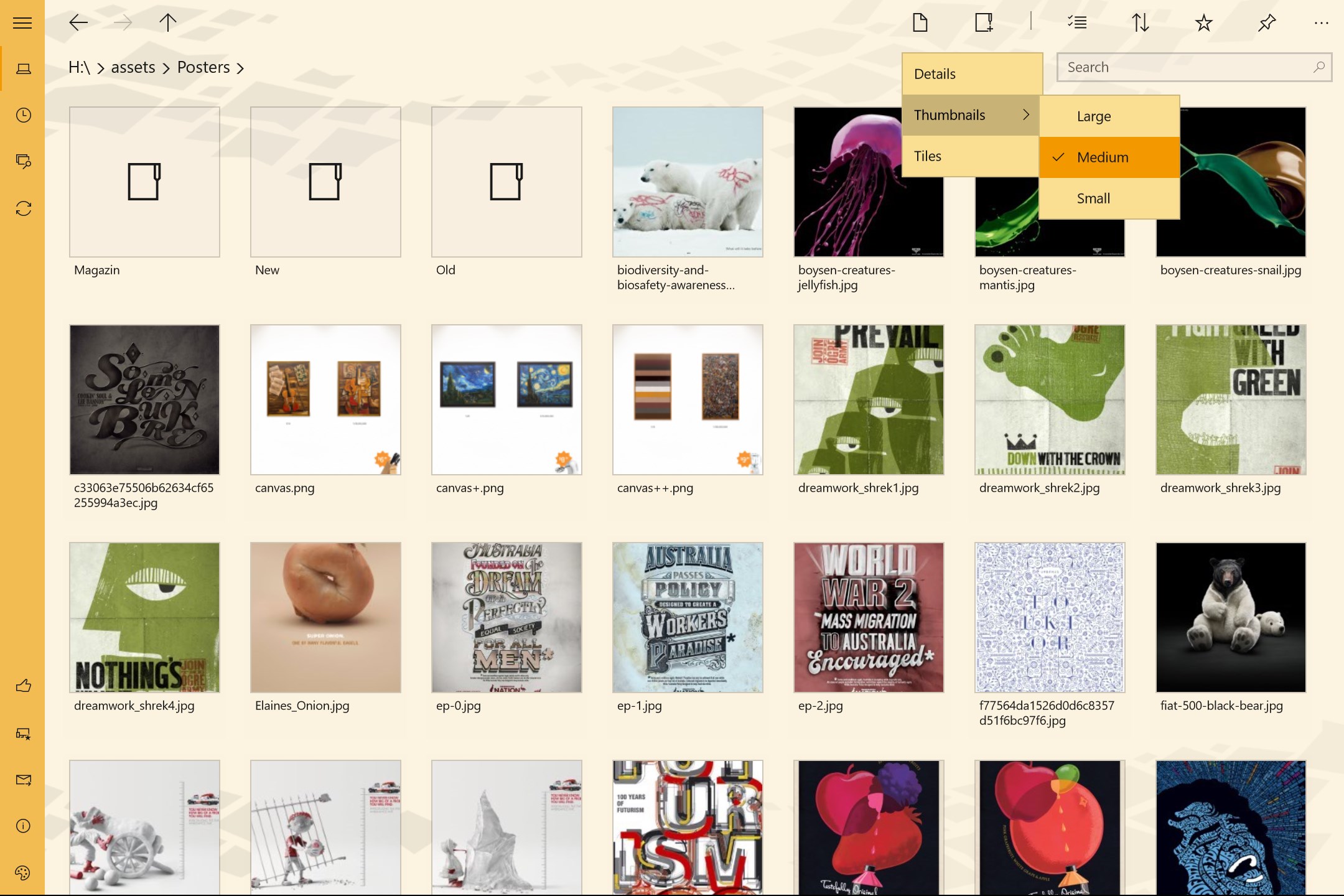
• themes and backgrounds, Bing wallpaper
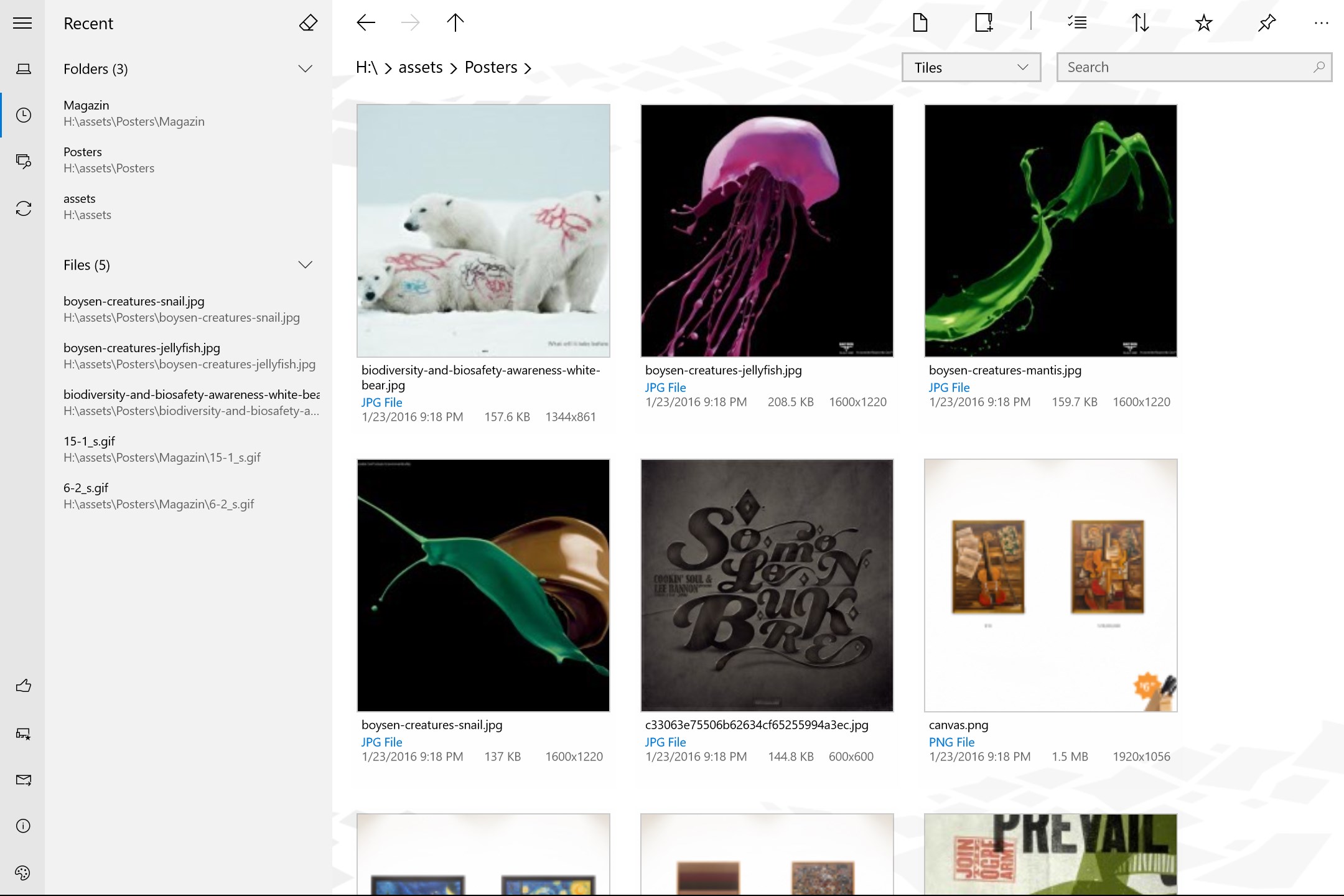
• video and image preview
• autorun when inserting portable devices and flash drives
• hotkey commands

Release notes:
version 1.2.39.0
• This version is targeted for Creators Update.
• Added app window transparency (aka Fluent).
• Added compact overlay mode for image/audio/video viewer (aka Picture in picture).
• Added equalizer to audio player.
• Added support for Google Drive and Yandex Disk.
• Added support for FTP connections.

version 1.1.84.0
• Xbox One support.
• Comic Book Archive support (.cbz, .cbr)
• Support for background images in the GIF format.
• UI improvements.

version 1.1.77.0
Files&Folders is available for Windows 10 now.

version 1.1.0.27
• Built-in viewer and media player
• Audio playback in the background
• Streaming from OneDrive and Dropbox

version 1.1.0.12
• Creating ZIP and 7z archives
• RAR5 support
• Polish language added
• Turkish language added

version 1.1.0.7
• Chinese language added
• Fixed a problem with duplication of the SD card on the main page
• Fixed a problem with disappearance of the "New Folder" command
• Fixed a problem with list items after changing of the system font size
• Fixed a problem with crash of the program in large folders
• Speed rendering of items in large folders optimized

version 1.1.0.4
• support for multivolume archives

Details

Publisher
Finebits OÜ
Category
Utilities & tools
Released
2014-01-03
Rating
3.7 / 5 · 10,858 ratings
Price
Free

Updated 2026-09-25 · Press kit & assets · Product data (JSON)