Aliens bring change

Sea Battle Solitaire

Pure logic, hidden fleets, one grid to solve

Play free on Microsoft Store
4.4 from 54 ratings Free
  • Card & board, Classics, Educational, Family & kids, Other, Puzzle & trivia, Strategy
  • Windows PC & tablet
  • On the Store since 2019
Sea Battle Solitaire screenshot 1Sea Battle Solitaire screenshot 2Sea Battle Solitaire screenshot 3Sea Battle Solitaire screenshot 4Sea Battle Solitaire screenshot 5

How to Play Sea Battle Solitaire

Each puzzle drops you into a quiet battle of deduction — no guessing, just the slow satisfaction of placing every ship exactly where the numbers say it must be. If you enjoy pencil-and-paper logic puzzles from magazines and want a clean, focused challenge you can pick up and put down at will, this is built for you.

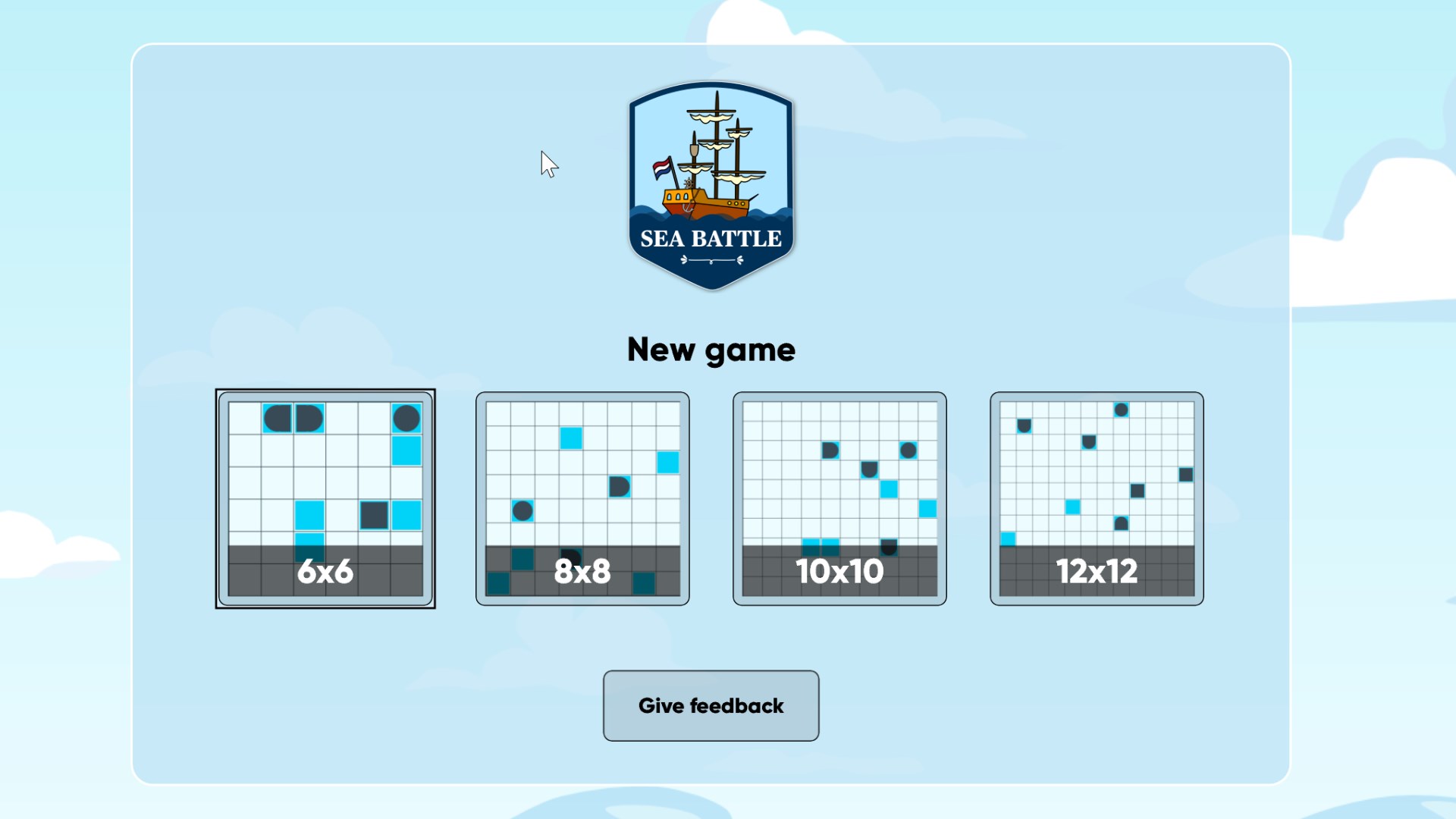
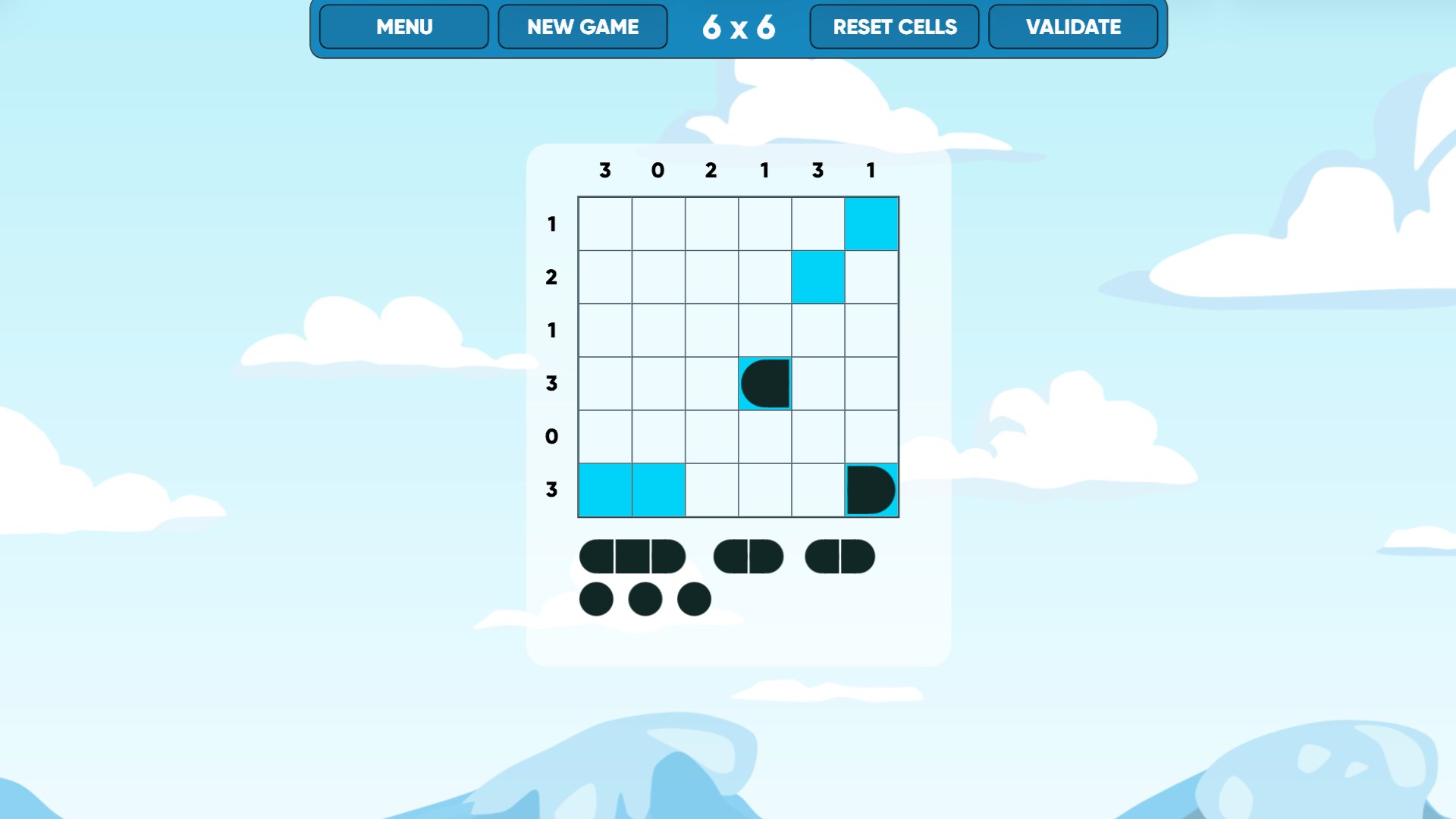
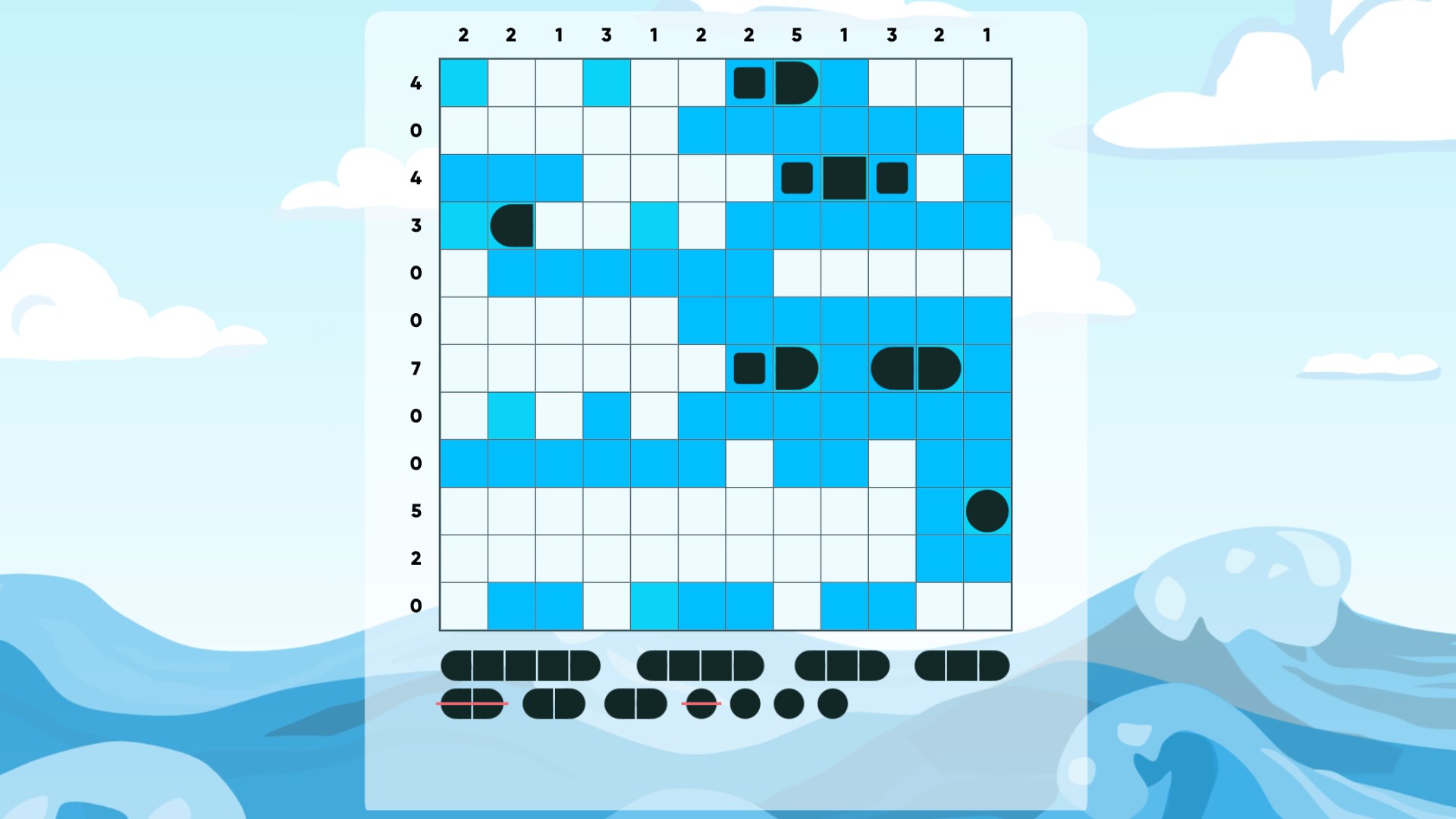
  1. Choose a grid size — 6×6 for a quick solve or 12×12 for a serious session
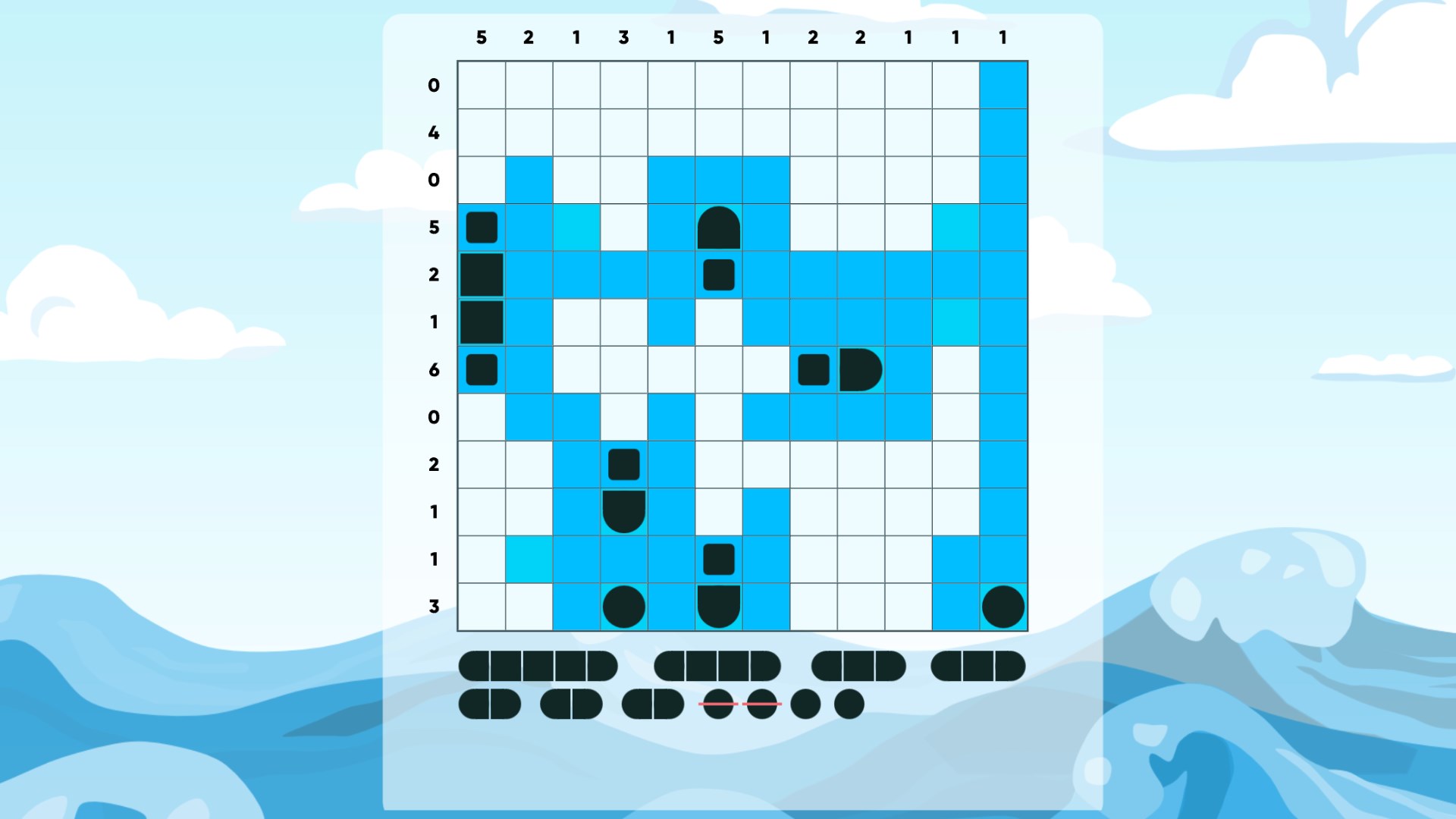
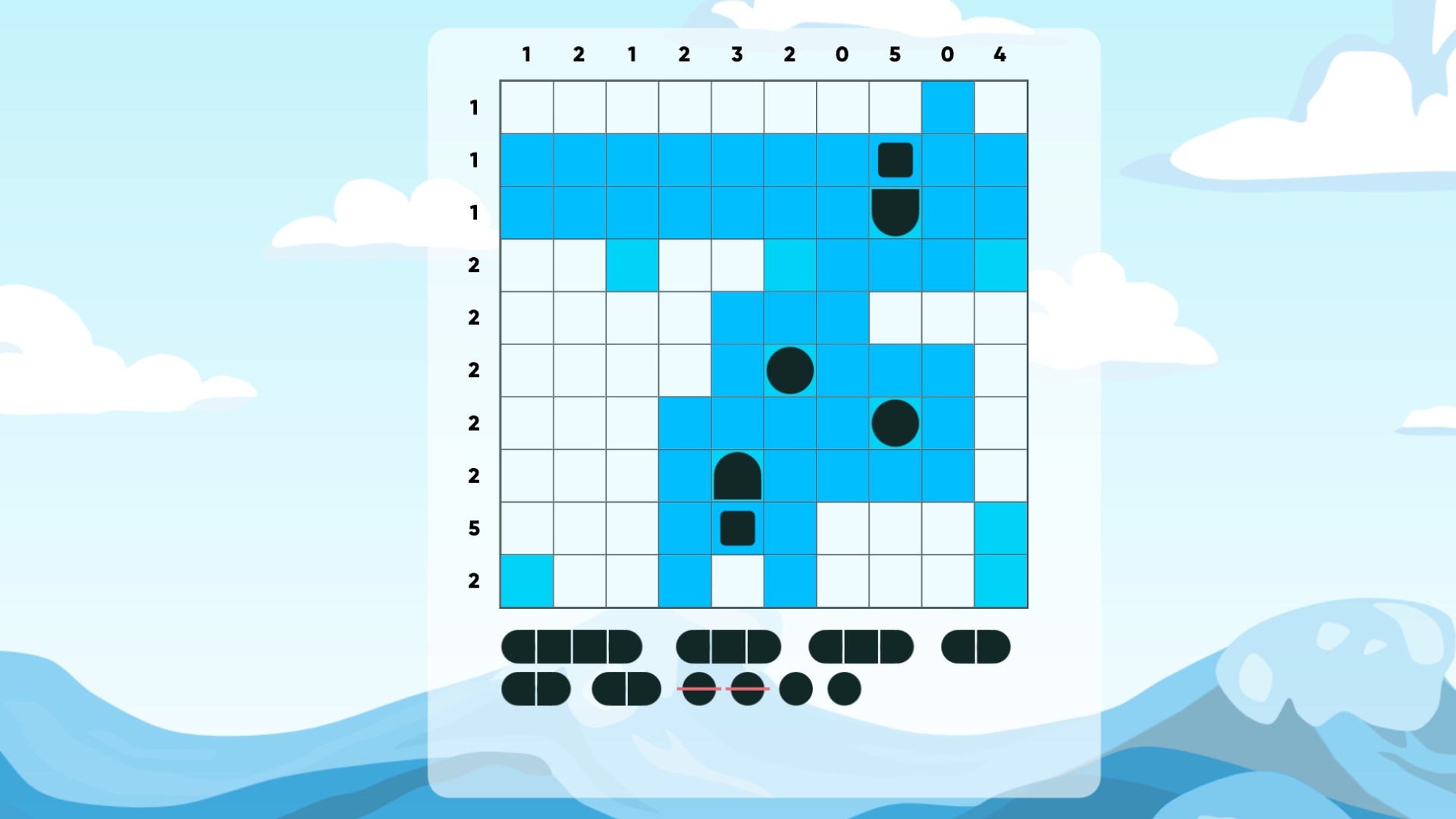
  2. Read the row and column clues to count how many ship segments each line contains
  3. Mark cells you know are water to narrow down where ships can fit
  4. Place ship segments one by one as the logic locks each position in
  5. Fill the final cell and watch the completed fleet reveal itself

Controls

Tap or click a cell to place a ship segment or mark open water. Everything is point-and-select — no keyboard shortcuts to memorise.

Scoring

Your goal is a correct solution, not a timed score — the puzzle is either solved or it isn't, which keeps the focus on logic rather than speed.

When does a round end?

A round ends the moment every ship is correctly placed on the grid and all row and column counts are satisfied.

Tips & Tricks

  • Start with the rows or columns whose clue equals zero — mark every cell in those as water immediately
  • On larger grids, identify the longest ship first; limited space means its position is often forced
  • When a ship segment is confirmed, mark water in all cells that touch its corners — ships never sit diagonally
  • If a row clue matches the number of unresolved cells remaining in that row, every one of them must be a ship segment

Why people keep coming back

  • Four grid sizes choose 6×6, 8×8, 10×10 or 12×12 to match the time and challenge you want
  • Pure deduction design every puzzle is solvable by logic alone, no random guessing required
  • Magazine-style format the same Bimaru and Yubotu rules fans already know from print puzzles
  • Pick-up-and-put-down play puzzles hold their state so you can return mid-solve without losing progress
  • Family-friendly difficulty range accessible enough for younger solvers on small grids, genuinely demanding on large ones
  • No clutter the interface stays out of the way so your full attention goes to the grid

Content & audience

  • Suitable for all ages (ESRB E; PEGI 3; DJCTQ L; USK Everyone; IARC 3; COB-AU G; GRB All; PCBP 0; CSRR G; Microsoft 3; CCC TE).
  • Free game supported by advertising; no in-app purchases.
  • Single-player experience: no chat, no messaging and no user-generated content.
  • Playable offline; no account required.

Category: Video Gaming › Action Video Games › Shooter Video Games · Store category: Card & board, Classics, Educational, Family & kids, Other, Puzzle & trivia, Strategy

Policies & support

About Sea Battle Solitaire

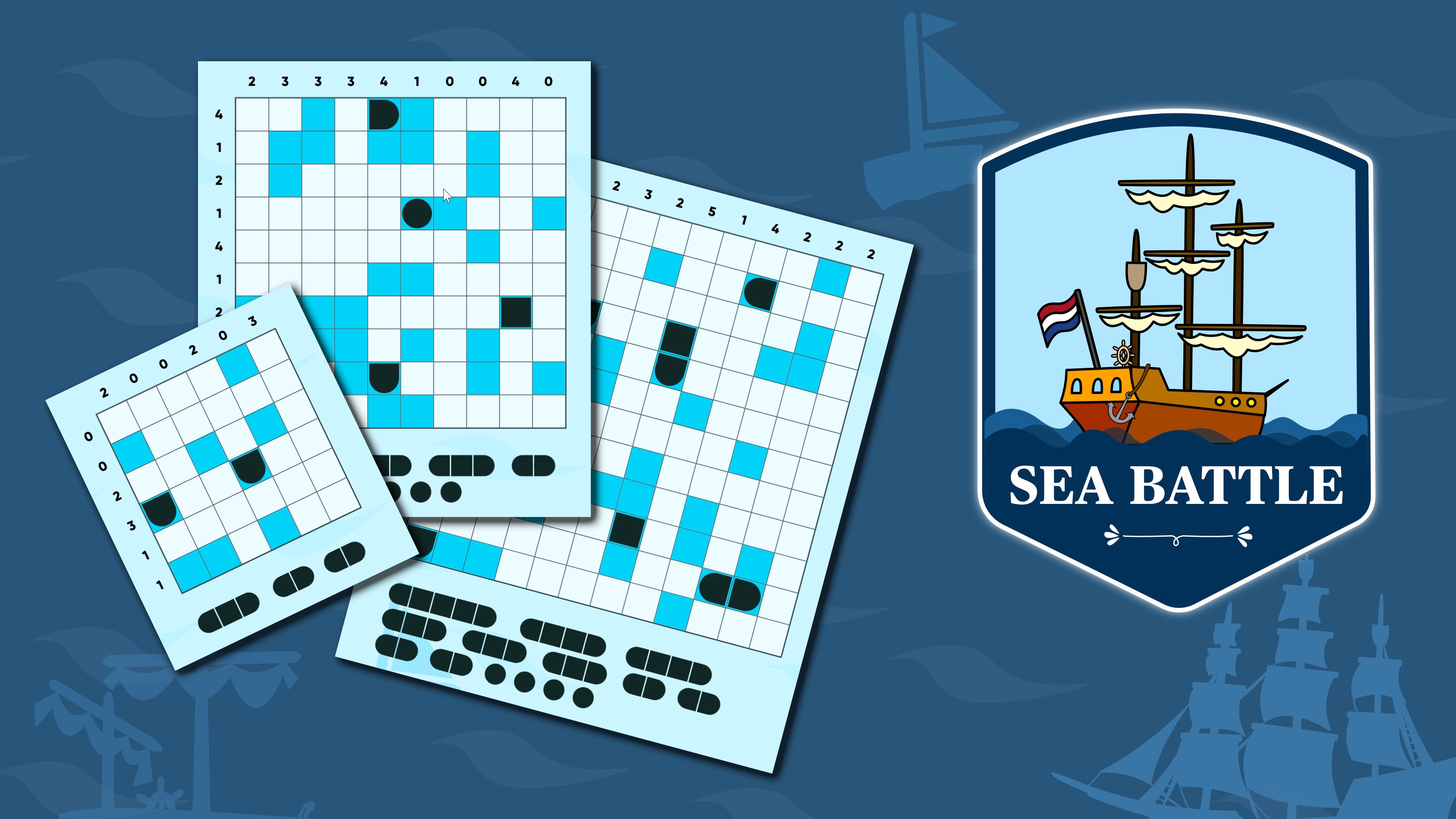
Play the classic Battleship game (also known als Bimaru, Yubotu) that you know from puzzle magazines. Use your best logic to find the ships on the boards. Play with 6x6, 8x8, 10x10 or 12x12 puzzles.
⭐⭐⭐⭐⭐ "Great game, love testing my skill, never get bored with this game."
⭐⭐⭐⭐⭐ "These games are a real challenge, love them."

Details

Publisher
Aliens bring change
Category
Card & board
Released
2019-10-20
Rating
4.4 / 5 · 54 ratings
Price
Free

Updated 2026-09-25 · Press kit & assets · Product data (JSON)