Aliens bring change

Memory Game Classic

Flip, match, and sharpen your memory one card at a time

Play free on Microsoft Store
4.6 from 56 ratings Free
  • Card & board, Classics, Educational, Family & kids, Puzzle & trivia, Strategy
  • Windows PC & tablet
  • On the Store since 2019
Memory Game Classic screenshot 1Memory Game Classic screenshot 2Memory Game Classic screenshot 3Memory Game Classic screenshot 4Memory Game Classic screenshot 5

How to Play Memory Game Classic

Each round pulls you into that satisfying rhythm of concentration — spotting a card, trusting your recall, and locking in a match. Whether you are unwinding at your own pace or racing the clock, this is the kind of game that quietly keeps your mind sharp.

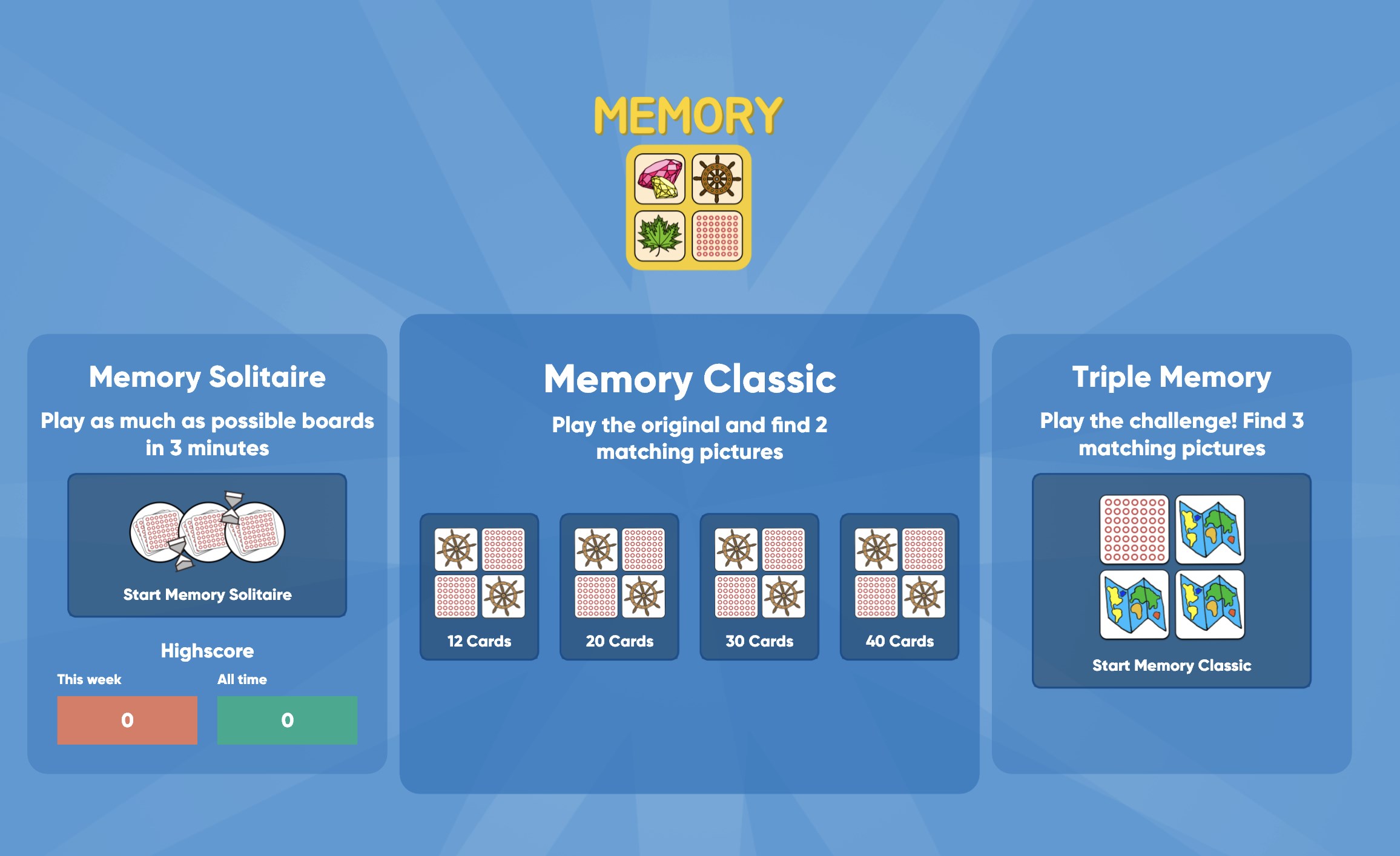
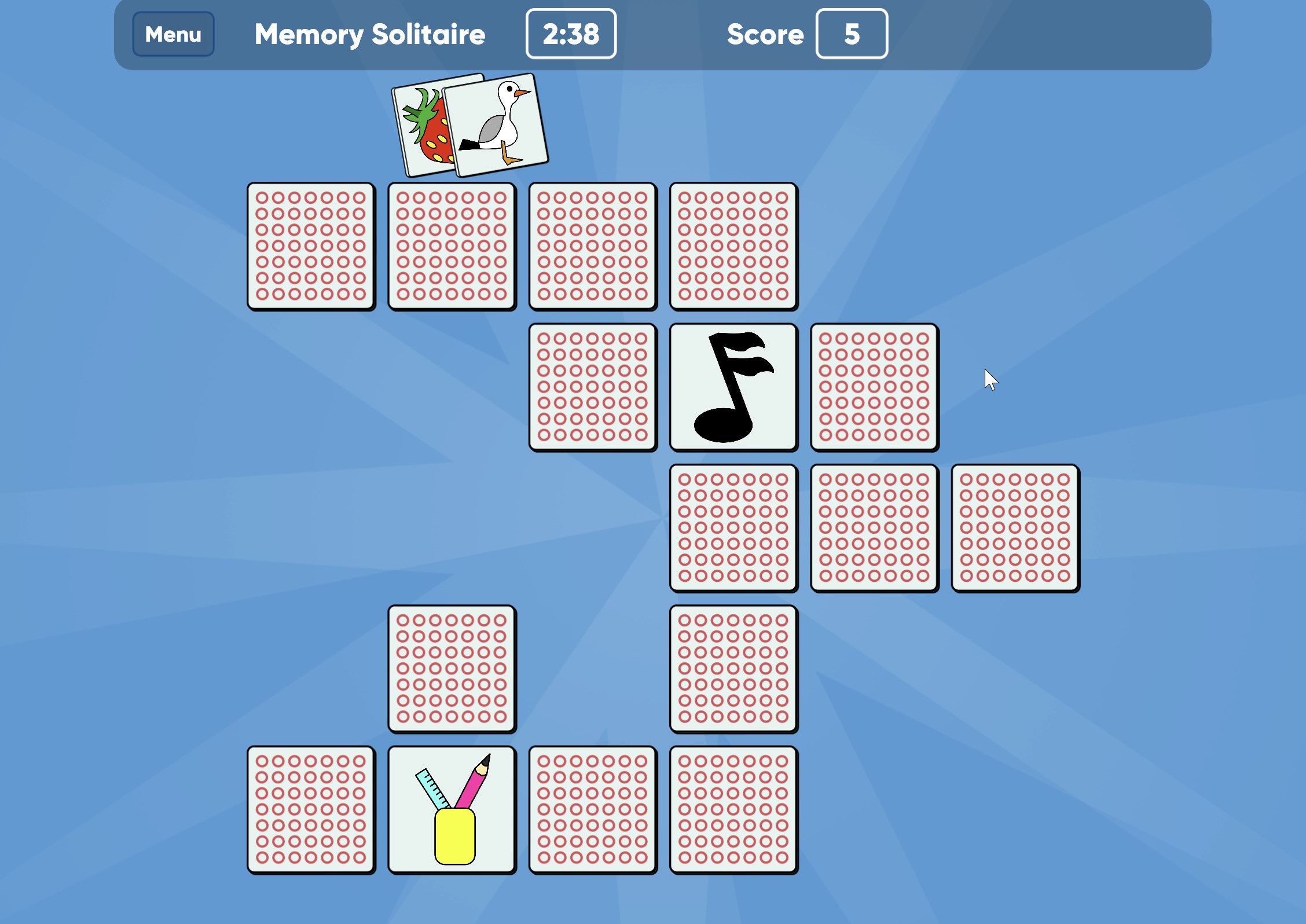
  1. Choose a mode: Classic for a relaxed session, Match for a timed challenge, or Triple Memory for a harder test
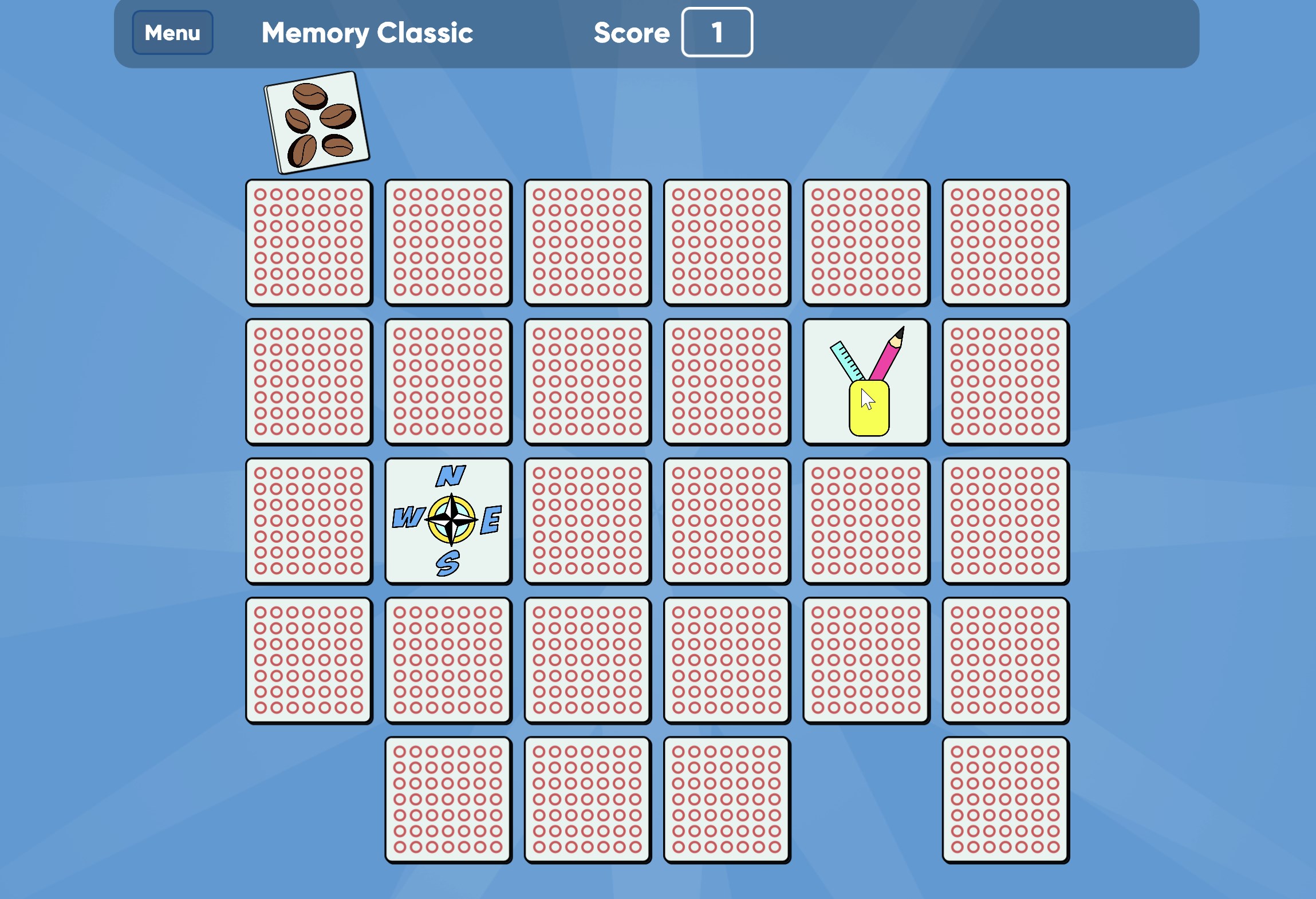
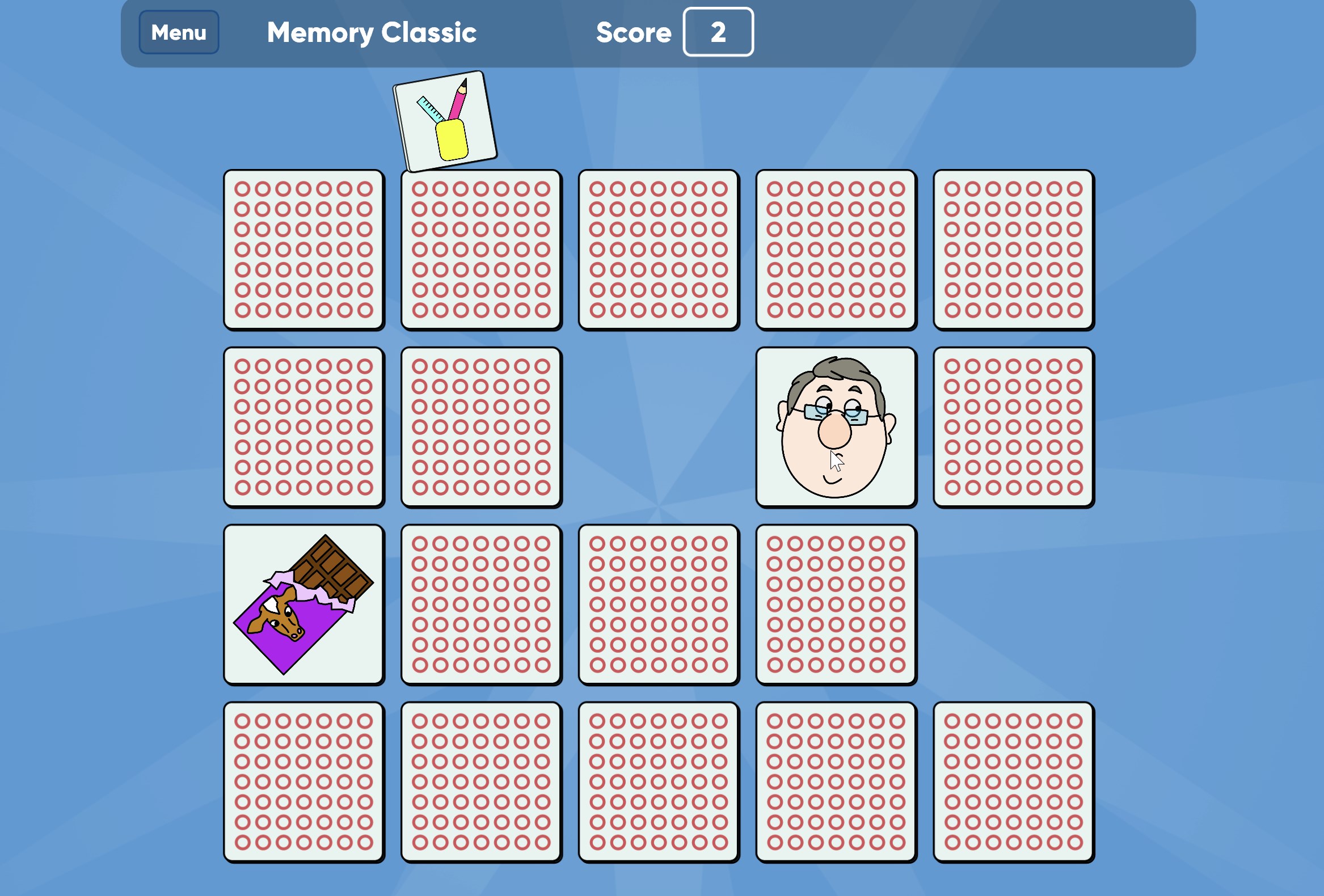
  2. Click any face-down card to reveal the image beneath it
  3. Hold the image in mind, then click a second card to find its pair
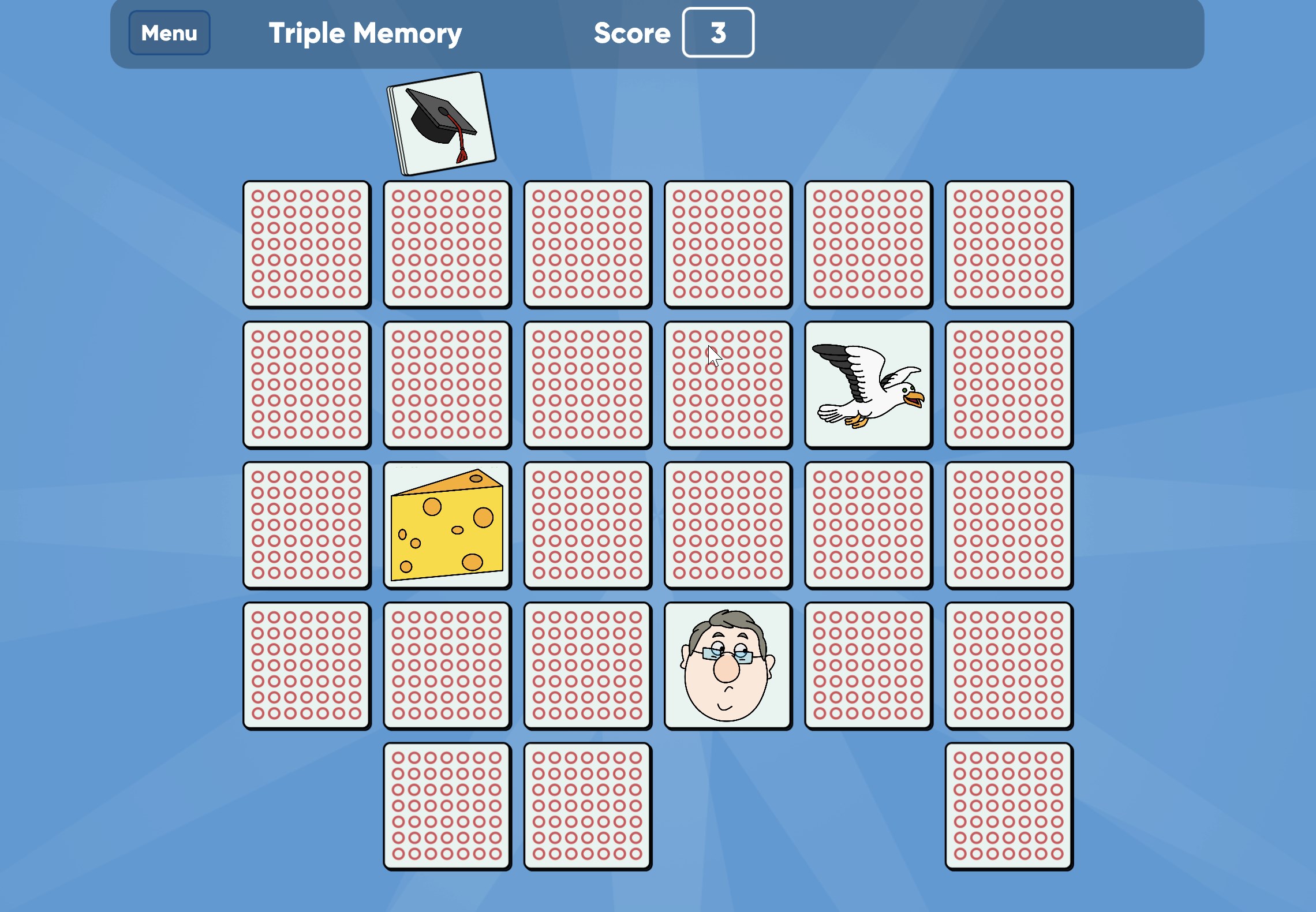
  4. In Triple Memory, keep searching until you uncover all three identical cards
  5. Clear the board to complete the round and see how you did

Controls

Everything is done with a single click or tap on each card. No keyboard shortcuts or complex inputs to learn.

Scoring

In Match mode, points are tied to the clock — the faster you clear pairs, the higher your score. Classic mode lets you play without score pressure.

When does a round end?

A round ends when every card on the board has been matched and turned face-up.

Tips & Tricks

  • Scan the whole board before your first click — a mental map of card positions makes early matches easier
  • In Triple Memory, resist flipping a third card until you have spotted at least two of the same image first
  • When playing Match mode, prioritise cards you already know the position of rather than exploring new ones
  • If you flip a card you do not have a match for yet, note its position carefully before clicking elsewhere

Why people keep coming back

  • Three distinct modes Classic, Match, and Triple Memory each offer a genuinely different challenge
  • Play at your own pace Classic mode has no timer, so you can think as long as you need
  • Timed pressure Match mode adds a clock that turns every flip into a meaningful decision
  • Triple matching twist finding three identical cards instead of two raises the difficulty noticeably
  • Brain-training focus the core mechanic directly exercises visual memory and concentration
  • Family-friendly design straightforward enough for kids, engaging enough to hold adult attention

Content & audience

  • Suitable for all ages (ESRB E; PEGI 3; DJCTQ L; USK Everyone; IARC 3; COB-AU G; GRB All; PCBP 0; CSRR G; Microsoft 3; CCC TE).
  • Free game supported by advertising; no in-app purchases.
  • Playable offline; no account required.

Category: Video Gaming › Educational Video Games › Trivia · Store category: Card & board, Classics, Educational, Family & kids, Puzzle & trivia, Strategy

Policies & support

About Memory Game Classic

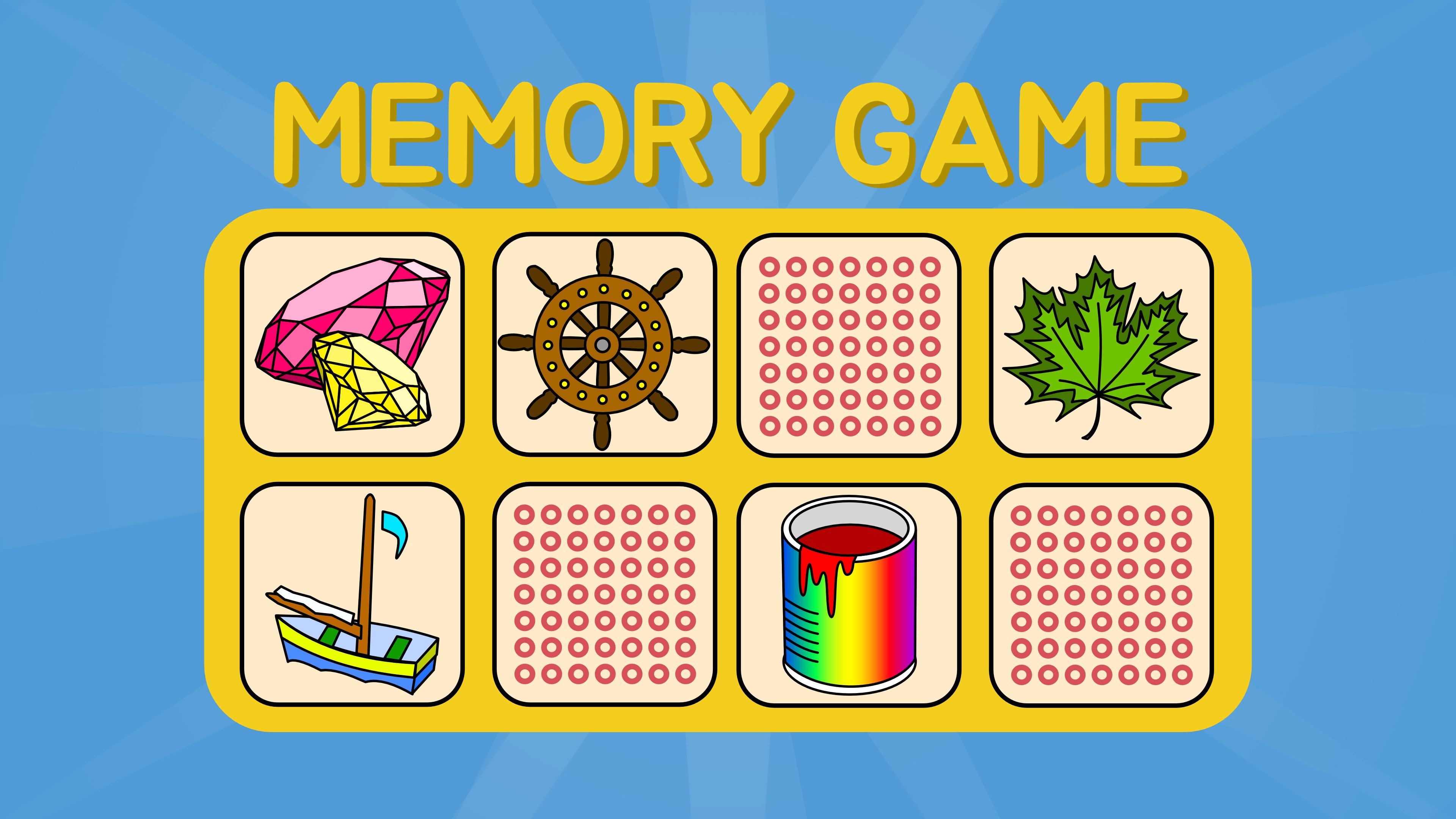
Memory is a challenge for your brain. Find the matching Image by clicking on the cards. You can play in the classic mode at your own pace. Or dare to enter a match and play against the clock to collect points. Or play Triple Memory and find three identical cards instead of two.

Details

Publisher
Aliens bring change
Category
Card & board
Released
2019-08-02
Rating
4.6 / 5 · 56 ratings
Price
Free

Updated 2026-09-25 · Press kit & assets · Product data (JSON)