Bernardo Zamora

FreeCell HD

Every deal is winnable — patience and skill get you there

Play freeon Microsoft Store
3.7 from 9.9K ratings Free
  • Card & board
  • Windows PC & tablet
  • On the Store since 2012
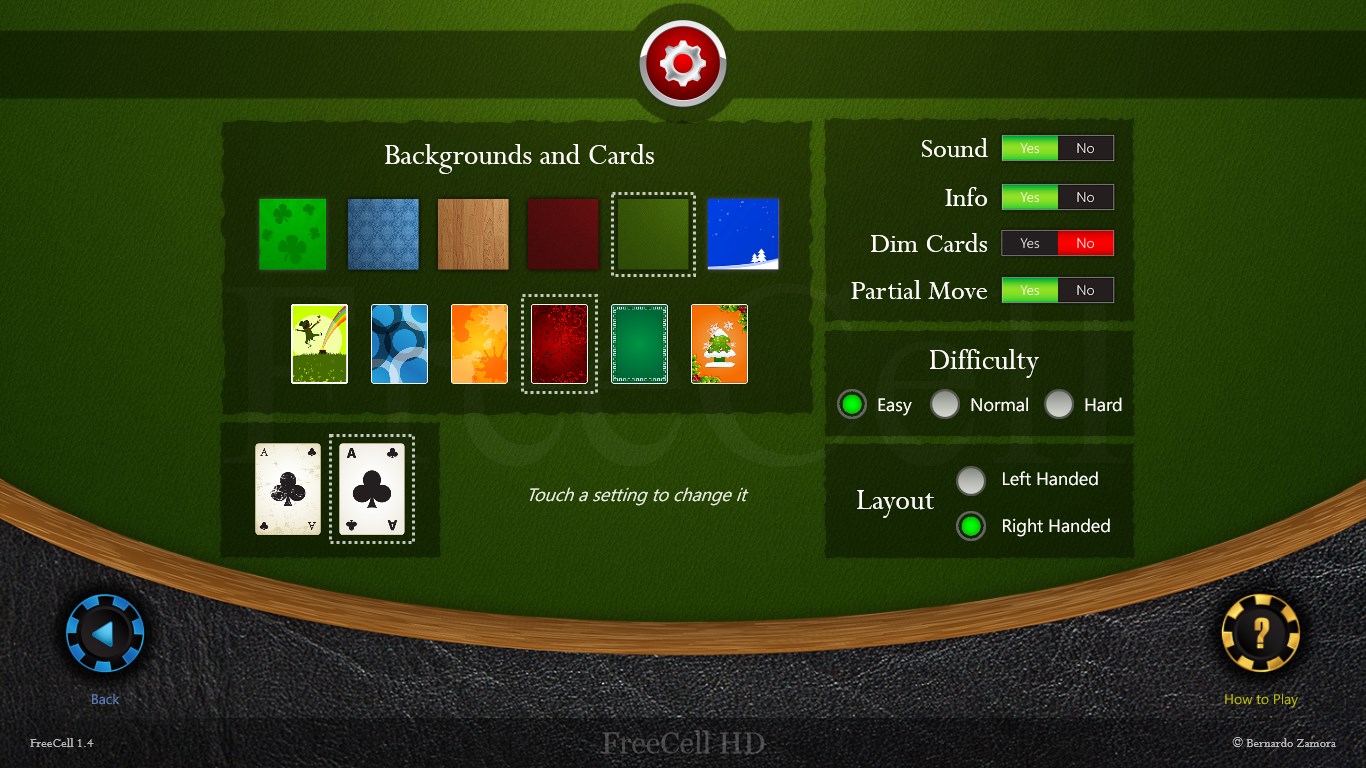
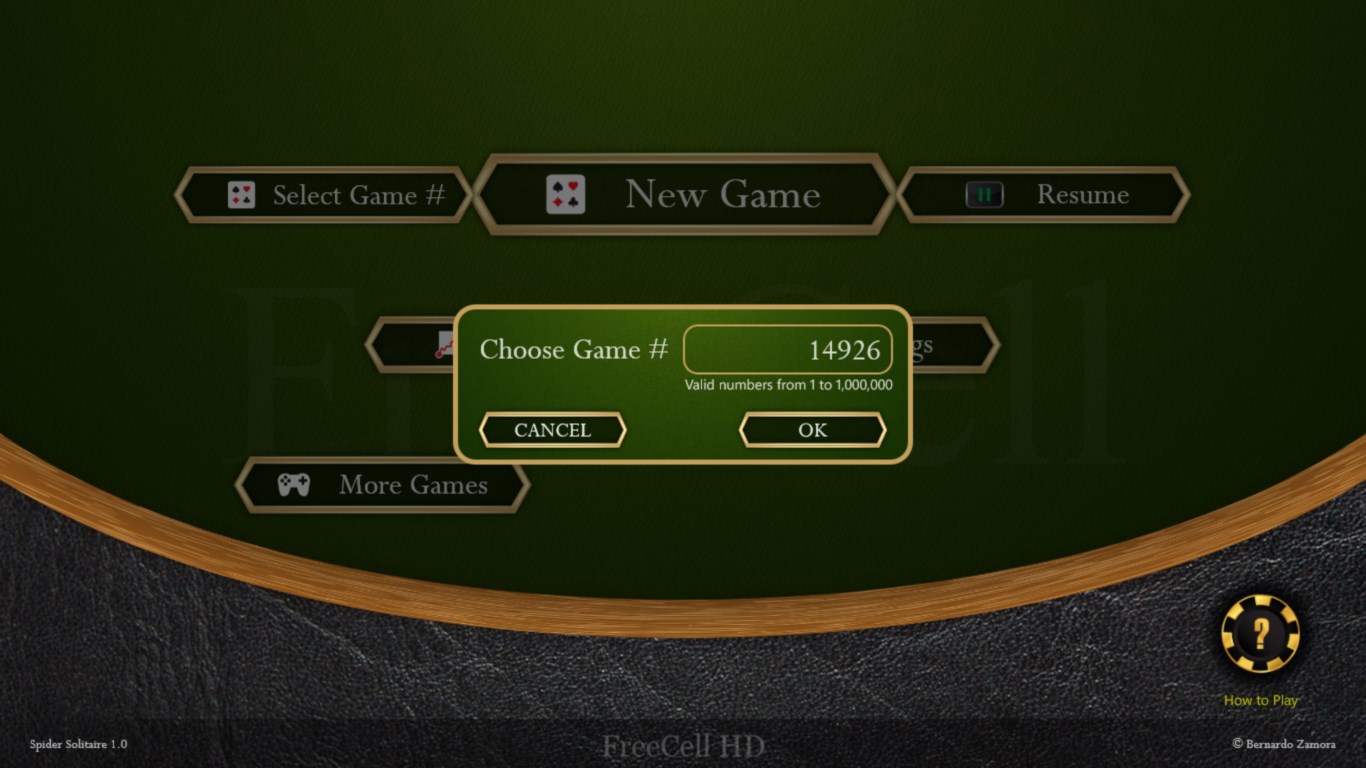
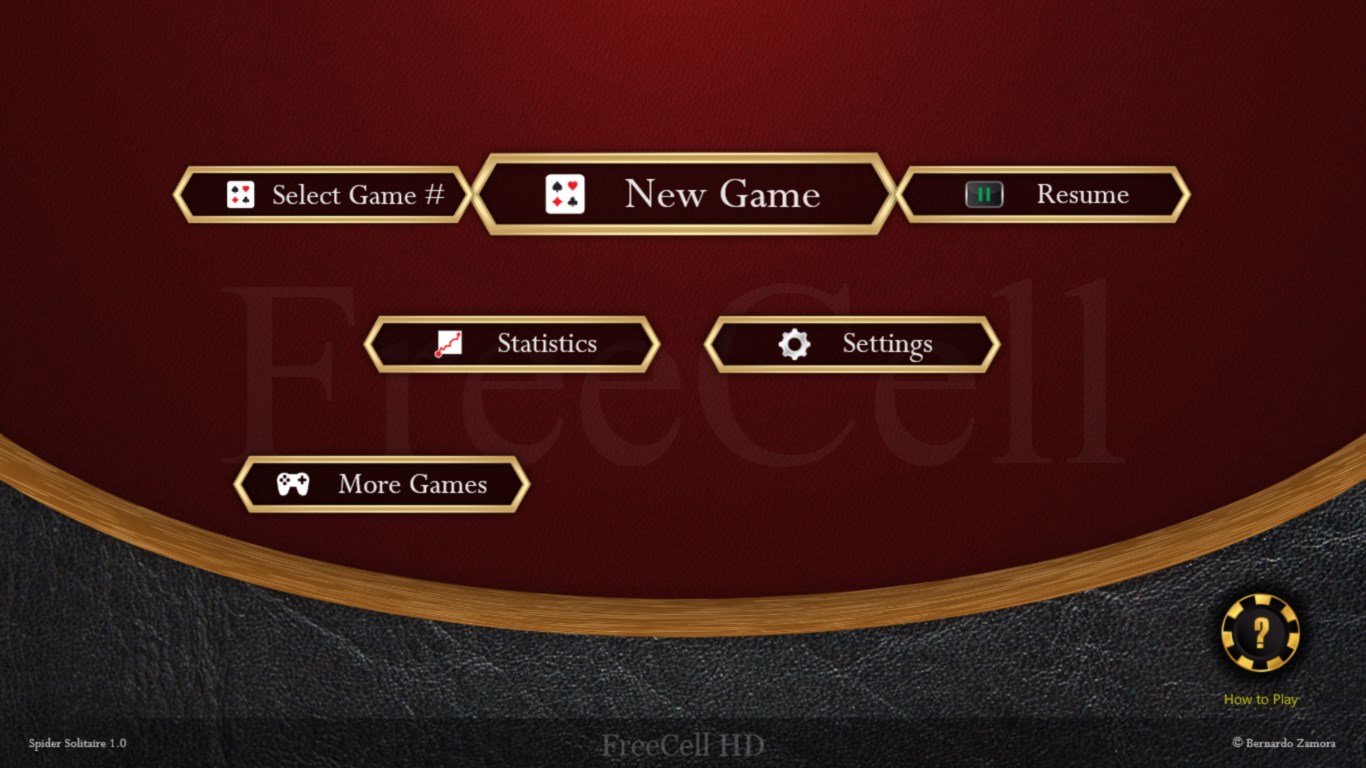
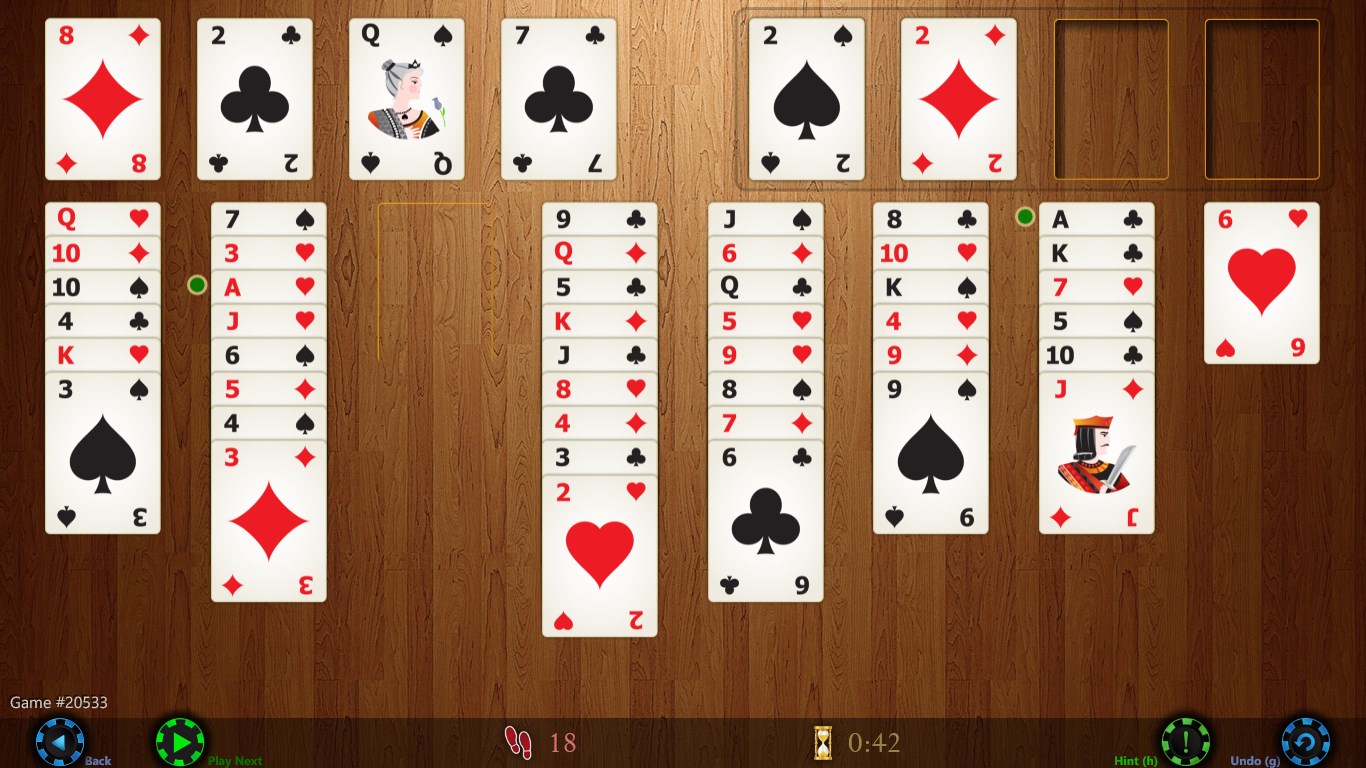
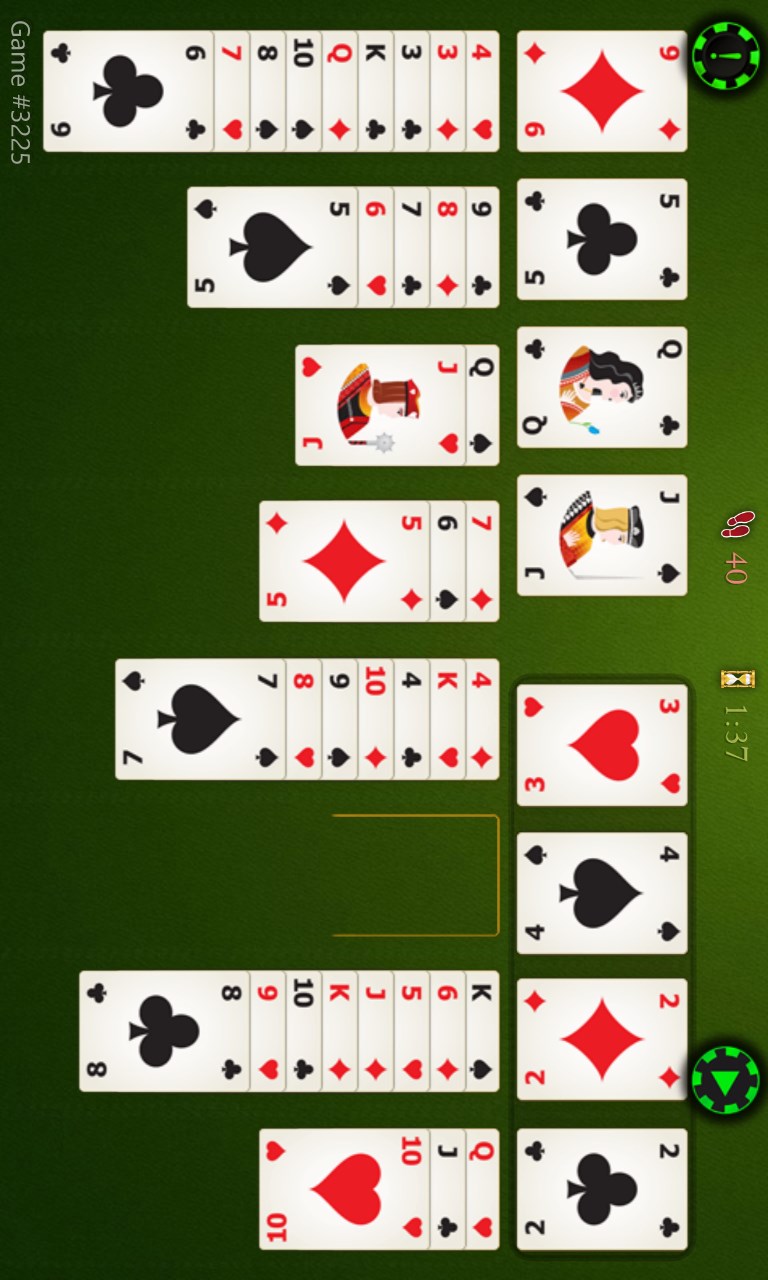
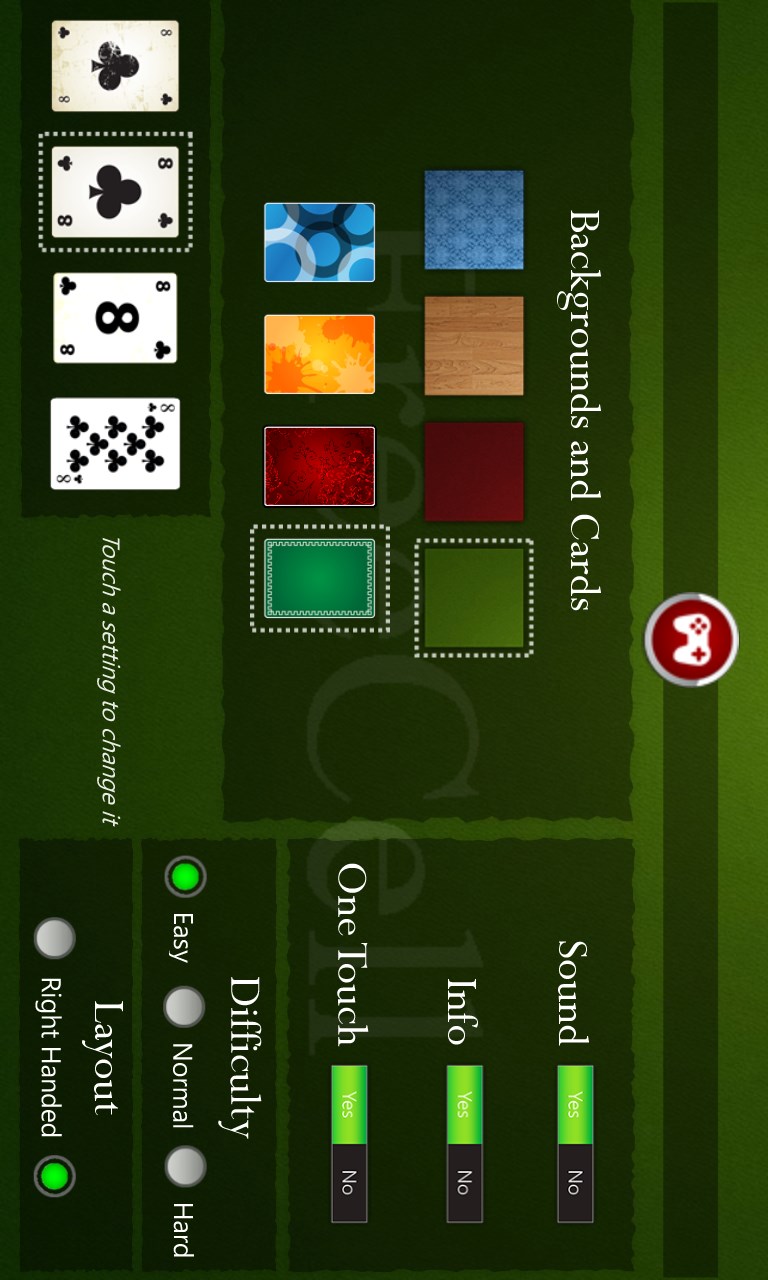
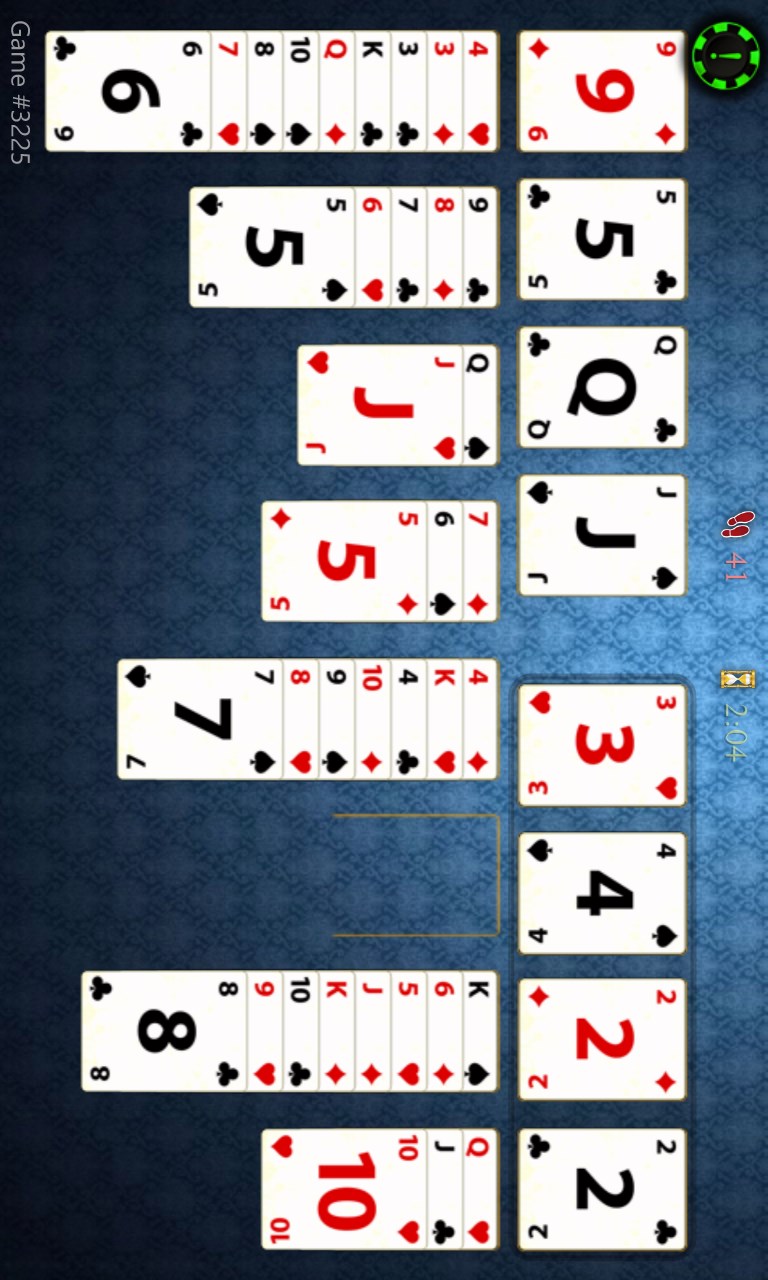
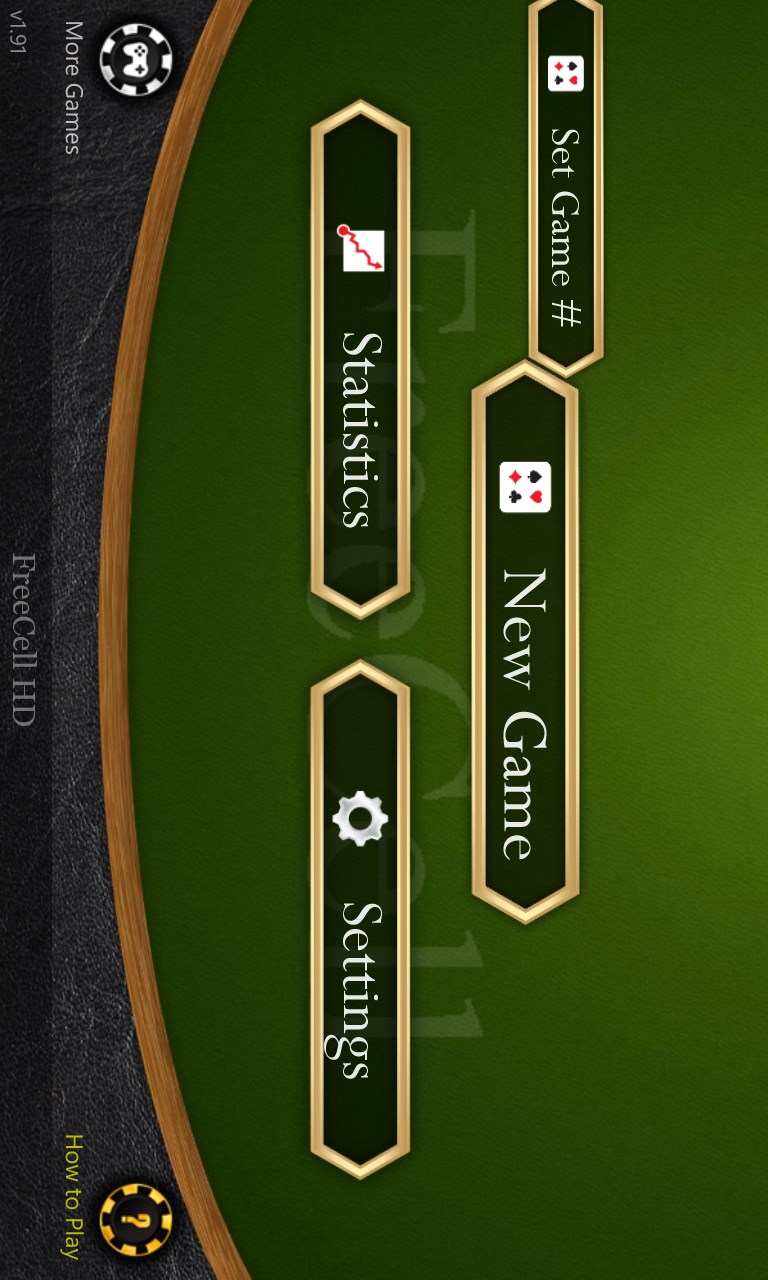
Or other graphic themesMany settings and optionsChoose any game #, from 1 to 1,000,000Easy to start new gamesMany graphic themes (wood)Track game statistics, and much more!With green backgroundClassic FreeCell for Windows 8FreeCell HD screenshot 9FreeCell HD screenshot 10FreeCell HD screenshot 11FreeCell HD screenshot 12FreeCell HD screenshot 13

How to Play FreeCell HD

FreeCell HD gives you a clean, crisp card table where every move feels deliberate and satisfying, with smooth animations that never get in your way. It suits anyone who enjoys a thinking-person's solitaire — whether you have five minutes or a full afternoon.

  1. Launch the app and choose a numbered deal or let it pick one for you
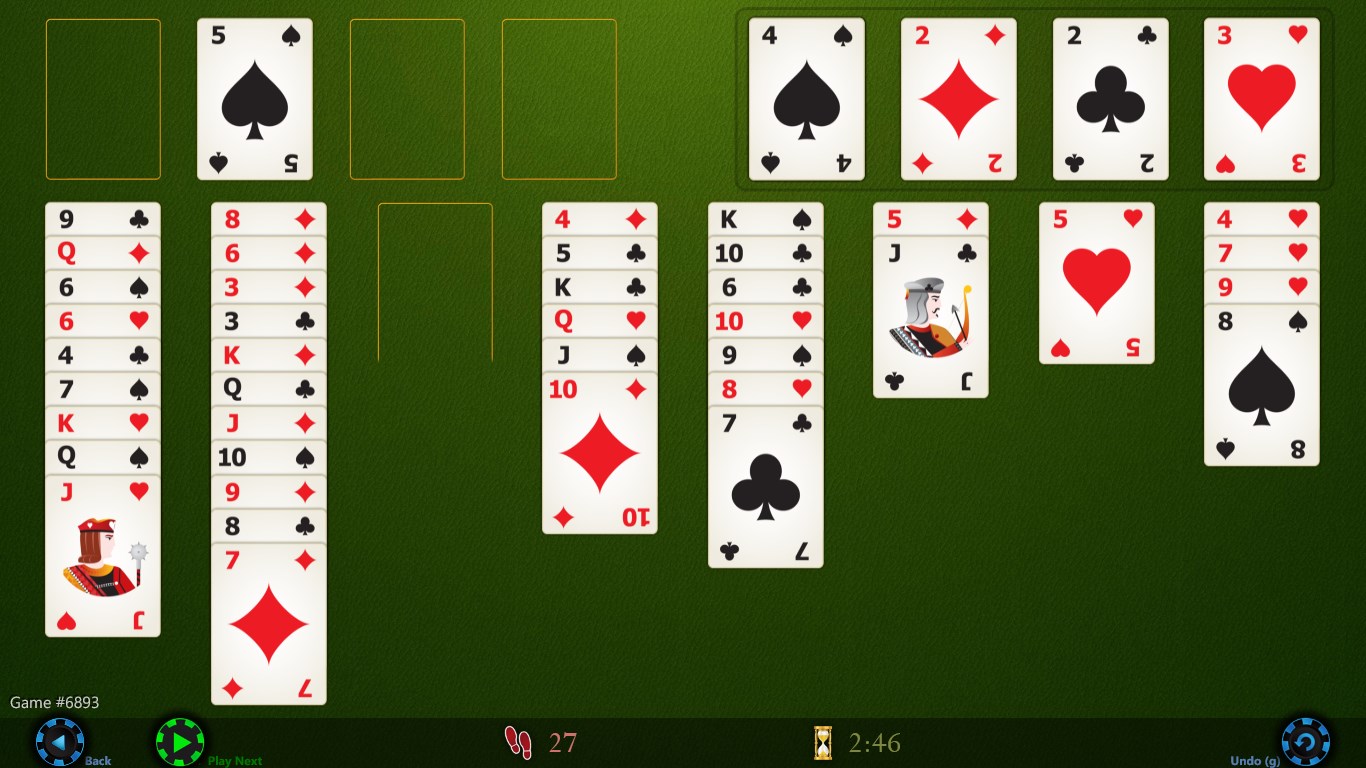
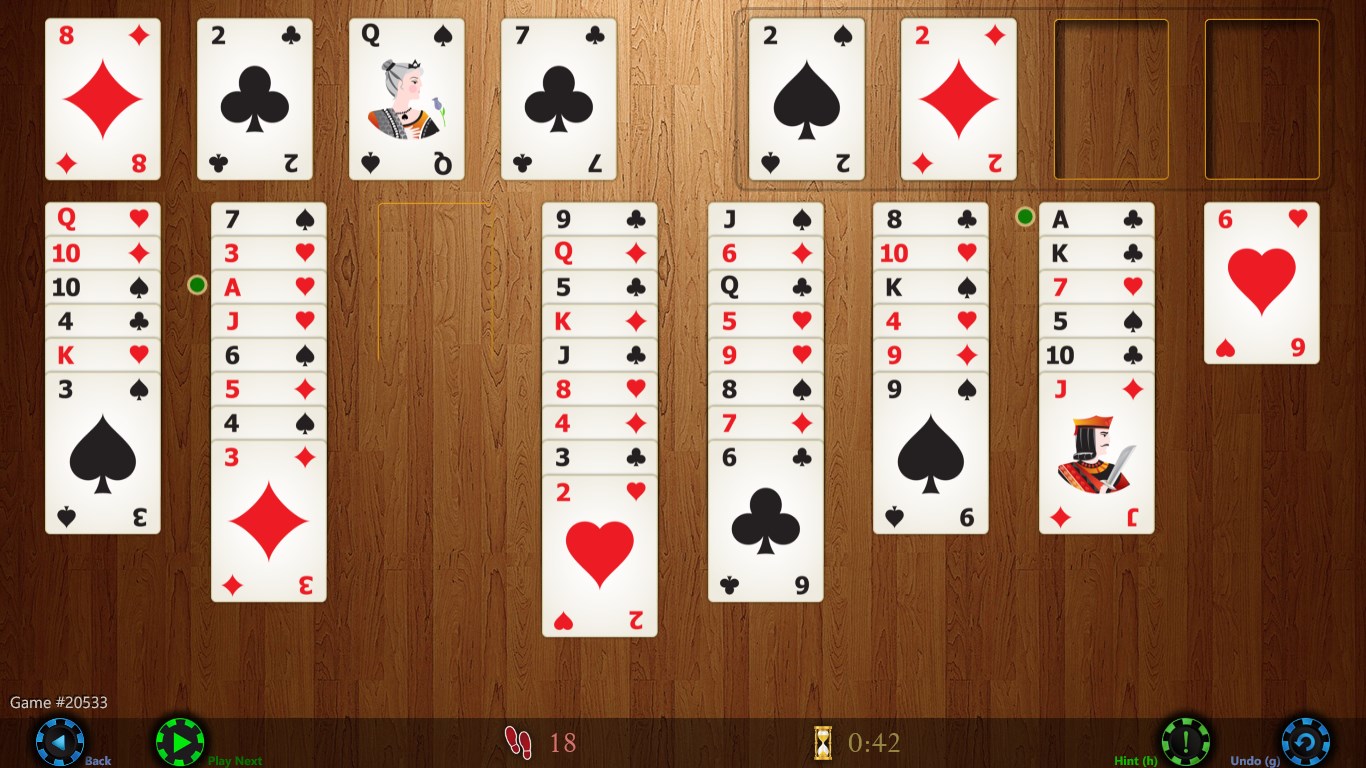
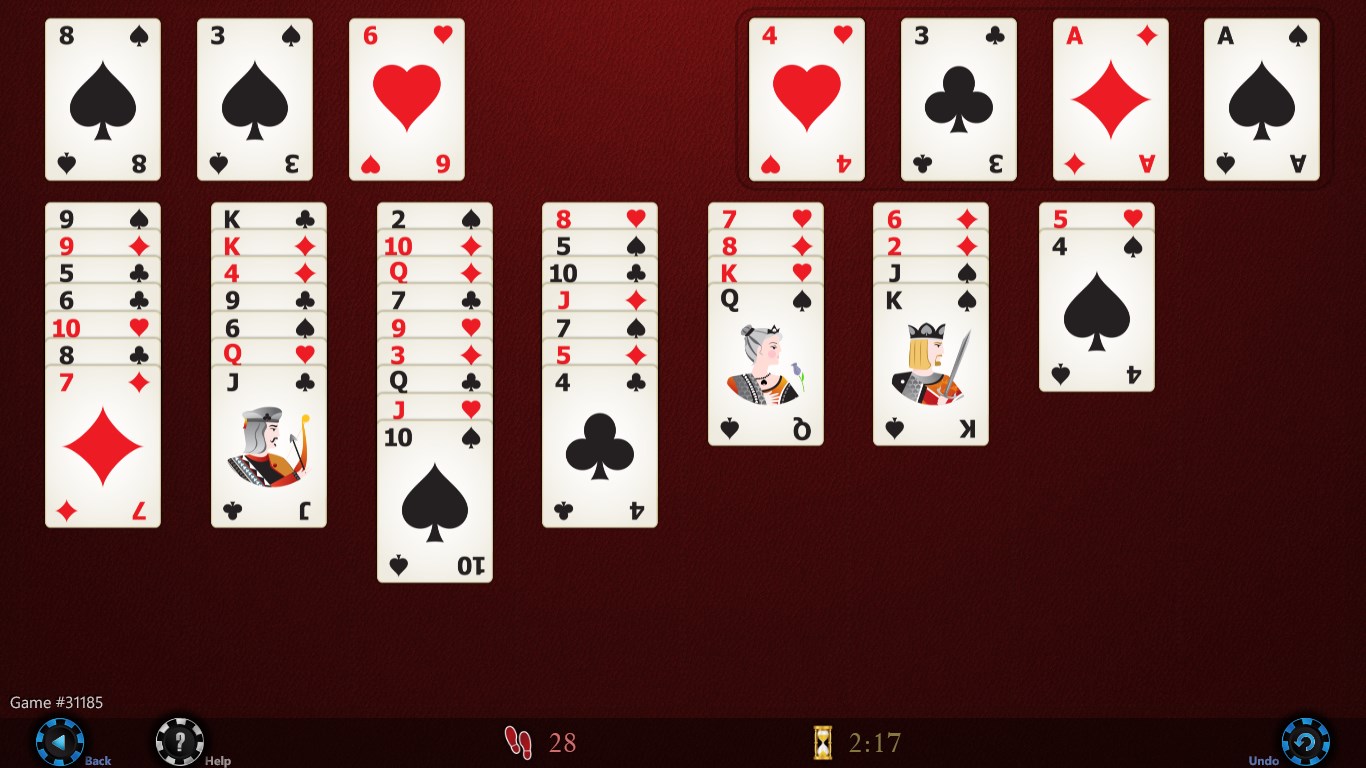
  2. Survey the eight tableau columns and four free cells before touching anything
  3. Tap a column or drag a card to move it — whichever feels natural to you
  4. Use Supermove to shift legal sequences of cards in one confident action
  5. Tap the auto-move button to send finished suits up to the home cells and close out the deal

Controls

Move cards by tapping the source and destination column, or simply drag them — both methods work throughout the game. Left- and right-handed layouts are available in settings so the free cells sit wherever your thumb lands most comfortably.

Scoring

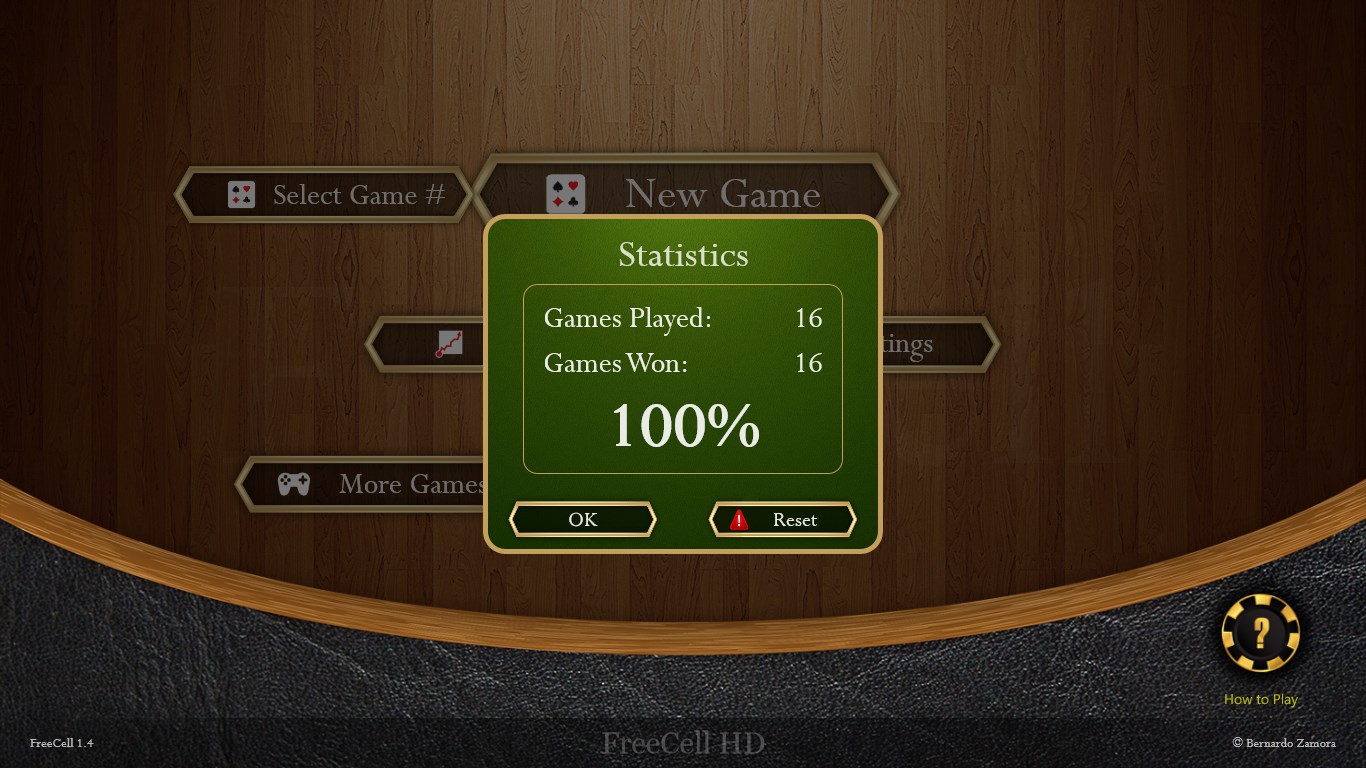
The game tracks how many deals you have solved over time, giving you a running record you can review or reset whenever you like.

When does a round end?

A round ends when all 52 cards are stacked onto the four home cells by suit, or when you decide to undo, replay the same numbered deal, or move on to a new one.

Tips & Tricks

  • Pick a numbered deal you have heard is solvable — the standard FreeCell numbering means other players have mapped the tricky ones
  • Treat the free cells as a short-term loan, not free parking; filling all four early leaves you with almost no room to maneuver
  • Use unlimited undo freely — replaying a sequence a different way is how you learn the game, not a sign you gave up
  • Turn on 'easier games first' when you are getting started; it builds pattern recognition before the tougher deals arrive

Why people keep coming back

  • Numbered dealsjump to any specific game using standard FreeCell numbering, or replay a favourite
  • Supermove logicthe game counts available spaces and moves the largest legal sequence automatically
  • Two input stylestap columns or drag cards, with no need to commit to one method
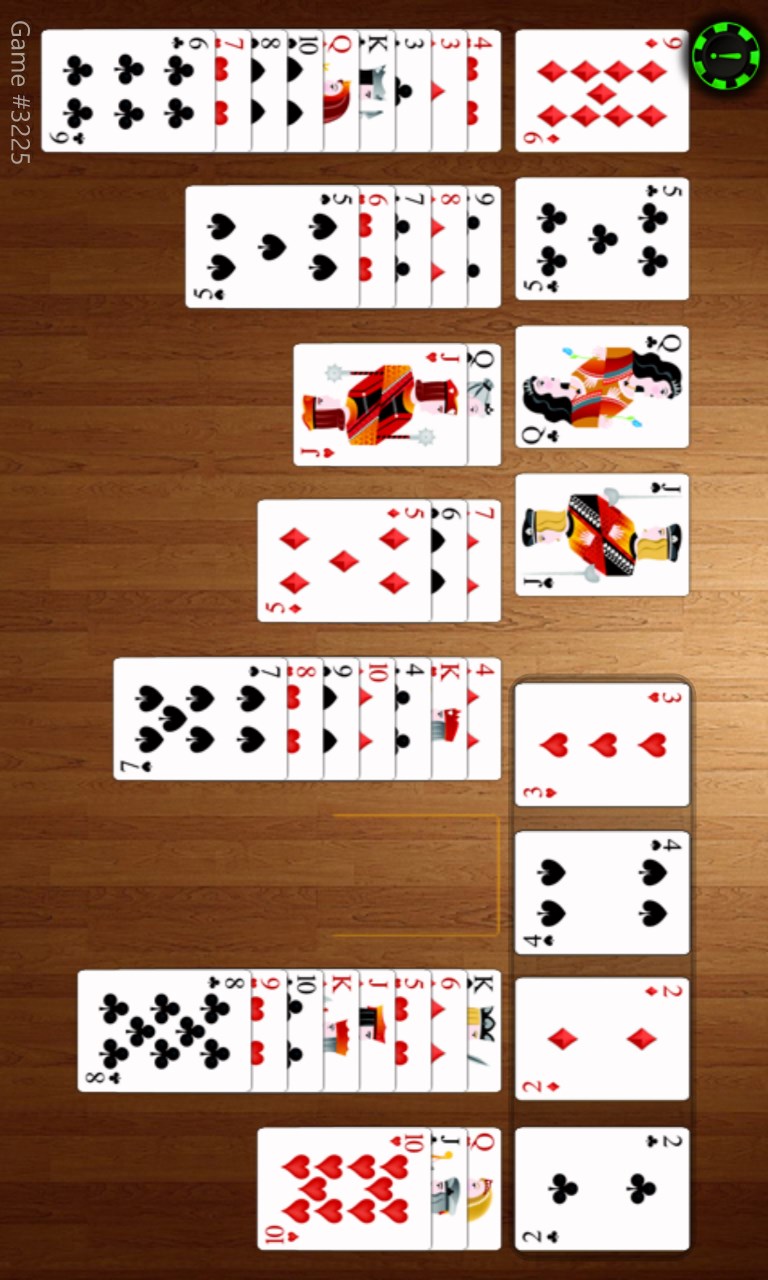
  • Orientation supportrotate freely between horizontal and vertical layouts, useful on tablets
  • Auto-saveyour deal is preserved exactly as you left it, ready when you return
  • Multiple board and card designsswap backgrounds and card faces to suit your preference

Content & audience

  • Suitable for all ages (ESRB E; PEGI 3; DJCTQ L; USK Everyone; IARC 3; COB-AU G; GRB All; PCBP 0; CSRR G; CCC TE; Microsoft 3).
  • Free game supported by advertising, with optional in-app purchases.
  • Single-player experience: no user-generated content, no chat and no social features.
  • Playable offline; no account required.
  • InGamPur.

Category: Video Gaming › Card Games · Store category: Card & board

Policies & support

About FreeCell HD

** Great card game for your Windows or Windows Phone **

Play the most popular card game in the world !

Play the classic game you already know and love, with all the superb features, graphics, animations, sounds and options you would expect from your new tablet or computer!

The ultimate game of FreeCell, including:
- Beautiful graphics
- Multiple designs for the board and the cards
- Your choice: move cards by tapping columns or dragging cards
- Intelligent Supermove (follows rules counting cards to define how many can move)
- Choose a game to play by # (following the standard FreeCell numbering)
- Option to play easier games first
- One-touch smart auto-move
- Use game in horizontal or vertical mode (for tablets)
- Adjustable for left or right handed preference
- Unlimited undo
- Replay the game
- Statistics of games solved
- Reset statistics
- Hints to help focus next moves
- Auto save game in progress

Enjoy the game!
Details

Publisher
Bernardo Zamora
Category
Card & board
Released
2012-12-05
Rating
3.7 / 5 · 9,914 ratings
Price
Free
Press kit & assets
Product ID
9WZDNCRFJB08
Package
32988BernardoZamora.Dummy2_1fgex2kbsn6g8
  • FreeCell
  • solitaire
  • klondike
  • cards
  • spider
  • casino
FreeCell HD Logo 50×50
Logo 50×50
FreeCell HD Tile 300×300
Tile 300×300
FreeCell HD Tile 88×88
Tile 88×88
FreeCell HD Tile 620×620
Tile 620×620
FreeCell HD Tile 142×142
Tile 142×142
FreeCell HD Tile 620×300
Tile 620×300
FreeCell HD Screenshot 1366×768
Screenshot 1366×768
FreeCell HD Screenshot 1366×768
Screenshot 1366×768
FreeCell HD Screenshot 1366×768
Screenshot 1366×768
FreeCell HD Screenshot 1366×768
Screenshot 1366×768
FreeCell HD Screenshot 1366×768
Screenshot 1366×768
FreeCell HD Screenshot 1366×768
Screenshot 1366×768
FreeCell HD Screenshot 1366×768
Screenshot 1366×768
FreeCell HD Screenshot 1366×768
Screenshot 1366×768
FreeCell HD Hero 846×468
Hero 846×468
FreeCell HD Hero 558×756
Hero 558×756
FreeCell HD Hero 414×468
Hero 414×468
FreeCell HD Hero 414×180
Hero 414×180
FreeCell HD Screenshot 768×1280
Screenshot 768×1280
FreeCell HD Screenshot 768×1280
Screenshot 768×1280
FreeCell HD Screenshot 768×1280
Screenshot 768×1280
FreeCell HD Screenshot 768×1280
Screenshot 768×1280
FreeCell HD Screenshot 768×1280
Screenshot 768×1280
FreeCell HD Logo 300×300
Logo 300×300

More from Bernardo Zamora