
Oleksii Harbuzenko

Classiс Solitaire

The Klondike you remember, exactly as it should be

Play free on Microsoft Store
3.5 from 3.2K ratings Free
  • Card & board
  • Windows PC & tablet
  • On the Store since 2012
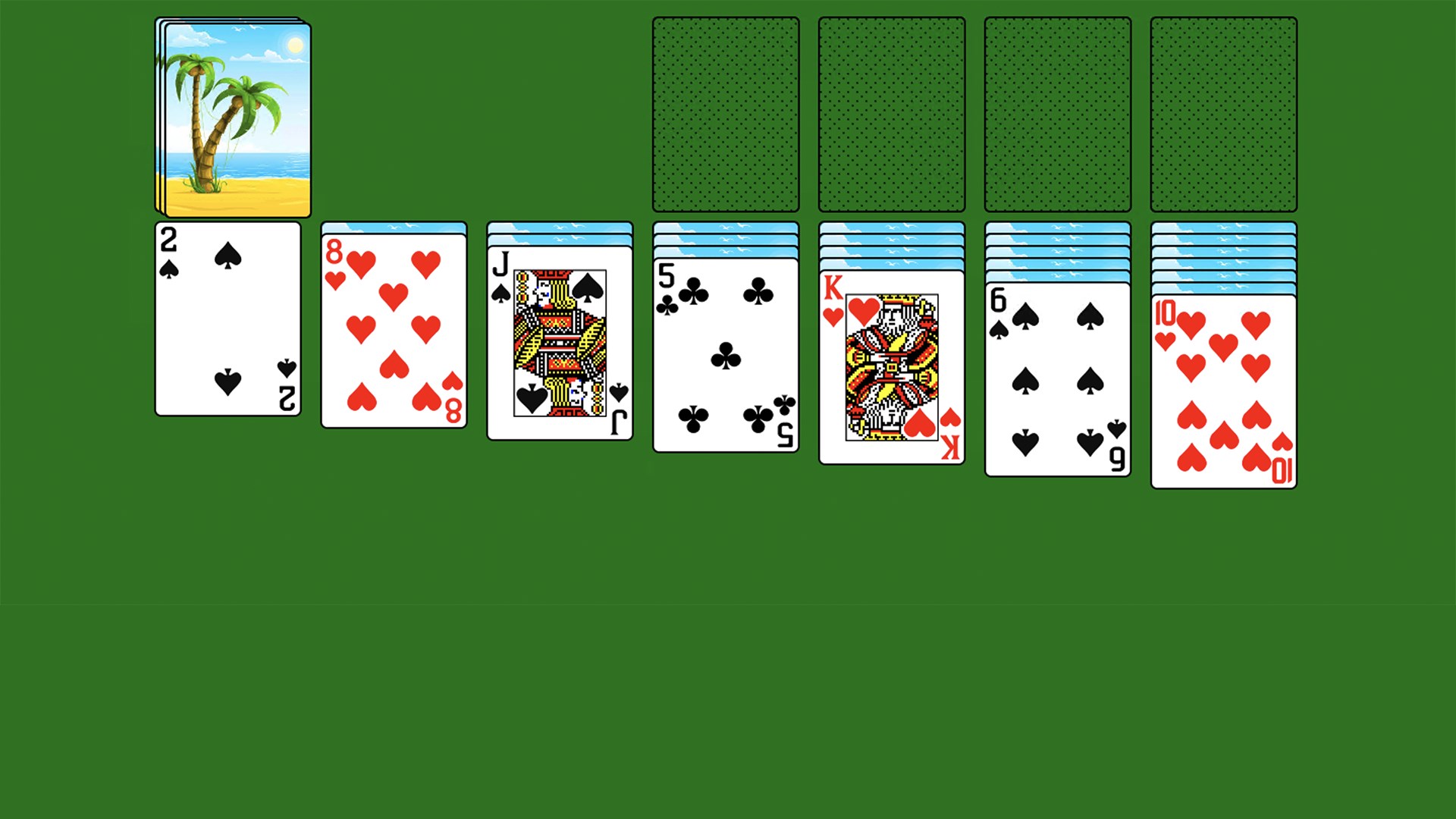
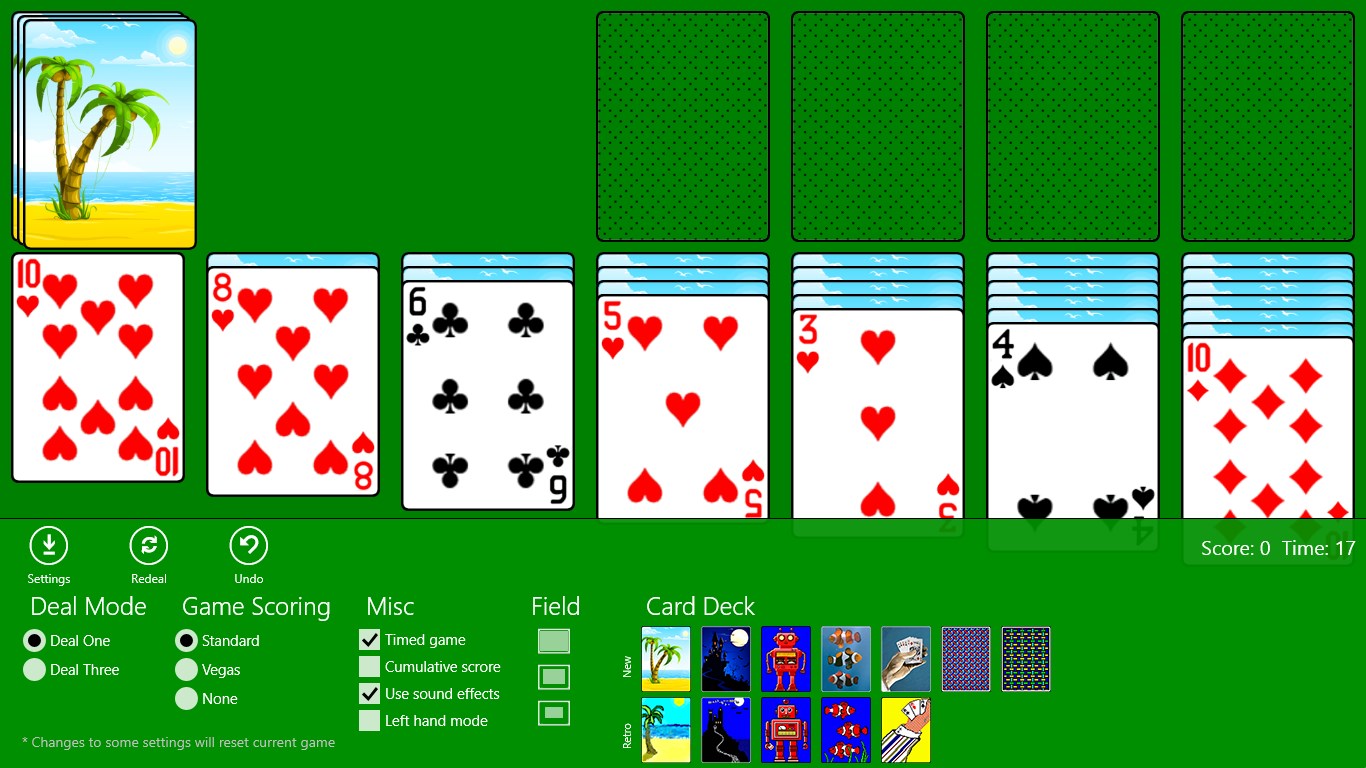
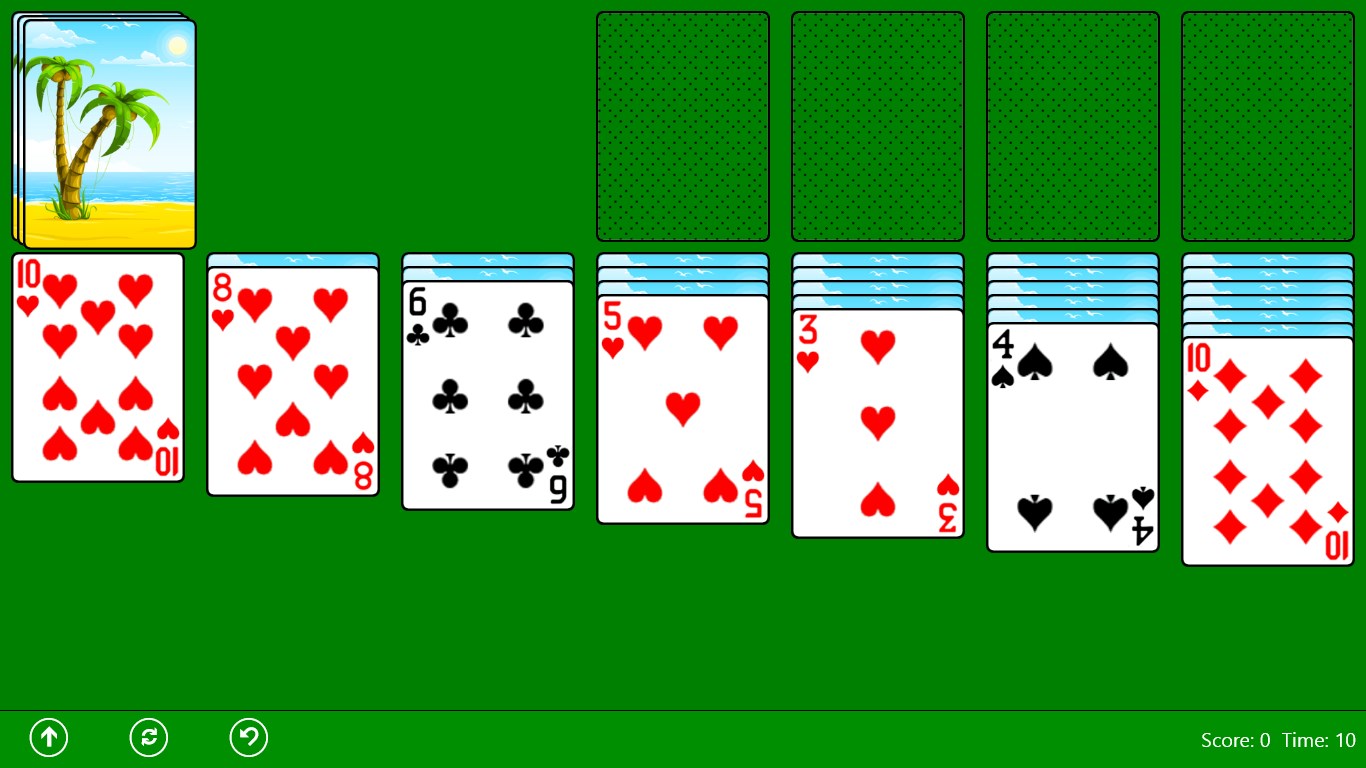
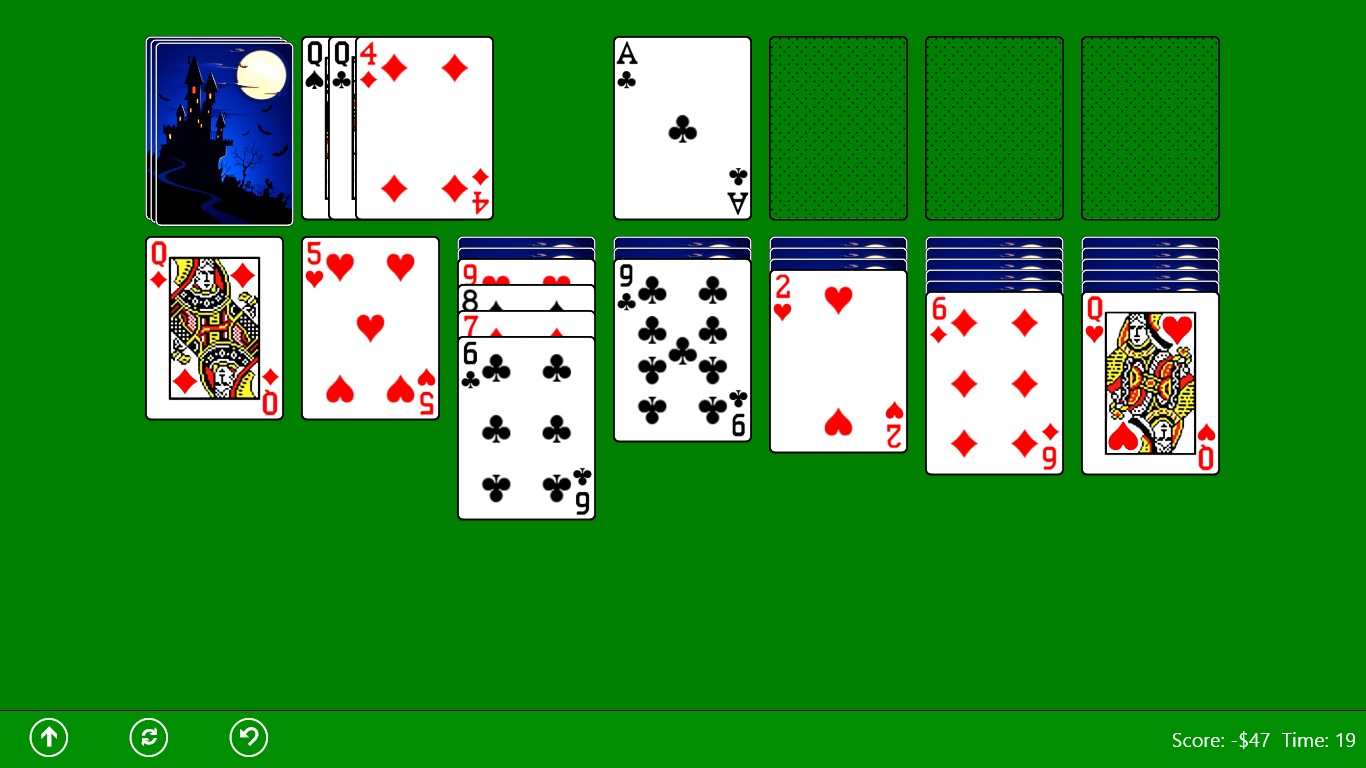
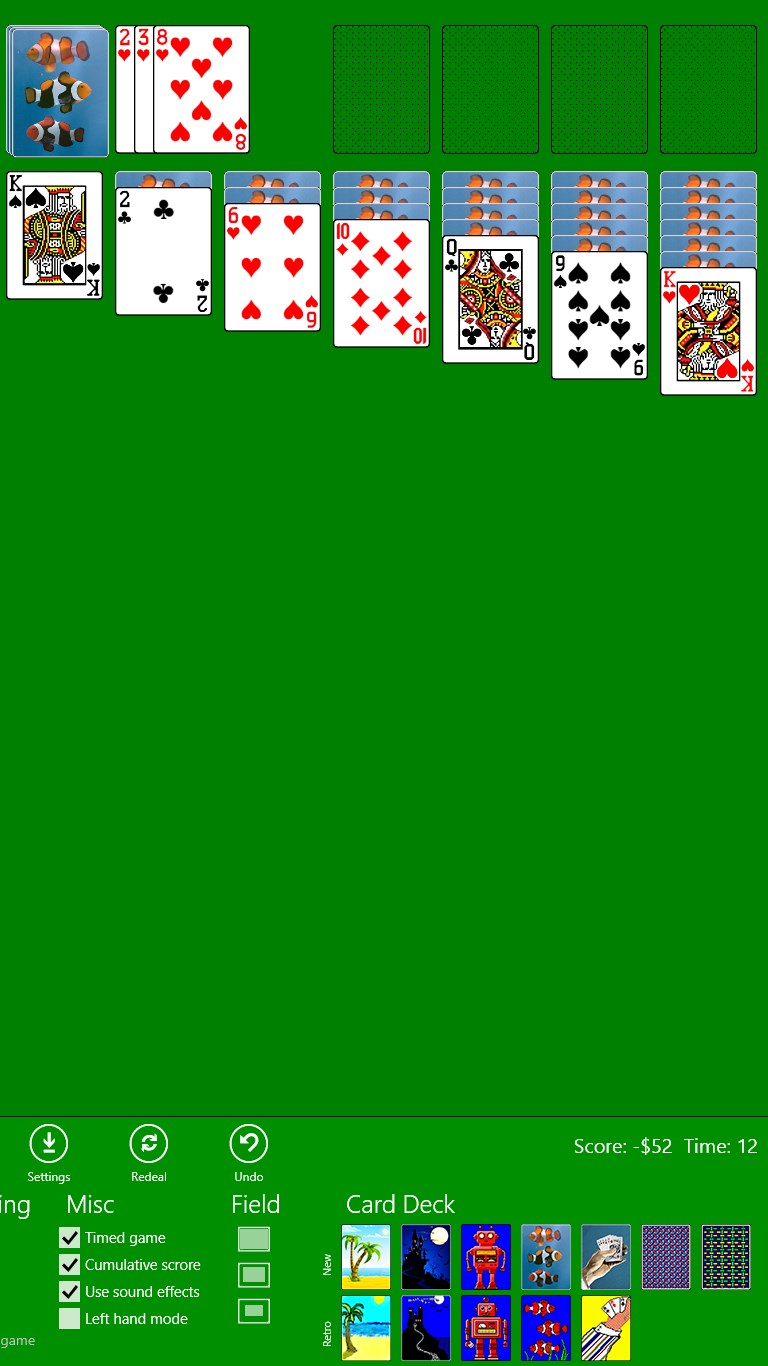
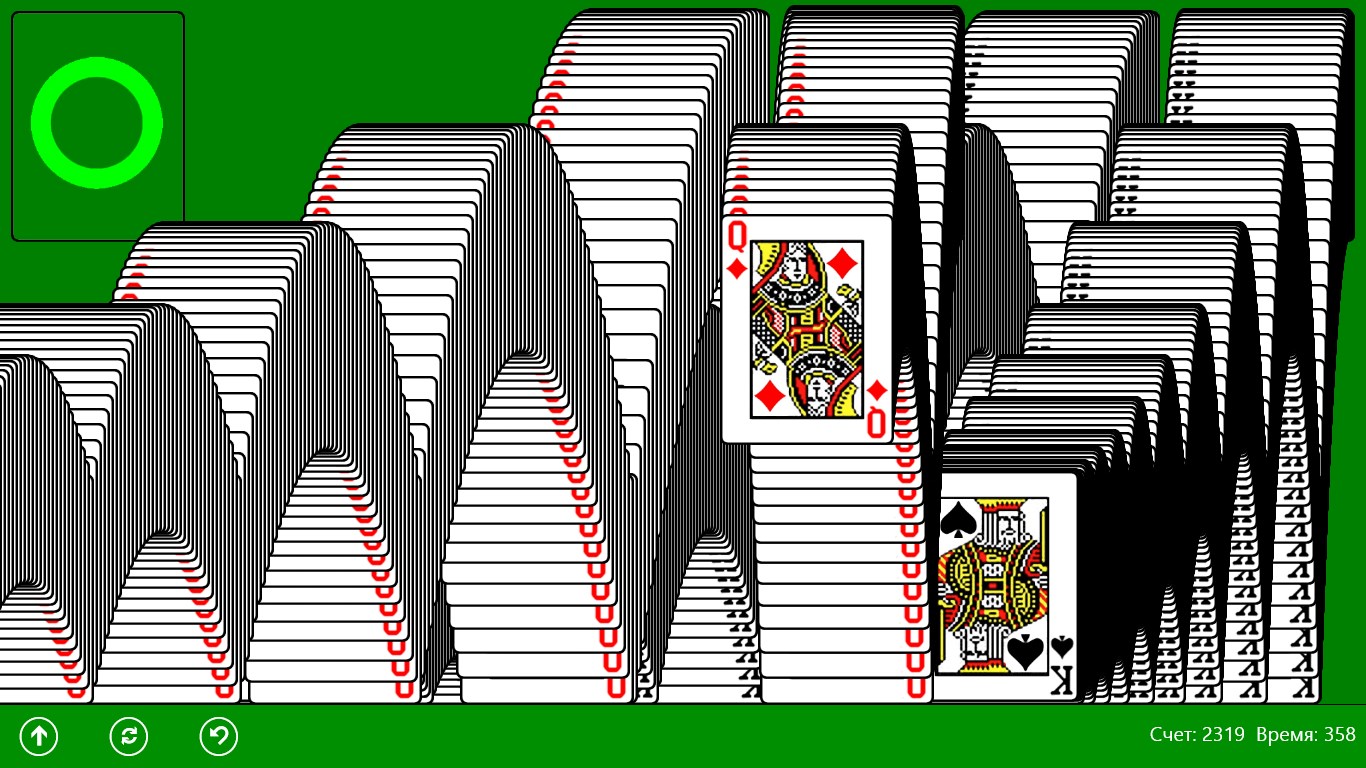
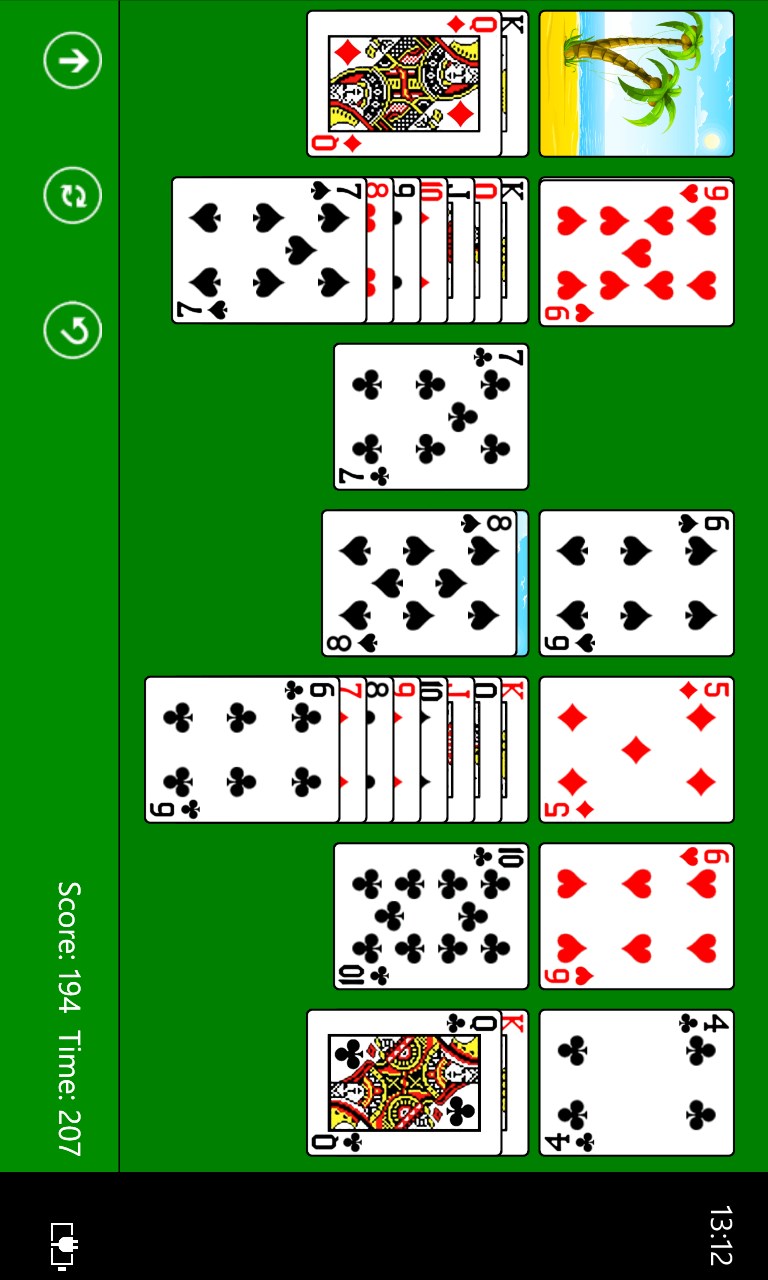
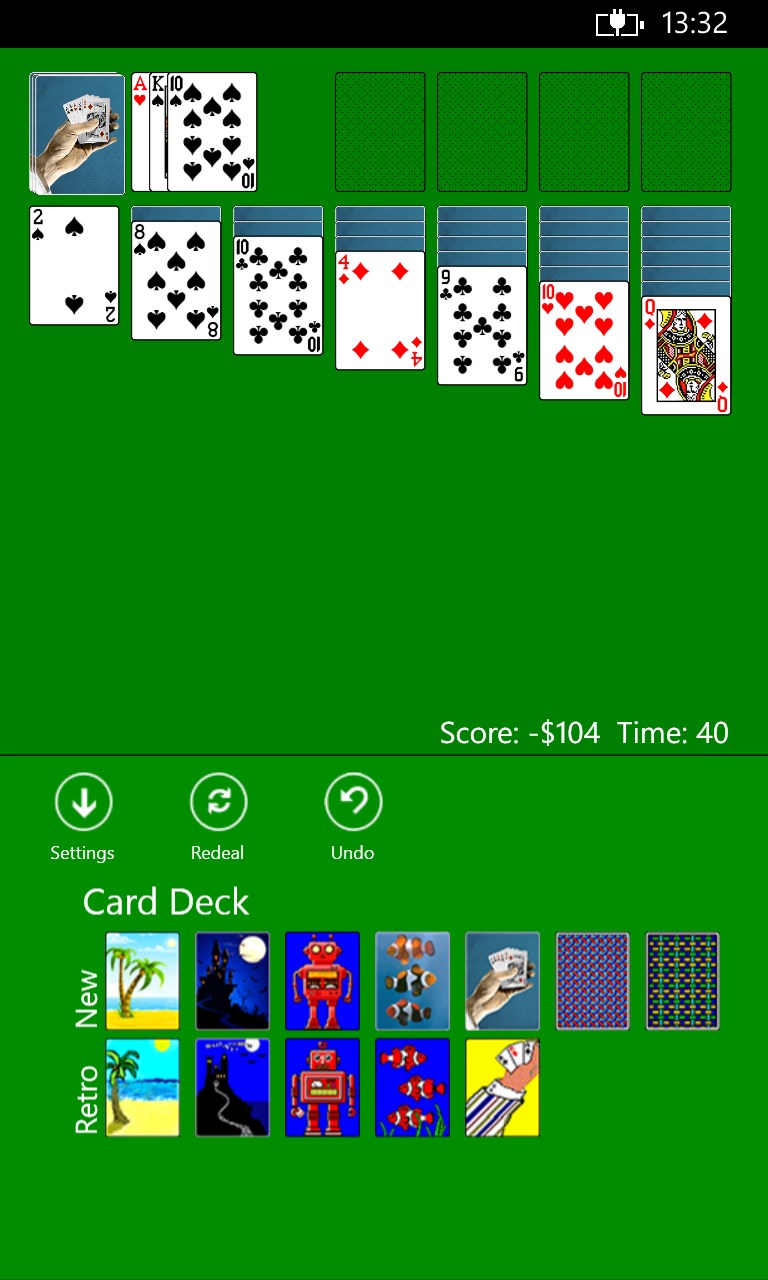
Game with settingsGameNarrow modeMobile modeJumping cardsClassiс Solitaire screenshot 6Classiс Solitaire screenshot 7Classiс Solitaire screenshot 8Classiс Solitaire screenshot 9

How to Play Classiс Solitaire

Every drag, every satisfying card snap, every slow build toward a full suit feels just like the version you lost hours to decades ago. If you want a clean, honest game of Klondike Solitaire with no distractions, this is it.

  1. Install the game and open it straight to the table — no sign-up required
  2. Click or drag a card to move it to a valid column or foundation pile
  3. Draw from the stock pile when no tableau moves are available
  4. Build each foundation pile from Ace to King, one suit at a time
  5. Keep going until the board is clear or restart and try a new deal

Controls

Use your mouse to drag and drop cards between columns, or click a card and then click its destination. The stock pile is always one click away in the corner.

Scoring

The scoring system matches the classic original — you earn points for moves that advance the game and can track your progress across a session.

When does a round end?

A round ends when you complete all four foundation piles up to King, or when no further moves remain on the board.

Tips & Tricks

  • Expose face-down cards in the longest tableau columns first — freeing them gives you the most options
  • Move Kings to empty columns only when you have a Queen of the opposite color ready to follow
  • Avoid emptying a column unless you have a King waiting to fill it, or you will block yourself
  • Draw through the stock pile before assuming you are stuck — a card you passed earlier may now have somewhere to go

Why people keep coming back

  • True Klondike rules the same card logic and deck layout fans of the original will recognise instantly
  • Classic scoring the original points system carried over unchanged, so your instincts still apply
  • No interruptions zero loot boxes, zero push notifications, zero spin-to-win prompts between deals
  • Familiar card decks the same deck art that made the original feel like home
  • Drag-and-drop play cards respond naturally to your mouse with the same tactile feel as the classic
  • Retro visual style the look and layout stay faithful to the version that defined the genre for a generation

Content & audience

  • Suitable for all ages (ESRB E; PEGI 3; DJCTQ L; USK Everyone; IARC 3; COB-AU G; GRB All; PCBP 0; CSRR G; CCC TE; Microsoft 3).
  • Free game supported by advertising; no in-app purchases.
  • Single-player experience: no chat, no messaging and no user-generated content.
  • Playable offline; no account required.

Category: Video Gaming › Card Games · Store category: Card & board

Policies & support

About Classiс Solitaire

This is Klondike Solitaire built to feel exactly like the original Windows version: same scoring, same card decks, same satisfying drag-and-drop. If you grew up playing it on a PC, this is the one.

You won't find coins, loot boxes or push notifications here asking you to come back.

WARNING!!! This software and its developers are not affiliated to Microsoft in any way. Game may contains in-app advertising. Read Privacy Policy before installing.

Details

Publisher
Oleksii Harbuzenko
Category
Card & board
Released
2012-11-23
Rating
3.5 / 5 · 3,234 ratings
Price
Free

Updated 2026-09-25 · Press kit & assets · Product data (JSON)