Thumbmunkeys Ltd

Phototastic Collage

Turn your photos into something worth keeping and sharing

Get it free on Microsoft Store
4.6 from 432K ratings Free
  • Photo & video
  • Windows PC & tablet
  • On the Store since 2014
Phototastic Collage screenshot 1Phototastic Collage screenshot 2Phototastic Collage screenshot 3Phototastic Collage screenshot 4Phototastic Collage screenshot 5Phototastic Collage screenshot 6Phototastic Collage screenshot 7Phototastic Collage screenshot 8Phototastic Collage screenshot 9Phototastic Collage screenshot 10Phototastic Collage screenshot 11Phototastic Collage screenshot 12Phototastic Collage screenshot 13Phototastic Collage screenshot 14Phototastic Collage screenshot 15Phototastic Collage screenshot 16

How to Use Phototastic Collage

Choose a template, drop in your photos, and watch a polished collage come together in a handful of clicks — with room for up to 25 pictures in a single layout. If you like marking moments — birthdays, trips, weddings, ordinary Tuesdays — and want the result to look like you spent more time than you did, this is your tool.

  1. Open Phototastic Collage and browse the 1200+ templates by occasion or theme
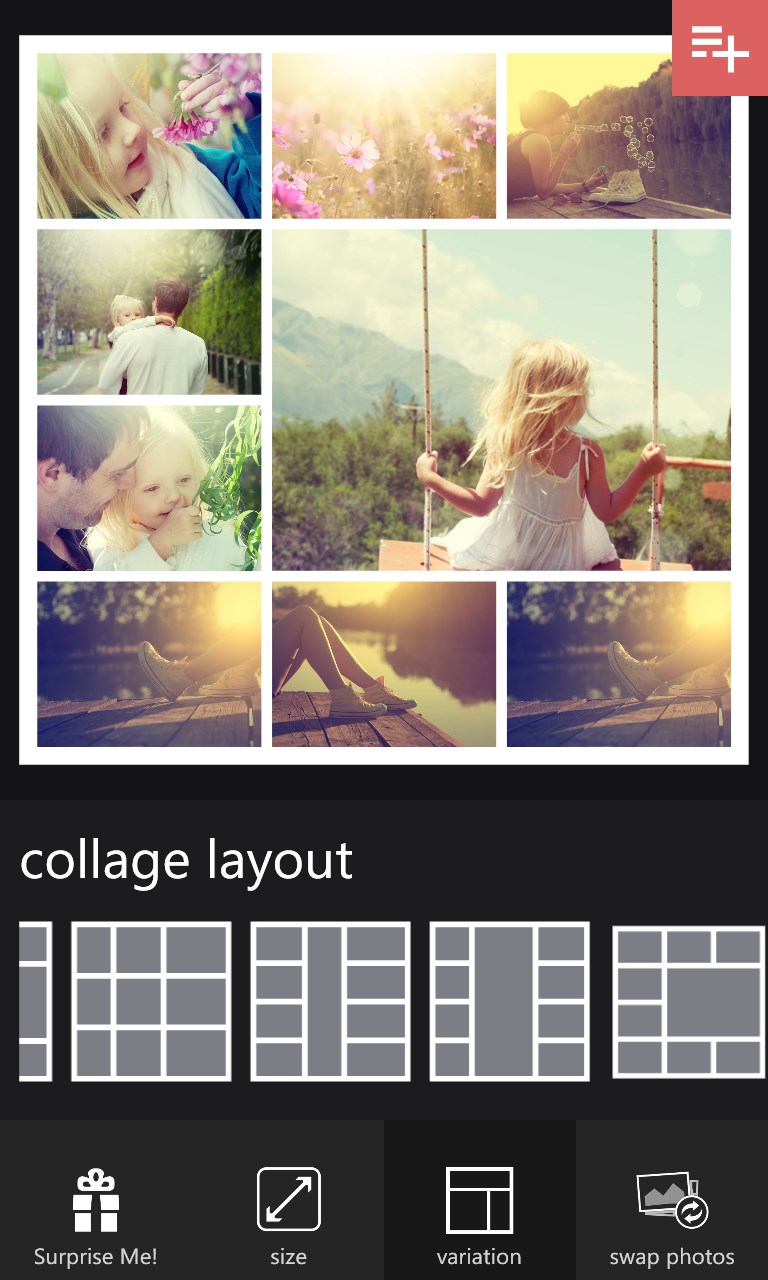
  2. Select a layout that fits your number of photos — up to 25 in one collage
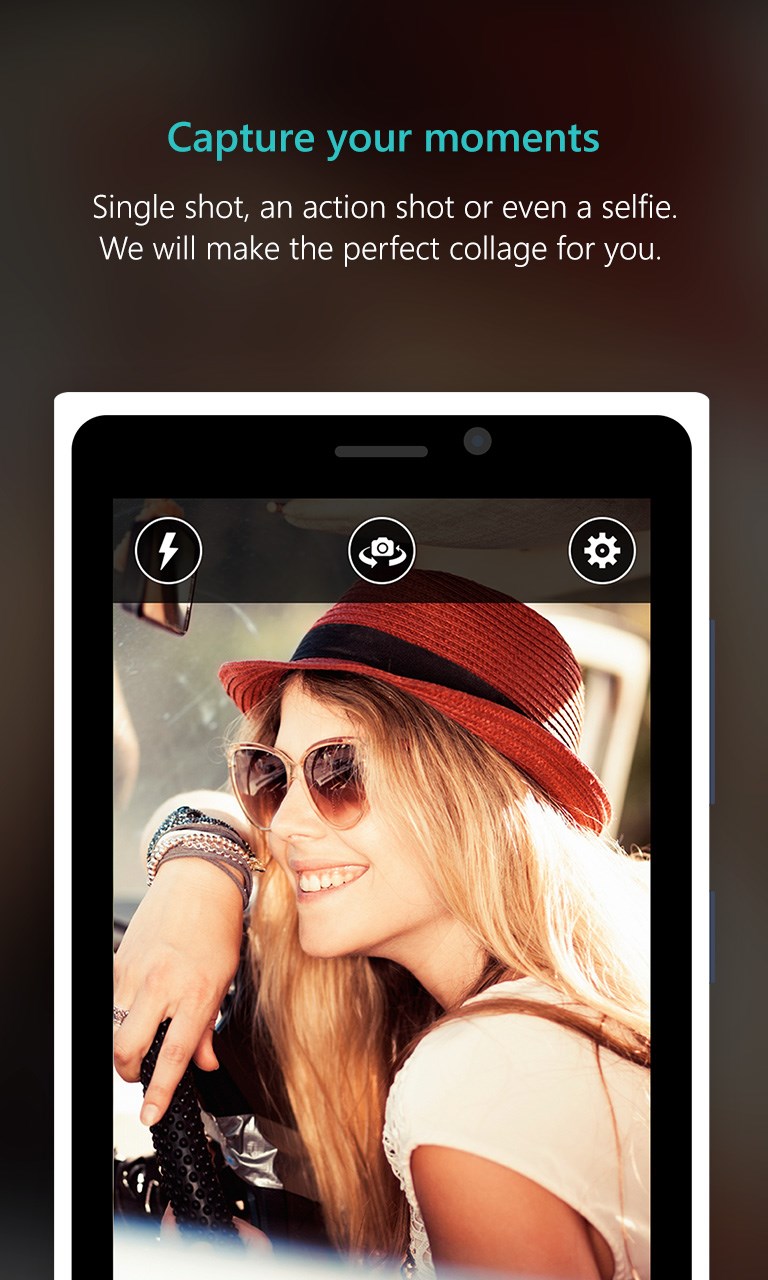
  3. Add photos from your gallery or capture a new one with your camera
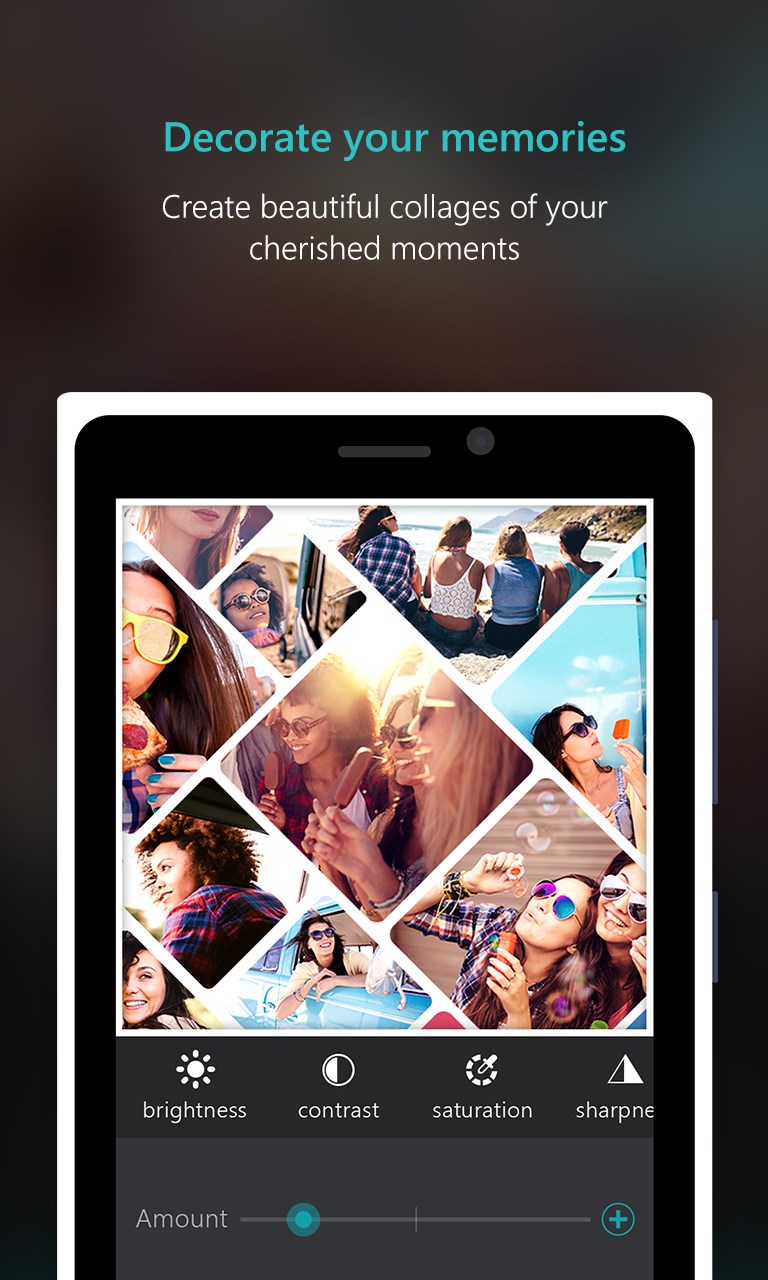
  4. Personalise with backgrounds, frames, stickers, fonts and image adjustments
  5. Resize to your target format — portrait, landscape, Instagram, Facebook or Twitter — then save and share

Controls

Everything works through taps and clicks: select an element on the canvas to move, resize or delete it, and use the layers panel to reorder overlapping items without fuss.

Tips & Tricks

  • Use the shape cutout tool to drop a photo into a heart or letter outline — it takes one tap and makes a plain collage feel intentional
  • Spacing and corner roundness are easy to overlook, but nudging both a little gives the whole collage a cleaner, more considered look
  • If your photos have mixed lighting, apply brightness and contrast adjustments per image rather than relying on a filter — the result is much more consistent
  • Resize last: build your collage at a square aspect ratio first, then switch to your target size so you can see exactly what gets cropped before you commit

Why people keep coming back

  • 1200+ templates themed layouts covering travel, birthdays, weddings, holidays and dozens more occasions
  • Up to 25 photos per collage fit an entire event into one shareable image without leaving anyone out
  • Deep image editing adjust brightness, contrast, hue, saturation, blur, vignette and more on each photo individually
  • Shape cutouts transform any photo into a heart, star, letter, word or other outline with a single step
  • 1700+ stickers and 200+ fonts enough variety to match any mood, from handwriting scripts to 3D vintage lettering
  • Flexible export sizes output to portrait, landscape, Instagram, Facebook or Twitter dimensions in the same session

Content & audience

  • Suitable for all ages (ESRB E; PEGI 3; DJCTQ L; USK Everyone; IARC 3; PCBP 0; CSRR G; Microsoft 3; CCC TE).
  • Free app supported by advertising, with optional in-app purchases.
  • Works offline; no account required.

Category: Technology & Computing › Computing › Computer Software and Applications › Photo Editing Software · Store category: Photo & video

Policies & support

About Phototastic Collage

A collage for every moment.

Make memorable collages with Phototastic Pro.

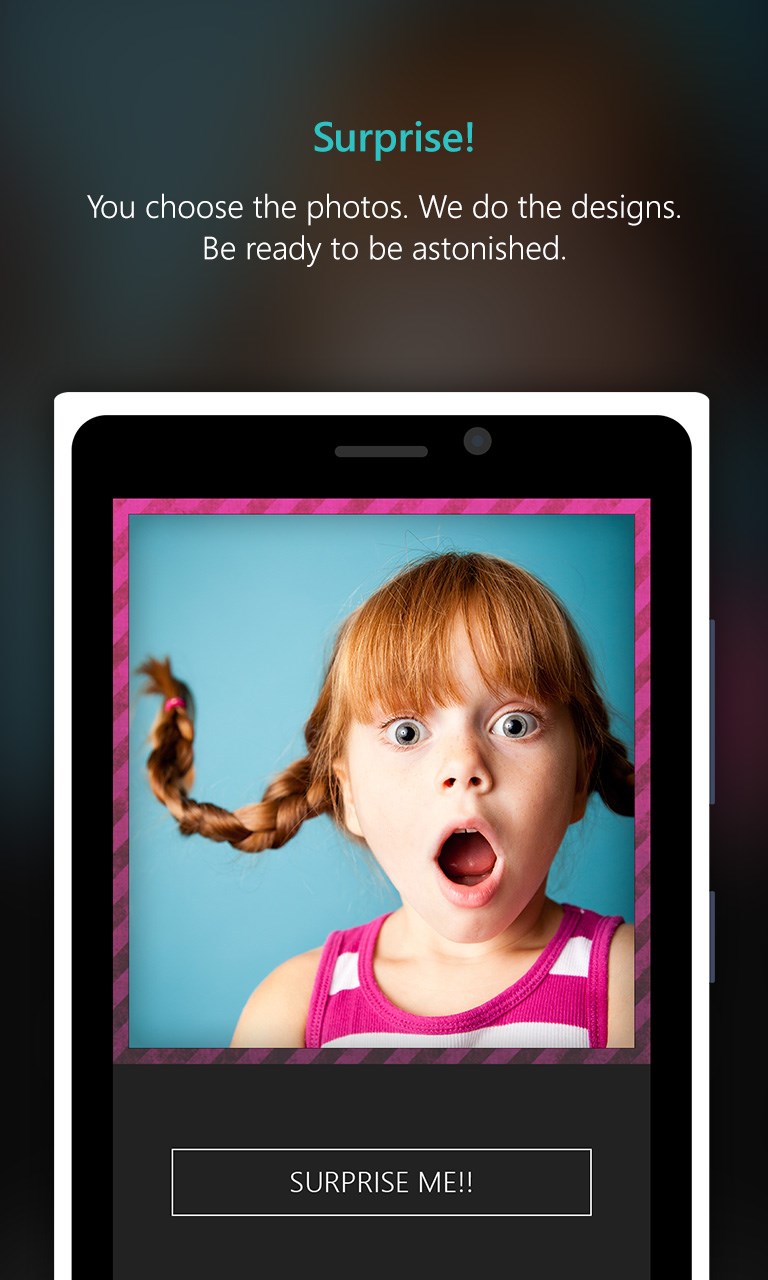
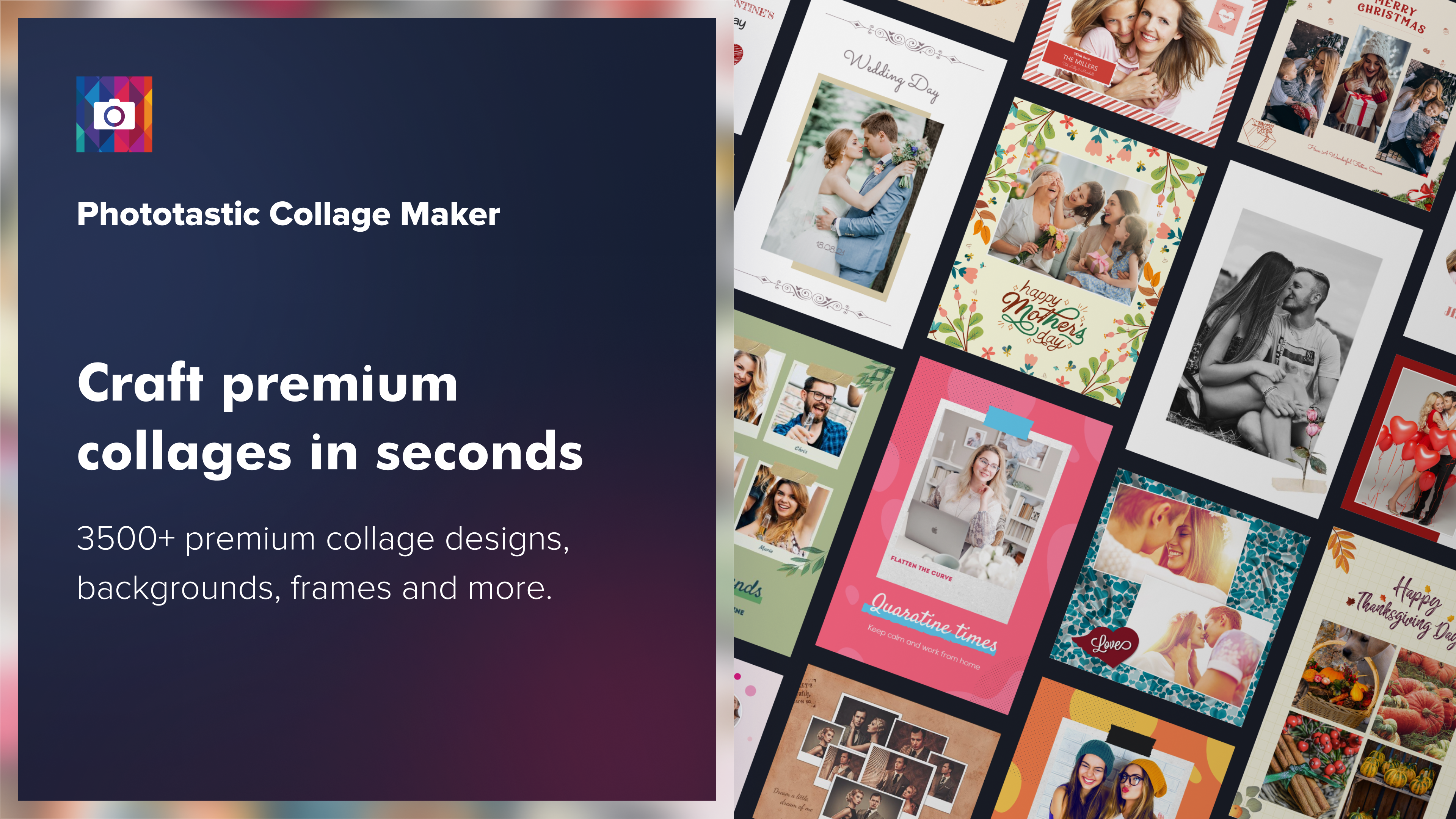
Make amazing photo collages in just a few clicks with Phototastic, the ultimate photo collage maker and picture editor! Phototastic is loved by millions of users of different ages around the world for making beautiful picture collages in seconds.

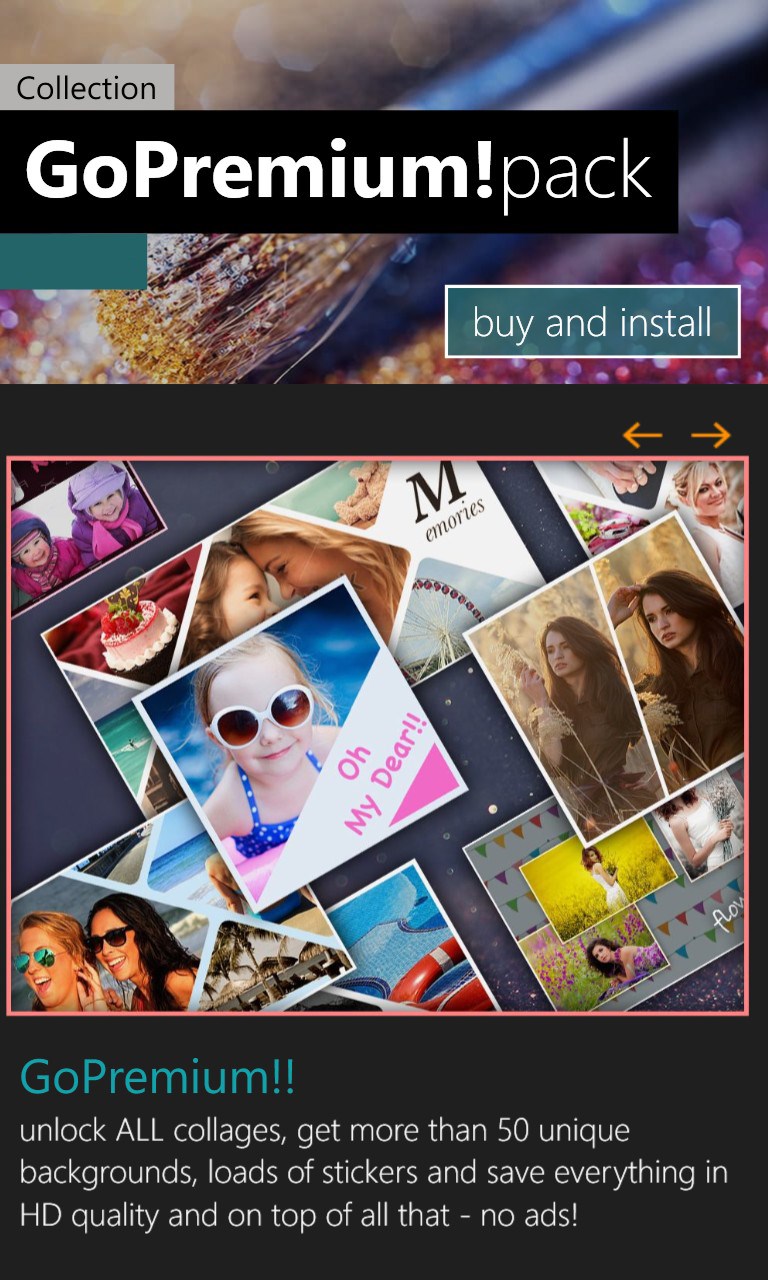
Gift your loved ones an adorable picture collage on any occasion and express yourself using our massive collection of premium collage templates, backgrounds, frames, stickers, effects and fonts. You can fit up to 25 pictures in a single photo collage so that none of your memorable photographs are left out.

It’s super easy to make a personalized photo collage using Phototastic …
Pick a design template that suits your purpose,
Add photos from your gallery or camera,
Lastly, add a personal touch by customizing text and visuals; and your picture collage is ready!

Phototastic is an all-in-one pic collage maker with a range of professionally created design assets:
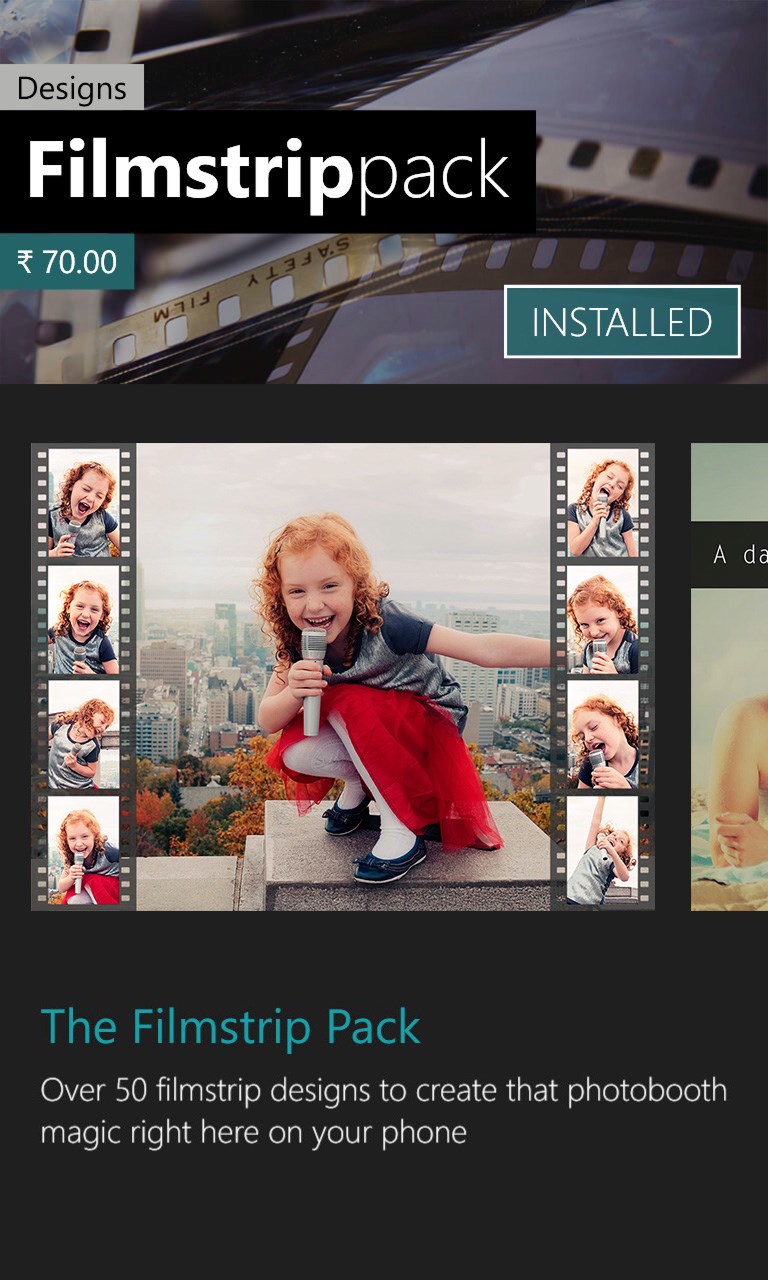
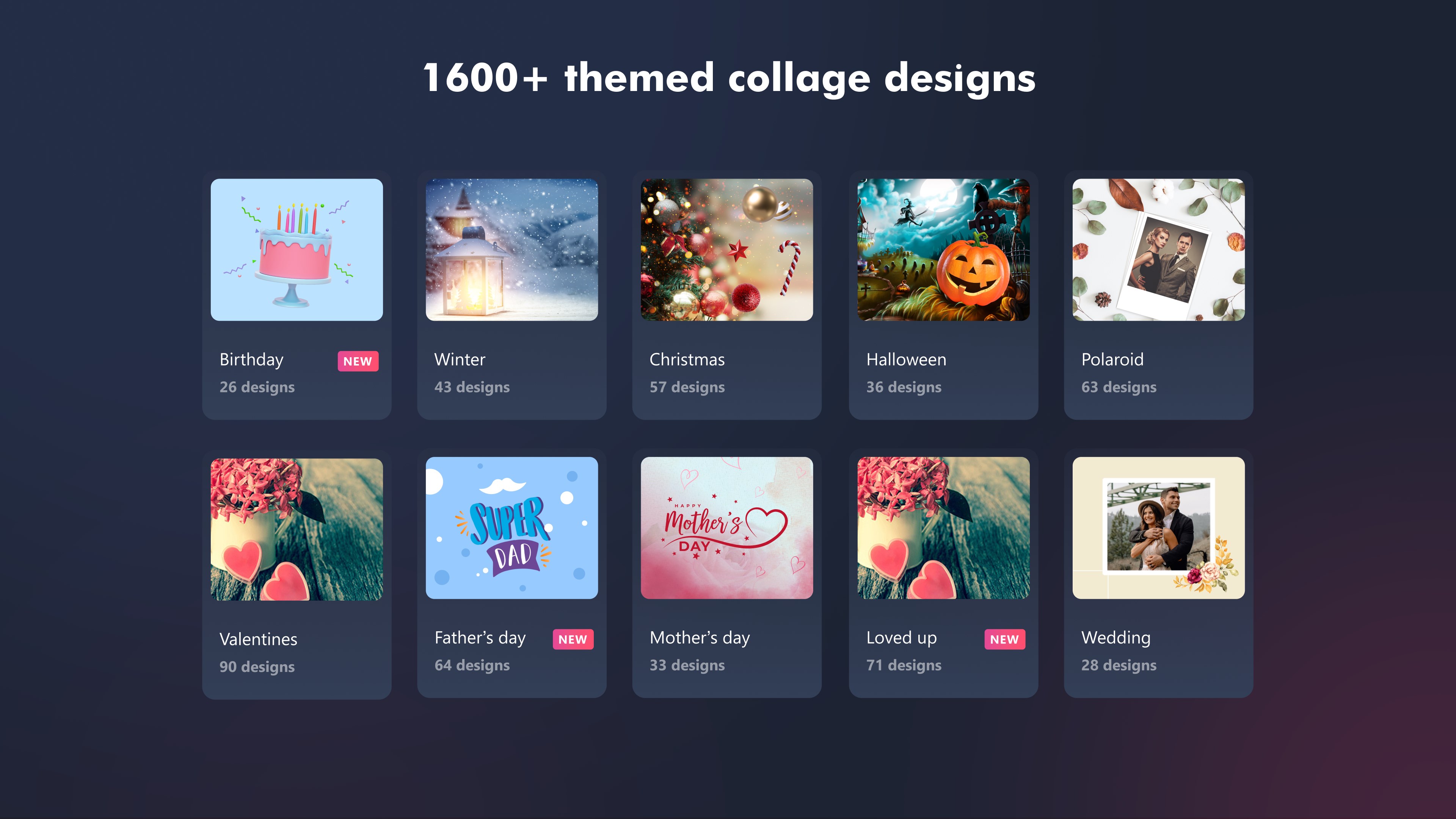
1200+ themed design templates, perfect for every occasion and theme
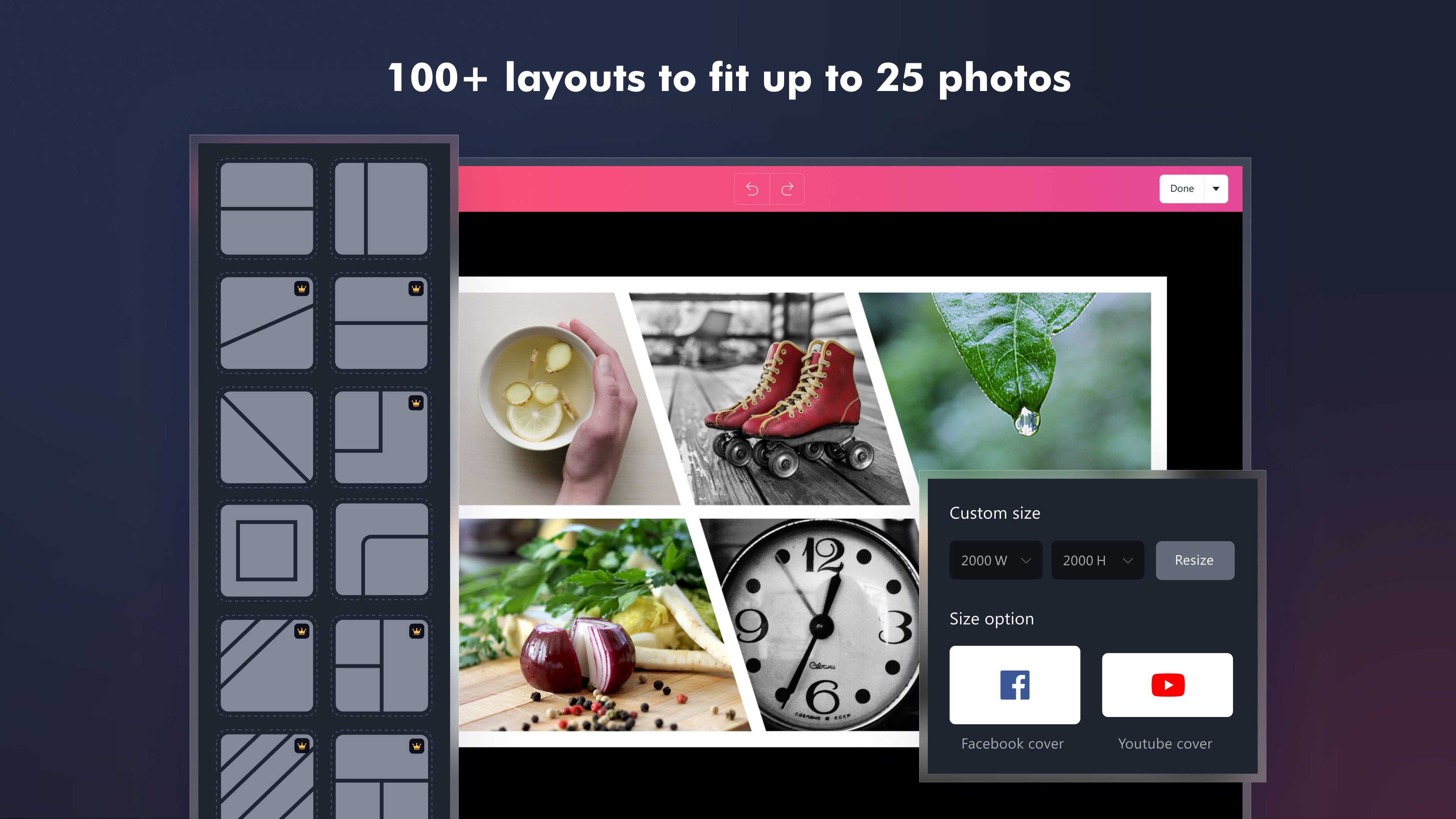
100+ layout options that can fit up to 25 photos in a single collage
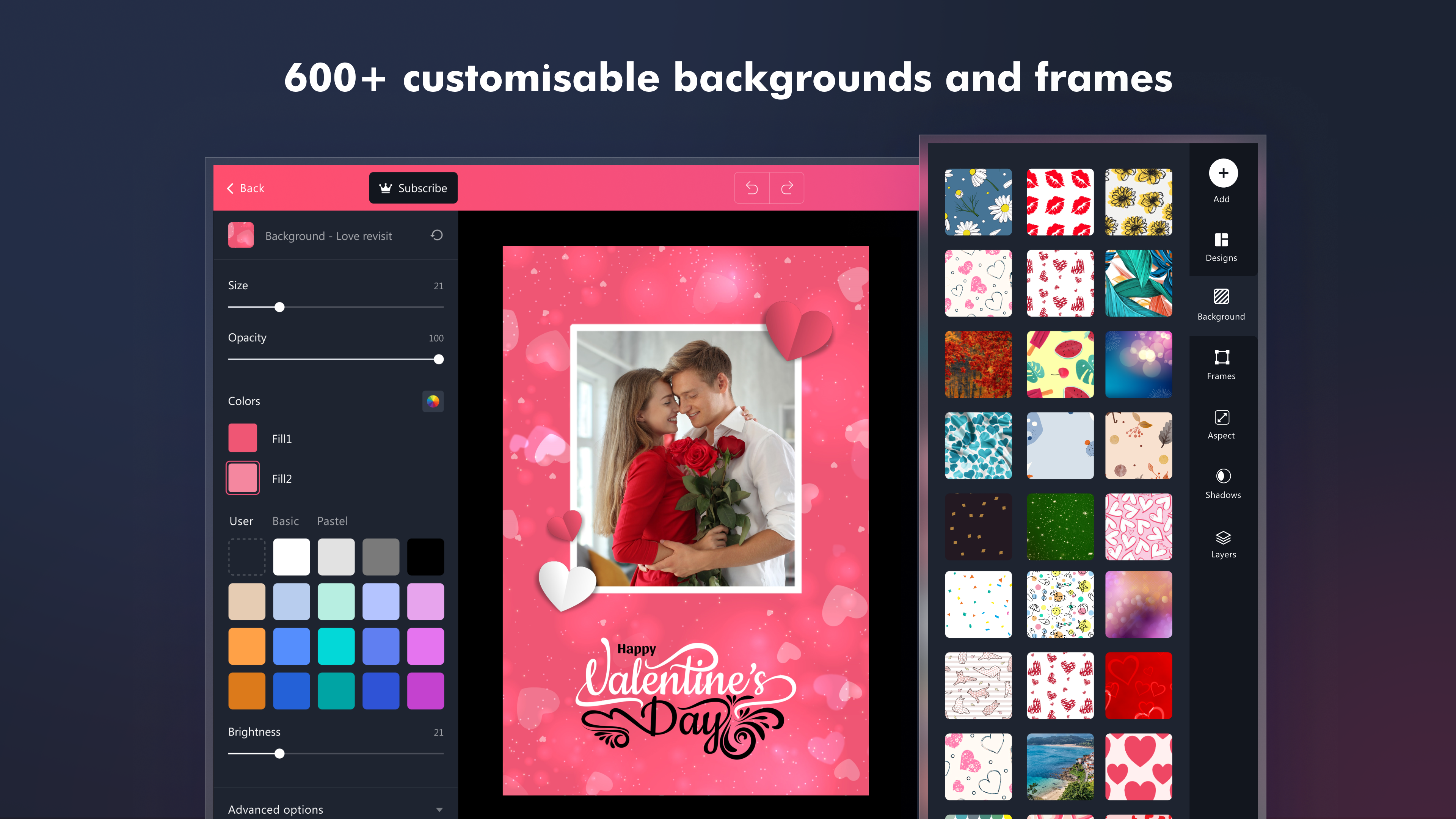
600+ diverse backgrounds and frames
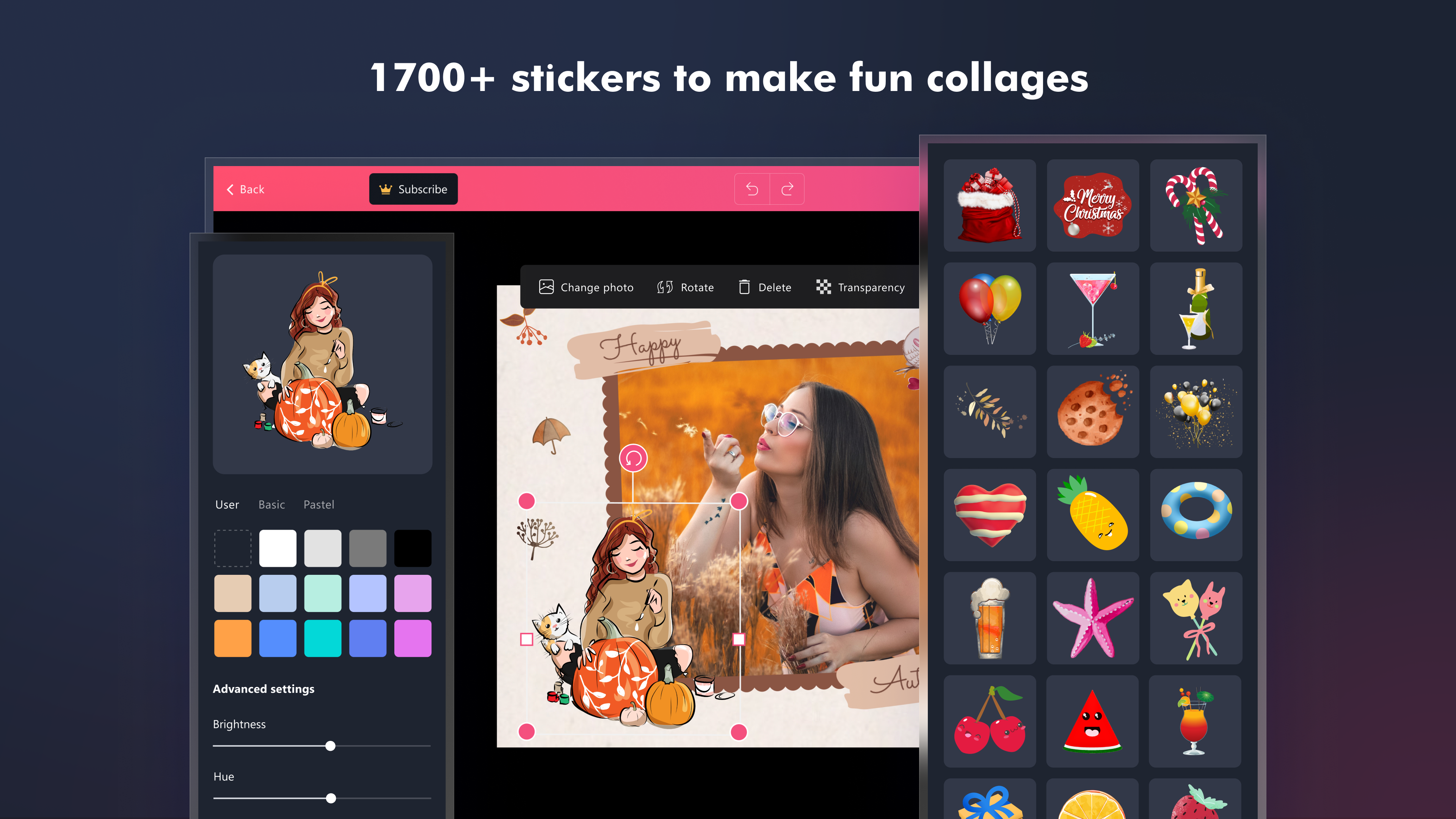
1700+ stickers to add fun to your pic collage
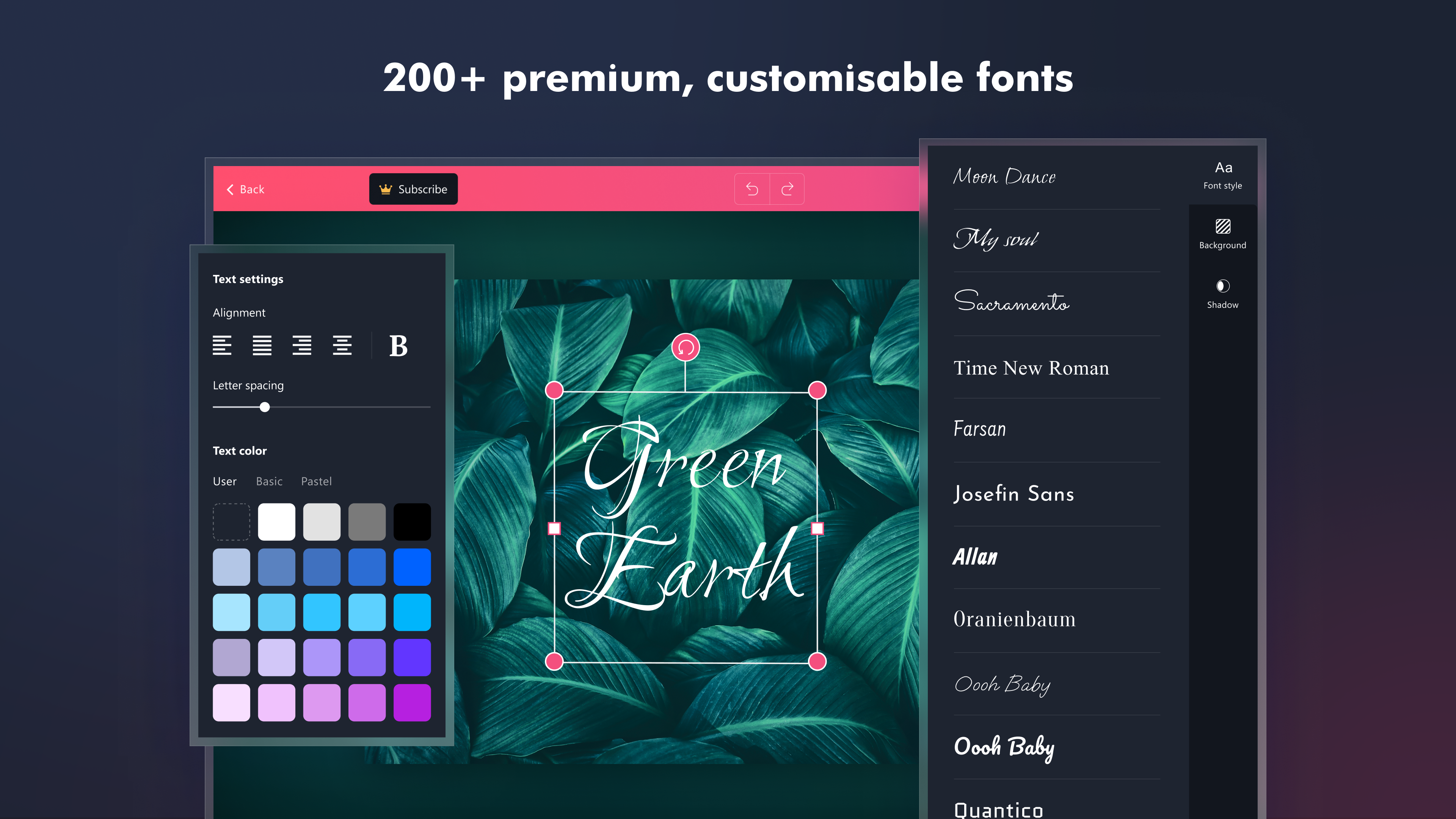
200+ fonts to express your thoughts in the perfect style

We regularly add new designs and elements to our collection to help you make great pic collages with minimal effort and keep up with the latest trends and events.

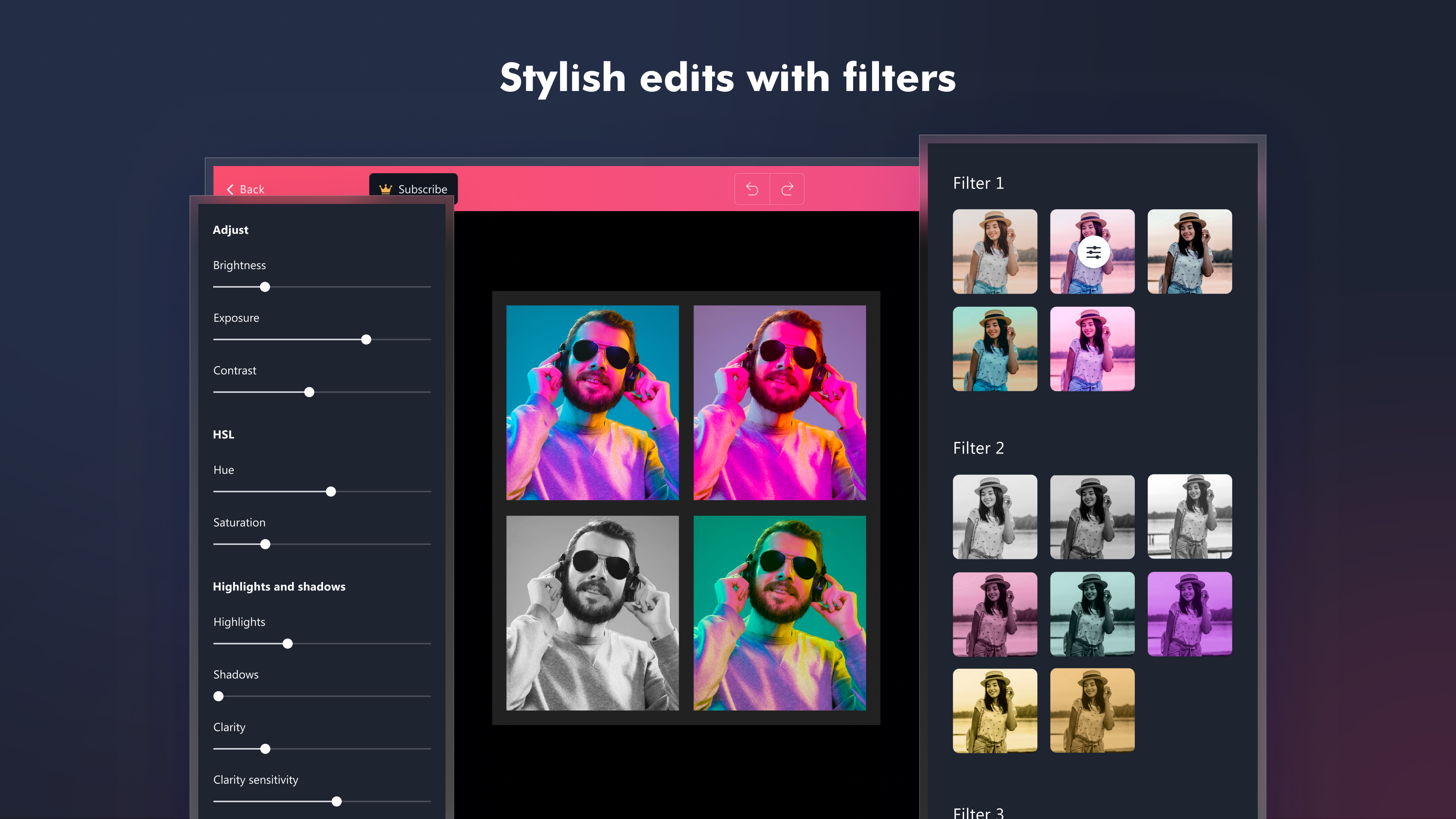
Fine-tune the images used in your collage with the following image editing features:
Easily crop your images using the crop tool and freestyle scissor tool
Simply add an effect like retro, pop, black and white, etc
Transform your photo into a shape like heart, star, triangle, letter, word, etc. using the shape cutout feature
Modify the light and color of your images by changing brightness, exposure, contrast, hue, saturation, highlights and shadows, color temperature, sharpness, blur, vignette, transparency, etc
Easily rotate or flip your image
Add shadow to your image or sticker and edit shadow properties like color, brightness, fuzziness, intensity, size and position

Edit your photo collage to mold it the way you’d prefer
Choose a custom background by adding an image from the gallery
Easily modify the size, color and spacing of text, background, frame and stickers
Easily resize your picture collage to a custom size or different aspect ratios like Portrait, Landscape, Facebook, Instagram and Twitter
Easily edit the photo spacing, collage margin and corner roundness of your collage
Use layers to re-arrange the elements on your collage
Use pastel colors to give a soft visual appeal to your pic collage

A collage for every occasion!
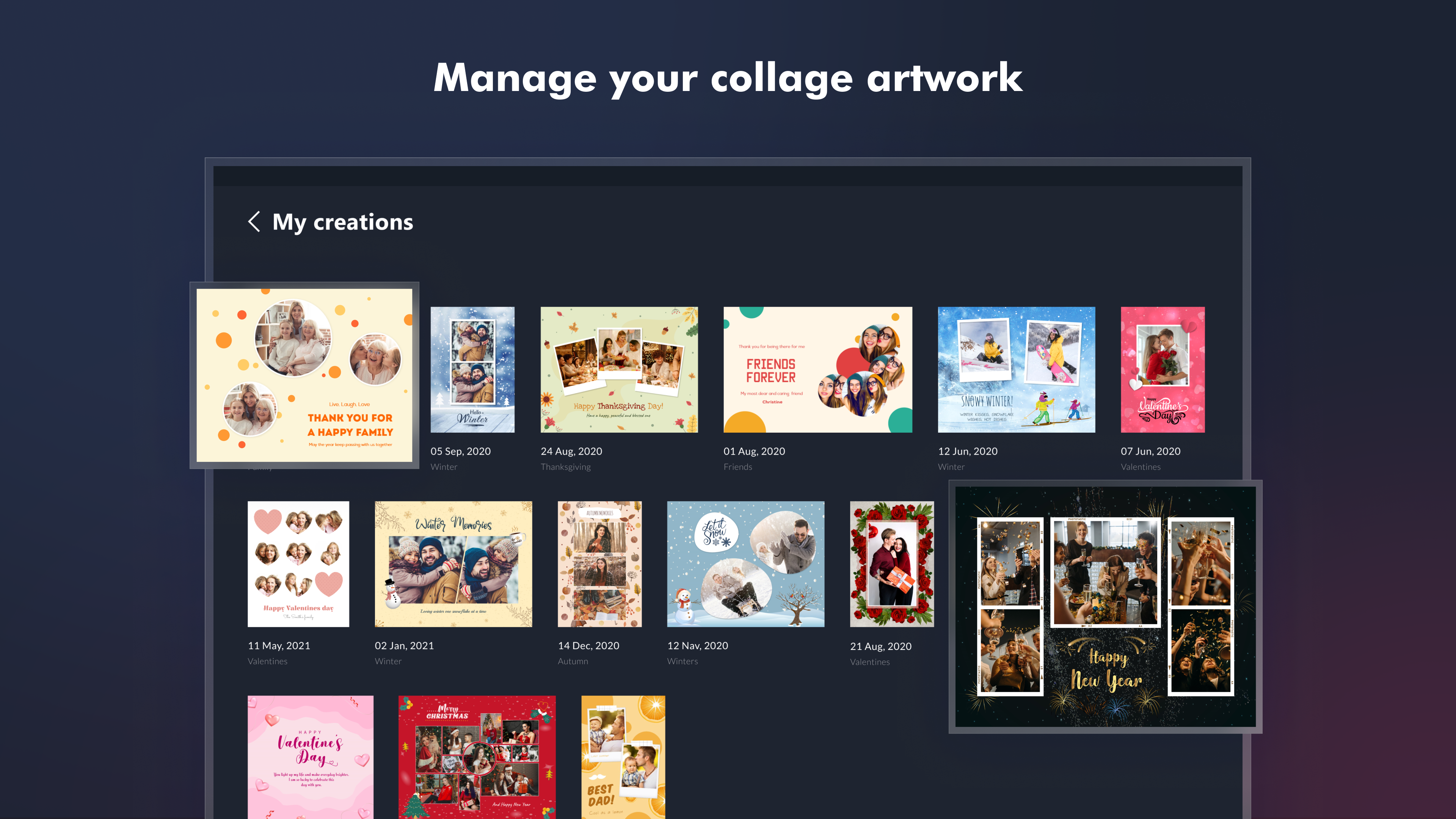
Choose from over 1200 collage templates suitable for every occasion or theme like Travel, Holiday, Birthday, School, Friends, Family, Wedding, Easter, Winter, Christmas, Valentine, and more.
Make a professional photo collage with several background themes like Wooden, Pattern, Stars, Square, Texture, Floral, Dot, etc. and frames like Tribal, Geometric, Love, Wavy, Realistic, Line and more.

Express to impress
1700+ stickers like Love, Alphabet, Food, Decoration, Animals, Flower, etc
200+ fonts with numerous font families like Handwriting, Cursive, Comic, Movie, 3D, Vintage, and more
Retro, Pop and Black & White image filters

Go ahead and try the Phototastic Collage Maker app and make your first picture collage with us now!

Details

Publisher
Thumbmunkeys Ltd
Category
Photo & video
Released
2014-12-12
Rating
4.6 / 5 · 431,548 ratings
Price
Free

Updated 2026-09-25 · Press kit & assets · Product data (JSON)