Tim Grabinat

Easy Mail - Email & Messaging and more

Every inbox, chat, and app — one calm workspace

Get it free on Microsoft Store
4.7 from 35K ratings Free
  • Productivity
  • Windows PC & tablet
  • On the Store since 2015
Easy Mail - Email & Messaging and more screenshot 1Easy Mail - Email & Messaging and more screenshot 2Easy Mail - Email & Messaging and more screenshot 3Easy Mail - Email & Messaging and more screenshot 4Easy Mail - Email & Messaging and more screenshot 5

How to Use Easy Mail - Email & Messaging and more

Open EasyMail and every service you check daily — Gmail, WhatsApp, Slack, Instagram, Notion, Spotify — is waiting in a single, uncluttered window instead of a tangle of browser tabs. It suits anyone who juggles multiple accounts or platforms and wants to spend less time switching and more time doing.

  1. Install EasyMail from the Microsoft Store
  2. Add the web apps you actually use from the supported services list
  3. Arrange your dashboard to match the order you naturally work in
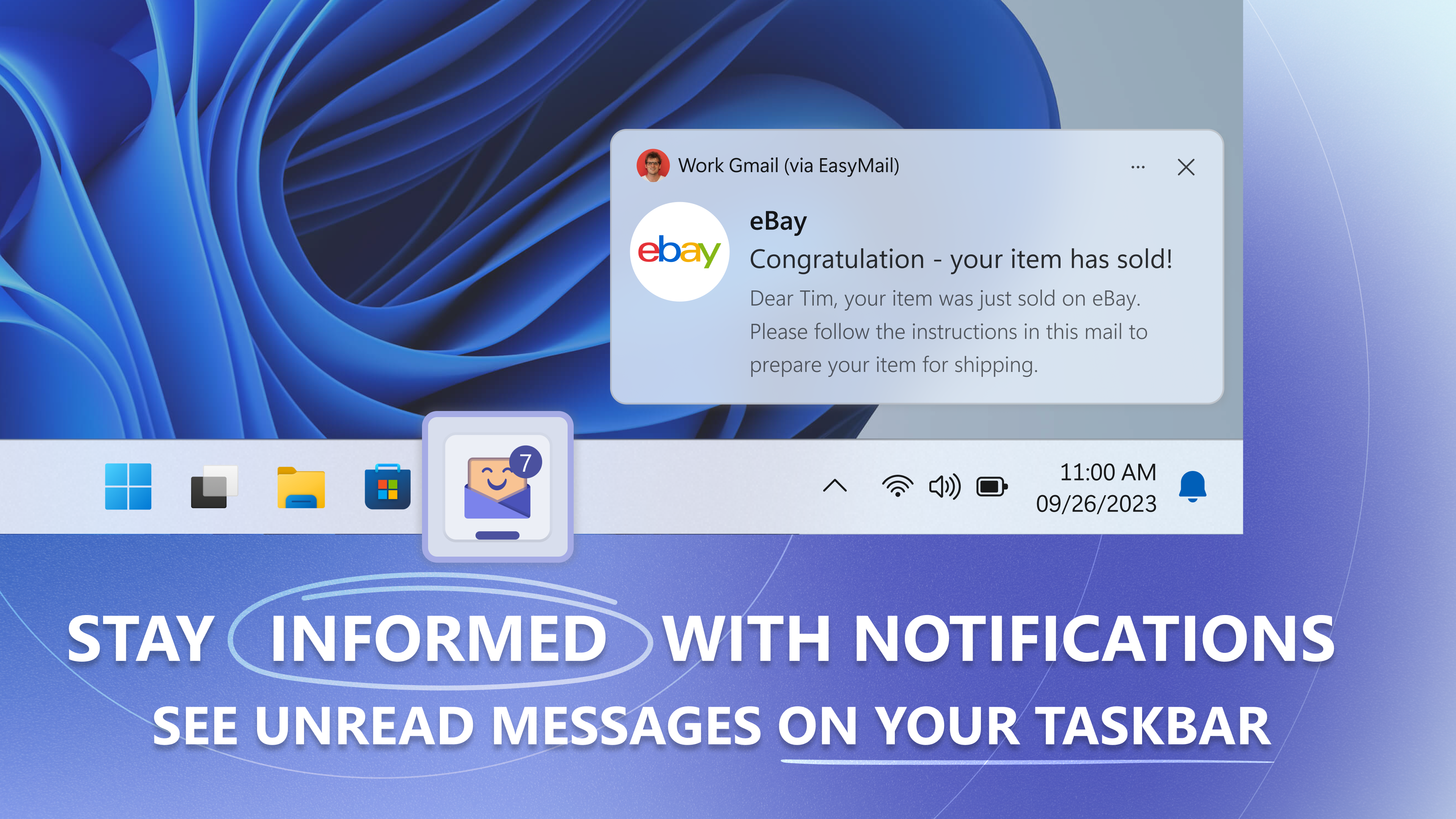
  4. Enable notifications so badge counts appear on your taskbar
  5. Switch between accounts or services with a single click whenever you need to

Controls

Everything is driven by clicks and your existing keyboard shortcuts — if you know how to use a browser, you already know how to use EasyMail.

Tips & Tricks

  • Add your work Outlook and personal Gmail as separate entries so their cookies never mix — account separation is built in
  • Pin your highest-traffic app first in the sidebar; the taskbar badge will reflect its unread count at a glance
  • Use the settings panel to remove any pre-loaded services you never open — a shorter list means faster navigation
  • If you use WhatsApp and Telegram heavily, add both under Messaging so you can flip between them without leaving the app

Why people keep coming back

  • 40+ supported services email, calendar, messaging, social, productivity, and AI tools all in one place
  • Taskbar badge alerts unread counts surface in your taskbar so you notice new activity without reopening the app
  • One-click account switching move between multiple accounts on the same service instantly, no re-login required
  • Account separation work and personal sessions run with isolated cookies and login data to keep them private from each other
  • Customisable dashboard add, remove, and reorder services so the layout reflects how you actually work
  • No tab sprawl every service opens inside EasyMail rather than adding another tab to your browser

Content & audience

  • Suitable for all ages (ESRB E; PEGI 3; DJCTQ L; USK Everyone; IARC 3; PCBP 0; CSRR G; CCC TE; Microsoft 3).
  • Free app supported by advertising, with optional in-app purchases.
  • Works offline; no account required.
  • Users can interact with each other.

Category: Technology & Computing › Computing › Computer Software and Applications › Productivity Software · Store category: Productivity

Policies & support

About Easy Mail - Email & Messaging and more

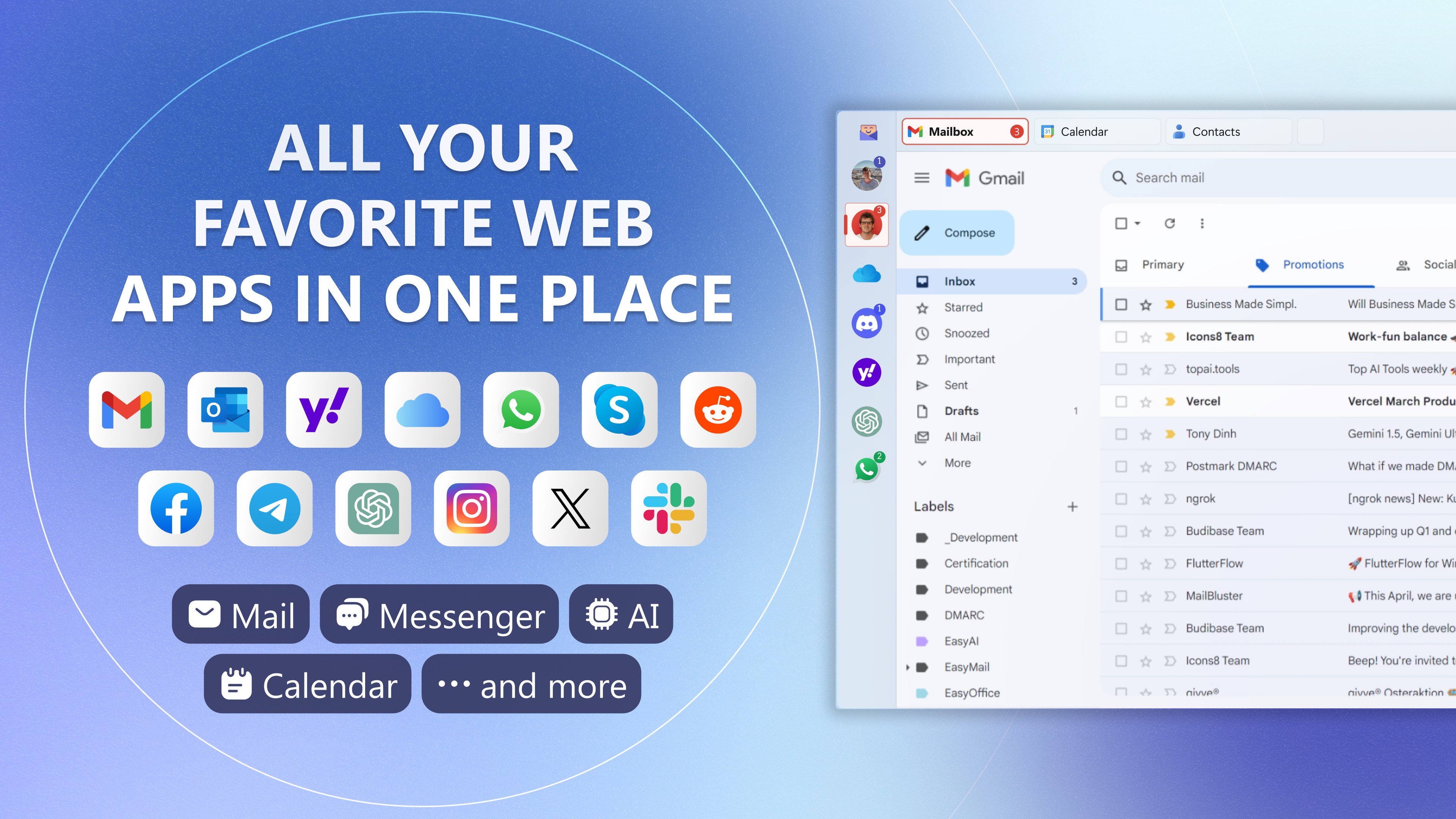
EasyMail: All Your Favorite Web Apps in One Place! 🚀📬

Are you tired of managing countless browser tabs?
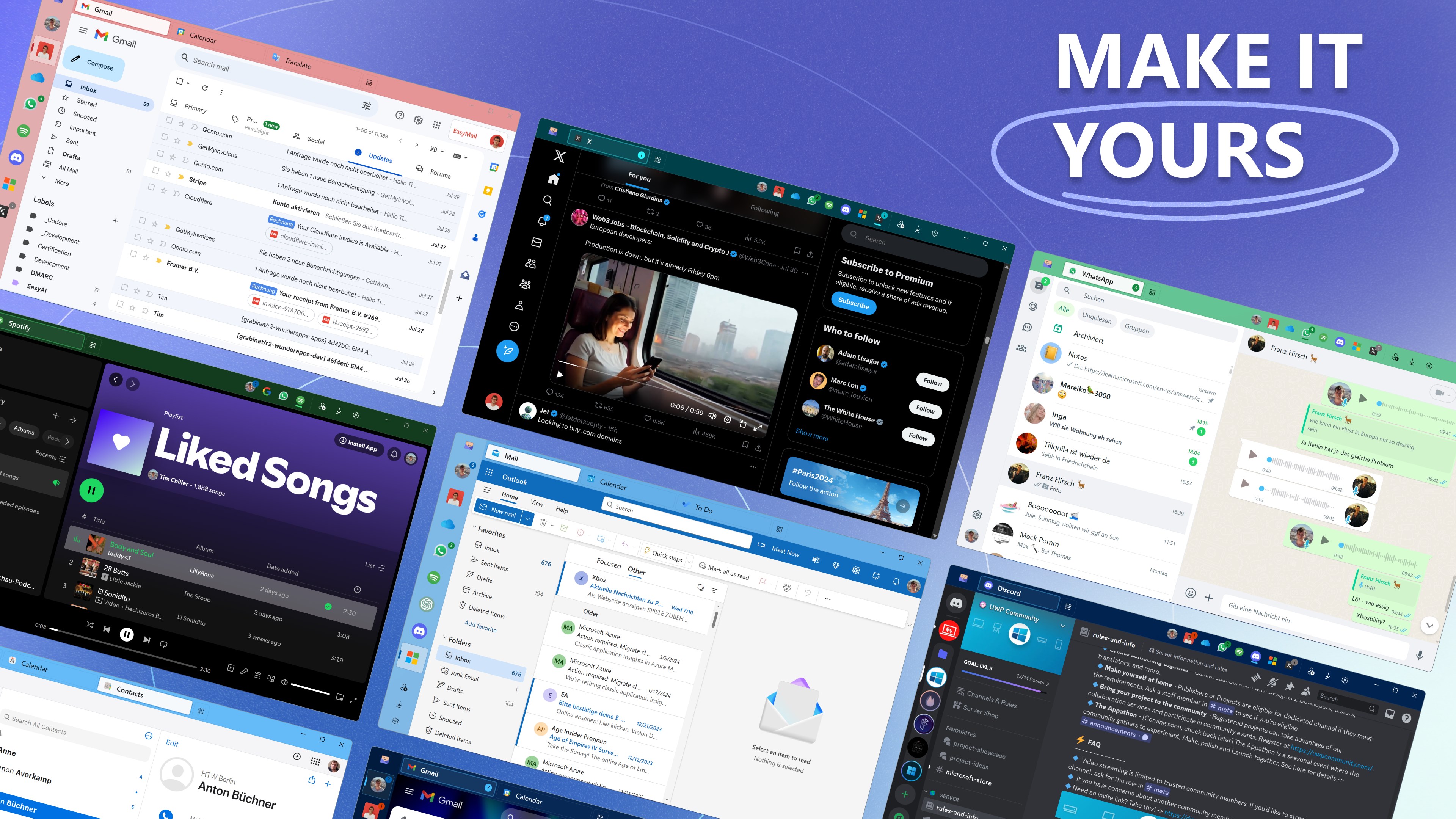
Have all your favorite web apps in one place with EasyMail. 🌟 Whether it's email, social media, or messaging, EasyMail brings everything together for easy and fast access.

Why EasyMail is Your Perfect Hub:
📱 Unified Access: All your favorite web apps, including Gmail, Yahoo, Outlook, WhatsApp, Telegram, Instagram, and more, in one place.
🔔 Instant Notifications: Stay informed with real-time notifications. See unread messages directly on your taskbar.
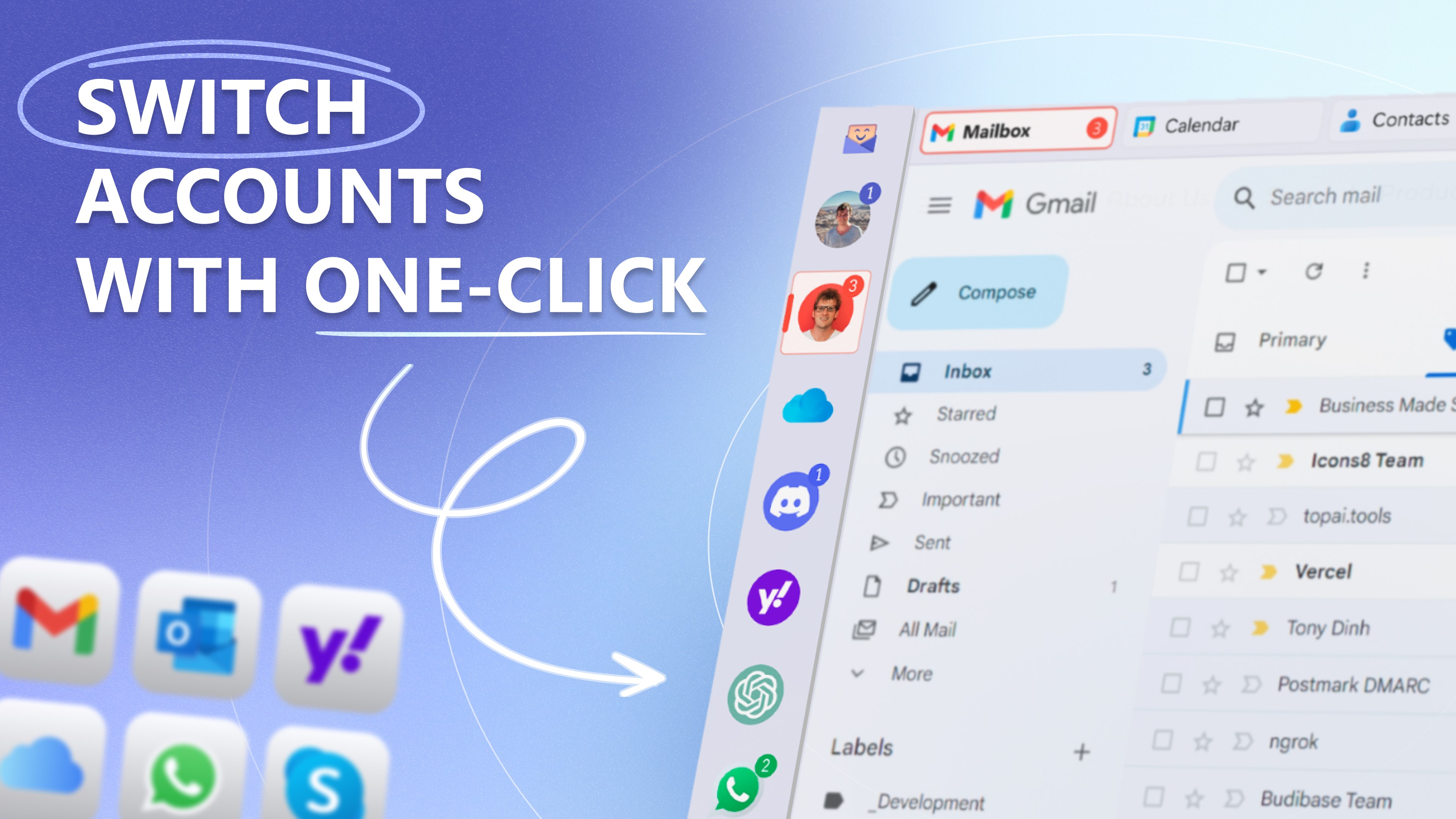
🔄 Quick Account Switching: Switch between accounts with just one click.
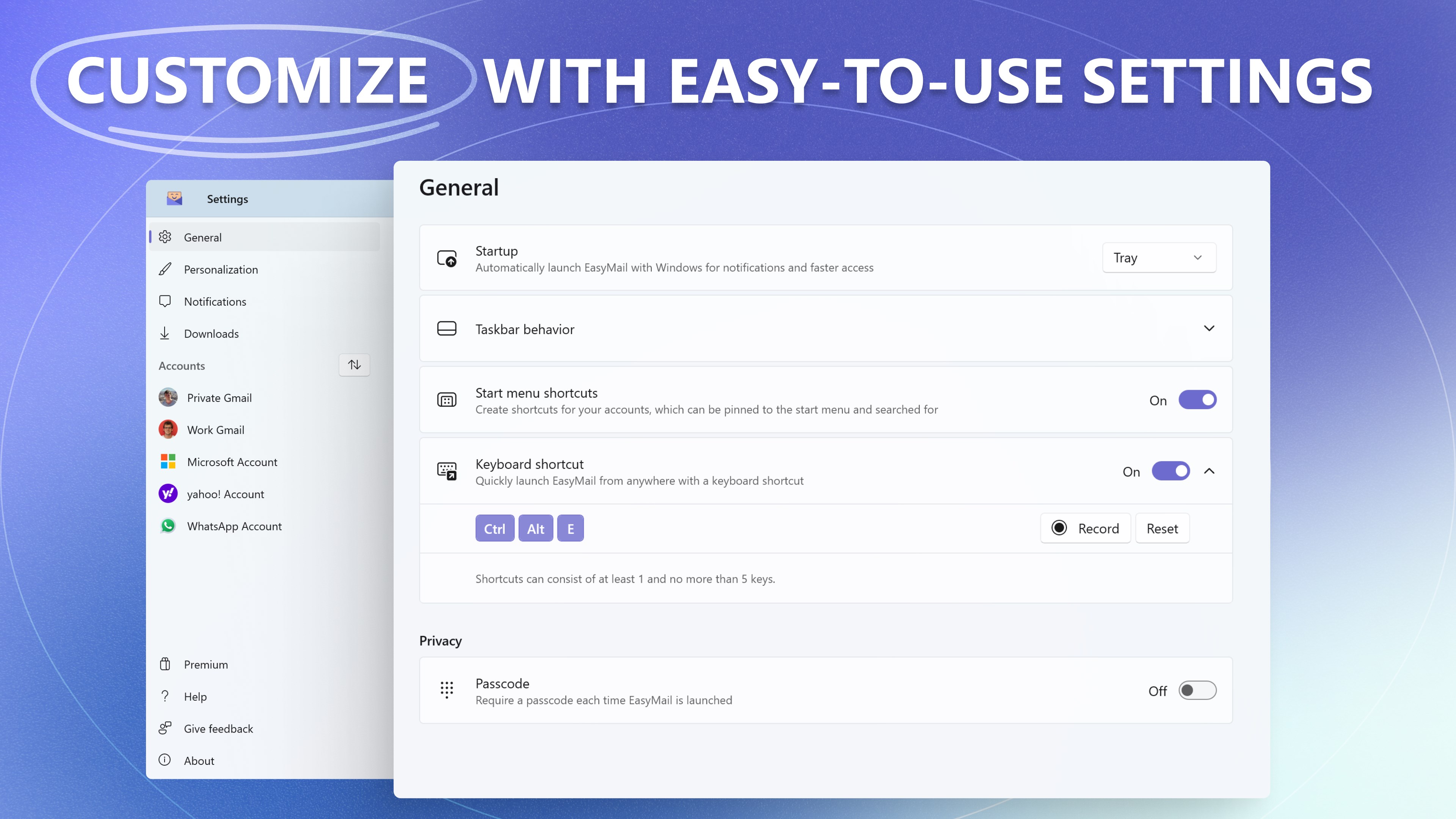
🎨 Customization: Personalize EasyMail with your preferred web apps and settings.
📌 Taskbar Integration: Launch your most-used web apps directly from the taskbar for quick and easy access.

Seamless Customization and Control:
⚙️ Easy-to-Use Settings: Tailor EasyMail to fit your workflow with intuitive and straightforward settings.
📬 Badge Alerts: Get instant badge alerts for new account activity, so you never miss an important update.
🔐 Account Separation: Maintain privacy with separate cookies and login data for work and personal accounts.

Get Started with EasyMail:
1️⃣ Download EasyMail from the Microsoft Store.
2️⃣ Add your favorite web apps and personalize your dashboard.
3️⃣ Enjoy quick access and instant notifications for a more productive and organized digital life.
Dive into EasyMail and explore all its features with a free trial. After the trial, you'll still be able to use EasyMail for free, with no charges —just without the premium extras.

Supported Services:

Email & Calendar: Gmail, Yahoo, Outlook, iCloud, Proton Mail
Social Media: Facebook, Instagram, LinkedIn, Pinterest, TikTok, X (Twitter), Reddit
Messaging: WhatsApp, Telegram, Facebook Messenger, Slack, Skype, Google Messages, WeChat, Snapchat, Discord
Productivity: Google, Microsoft, Notion, Trello, Evernote, Duolingo, Zoom
Others: ChatGPT, Claude, YouTube, Spotify

No More Tab Chaos! Stay Organized and Informed:
EasyMail eliminates the chaos of multiple browser tabs and keeps you connected with all your essential web services.

Ready to reclaim your time and boost your productivity?
Get started with EasyMail now! 🚀
Details

Publisher
Tim Grabinat
Developer
WunderApps GmbH
Category
Productivity
Released
2015-08-31
Rating
4.7 / 5 · 34,681 ratings
Price
Free

Updated 2026-09-25 · Press kit & assets · Product data (JSON)