IYIA

Codex - QR Reader & Generator

Scan or create any QR code in seconds, right from your PC

Get it free on Microsoft Store
3.6 from 8.3K ratings Free
  • Productivity
  • Windows PC & tablet
  • On the Store since 2016
Codex - QR Reader & Generator screenshot 1Codex - QR Reader & Generator screenshot 2Codex - QR Reader & Generator screenshot 3Codex - QR Reader & Generator screenshot 4Codex - QR Reader & Generator screenshot 5

How to Use Codex - QR Reader & Generator

Point your camera, drop an image, or type a URL — Codex reads and builds QR codes without friction, keeping everything you need one click away. It suits anyone who regularly shares links, Wi-Fi credentials, or data and wants a clean, no-clutter tool that simply works.

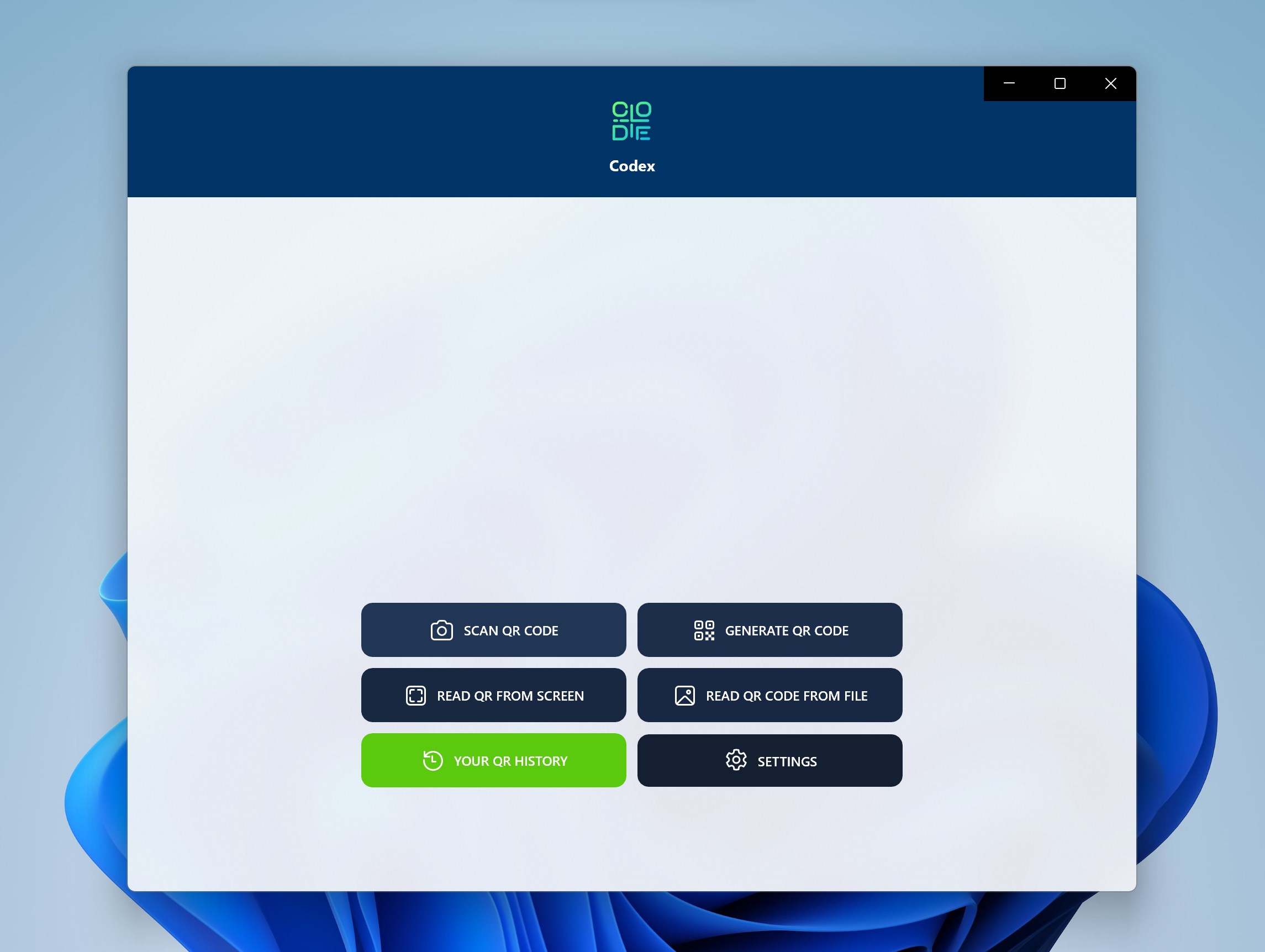
  1. Open Codex and choose Scan or Generate from the main screen
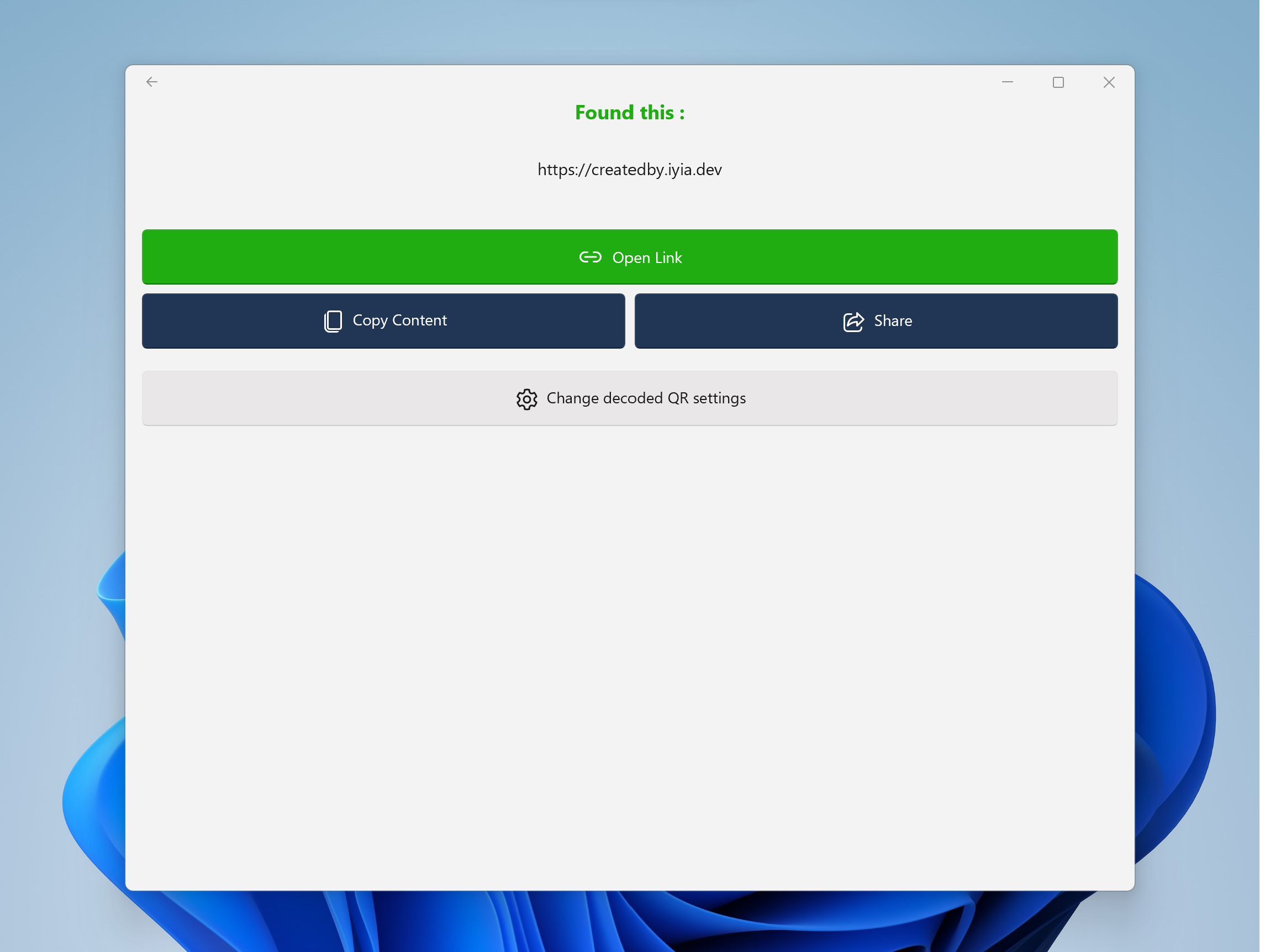
  2. To scan, hold a QR code in front of your camera or load an image file from your PC
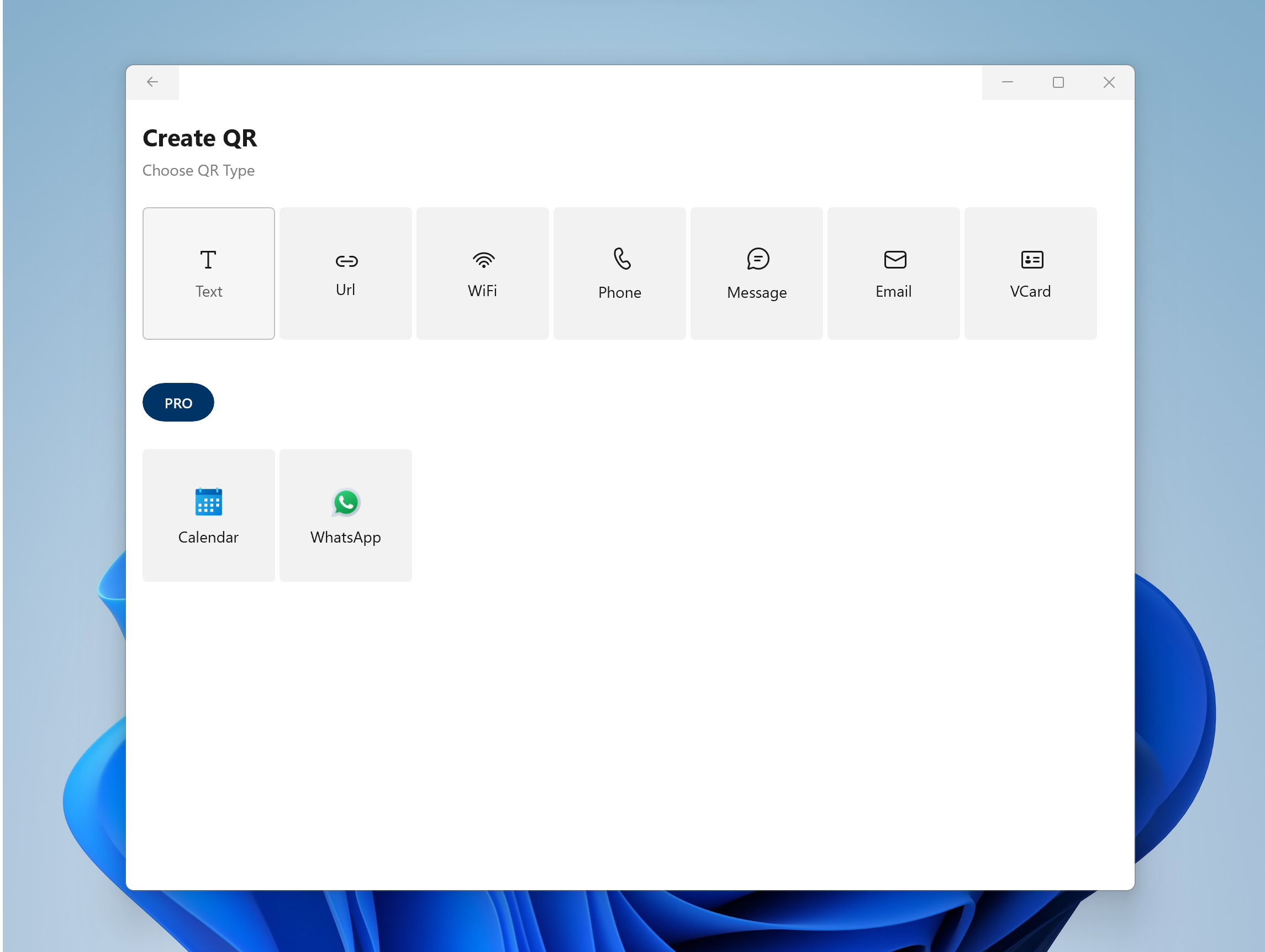
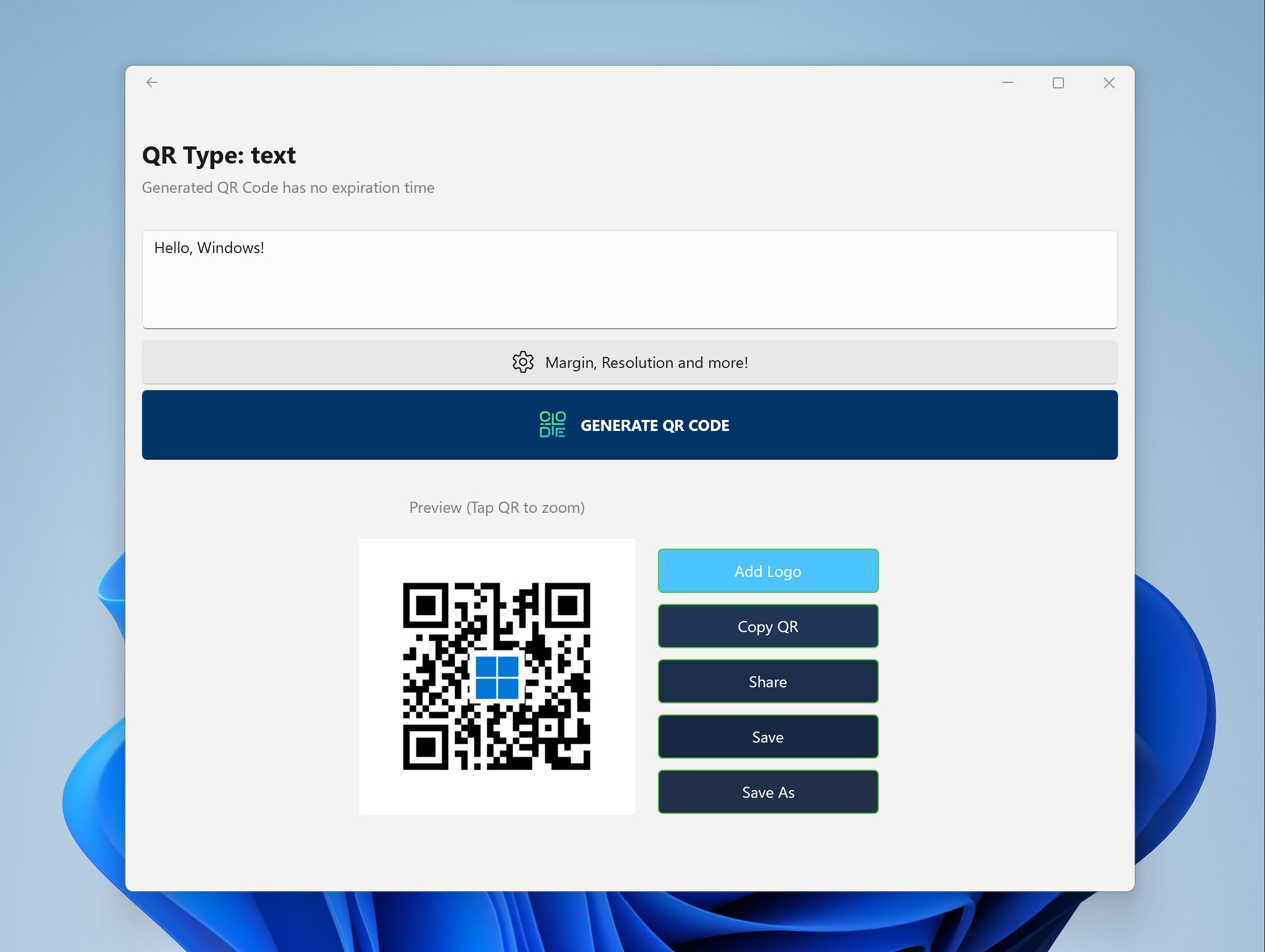
  3. To generate, enter your text, URL, or data and pick a color and resolution
  4. Save or share the result directly from the app
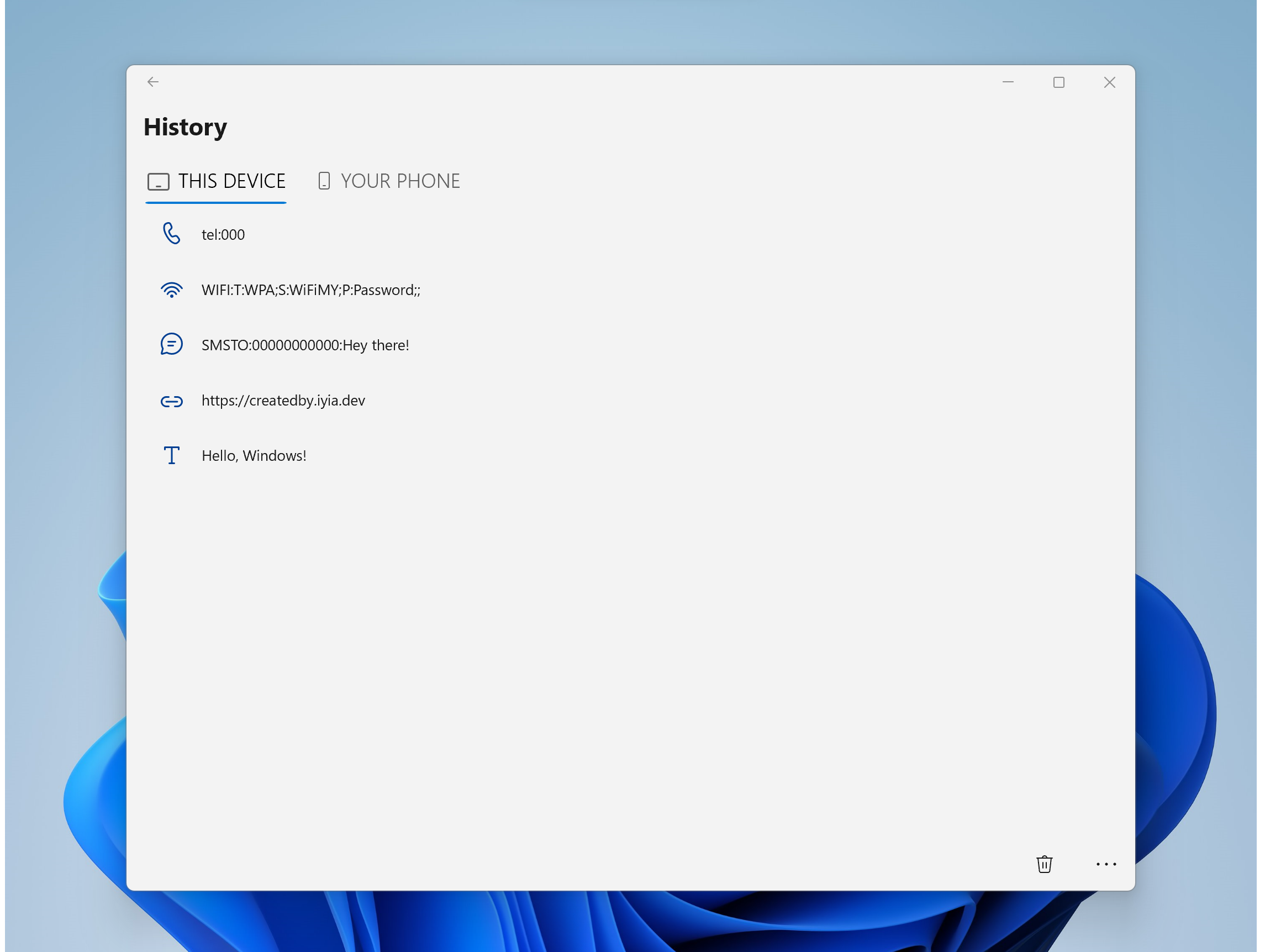
  5. Revisit any past scan in the History section whenever you need it again

Controls

Everything is operated with standard mouse clicks and keyboard input — no special gestures required. The interface puts scanning, generating, and history in clearly labelled sections so you never have to hunt for a feature.

Tips & Tricks

  • Use the Read from Screen option to decode a QR code already visible on your monitor without needing a camera at all
  • When generating a QR code for a long URL, bump up the resolution setting so the code stays easy to scan when printed small
  • Enable the auto-open link option if you scan a lot of web addresses — it takes you straight to the page without an extra click
  • Check the History section before regenerating a code you have made before; your previous settings are saved there and ready to reuse

Why people keep coming back

  • Camera scanning point your webcam at any QR code and it reads instantly
  • Scan from file load a saved image or screenshot to decode without a camera
  • Read from screen capture and decode a QR code displayed anywhere on your display
  • Custom QR generation choose background color and resolution for every code you create
  • No expiry generated QR codes have no time limit and remain valid indefinitely
  • Scan history every code you have read is logged and searchable for quick reference

Content & audience

  • Suitable for all ages (ESRB E; PEGI 3; DJCTQ L; USK Everyone; IARC 3; PCBP 0; CSRR G; CCC TE; Microsoft 3).
  • Free app supported by advertising, with optional in-app purchases.
  • Single-player experience: no chat, no messaging and no user-generated content.
  • Works offline; no account required.

Category: Technology & Computing › Computing › Computer Software and Applications › Productivity Software · Store category: Productivity

Policies & support

About Codex - QR Reader & Generator

Codex - QR Reader and Generator app is the best app to Scan QR Code on Windows from your Camera or File. It even lets you generate any type of QR Code with no expiration time.

Place your QR Code in front of camera, if you see it correctly, then the camera will recognize it for you.

Share, save, Enjoy the experience with a simple and intuitive design, all the necessary is right at your fingertip.

Check again all your scanned QR Code with ease through the History section.

Best Windows 10 and Windows 11 QR Code app with over +1million download.

PRO features:
- Generate QR Code with custom color background;
- Generate QR Code with custom resolution;
- Open link from decoded QR automatically;
- READ QR Code from Picture file;
- READ QR Code from SCREEN;
- NO ADS.

For suggestions send me an email at info@codexqr.app
Website codexqr.app

ex name: QR Code for Windows 10
QR Code for Windows 11

Details

Publisher
IYIA
Category
Productivity
Released
2016-02-19
Rating
3.6 / 5 · 8,263 ratings
Price
Free

Updated 2026-09-25 · Press kit & assets · Product data (JSON)