Amazing Games Network

Amazing Sudoku Pro

Sharp thinking, one grid at a time

Play free on Microsoft Store
4.8 from 6 ratings Free
  • Card & board, Classics, Puzzle & trivia
  • Windows PC & tablet
  • On the Store since 2024
Amazing Sudoku Pro screenshot 1Amazing Sudoku Pro screenshot 2Amazing Sudoku Pro screenshot 3Amazing Sudoku Pro screenshot 4Amazing Sudoku Pro screenshot 5

How to Play Amazing Sudoku Pro

You sit down, pick a difficulty that suits your mood, and let the numbers draw you in — hints and draft mode are there when you need them, invisible when you don't. This is for anyone who wants a clean, low-pressure way to build genuine Sudoku skill, whether they are picking up the game for the first time or chasing harder grids.

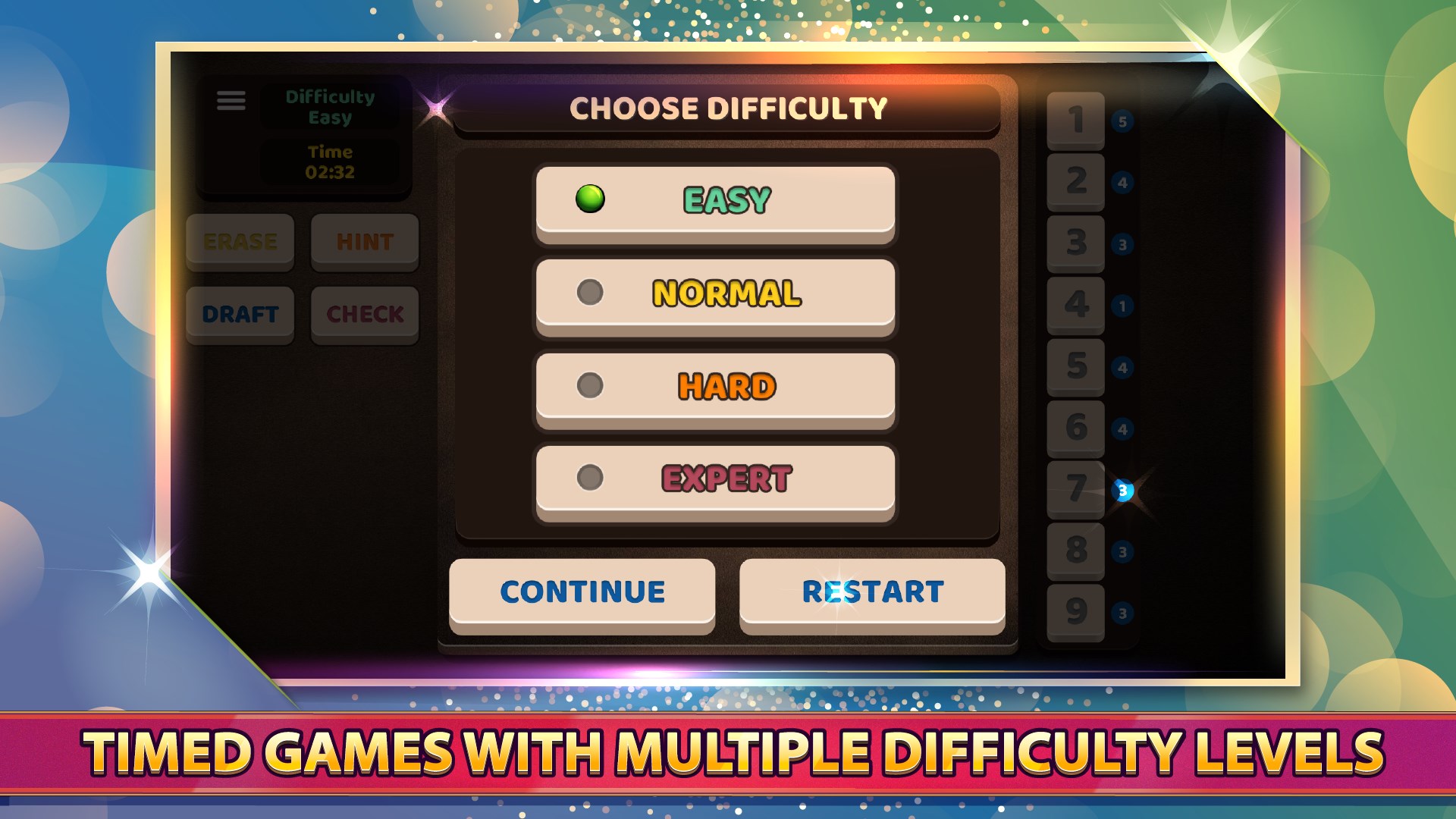
  1. Choose a difficulty level that matches how you feel right now
  2. Tap any empty cell and place a number you are confident about
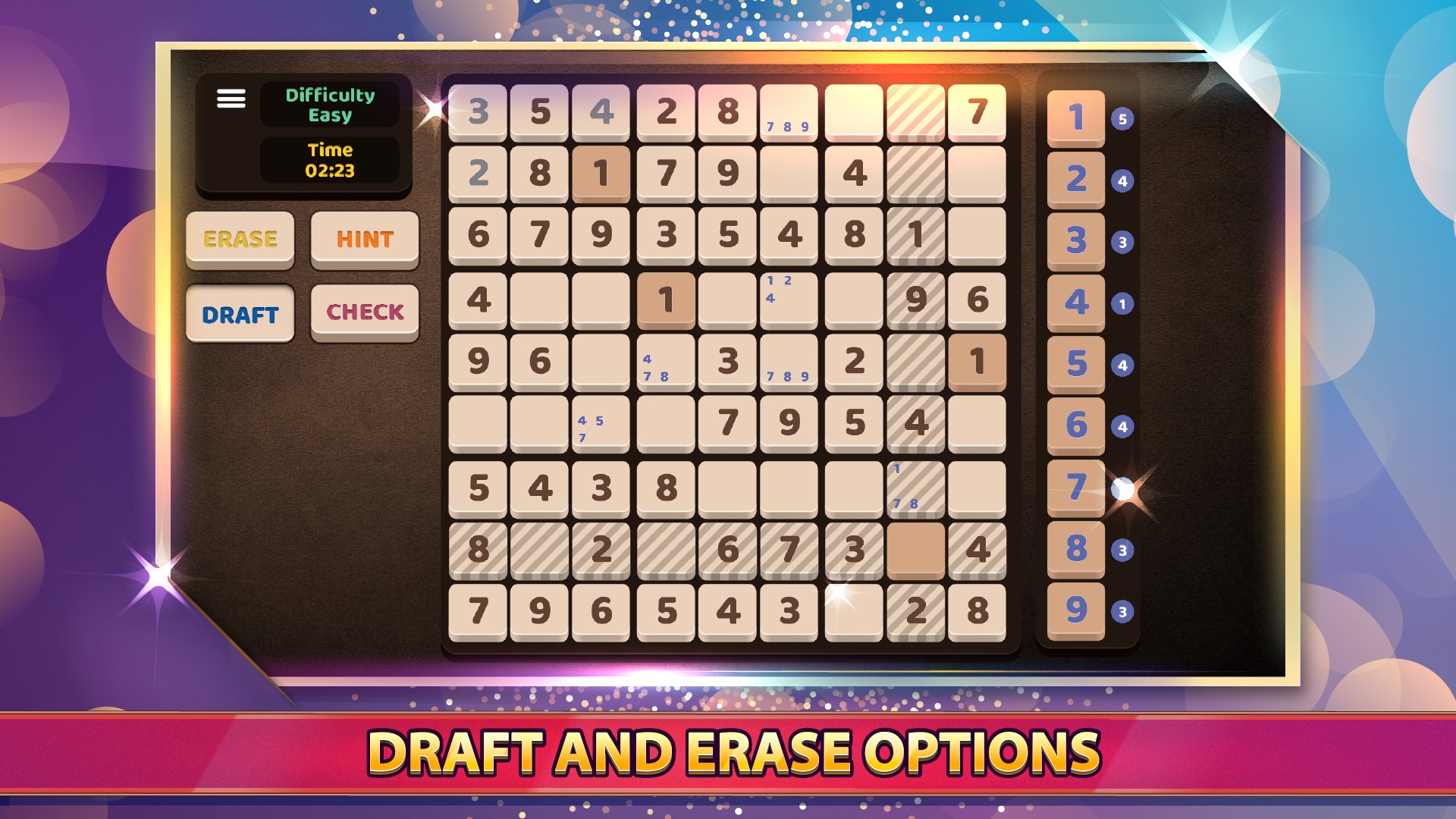
  3. Switch on draft mode to pencil in candidates before you commit
  4. Use a hint when you are stuck rather than letting the puzzle stall
  5. Tap undo any time you spot a mistake and keep your momentum going

Controls

Tap a cell to select it, then tap a number to place it — everything is reachable with a single touch. Draft mode and the undo button sit within easy reach so you never have to hunt for them.
Tips & Tricks

  • Start with the digit that already appears most often on the board — it leaves the fewest open cells and gives you quick early wins
  • Use draft mode on the harder difficulties before committing any number, especially in cells that belong to two or three constrained rows at once
  • If you are stuck, scan one row, one column, and one 3x3 box in sequence rather than staring at the whole grid — a pattern usually appears within those three passes
  • Treat undo as a normal part of solving, not a cheat — testing a number, seeing it conflict, and reversing it is a legitimate technique on the toughest puzzles

Why people keep coming back

  • Multiple difficulty levels from a relaxed beginner grid to a genuine challenge for experienced solvers
  • Draft mode pencil candidate numbers into any cell without committing, then confirm when you are sure
  • Built-in hints get a nudge on the exact cell you are stuck on rather than having the puzzle solved for you
  • One-tap undo reverse any placement instantly so a small slip never derails a long session
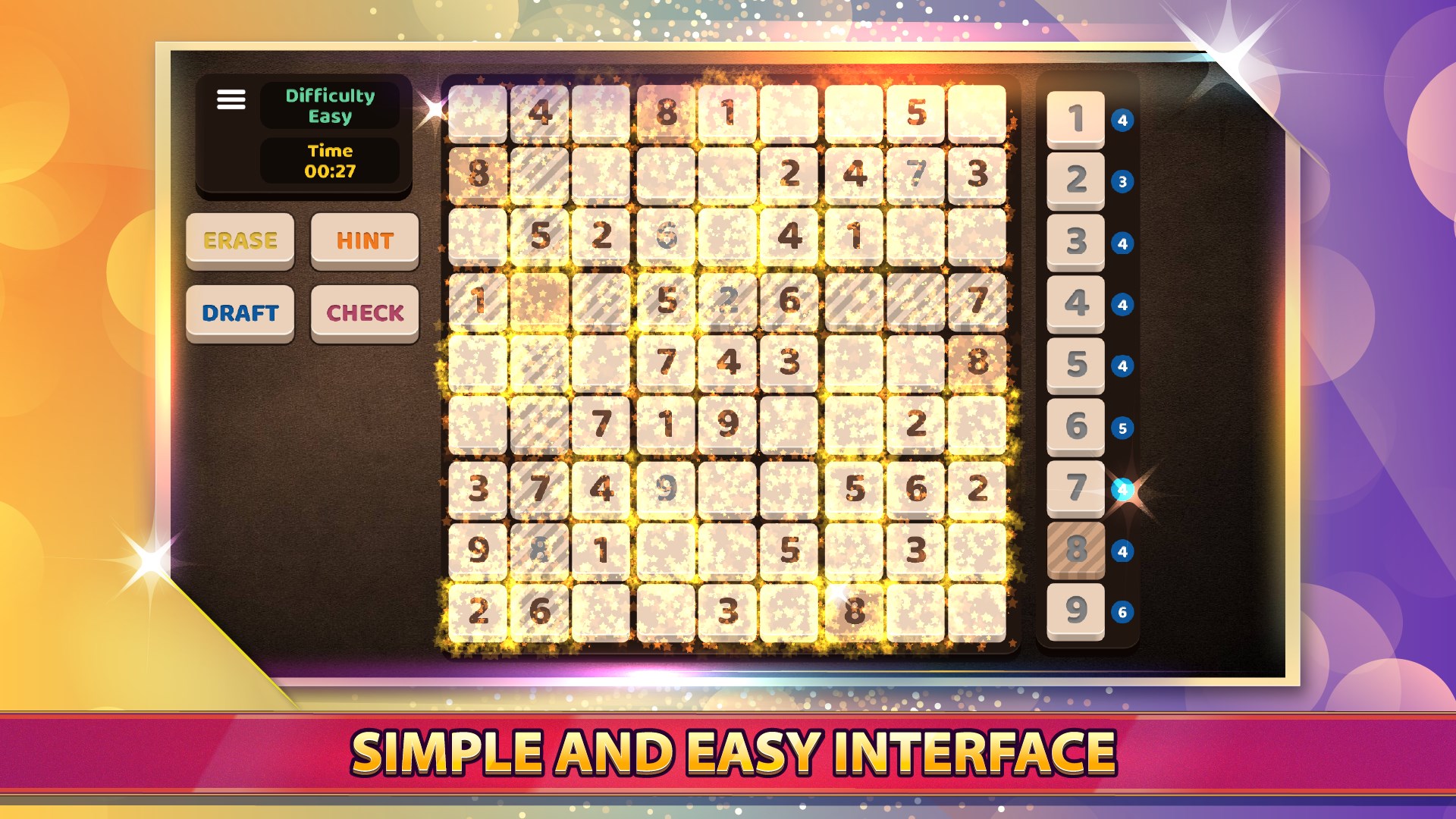
  • Clean interface the board stays uncluttered so your focus stays on the puzzle, not the controls
  • All skill levels welcome difficulty settings mean a ten-year-old and a seasoned solver can both find their right level

Content & audience

  • Suitable for all ages (ESRB E; PEGI 3; DJCTQ L; USK Everyone; IARC 3; COB-AU G; GRB All; PCBP 0; TCA G; CCC TE; Microsoft 3).
  • Free game supported by advertising; no in-app purchases.
  • Single-player experience: no chat, no messaging and no user-generated content.
  • Playable offline; no account required.

Category: Video Gaming › Puzzle Video Games · Store category: Card & board, Classics, Puzzle & trivia

Policies & support

About Amazing Sudoku Pro

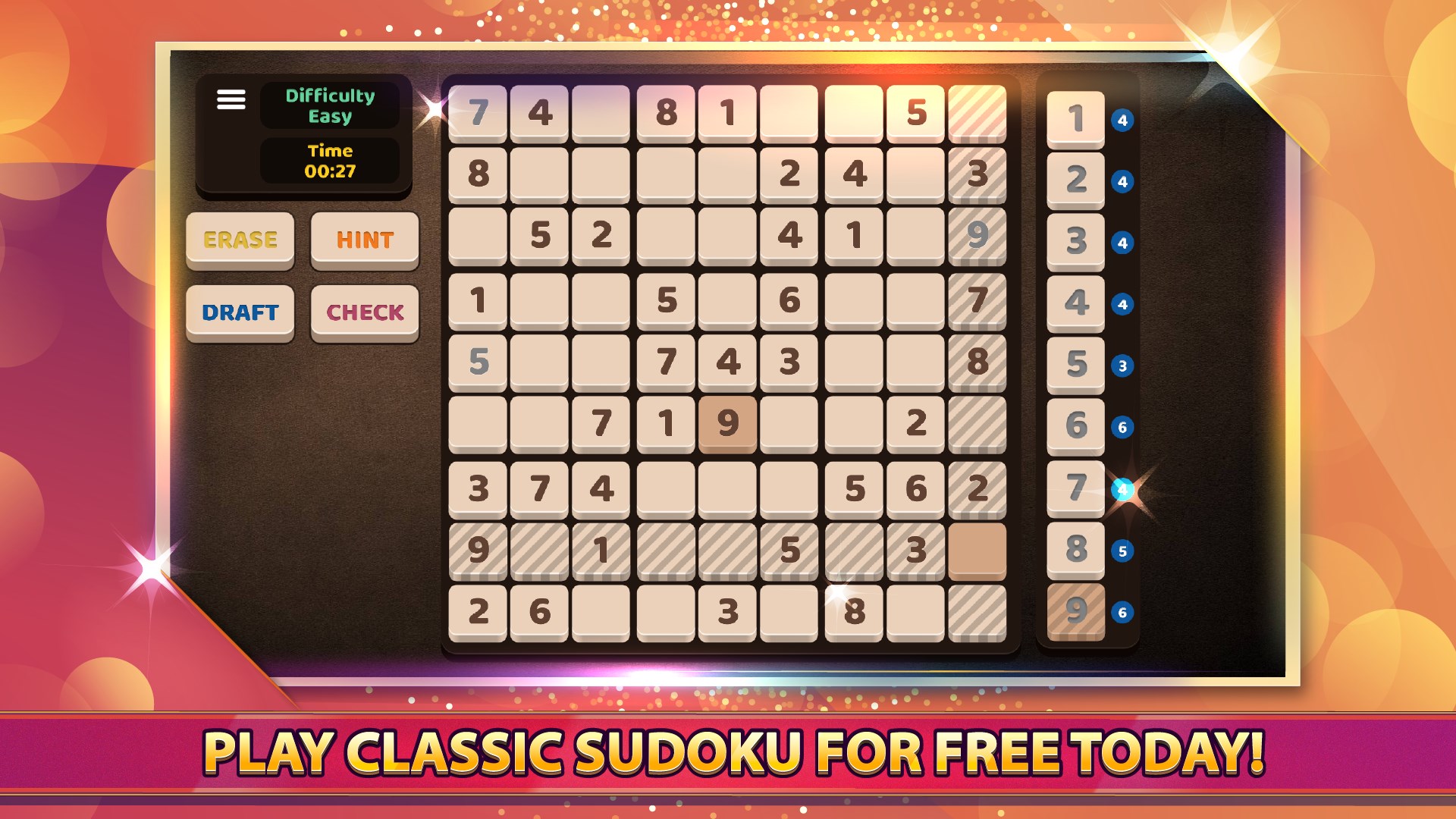
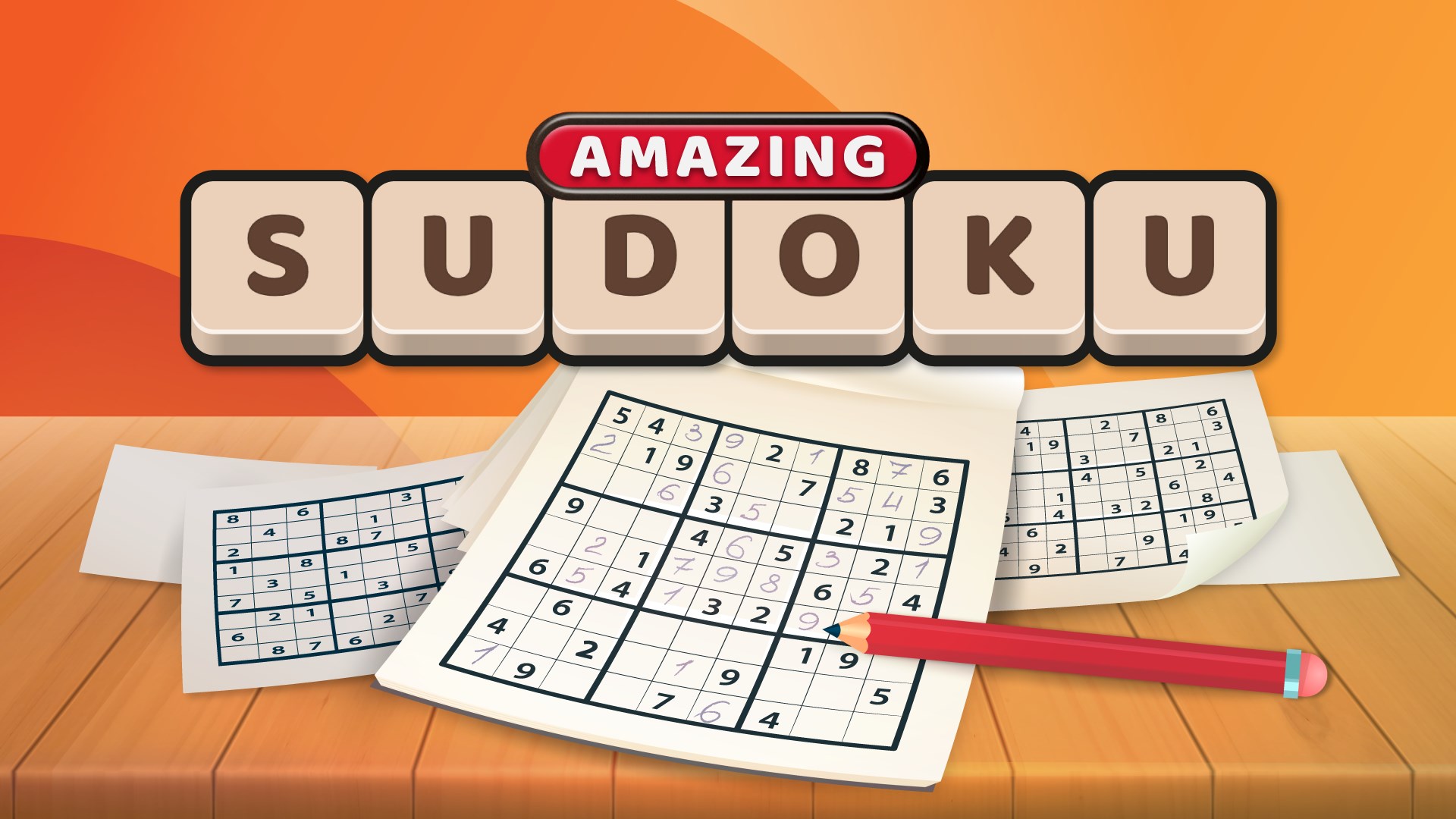
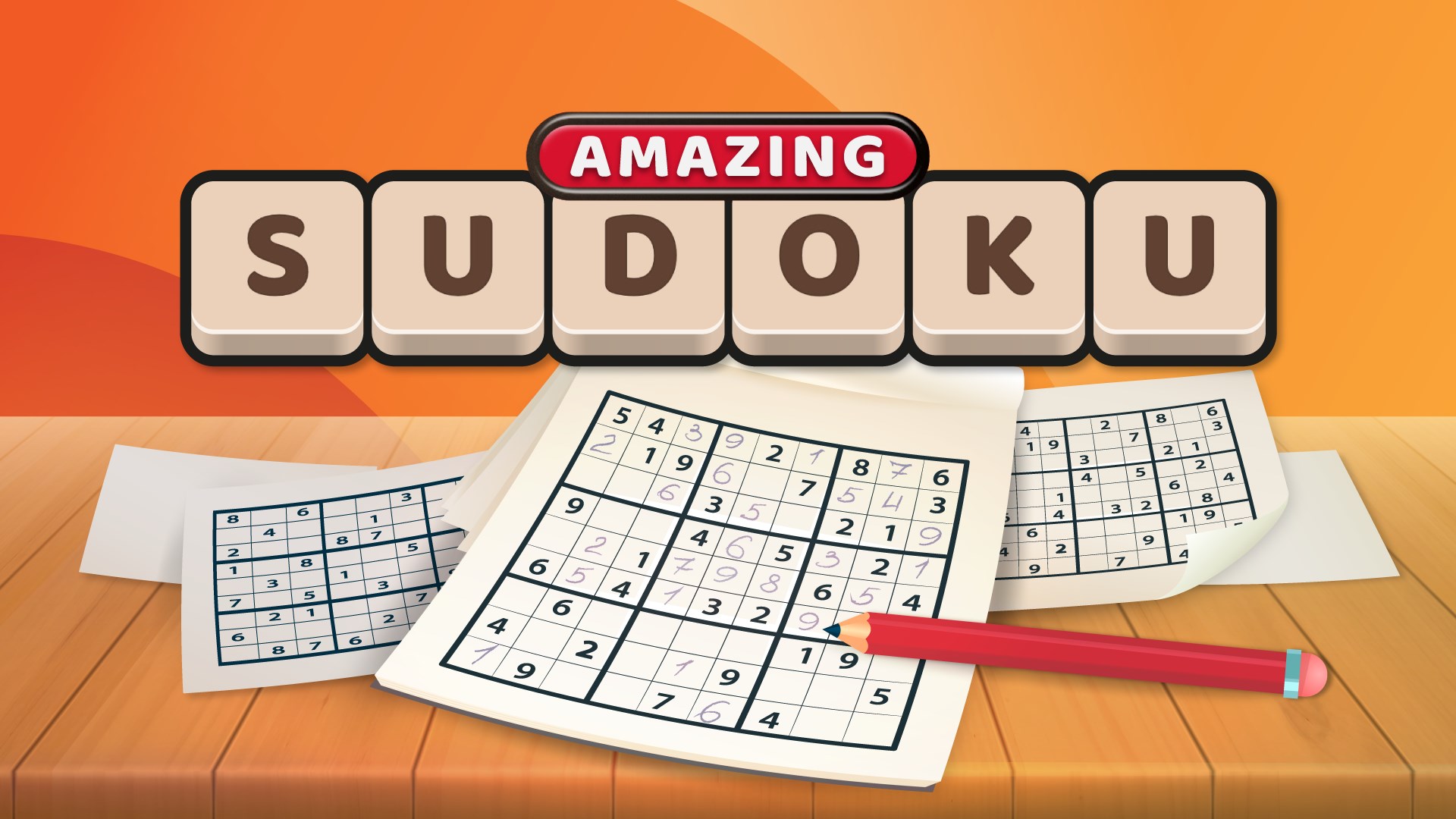
Amazing Sudoku Pro is here to help you sharpen your Sudoku skills. With a simple and easy to use interface, Amazing Sudoku Pro is a great way to train your brain. Features such as hints, draft mode, and undo make solving even the most challenging puzzles a breeze. Best of all, there are multiple difficulty levels so players of all ages and skill levels can enjoy.

What are you waiting for? Try Amazing Sudoku Pro for FREE today!

Details

Publisher
Amazing Games Network
Category
Card & board
Released
2024-10-18
Rating
4.8 / 5 · 6 ratings
Price
Free

Updated 2026-09-25 · Press kit & assets · Product data (JSON)